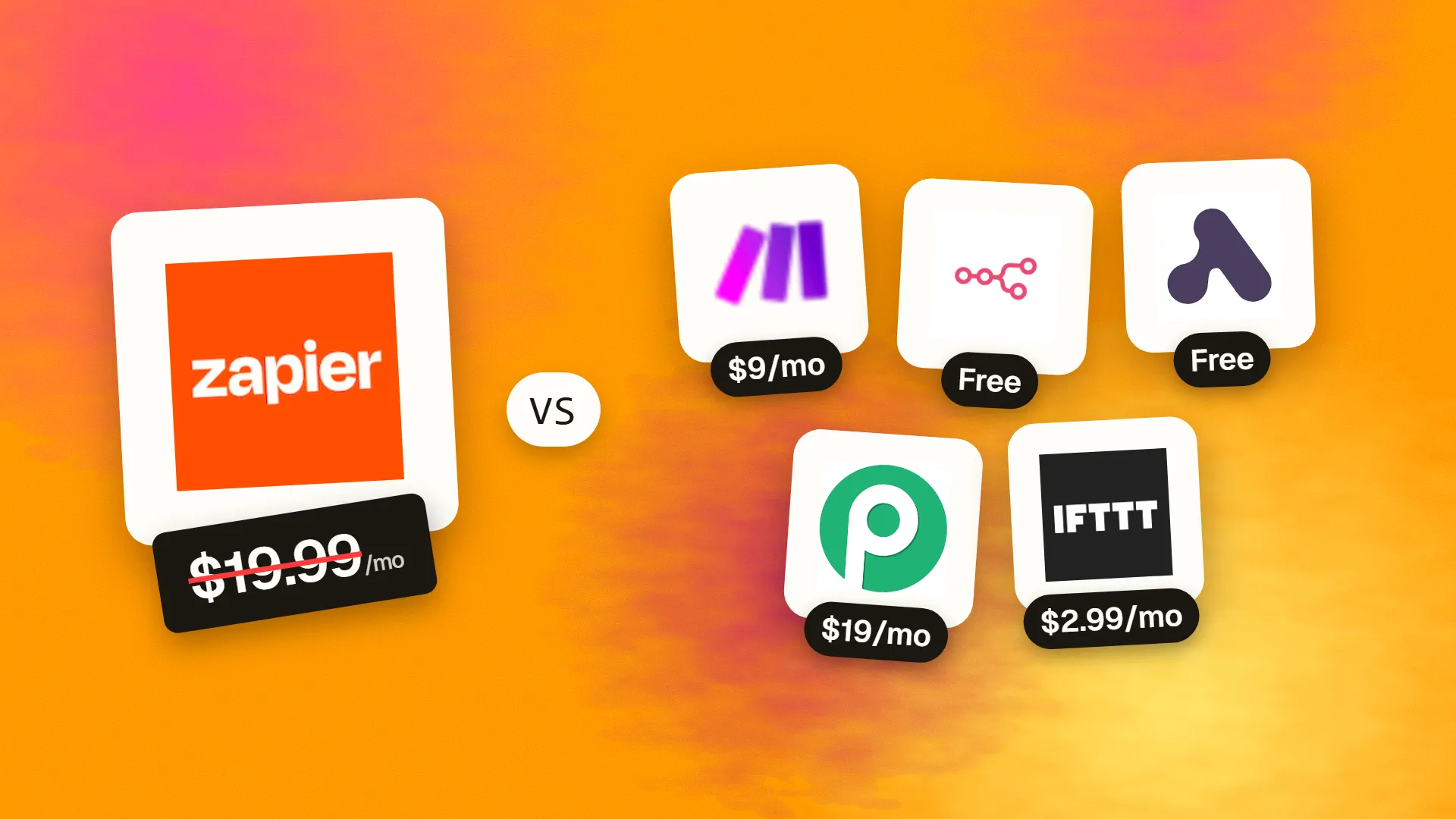
In short
The best cheaper alternatives to Zapier in 2026 are Make (from $9/month), n8n (free), Activepieces (free), Pabbly Connect (from $19/month) and IFTTT (from $2.99/month). Zapier itself starts at $19.99 a month, so most teams can cut the cost substantially without losing the features they actually use.
Zapier connects more apps than any other automation tool — over 9,000 — and it is the easiest way for non-technical people to automate work. You pay for that ease per task. The free plan includes 100 tasks a month and only two-step Zaps. Professional starts at $19.99/month on annual billing ($29.99 monthly) for around 750 tasks, and Team at $69/month annual ($103.50 monthly) for about 2,000 tasks. Every successful action step counts as a task, so a five-step Zap that runs 500 times uses 2,000 tasks. Overages are charged at a premium.
Busy businesses easily spend $100–600 a month on Zapier. The alternatives below are priced by runs, credits or flat fees — or are free to self-host.
 Zapiervs
 Make
 n8n
 Activepieces
 Pabbly Connect
 IFTTT
What Zapier actually costs in 2026
| Plan | Annual billing | Monthly billing | Tasks/month (entry) |
|---|---|---|---|
| Free | $0 | $0 | 100 (two-step Zaps only) |
| Professional | from $19.99 | from $29.99 | ~750 |
| Team | from $69 | from $103.50 | ~2,000 |
| Enterprise | Custom | — | Custom |
The task slider goes up to 2 million per month, with price rising at each step. Triggers and filters do not count as tasks. The current tiers are listed on Zapier's official pricing page.
The 5 cheaper alternatives at a glance
| Tool | Starts at | Model | Best for |
|---|---|---|---|
| Zapier | $19.99/mo | subscription | The benchmark |
| Make | $9/mo | subscription | Complex multi-branch automations |
| n8n | Free tier | open source | Technical teams and AI workflows |
| Activepieces | Free tier | open source | Teams wanting predictable flat pricing |
| Pabbly Connect | $19/mo | subscription | High-volume, simple automations |
| IFTTT | $2.99/mo | subscription | Personal and smart-home automations |
How we picked these alternatives
We compared cost per automation run, the number of integrations, multi-step logic (branches, loops, error handling), AI features and self-hosting. Prices checked 27 October 2026.
1. Make
Price: Free (1,000 credits/month). Core $9/month annual ($10.59 monthly) for 10,000 credits; Pro $16 ($18.82); Teams $29 ($34.12). See Make's official pricing page for current plans.
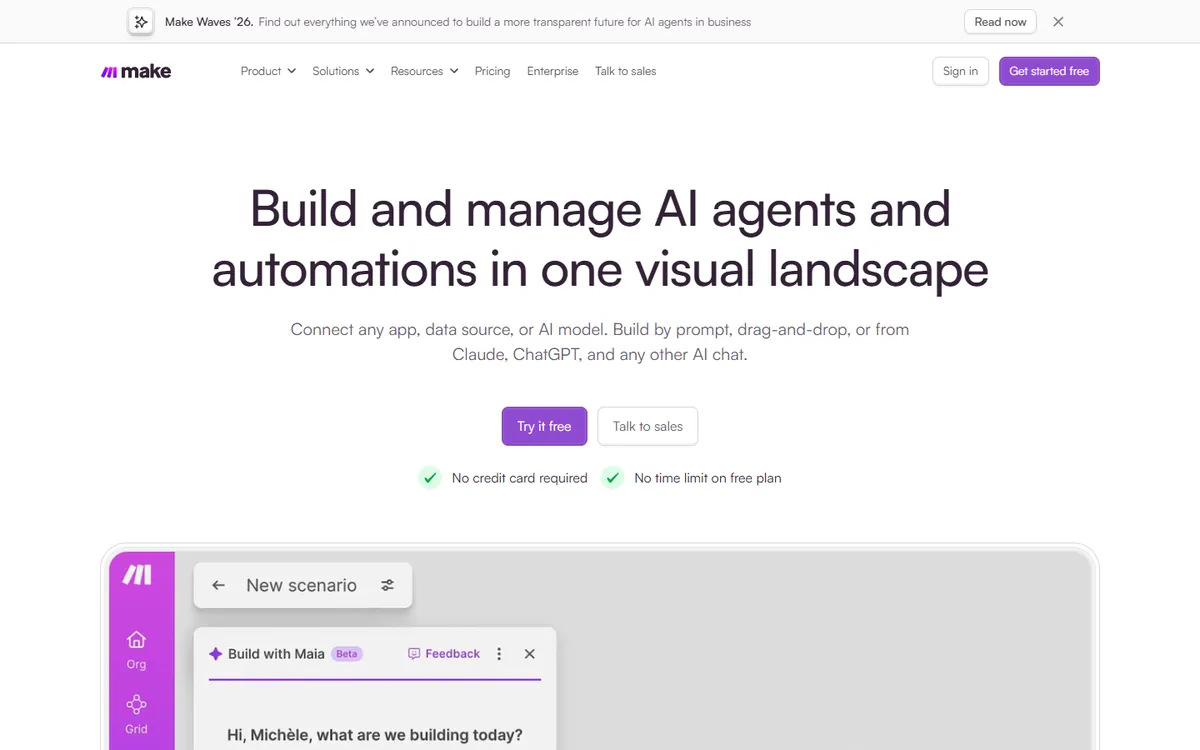
Make — called Integromat until 2022 and now owned by Celonis — is the automation platform most power users graduate to when Zapier gets expensive. Instead of a vertical list of steps, you build scenarios on a visual canvas: modules are bubbles connected by lines, and you can watch data flow through each one when you run it. That visual approach makes branching, looping and error handling far easier to understand than in Zapier, and the price per operation is a fraction of Zapier's per-task price.
Make pricing in detail
| Plan | Annual billing | Monthly billing | Included credits | Notable extras |
|---|---|---|---|---|
| Free | $0 | $0 | 1,000/month | 2 active scenarios, 15-minute minimum interval |
| Core | $9/mo | $10.59/mo | 10,000/month | Unlimited scenarios, 1-minute interval, Make API |
| Pro | $16/mo | $18.82/mo | 10,000/month | Priority execution, custom variables, full-text log search |
| Teams | $29/mo | $34.12/mo | 10,000/month | Team roles, shared templates |
| Enterprise | Custom | Custom | Custom | SSO, audit logs, overage protection |
Credits scale with a slider on every paid plan, so you can buy 20,000, 40,000 or more credits per month at a higher price. A few third-party pricing guides list slightly higher figures (for example $12 for Core), so confirm on Make's page at checkout.
What you get
- A visual scenario builder. You see the whole automation as a diagram, which makes complex flows — "if the deal is over $5,000, notify Slack and create an invoice; otherwise add to a newsletter" — easy to build and debug.
- Routers, filters, iterators and aggregators. Split one trigger into several paths, loop through every line item in an order, then combine results back into a single record. In Zapier these patterns need Paths, Looping and Formatter steps that all consume tasks.
- Proper error handling. Each module can have its own error route — retry, ignore, roll back or send an alert — so a single failed API call does not silently break the process.
- 2,000+ app integrations plus an HTTP module. If an app is missing, you can call any REST API directly and parse the JSON response without code.
- Data stores and webhooks. Make includes simple built-in databases and instant webhooks, which replace many uses of Zapier Tables and Webhooks by Zapier.
- AI modules. Connect OpenAI, Anthropic, Gemini and others, or use Make's own AI tools, inside any scenario.
Where it falls short
- Learning curve. Mapping data between modules, understanding bundles and arrays, and using functions takes practice. Non-technical users often need a few days to feel comfortable.
- Credits can surprise you. Every module action consumes credits, including the trigger check and each iteration of a loop. A scenario that processes 50 rows per run uses 50+ credits per run, so test usage in the execution history before scaling.
- Fewer integrations than Zapier. Make's catalogue is large but smaller than Zapier's 9,000+, so niche apps may require the HTTP module.
Who it's best for
Make is ideal for operations managers, agencies and marketers building multi-step automations — lead routing, order processing, content pipelines, reporting — who want ten times more volume for the same budget. Skip it if your automations are simple two-step "when this, do that" flows and you value Zapier's simplicity more than the savings.
2. n8n
Price: Self-hosted Community edition free. Cloud Starter €20/month (annual, 2,500 workflow executions); Pro €50 (10,000 executions). See n8n's official pricing page for current plans.
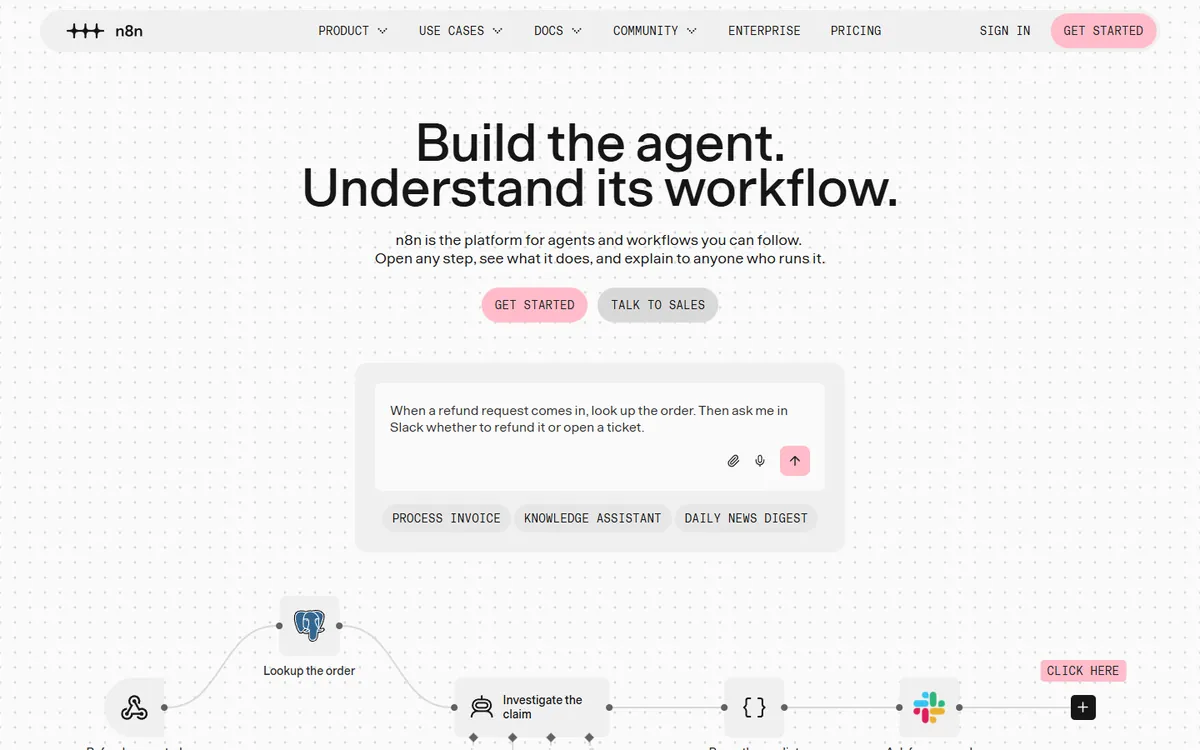
n8n (pronounced "n-eight-n") is a Berlin-based, fair-code automation platform with one of the largest communities in the space — more than 200,000 stars on GitHub. It looks like Make's visual canvas but is aimed at technical users: every node can be extended with JavaScript or Python, and the whole platform can run on your own server for free. In the last two years it has become the go-to tool for building AI agents and LLM workflows.
n8n pricing in detail
| Plan | Price | Executions per month | Hosting |
|---|---|---|---|
| Community edition | Free | Unlimited | Self-hosted (Docker, npm, any server) |
| Cloud Starter | €20/mo (annual) | 2,500 | Hosted by n8n |
| Cloud Pro | €50/mo (annual) | 10,000 | Hosted by n8n |
| Business | €667/mo (annual) | 40,000 | Self-hosted with enterprise features |
| Enterprise | Custom | Custom | Cloud or self-hosted |
The most important detail: n8n counts a whole workflow run as one execution, no matter how many steps it has. A 20-step workflow costs the same as a two-step one.
What you get
- Unlimited workflows and executions when self-hosted. A small $5–10/month virtual server can run thousands of automations a day.
- Code where you need it. Drop a Code node into any workflow to transform data in JavaScript or Python, call libraries, or handle edge cases that no-code tools struggle with.
- AI agent building blocks. Native nodes for LLMs, vector stores, memory and tools let you build chatbots, document-processing pipelines and autonomous agents visually.
- 400+ integrations plus HTTP requests and webhooks for anything else, including custom nodes you can write yourself.
- Data privacy. Self-hosting means customer data never passes through a third-party automation cloud — important for GDPR, healthcare and finance.
- Debugging tools. Re-run any execution with its saved data, pin test data to nodes and inspect every input and output.
Where it falls short
- Self-hosting is your responsibility. Updates, backups, uptime monitoring and security patches are on you (or your developer).
- More technical than Zapier. Non-technical users can build simple flows, but n8n's strength shows when someone on the team is comfortable with JSON and expressions.
- Licence nuance. n8n uses a "Sustainable Use" licence: free for internal business use, but you cannot resell it as a hosted service without a commercial agreement.
Who it's best for
n8n is the best choice for developers, technical founders, agencies with in-house engineers and anyone building AI workflows. Skip it if nobody on your team wants to maintain a server and your automations are simple — Make or Activepieces will be easier.
3. Activepieces
Price: Free (1,000 credits/month, unlimited flows, up to 5 users). Plus $20/month flat (10,000 credits). Team $200/month (50,000 credits, 25 users). Open-source core, free to self-host. See Activepieces' official pricing page for current plans.
Activepieces is a younger, open-source automation platform designed to feel as simple as Zapier while being priced far more predictably. Its "pieces" (integrations) are written in TypeScript and published openly, so the community adds new apps quickly. The big idea is flat, run-based pricing: you pay per flow run, not per step.
Activepieces pricing in detail
| Plan | Price | Credits/month | Users | Key features |
|---|---|---|---|---|
| Free | $0 | 1,000 | Up to 5 | Unlimited flows, all pieces |
| Plus | $20/mo flat | 10,000 | Up to 5 | Bring-your-own AI keys, overage at $0.007/credit |
| Team | $200/mo flat | 50,000 | 25 included | Projects, roles, volume rates |
| Ultimate | Custom (yearly) | Custom | Unlimited | SSO, audit logs, on-prem or air-gapped |
| Community (self-hosted) | Free | Unlimited | Unlimited | Core automation engine |
Each run costs one credit regardless of the number of steps; AI steps cost extra credits (2 for a fast model, 10 for a smart model, 20 for a frontier model) unless you use your own API keys.
What you get
- A Zapier-style builder that non-technical users pick up in minutes — trigger, then a vertical list of actions.
- Branches, loops and code steps for when flows get more complex.
- Predictable billing. A ten-step flow that runs 1,000 times costs 1,000 credits, not 10,000 tasks.
- AI agents and AI steps with support for major model providers.
- MIT-licensed open-source core that you can self-host on your own server for free.
- Human-in-the-loop steps such as approvals and forms inside a flow.
Where it falls short
- Smaller integration library — several hundred pieces versus Zapier's thousands, though the gap is closing.
- Younger ecosystem, so fewer templates, tutorials and community answers than Zapier or Make.
- Inconsistent wording on the free plan about whether credits refresh daily or monthly; check your usage dashboard.
Who it's best for
Small and mid-size teams that like Zapier's simplicity but want a flat, predictable bill — and anyone who wants an open-source option without n8n's technical depth. Skip it if you depend on niche apps that only Zapier supports.
4. Pabbly Connect
Price: Free (100 tasks/month). Monthly plans from about $19–25 for 10,000–12,000 tasks. Lifetime deals from about $249–349. See Pabbly Connect's official pricing page for current plans.
Pabbly Connect, from India-based Pabbly, is known for two things: very low prices per task and occasional lifetime deals that let you pay once instead of monthly. It is especially popular with marketers and small agencies running lots of simple automations — form submissions to CRMs, payments to spreadsheets, webinar registrations to email lists.
Pabbly Connect pricing in detail
| Plan | Price (typical) | Tasks per month | Notes |
|---|---|---|---|
| Free | $0 | 100 | Unlimited workflows |
| Standard | ~$19–25/mo | ~10,000–12,000 | Most popular entry plan |
| Pro | ~$41/mo | ~24,000 | More tasks |
| Ultimate | ~$59–79/mo | Higher volumes | Unlimited users on higher tiers |
| Lifetime deals | ~$249–349+ one-time | Varies by deal | Offered periodically |
Plan names and allowances vary between sources and promotions, so check Pabbly's current pricing page. All plans charge only for action steps — internal steps such as filters, formatters, routers and delays are free.
What you get
- Free internal steps. Formatting a date, filtering a record or routing to a branch does not consume a task, which can halve your usage compared with Zapier.
- Multi-step workflows with routers, iterators and conditions.
- 1,000+ app integrations plus webhooks and API calls.
- Lifetime deals that remove recurring fees entirely.
- Unlimited workflows on every plan, including free.
Where it falls short
- Less polished interface and documentation than Zapier or Make.
- Inconsistent plan details across sources and promotions.
- Slower support and fewer advanced features such as granular error handling and team permissions.
Who it's best for
Budget-focused marketers, course creators and agencies running high volumes of straightforward automations. Skip it if you need enterprise reliability, advanced error handling or very complex logic.
5. IFTTT
Price: Free (2 applets). Pro $2.99/month billed yearly ($4.99 monthly); Pro+ $8.99 billed yearly ($14.99 monthly). See IFTTT's official pricing page for current plans.
IFTTT ("If This Then That") is the original consumer automation service, launched in 2010. It connects smart-home devices, phones and popular consumer apps with simple "applets". It is not a business integration platform like Zapier, but for personal productivity it is far cheaper.
IFTTT pricing in detail
| Plan | Annual billing | Monthly billing | Applets | Key features |
|---|---|---|---|---|
| Free | $0 | $0 | 2 | Standard speed |
| Pro | $2.99/mo ($35.88/yr) | $4.99/mo | 20 | Multi-action applets, faster runs, webhooks |
| Pro+ | $8.99/mo | $14.99/mo | Unlimited | Filter code, multiple accounts per service, higher limits |
What you get
- Smart-home integrations with hundreds of devices and platforms — lights, thermostats, cameras, voice assistants.
- Mobile triggers such as arriving at a location, connecting to Wi-Fi, receiving a call or tapping an NFC tag.
- Multi-action applets on Pro (one trigger, several actions).
- Webhooks to connect custom services.
- Filter code on Pro+ for conditional logic in JavaScript.
Where it falls short
- Weak for business apps. Few CRMs, accounting tools or databases, and limited data transformation.
- Simple logic only — no real branching, loops or error routes.
- Applet limits on Free and Pro.
Who it's best for
Individuals automating their phone, smart home and personal apps — saving receipts to a folder, logging work hours by location, posting across social accounts. Skip it if you are automating business processes; choose Make, Activepieces or n8n instead.
What 10,000 automation runs per month cost
Assume a 3-action workflow running 3,333 times (about 10,000 Zapier tasks).
| Option | Approx. monthly cost |
|---|---|
| Zapier Professional (10,000 tasks tier) | ~$100+ |
| Make Core/Pro (10,000+ credits, ~4 credits per run) | ~$16–30 |
| Activepieces Plus (3,333 runs) | $20 |
| Pabbly Connect Standard | ~$19–25 |
| n8n Cloud Starter (3,333 executions — needs Pro) | €50 |
| n8n self-hosted | Server cost only |
How to switch without losing your work
- List all active Zaps and rank them by business impact.
- Rebuild the most important workflows first and test with real data.
- Turn off the matching Zap only after the new automation has run correctly for a few days.
- Update webhook URLs in the apps that send data.
- Downgrade Zapier when everything has moved.
Which one should you choose?
- You build multi-step automations with branches and data transformation: Make.
- You have technical skills or AI workflows and want unlimited runs: n8n, self-hosted.
- You want Zapier-like simplicity with predictable flat pricing: Activepieces.
- You run high volumes of simple automations and like lifetime deals: Pabbly Connect.
- You automate personal apps and smart-home devices: IFTTT.
Hidden costs and gotchas
- How usage is counted. Zapier counts tasks (action steps), Make counts credits (module operations), n8n counts workflow executions and Activepieces counts runs. The same workflow can cost very different amounts.
- Polling intervals. Cheaper plans often check for new data less frequently (for example every 15 minutes instead of every minute).
- Premium apps. Some connectors are only on higher tiers.
- Self-hosting. n8n and Activepieces are free to self-host, but you pay for the server and maintenance — and you are responsible for uptime.
- Error handling. Failed runs can silently stop business processes. Set up alerts whichever tool you choose.
Our verdict
Make is the best overall Zapier alternative for most businesses. Developers should choose n8n, teams that want predictable billing should try Activepieces, high-volume simple automations suit Pabbly Connect, and personal automations belong in IFTTT.
More cheaper alternatives: see our breakdowns of the cheaper options to Airtable, Typeform and monday.com.
Related reading: How Much Does It Cost to Build an AI Agent?, Build vs Buy Software: A Practical Decision Framework and How to Control AI API Costs.
Planning a switch, or not sure which tool fits the way your team works? Book a free call and we will look at your stack with you.
Prices are US list prices in USD unless marked, checked on 27 October 2026. "Annual" means the per-month price when billed yearly. Vendors change pricing often, so confirm on the vendor's site before buying. Product names and logos are trademarks of their respective owners and are used here for identification only.
Common questions
What is the cheapest alternative to Zapier?
n8n and Activepieces are free to self-host. On cloud plans, Make Core starts at $9 per month for 10,000 credits.
Is Make better than Zapier?
Make handles complex logic better and is much cheaper per operation; Zapier is easier for beginners and has more integrations.
Can n8n replace Zapier?
Yes, especially for technical teams. Self-hosted n8n has no execution limits.
What counts as a task in Zapier?
Each successful action step in a Zap. Triggers and filters do not count.
Are there lifetime automation deals?
Pabbly Connect sells lifetime plans.
