In short
The best cheaper alternatives to monday.com Work Management in 2026 are ClickUp (from $7/month), Plaky (from $3.99/month), Notion (from $10/month), Bitrix24 (free) and OpenProject (free). monday.com Work Management itself starts at $9 a month, so most teams can cut the cost substantially without losing the features they actually use.
monday.com's colourful boards made "work management" mainstream. Its pricing, however, has a few traps. Paid plans cost $9 per seat per month for Basic, $12 for Standard and $19 for Pro on annual billing (about 18% more monthly), and you must buy at least three seats — so the cheapest possible paid plan is $27 a month. Seats are also sold in bundles (3, 5, 10, 15 and so on), which means a team of 11 often pays for 15. Automations and integrations start on Standard; time tracking, formula columns and private boards need Pro.
A 10-person team that needs automations pays about $1,440 a year on Standard, or $2,280 on Pro. These five tools deliver similar boards and workflows with simpler or cheaper pricing.
 monday.com Work Managementvs
 ClickUp
 Plaky
 Notion
 Bitrix24
 OpenProject
What monday.com actually costs in 2026
| Plan | Annual billing | Key additions | Limits |
|---|---|---|---|
| Free | $0 | Up to 2 seats | 3 boards |
| Basic | $9/seat | Unlimited items, prioritised support | No automations or integrations |
| Standard | $12/seat | Timeline, Gantt, calendar, 250 automations and 250 integrations/month | |
| Pro | $19/seat | Private boards, time tracking, formula column, 25,000 automations/month | |
| Enterprise | Custom | Security, governance, multi-level permissions |
Every paid plan requires a minimum of three seats, and AI features consume monday AI credits. The current tiers are listed on monday.com's official pricing page.
The 5 cheaper alternatives at a glance
| Tool | Starts at | Model | Best for |
|---|---|---|---|
| monday.com Work Management | $9/mo | subscription | The benchmark |
| ClickUp | $7/mo | subscription | Teams who want more features for less |
| Plaky | $3.99/mo | subscription | Teams that like monday's look on a budget |
| Notion | $10/mo | subscription | Teams that want docs + projects together |
| Bitrix24 | Free tier | free | Budget teams needing PM + CRM + chat |
| OpenProject | Free tier | open source | Organisations needing self-hosted, GDPR-friendly PM |
How we picked these alternatives
We looked for flexible boards with custom fields, multiple views (table, Kanban, Gantt/timeline, calendar), dashboards, automations and mobile apps. We compared real costs for teams of 3, 10 and 25. Prices checked 27 October 2026.
1. ClickUp
Price: Free Forever. Unlimited $7/user/month annual ($10 monthly); Business $12 ($19). No seat minimum. ClickUp Brain AI is an add-on of about $9/user. See ClickUp's official pricing page for current plans.
ClickUp is the alternative most monday.com users look at first, because it matches almost every monday feature — boards, tables, dashboards, automations, Gantt charts — and adds docs, whiteboards, chat and native time tracking on top. Crucially, it bills per actual user, with no three-seat minimum and no seat bundles, so a team of 11 pays for 11 seats.
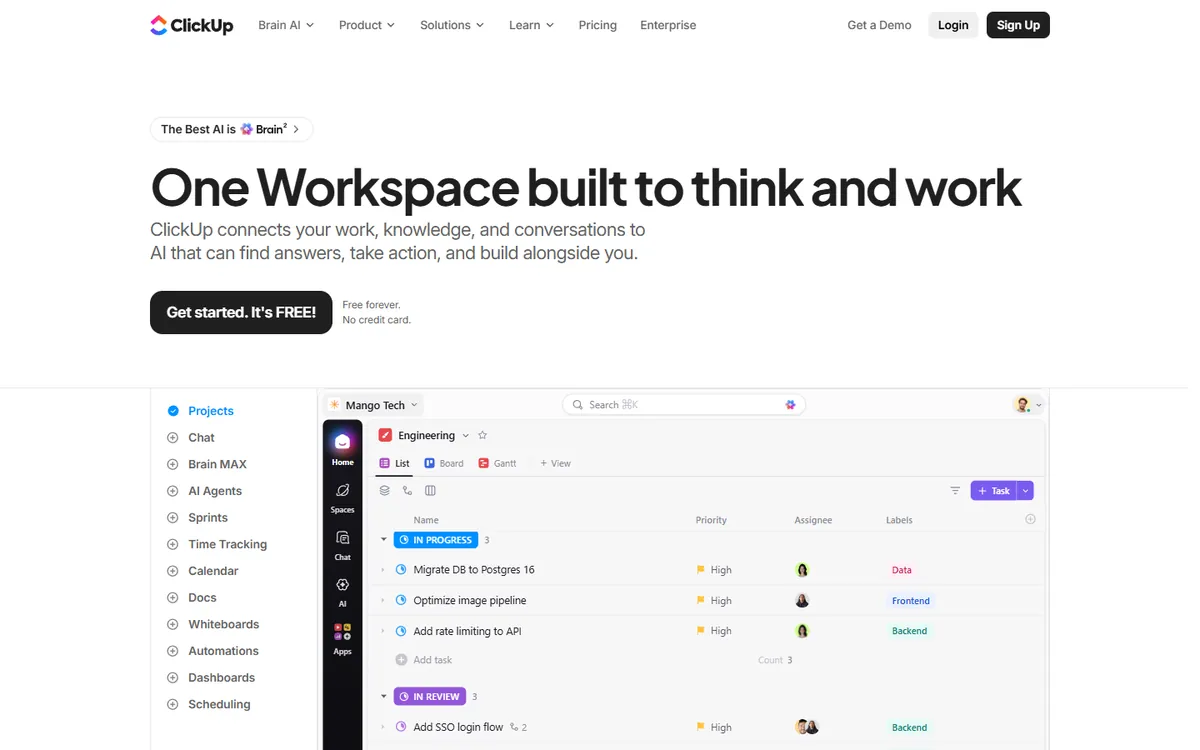
ClickUp pricing in detail
| Plan | Annual billing | Monthly billing | Key inclusions |
|---|---|---|---|
| Free Forever | $0 | $0 | Unlimited members and tasks, 60MB storage, limited Gantt and dashboard uses |
| Unlimited | $7/user | $10/user | Unlimited storage, integrations, dashboards, Gantt, guests with permissions |
| Business | $12/user | $19/user | Advanced automations, time tracking and timesheets, workload view, Google SSO |
| Enterprise | Custom | Custom | White-labelling, HIPAA, advanced permissions, SSO |
| Brain (AI add-on) | ~$9/user | — | AI writing, summaries, AI-generated subtasks |
What you get
- More views than monday. List, board, table, Gantt, calendar, timeline, workload, mind map, activity and map views — each saveable per team.
- Custom fields and statuses so you can model sales pipelines, content calendars, bug trackers or client onboarding exactly as you do on monday.
- Automations on every paid plan. Trigger-condition-action rules handle assignments, status changes and notifications; Business raises the monthly allowance substantially.
- Docs and whiteboards linked to tasks, replacing a separate wiki or Miro board for many teams.
- Native time tracking with estimates and timesheets on Business — on monday, time tracking is a Pro feature.
- Dashboards with charts, workload and portfolio widgets across spaces.
Where it falls short
- Feature overload. ClickUp can do almost anything, which means teams must decide on conventions early or the workspace gets messy.
- Performance can feel slower in very large workspaces with many views.
- AI costs extra on every plan, while monday includes some AI credits in paid tiers.
Who it's best for
Teams of any size that want more features than monday.com for 25–40% less per seat, especially when monday's seat bundles force them to pay for empty seats. Skip it if your team values monday's clean simplicity above everything else.
2. Plaky
Price: Free (unlimited users and boards). Pro $3.99/seat/month annual ($4.99 monthly); Enterprise $8.99 ($10.99). Bundle with Pumble chat and Clockify time tracking for $12.99. See Plaky's official pricing page for current plans.
Plaky is the newest member of the CAKE.com family (makers of Clockify and Pumble), and it is the closest visual look-alike to monday.com on the market: colourful boards, status columns, groups, item updates and dashboards. The difference is the price — Plaky Pro costs less than half of monday's Basic plan, and the free plan has no user limit.
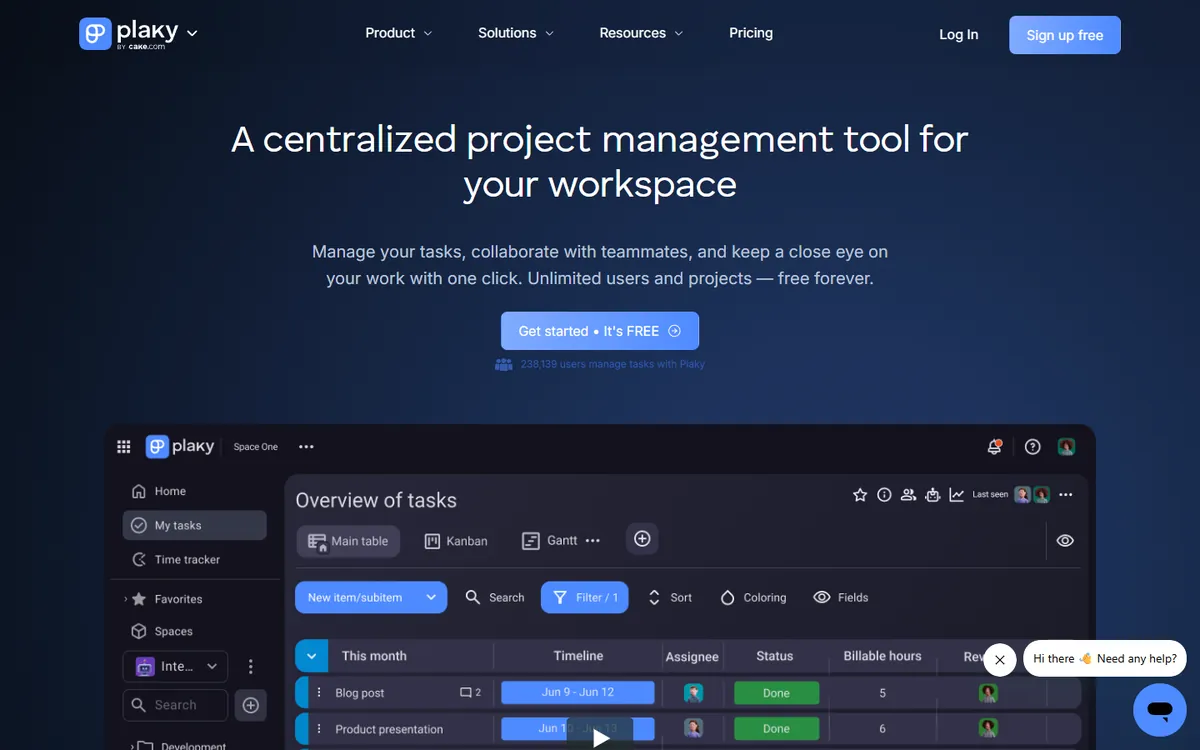
Plaky pricing in detail
| Plan | Annual billing | Monthly billing | Highlights |
|---|---|---|---|
| Free | $0 | $0 | Unlimited users, spaces, boards and items; table, Kanban and chart views; 6 custom fields per board |
| Pro | $3.99/seat | $4.99/seat | Gantt view, private boards, unlimited fields, 1,000 automation actions/month, up to 5 viewers per seat |
| Enterprise | $8.99/seat | $10.99/seat | Board permissions, unlimited automations, unlimited activity log, SSO, custom subdomain |
| CAKE.com Bundle | $12.99/seat | $15.99/seat | Plaky Enterprise + Pumble + Clockify |
What you get
- A monday-style interface that monday users understand immediately — groups, status labels, people columns and item updates.
- Unlimited users on the free plan, so you can roll it out to a whole department before paying.
- Dashboards that combine data from several boards (up to 15 on Pro, 30 on Enterprise).
- Automations on Pro (1,000 actions per month) and unlimited on Enterprise.
- Viewer roles — up to five free viewers per paid seat on Pro, useful for clients and executives.
- Built-in time tracking via Clockify and chat via Pumble in the bundle.
Where it falls short
- Far fewer integrations than monday's marketplace.
- No automations on the free plan, and the free plan limits custom fields.
- Younger product with fewer templates and advanced features such as formula columns.
Who it's best for
Teams that like monday.com's look and workflow but want to pay a fraction. Skip it if you rely on many monday integrations or advanced formulas.
3. Notion
Price: Free. Plus $10/seat/month annual ($12 monthly); Business $20 ($24), which bundles Notion AI. See Notion's official pricing page for current plans.
Notion combines documents, wikis and databases in one flexible workspace. Its databases can be viewed as tables, boards, timelines, calendars, galleries and lists — enough to run projects the way monday does, with your documentation living right next to the work.
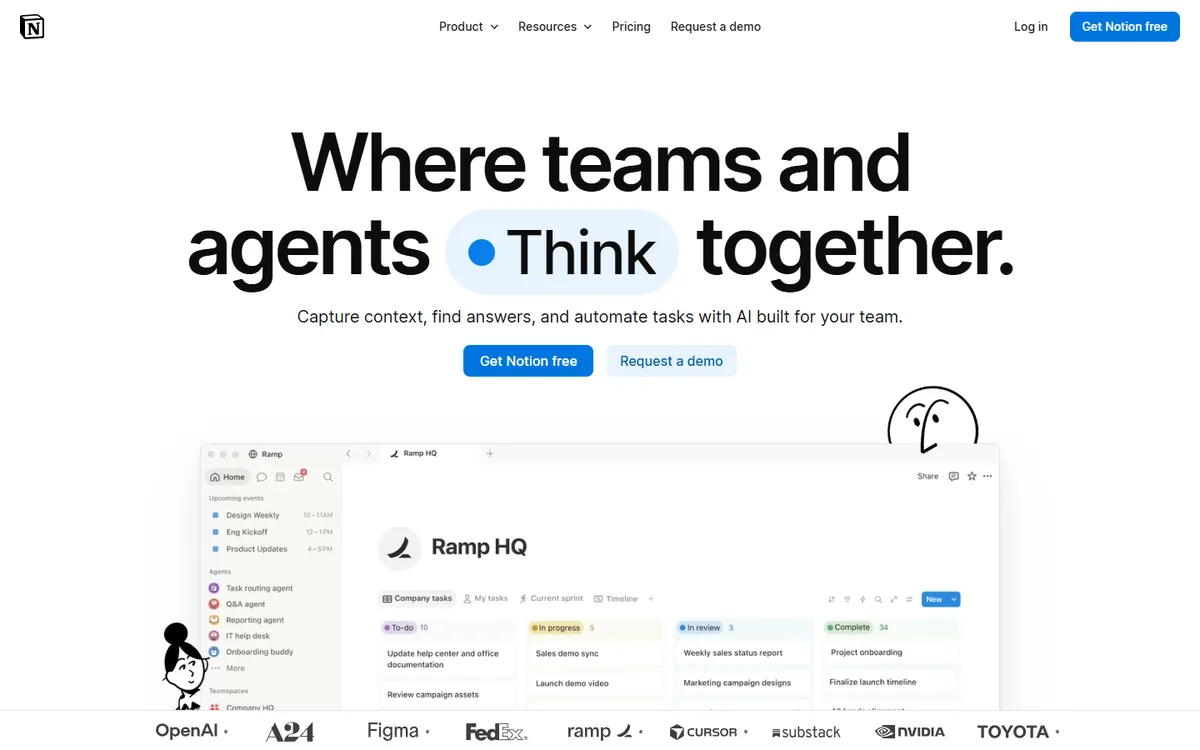
Notion pricing in detail
| Plan | Annual billing | Monthly billing | Highlights |
|---|---|---|---|
| Free | $0 | $0 | Unlimited pages and blocks for individuals, limited for teams, 7-day history |
| Plus | $10/seat | $12/seat | Unlimited blocks for teams, file uploads, 30-day history, charts |
| Business | $20/seat | $24/seat | Notion AI (agents, meeting notes, enterprise search), private teamspaces, SAML SSO |
| Enterprise | Custom | Custom | Advanced security, audit log, workspace analytics |
What you get
- Databases with relations and rollups — link projects to clients, tasks to sprints, content to campaigns.
- Timeline and calendar views for scheduling and roadmaps.
- Docs, wikis and meeting notes connected to your projects.
- Templates for almost every workflow, from OKRs to content calendars.
- Automations and buttons for status changes and notifications.
- Notion AI on Business for summarising, drafting and searching across connected tools.
Where it falls short
- Less structured reporting — no workload view or resource management like monday Pro.
- Automations are simpler than monday's recipe library.
- Flexibility needs setup — someone has to design the system.
Who it's best for
Teams that want projects, docs and knowledge in one place. Skip it if you need out-of-the-box resource and workload management.
4. Bitrix24
Price: Free with unlimited users. Paid plans use flat team pricing — Basic about $49/month for 5 users, Standard about $124/month for up to 50. See Bitrix24's official pricing page for current plans.
Bitrix24 is an all-in-one business platform used by millions of organisations worldwide. Where monday.com sells work management and then a separate CRM product, Bitrix24 bundles project management, CRM, chat, video calls, telephony, an intranet, website builder and HR tools into one workspace — and charges a flat price for a team-size band instead of per seat.
Bitrix24 pricing in detail
| Plan | Price (annual, approx.) | Users | Highlights |
|---|---|---|---|
| Free | $0 | Unlimited | Tasks, Kanban, chat, video calls, basic CRM, 5GB |
| Basic | ~$49/mo | 5 | Full CRM, sales automation, online store |
| Standard | ~$124/mo | 50 | Collaboration tools, workgroups, more storage |
| Professional | Higher | 100 | Business process automation, HR, advanced analytics |
| On-premise | One-time licence | Varies | Self-hosted on your own servers |
What you get
- Tasks with Gantt, Kanban, dependencies and time tracking.
- Workgroups and projects, each with its own chat, files, calendar and tasks.
- Unlimited users on the free plan, so a whole company can collaborate before paying.
- CRM included — leads, deals, quotes, invoices and pipelines.
- Chat, video calls and a company intranet for news, polls and announcements.
- Automation robots and triggers that move tasks and deals automatically.
- Flat pricing — 50 users on Standard work out to about $2.50 each per month.
Where it falls short
- Crowded interface that can overwhelm new users.
- User caps on each flat tier can force a jump in price.
- Less visual polish than monday.com.
Good to know
monday.com's three-seat minimum and seat bundles disappear with Bitrix24: one flat price covers the whole team band.
Who it's best for
Budget-conscious teams that want projects, CRM and communication together. Skip it if your team values a clean, focused interface above everything.
5. OpenProject
Price: Community edition free and open source (self-hosted). Paid Enterprise support from €5.95/user/month (25-user minimum). See OpenProject's official pricing page for current plans.
OpenProject, developed in Berlin by OpenProject GmbH, is one of the most mature open-source project management platforms. Public institutions, universities, manufacturers and IT departments use it because it combines classic project management (Gantt charts, budgets) with agile boards — and runs on their own servers.
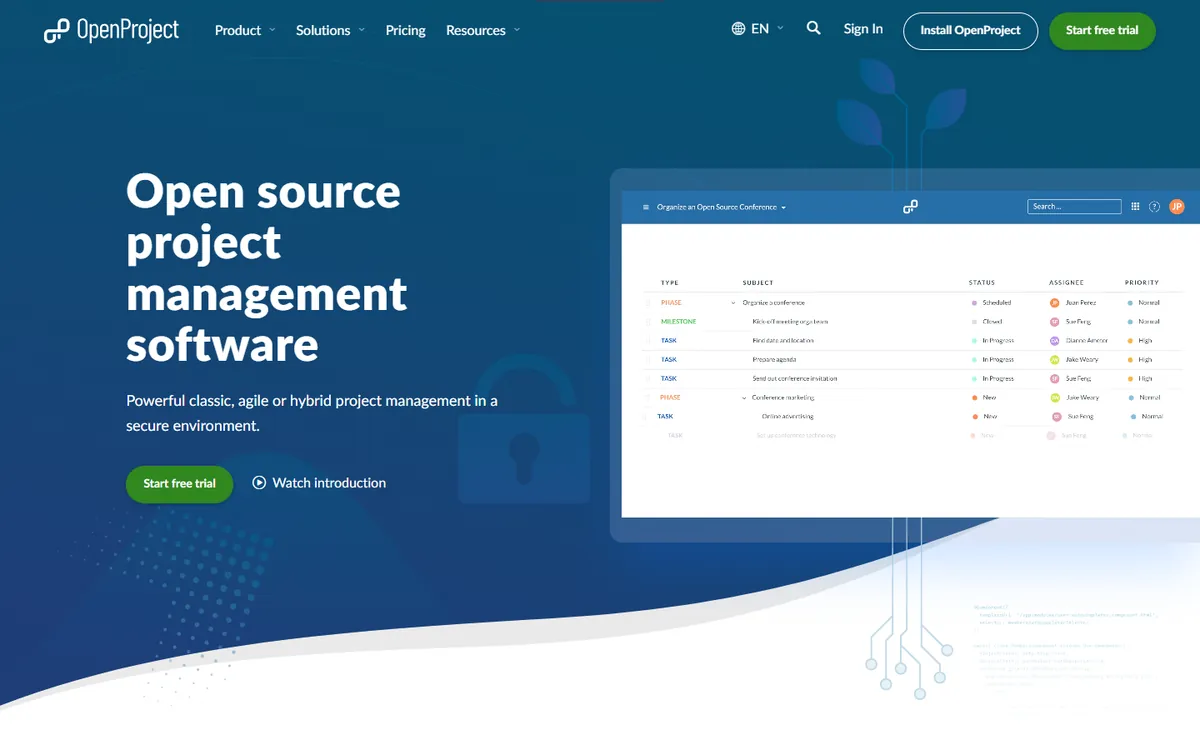
OpenProject pricing in detail
| Edition | Price per user/month | Minimum users | Highlights |
|---|---|---|---|
| Community | Free | None | Gantt, agile boards, time tracking, wiki, meetings, self-hosted |
| Basic | €5.95 | 25 | Enterprise add-ons, email support |
| Professional | €10.95 | 25 | Phone support |
| Premium | €15.95 | 100 | Installation and upgrade assistance |
| Corporate | On request | 250 | Dedicated support engineer |
Cloud hosting is also available; some editions are on-premises only.
What you get
- Gantt charts with dependencies and baselines for traditional project planning.
- Agile boards for Scrum and Kanban teams.
- Time and cost tracking with budgets per project.
- Wiki, meetings, documents and forums inside each project.
- Roadmaps and version planning.
- Self-hosting for GDPR compliance and data sovereignty.
Where it falls short
- Needs a server and an administrator for the free edition.
- More traditional interface than monday.com's colourful boards.
Good to know
OpenProject is used by public-sector organisations in Germany and elsewhere that require data to stay on their own infrastructure.
Who it's best for
Organisations that must host project data themselves. Skip it if you want a no-maintenance cloud tool.
What different team sizes pay per year
| Option | 3 people | 10 people | 25 people |
|---|---|---|---|
| monday Standard | $432 | $1,440 | $3,600 |
| ClickUp Unlimited | $252 | $840 | $2,100 |
| Notion Plus | $360 | $1,200 | $3,000 |
| Plaky Pro | $144 | $479 | $1,197 |
| Bitrix24 Standard (flat) | ~$1,490 | ~$1,490 | ~$1,490 |
| Plaky Free / OpenProject Community | $0 | $0 | $0 |
monday sells seats in bundles, so some team sizes pay for more seats than they use.
How to switch without losing your work
- Export boards to Excel from monday.com.
- Use the importer — ClickUp, Notion and Plaky can import CSV or Excel.
- Rebuild automations starting with the ones your team relies on daily.
- Recreate dashboards for managers.
- Run in parallel for one sprint, then switch.
Which one should you choose?
- You want the most features for the lowest per-seat price: ClickUp.
- You love monday's interface and want the same feel for much less: Plaky.
- You want documentation and projects in the same workspace: Notion.
- You need project management, CRM and chat with flat team pricing: Bitrix24.
- You must keep project data on your own servers: OpenProject.
Hidden costs and gotchas
- Seat bundles. monday.com sells seats in fixed bundles; a team of 11 may pay for 15. Most alternatives bill per actual user.
- Automation and integration quotas. monday's Standard plan limits automations and integrations per month. Check quotas on any alternative too.
- Guests and viewers. Plaky includes viewer seats per paid user; other tools may charge for guests. Count your external collaborators.
- Dashboards. Cross-board dashboards are a key monday feature; confirm the alternative's dashboards cover your reporting.
- Self-hosting costs. OpenProject Community is free but needs server time and maintenance.
Our verdict
ClickUp gives you the most for the money, Plaky is the closest look-alike at a fraction of the price, Notion is ideal if you also need docs and wikis, Bitrix24 suits teams wanting an all-in-one suite with flat pricing, and OpenProject is the choice for self-hosted, privacy-first organisations.
More cheaper alternatives: see our breakdowns of the cheaper options to Asana, Airtable and Jira.
Related reading: Product Roadmap vs Project Plan: Different Questions, Different Tools, What Is Agile, for a Small Team? and How to Estimate Software Development Without Pretending It Is Certain.
Planning a switch, or not sure which tool fits the way your team works? Book a free call and we will look at your stack with you.
Prices are US list prices in USD unless marked, checked on 27 October 2026. "Annual" means the per-month price when billed yearly. Vendors change pricing often, so confirm on the vendor's site before buying. Product names and logos are trademarks of their respective owners and are used here for identification only.
Common questions
Why does monday.com require three seats?
monday.com sells paid plans in seat bundles starting at three. Even a solo user pays for three seats.
What is the cheapest monday.com alternative?
Plaky has a free plan with unlimited users, and Pro costs $3.99 per seat. OpenProject's Community edition is free if you self-host.
Does ClickUp have the same features as monday?
ClickUp covers nearly all monday features and adds docs, whiteboards and time tracking at a lower price.
Can I import monday.com boards?
Yes. Export to Excel and import into ClickUp, Notion, Plaky and most other tools.
Which alternative looks most like monday?
Plaky's interface is the closest to monday.com.
