In short
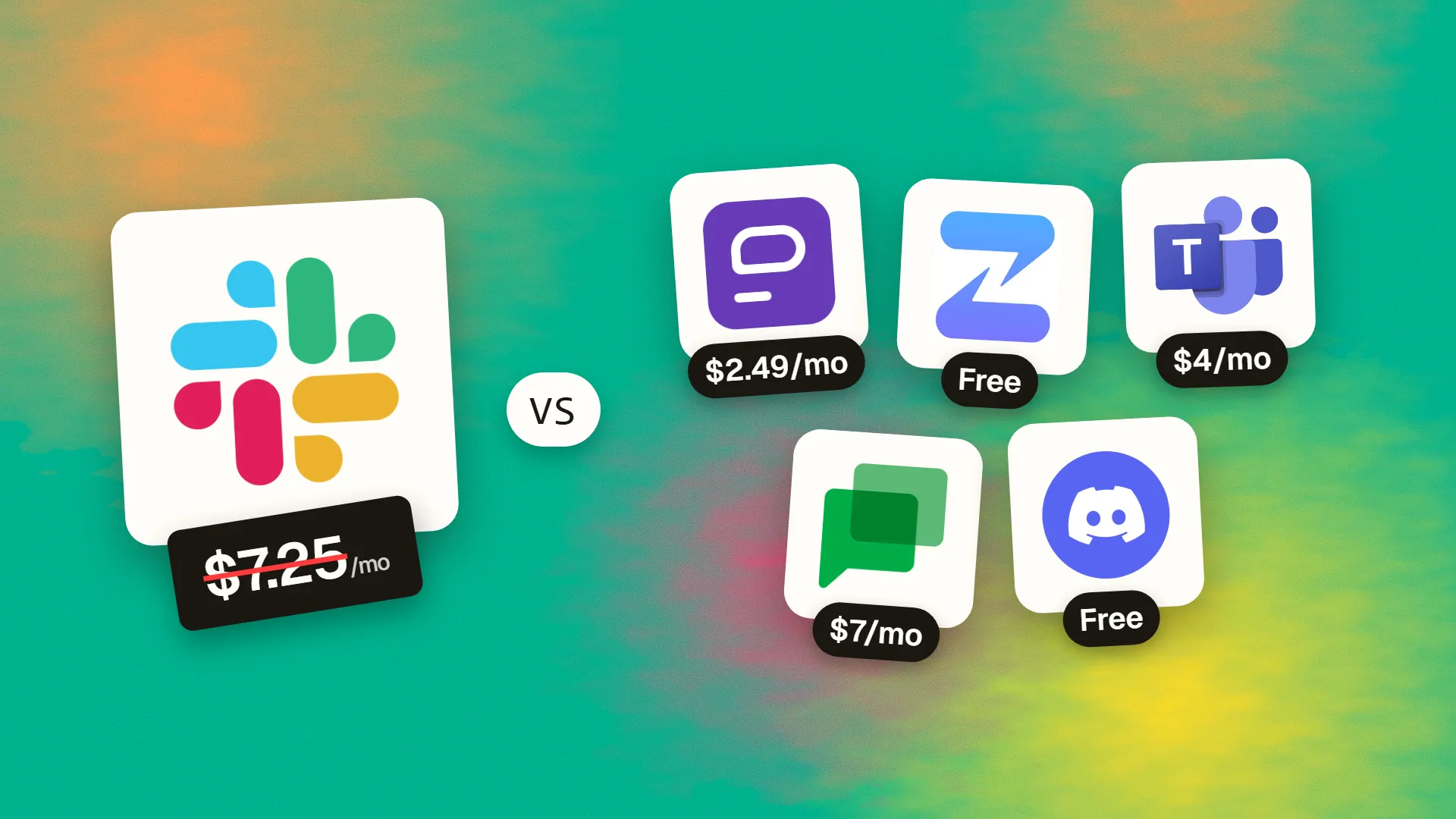
The best cheaper alternatives to Slack in 2026 are Pumble (from $2.49/month), Zulip (free), Microsoft Teams Essentials (from $4/month), Google Chat (Workspace) (from $7/month) and Discord (free). Slack itself starts at $7.25 a month, so most teams can cut the cost substantially without losing the features they actually use.
Slack is the reference point for workplace chat, and its biggest feature is also its biggest lever on your wallet: history. On the free plan, Slack only shows the last 90 days of messages and files. To keep your company's conversations searchable, you need Pro at $7.25 per user per month on annual billing ($8.75 monthly) or Business+ at $15 ($18 monthly). For a 25-person team on Pro, that is about $2,175 a year.
Chat is a category where good alternatives are abundant, and several of them give you unlimited message history on the free plan or for a couple of dollars per user. Below are five that work for real businesses.
 Slackvs
 Pumble
 Zulip
 Microsoft Teams Essentials
 Google Chat (Workspace)
 Discord
What Slack actually costs in 2026
| Plan | Annual billing | Monthly billing | Key limits |
|---|---|---|---|
| Free | $0 | $0 | 90 days of history, 10 integrations, 1:1 huddles |
| Pro | $7.25/user | $8.75/user | Unlimited history, group huddles, Slack Connect |
| Business+ | $15/user | $18/user | SSO, data exports, 99.99% uptime SLA, AI features |
| Enterprise Grid | Custom | Custom | Large organisations |
Slack charges for every active member, so seat counts creep up as you invite contractors and part-timers.
The 5 cheaper alternatives at a glance
| Tool | Starts at | Model | Best for |
|---|---|---|---|
| Slack | $7.25/mo | subscription | The benchmark |
| Pumble | $2.49/mo | subscription | Small teams that hit Slack's 90-day limit |
| Zulip | Free tier | open source | Remote and open-source teams |
| Microsoft Teams Essentials | $4/mo | subscription | Small businesses that want chat + video in one |
| Google Chat (Workspace) | $7/mo | subscription | Teams already paying for Workspace (effectively free) |
| Discord | Free tier | free | Communities, startups, gaming/creative teams |
How we picked these alternatives
We required channels and direct messages, threads or topics, file sharing, search, mobile apps and at least basic voice or video. We looked closely at free-plan history limits and per-user pricing at 10–50 users. Prices checked 27 October 2026.
1. Pumble
Price: Free with unlimited users and unlimited message history (10GB storage per workspace). Pro $2.49/user/month annual ($2.99 monthly); Business $3.99 ($4.99); Enterprise $6.99 ($7.99). See Pumble's official pricing page for current plans.
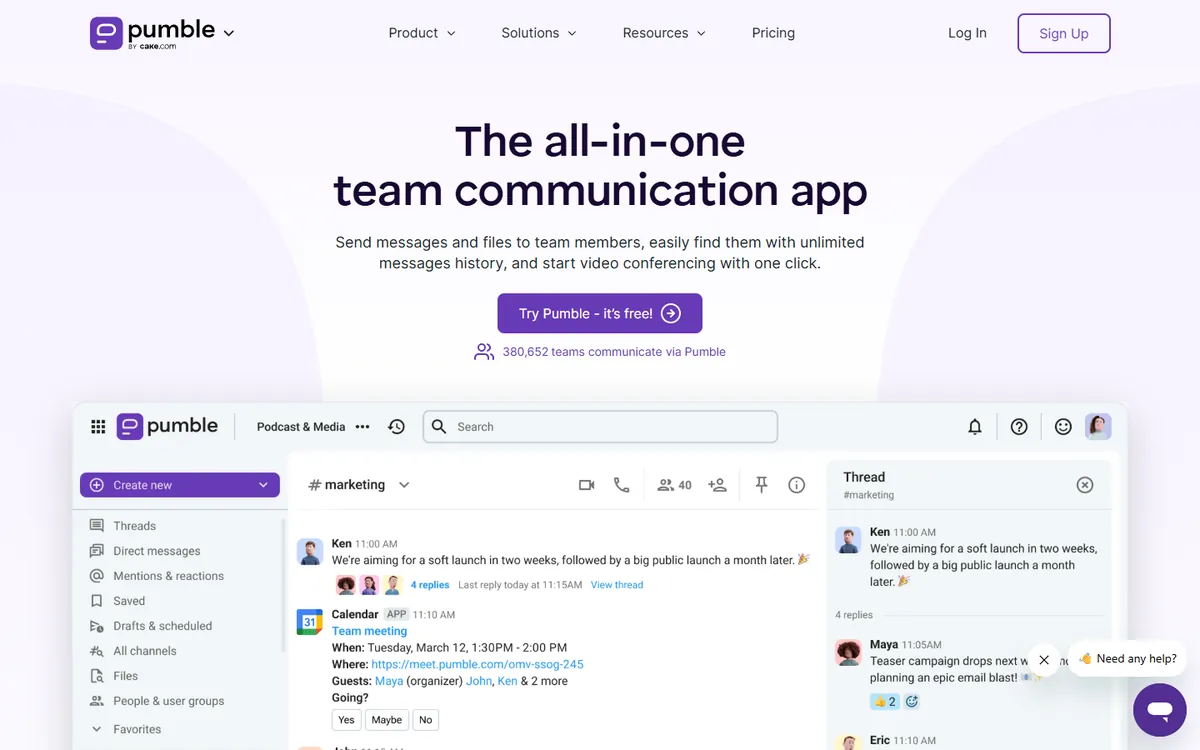
Pumble is made by CAKE.com, the company behind the popular Clockify time tracker. It was designed as a straightforward, affordable Slack replacement — and its free plan fixes the thing people dislike most about Slack's free tier: disappearing history.
Pumble pricing in detail
| Plan | Annual billing | Monthly billing | Storage | Highlights |
|---|---|---|---|---|
| Free | $0 | $0 | 10GB per workspace | Unlimited users and history, 1:1 calls, up to 3 integrations |
| Pro | $2.49/user | $2.99/user | 10GB per seat | Group meetings (50), screen sharing, up to 10 integrations |
| Business | $3.99/user | $4.99/user | 20GB per seat | Guests, user groups, permissions, meeting recordings, 100-person video |
| Enterprise | $6.99/user | $7.99/user | 100GB per seat | SSO, data retention, audit log |
| CAKE.com Bundle | $12.99/user | $15.99/user | — | Pumble + Clockify + Plaky |
What you get
- Unlimited message history and users for free. Your company's knowledge stays searchable from day one.
- A familiar layout. Channels, threads, DMs, mentions, reactions and a sidebar that Slack users understand instantly.
- Voice and video meetings with screen sharing and annotations on Pro.
- Guest access, user groups and channel managers on Business — useful for working with clients.
- Slack import to move your existing workspace.
- The CAKE.com bundle adds time tracking and project boards at a low combined price.
Where it falls short
- Small integration catalogue compared with Slack's 2,600+ apps.
- Free storage is shared across the whole workspace (10GB).
- Fewer power-user features such as workflow builders and advanced bots.
Who it's best for
Small and mid-size businesses that mainly need reliable team chat and have outgrown Slack's 90-day limit. Skip it if your work depends on many Slack-only integrations.
2. Zulip
Price: Cloud Free (10,000 messages of searchable history, 5GB); Standard $6.67/user/month annual ($8 monthly); Plus $10 ($12). Self-hosted free up to 10 users; Basic $3.50/user. Free Cloud Standard for many open-source, education and non-profit groups. See Zulip's official pricing page for current plans.
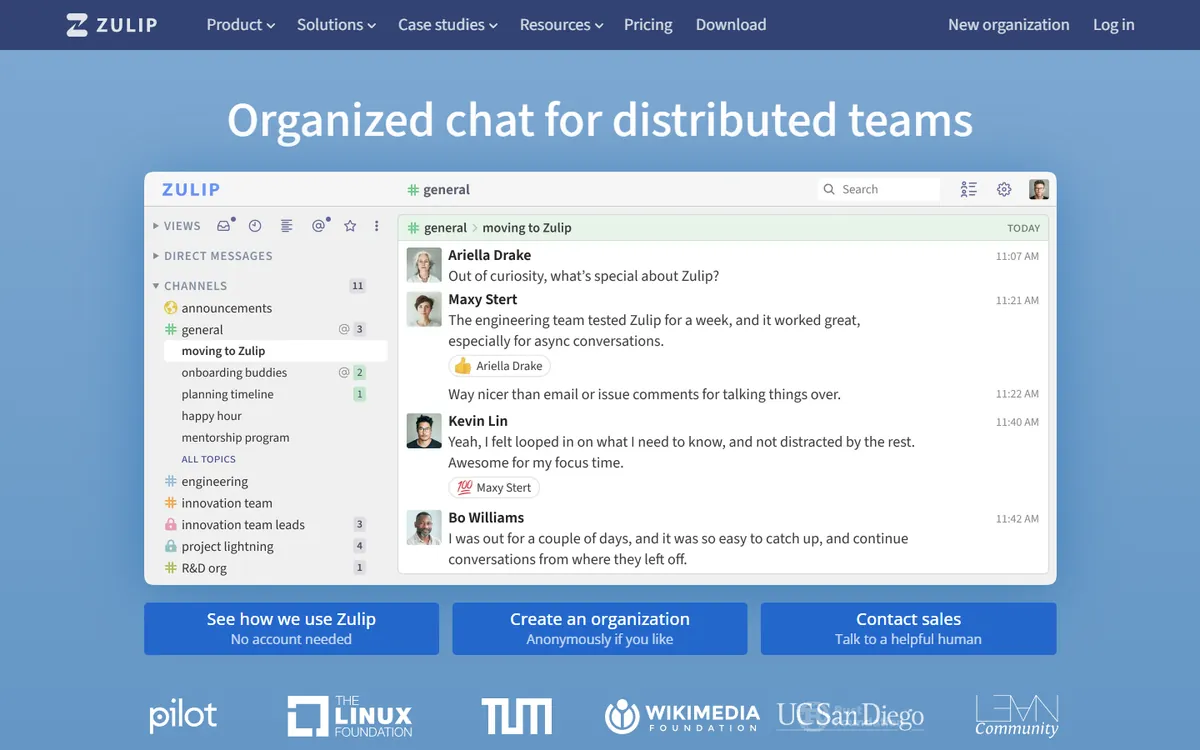
Zulip is a 100% open-source chat app originally created by a start-up that Dropbox acquired, then open-sourced. It is used by many open-source projects, universities and remote companies, and its defining idea is topics.
Zulip pricing in detail
| Plan | Annual billing | Monthly billing | Notes |
|---|---|---|---|
| Cloud Free | $0 | $0 | 10,000 messages searchable, 5GB total |
| Cloud Standard | $6.67/user | $8/user | Unlimited history, 5GB per user |
| Cloud Plus | $10/user | $12/user | 10-user minimum, 25GB per user, SSO |
| Self-hosted Free | $0 | $0 | Mobile push notifications for up to 10 users (or eligible communities) |
| Self-hosted Basic | — | $3.50/user | Unlimited push notifications |
| Self-hosted Business | $6.67/user | $8/user | 25-user minimum, support |
What you get
- Topic-based threading. Every message belongs to a stream and a named topic, so you can read a whole conversation in context instead of scrolling through a busy channel.
- Fast catch-up after time off — skim topics, mark them read, move on.
- Excellent keyboard navigation and search.
- Self-hosting on your own server for full data control.
- Integrations with GitHub, GitLab, Jira, Sentry and 100+ other tools.
Where it falls short
- Topic discipline takes adjustment for people used to Slack.
- No built-in video — it integrates with Jitsi, Zoom and others.
- Smaller app ecosystem.
Who it's best for
Remote, async-first teams, engineering organisations and open-source communities. Skip it if your team prefers casual, fast-moving chat.
3. Microsoft Teams Essentials
Price: $4/user/month annual ($4.80 monthly). See Microsoft Teams Essentials' official site for current plans.
Teams Essentials is Microsoft's standalone version of Teams for small businesses (up to 300 users) that do not want a full Microsoft 365 subscription. It works with any email provider, including Gmail, and replaces both a chat tool and a video-meeting tool in one cheap plan.
Teams pricing in detail
| Plan | Price per user/month | Meetings | Storage | Also includes |
|---|---|---|---|---|
| Teams (free) | $0 | 60 minutes, 100 participants | 5GB per user | Basic chat |
| Teams Essentials | $4 (annual) | 30 hours, 300 participants | 10GB per user | Unlimited chat, file sharing, whiteboard |
| Microsoft 365 Business Basic | $7 | 30 hours, 300 participants | 1TB per user | Business email, SharePoint, web Office |
| Microsoft 365 Business Standard | $14 | Plus webinars | 1TB per user | Desktop Office apps |
What you get
- Unlimited group chat and one-to-one chat with threads, mentions, reactions and file sharing.
- Meetings for up to 300 people lasting up to 30 hours — far beyond Slack huddles.
- Live captions, whiteboard, together mode and meeting recaps.
- 10GB of cloud storage per user for files shared in chats.
- Mobile and desktop apps on every platform.
- Guest access for clients and partners.
Where it falls short
- No business email or desktop Office apps in Essentials.
- A heavier, busier client than Slack, which some users find slow.
- App integrations are narrower than in full Microsoft 365 and far fewer than Slack's catalogue.
Good to know
A 20-person team that pays for Slack Pro ($7.25) and Zoom Pro (~$13.33) can replace both with Teams Essentials, cutting almost $5,000 a year to under $1,000.
Who it's best for
Small businesses that want chat and large video meetings in one inexpensive subscription. Skip it if your team prefers a lightweight, chat-first experience.
4. Google Chat (in Google Workspace)
Price: Included with Google Workspace Business Starter at $7/user/month (with Gmail, Meet, Drive and Docs). See Google Chat's official pricing page for current plans.
Google Chat is part of every Google Workspace plan. Many companies pay for Workspace for email and documents and then pay again for Slack — without realising they already have a capable team chat tool included.
Google Chat pricing in detail
| Plan | Price per user/month | Chat features |
|---|---|---|
| Workspace Business Starter | $7 (annual) | Spaces, threads, direct messages, file sharing, apps |
| Workspace Business Standard | $14 | Adds Gemini features and more storage |
| Workspace Business Plus | $22 | Adds Vault retention and eDiscovery for chat |
| Enterprise | Custom | Advanced security and data controls |
What you get
- Spaces for teams and projects, with in-line threaded replies.
- Direct and group messages with presence status.
- Deep integration with Docs, Sheets, Slides and Drive — share a file and Chat offers to grant access automatically.
- Calendar and Meet integration to start a video call from any conversation.
- Gemini summaries of busy spaces on paid tiers.
- Retention policies and eDiscovery with Google Vault on Business Plus and above.
- Apps and webhooks for alerts from other tools.
Where it falls short
- Fewer integrations than Slack's large app directory.
- Less polished for very busy channels and large external communities.
- External collaboration is more limited than Slack Connect.
Good to know
A 25-person company already on Workspace that cancels Slack Pro saves about $2,175 a year immediately.
Who it's best for
Teams that already use Google Workspace. Skip it if you do not use Workspace or depend on Slack-only integrations.
5. Discord
Price: Free. Nitro ($9.99/month) is an optional personal upgrade; server boosts cost about $4.99 each. See Discord's official pricing page for current plans.
Discord launched in 2015 as voice chat for gamers and now hosts communities of every kind, from open-source projects to creator fan clubs and start-ups. Its persistent voice channels — rooms you can drop into and leave at any time — give remote teams a "virtual office" feeling that Slack huddles do not quite match.
Discord pricing in detail
| Option | Price | What it adds |
|---|---|---|
| Discord | Free | Unlimited messages and history, voice channels, video and screen share for up to 25 |
| Nitro Basic | $2.99/mo per person | Larger uploads, custom emoji everywhere |
| Nitro | $9.99/mo per person | HD streaming, larger uploads, 2 server boosts |
| Server boosts | ~$4.99/mo each | Better audio quality, more emoji and sticker slots, larger uploads for the server |
What you get
- Unlimited message history for free.
- Drop-in voice channels for always-on collaboration.
- Screen sharing and video with up to 25 people.
- Roles and permissions to control who sees which channels.
- Bots and webhooks for alerts, moderation and automation.
- Forum channels and threads for organised discussions.
- Stage channels for town halls and community events.
Where it falls short
- No enterprise compliance, SSO, retention controls or audit logs.
- Consumer privacy terms unsuitable for regulated data.
- Gaming-oriented interface that some business users find distracting.
Good to know
Many developer communities and start-ups run their public community on Discord and keep a separate tool for confidential internal discussions.
Who it's best for
Start-ups, gaming and creative studios, and community-driven businesses. Skip it if you handle confidential client or regulated information.
What a 25-person team pays per year
| Option | Annual cost (25 users) |
|---|---|
| Slack Business+ | $4,500 |
| Slack Pro | $2,175 |
| Zulip Cloud Standard | ~$2,000 |
| Microsoft Teams Essentials | $1,200 |
| Pumble Pro | $747 |
| Google Chat (with Workspace Starter) | $0 extra if you already have Workspace |
| Pumble Free / Discord | $0 |
How to switch without losing your work
- Export your Slack workspace. Admins can export public channel history on any plan; private channels and DMs require Business+ or an approved request.
- Import into the new tool. Pumble, Zulip and Mattermost-style tools can import Slack exports.
- Recreate key integrations first — alerts from GitHub, monitoring, CRM notifications.
- Set a cut-over date and post a pinned message in Slack pointing to the new workspace.
- Downgrade Slack to free rather than deleting it, so old history remains searchable for 90 days.
Which one should you choose?
- You are a small business that keeps hitting Slack's 90-day limit: Pumble Free. Unlimited history and users at no cost; upgrade to Pro at $2.49 when you need group meetings and more integrations.
- You are a remote engineering or open-source team: Zulip. Topic threads make async work far easier.
- You also pay for Zoom: Microsoft Teams Essentials replaces both for $4 per user.
- You already pay for Google Workspace: Google Chat — it is included.
- You run a community or a gaming/creative studio: Discord.
Hidden costs and gotchas
- Integrations. Slack's biggest advantage is its 2,600+ apps. List every integration your team uses (alerts, CRM notifications, bots) and confirm the replacement supports them or can receive webhooks.
- Guests and shared channels. Slack Connect makes it easy to chat with clients. Check how each alternative handles guests (Pumble Business, Zulip, Teams) before moving client conversations.
- Compliance. Regulated businesses need retention policies, exports and audit logs. These are usually on higher tiers or unavailable on consumer tools like Discord.
- Storage. Free plans cap file storage (for example, 10GB per workspace on Pumble Free). Move large files to cloud storage rather than chat.
- Adoption. The hardest part is habit. Set a clear cut-over date and archive Slack channels so conversations do not split across two tools.
Our verdict
For most small businesses, Pumble is the easiest money-saver: it feels like Slack, keeps your full history free, and paid plans cost about a third of Slack's. Choose Zulip for async engineering teams, Teams Essentials to replace Slack and Zoom at once, Google Chat if you already pay for Workspace, and Discord for communities and creative startups.
More cheaper alternatives: see our breakdowns of the cheaper options to Zoom, Microsoft 365 and Asana.
Related reading: What Is Agile, for a Small Team?, What Your Web Agency Needs Before the Project Starts and Build vs Buy Software: A Practical Decision Framework.
Planning a switch, or not sure which tool fits the way your team works? Book a free call and we will look at your stack with you.
Prices are US list prices in USD unless marked, checked on 27 October 2026. "Annual" means the per-month price when billed yearly. Vendors change pricing often, so confirm on the vendor's site before buying. Product names and logos are trademarks of their respective owners and are used here for identification only.
Common questions
What is the best free alternative to Slack?
Pumble is the best free Slack replacement for business because it keeps unlimited message history and users on its free plan. Discord is also free but lacks business controls.
Can I import my Slack history?
Yes, Pumble and Zulip both support importing Slack exports. What you can export depends on your Slack plan.
Is Microsoft Teams cheaper than Slack?
Yes. Teams Essentials is $4 per user per month versus $7.25 for Slack Pro, and it includes large video meetings.
Is Discord safe for business use?
It is fine for informal teams and communities, but it lacks the compliance, retention and admin features most companies need for confidential work.
Do any Slack alternatives offer self-hosting?
Yes. Zulip is open source and can be self-hosted. Self-hosting gives you full control of data but requires a server and maintenance.
