In short
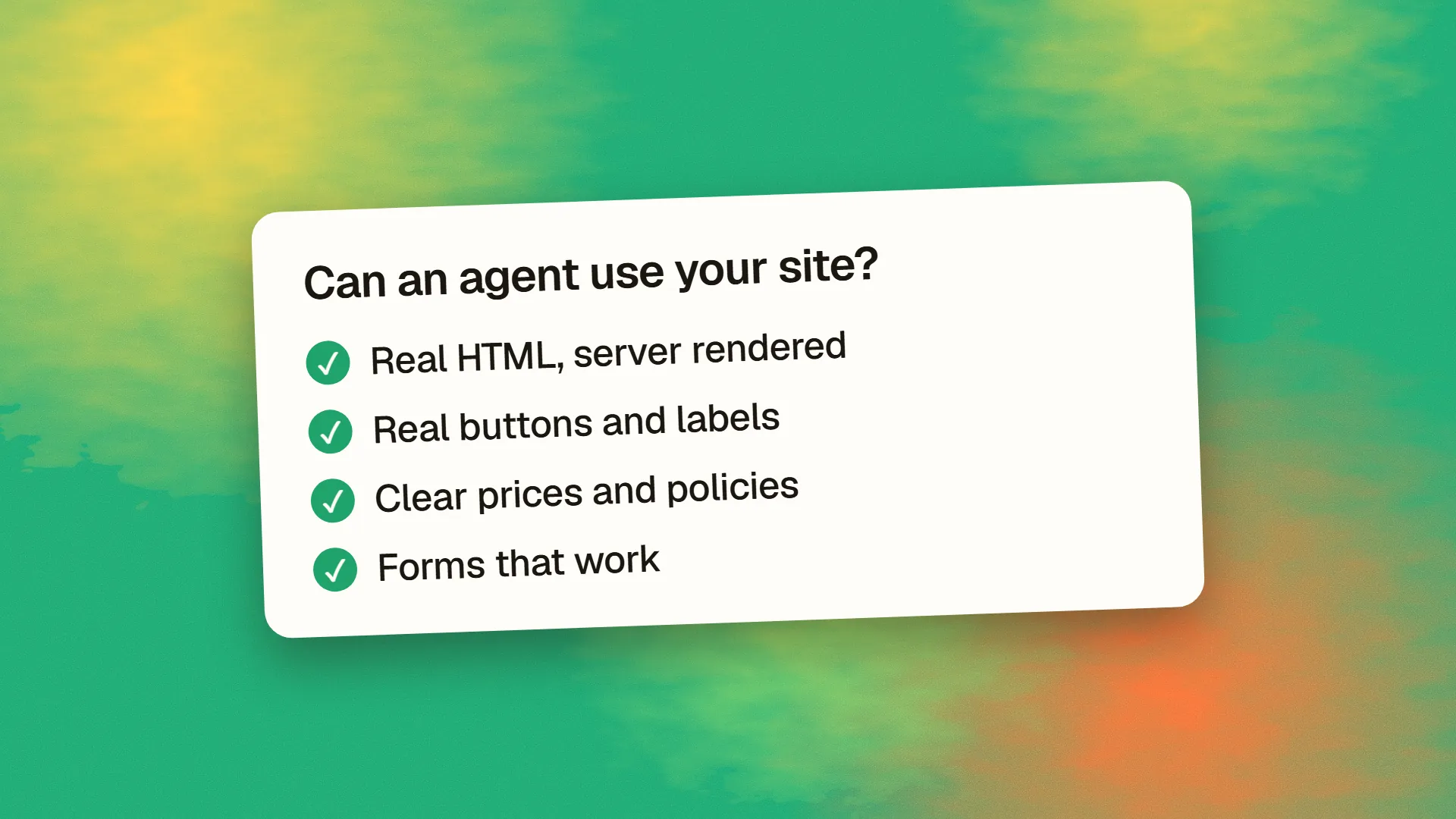
To make a site agent-ready, first let the right agents in, then make the content and actions understandable: serve meaningful HTML, use real forms and labelled controls, keep URLs stable, add accurate structured data and publish clear prices and policies. Then test key tasks with a real agent. Standards such as MCP servers, WebMCP and agent protocols are worth tracking, but they come after these basics.
What agents actually do on a website
An AI agent working for a person has to find you, understand what you offer and sometimes complete a task, such as requesting a quote or booking a slot. Today, many do this by fetching pages, reading HTML or screenshots, and interacting with what they find. Anything that's confusing for a screen reader tends to be confusing for an agent too.
So agent readiness overlaps heavily with accessibility, SEO and plain good engineering. You don't need to rebuild your site to begin.
Level 1: let them in
- Check your robots rules. Decide which AI agents you allow. Our AI crawler user agents list separates search, training and user-triggered agents.
- Check your CDN and firewall. Bot-protection settings can block agents, even when your robots file allows them. Look for 403 responses in your logs.
- Publish a sitemap and keep it accurate. See how to write a robots.txt.
- Avoid unnecessary challenges on public information pages. A CAPTCHA may be justified on a form, but not on your pricing page. See should you use reCAPTCHA?
Level 2: make content readable
- Serve content in the initial HTML. Not every agent runs JavaScript, so a page that arrives empty may stay empty to them. Our guide to why AI-built websites struggle in Google has a quick test.
- Use semantic HTML. Headings, lists, tables and landmarks give structure that a model can follow.
- State facts in plain text. Prices, opening hours, service areas, delivery times and policies should be written out, not buried in images, PDFs or animations.
- Add accurate structured data. Products, offers, organisation details and FAQs help, as long as they match what's visible. Google says structured data isn't required for its AI features, so treat it as a useful aid rather than a magic switch.
- Answer the questions buyers ask. An agent comparing suppliers needs your minimum order, turnaround time and refund terms. If they are not on your site, it may recommend someone else.
Level 3: make actions possible
This is where agents differ from search crawlers, because they try to do things.
onclick="go()">Submit</div>
Book a 30-minute consultation
</button>
- Use real form elements. Native
input,selectandbuttonelements with proper labels are far easier for agents, and for assistive technology, than custom components made fromdivelements. See how to build an accessible form. - Use descriptive labels. “Book a 30-minute consultation” is clearer than “Go”.
- Make URLs meaningful and stable. A product or search result that has its own URL can be fetched, shared and returned to.
- Keep flows simple. Multi-step wizards, hidden fields and hover-only menus are hard for agents as well as for people.
- Show clear states. Say what happened after an action, with text confirming success or describing the error. See how to design error states.
- Make actions safe to retry. Agents may repeat requests, so sensitive operations should be idempotent.
Level 4: offer a direct interface
If your business depends on agents completing tasks, consider giving them something more direct than your interface.
| Option | What it does | Who should consider it |
|---|---|---|
| Public API with docs | Stable programmatic access | Products with repeatable actions |
| MCP server | Exposes tools to AI applications | SaaS and data products |
| WebMCP | Lets a page expose tools in the browser | Early experiments only |
| Commerce protocols | Lets agents buy from you | Online stores, via their platform |
Be careful here. Each one is a new surface to secure and maintain. Every tool an agent can call must enforce the same permissions as your normal app, and any costly or irreversible action should have a human confirmation step. Read how to stop prompt injection before exposing anything that writes data.
Level 5: optional signals
Cloudflare's Agent Readiness score checks a site against a range of emerging standards at isitagentready.com. It's a useful free inventory, and it provides prompts for fixing what it finds. Treat its score as a checklist, not as a ranking factor: many of these standards are young, and adoption by actual agents varies. The same applies to llms.txt: cheap to add, but Google has reportedly said it doesn't affect its search visibility, so don't expect any dramatic effect.
How to test
Tools only take you so far. Run a real test:
- Choose three important tasks, such as “find the price of X”, “check if they serve my area” and “book a call”.
- Give them to a browsing agent from a clean session. Try ChatGPT's agent features, Claude in a browser or another assistant.
- Watch where it struggles. Note misunderstood content, blocked pages, forms that it couldn't complete and any wrong facts.
- Fix those problems, and repeat quarterly.
Do this on a staging or test account for anything that could send real emails or make purchases, as agents can complete actions you did not expect.
What not to do
- Don't rebuild your site for agents before there's evidence that your customers use them.
- Don't serve agents different content from what humans see. Hidden text and special pages can backfire and may look like cloaking.
- Don't give agents powers you wouldn't give a stranger without authentication and checks.
- Don't pay for a “guaranteed” agent optimisation. Nobody can promise this.
Start with levels one to three. They'll help your human visitors and your search visibility, even if agents take longer to arrive than the headlines suggest.
If you would like an agent-readiness review of your site, book a call.
Common questions
What does agent-ready mean for a website?
It means an AI agent can find your site, understand its content and complete important tasks on someone's behalf. In practice, that requires crawler access, meaningful HTML, accurate facts, real forms and, for some businesses, an API or similar direct interface.
Do small businesses need to worry about AI agents?
Only the basics for now. Make sure agents aren't blocked, publish your prices and hours as text, and use simple forms. These steps help human visitors and search as well, and they need little extra investment.
Is llms.txt required to be agent-ready?
No. It's a simple optional file, and its influence is uncertain, with Google reportedly saying that it doesn't affect its search visibility. It costs little to add, but clear HTML, access and accurate content matter far more.
How do I check whether my site is agent-ready?
Run a scanner such as Cloudflare's isitagentready.com for a list of technical items, then give a real browsing agent three important tasks. Watching where it gets stuck will tell you more than any score.
