In short
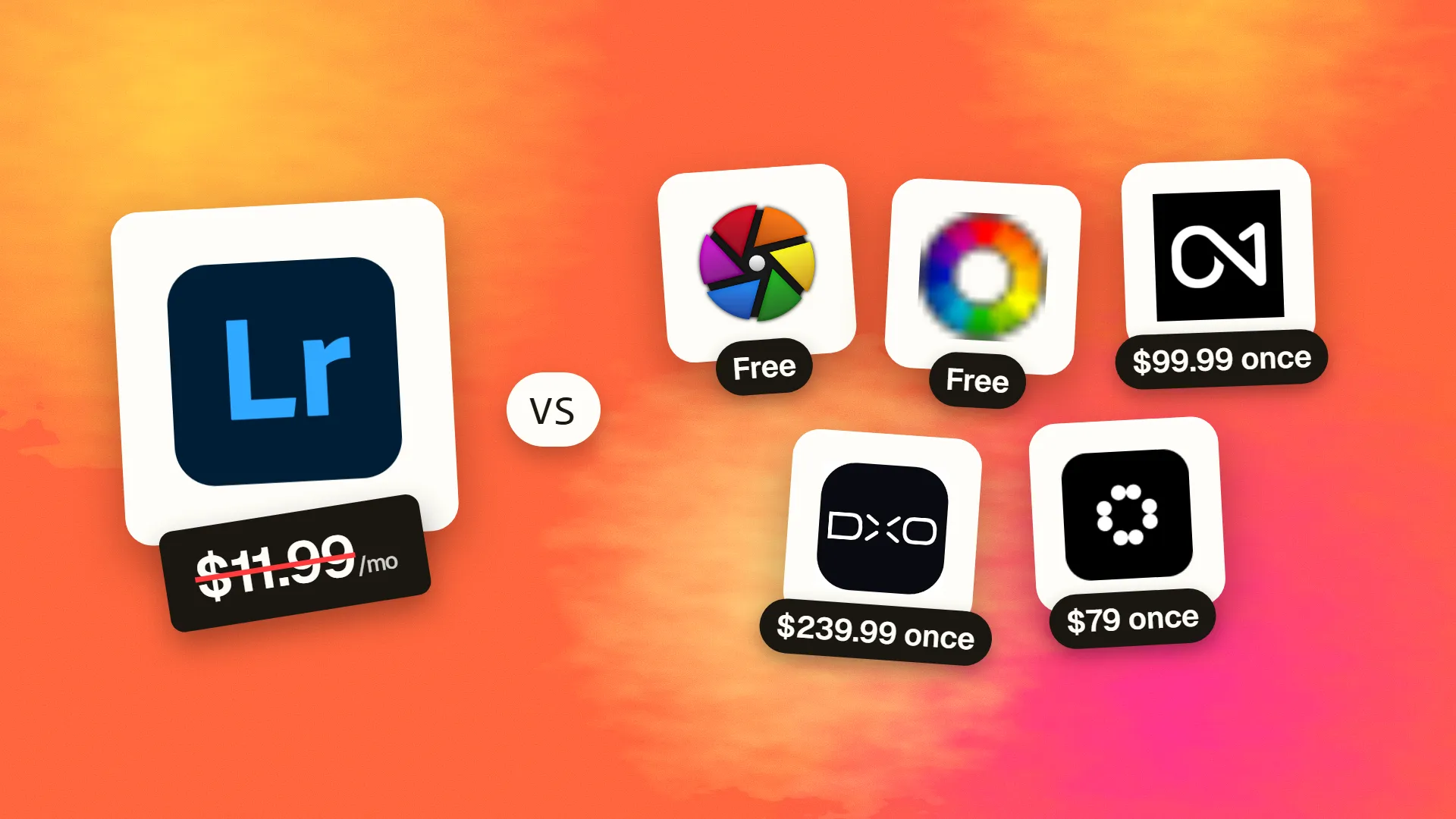
The best cheaper alternatives to Adobe Lightroom in 2026 are darktable (free), RawTherapee (free), ON1 Photo RAW ($99.99 one-time), DxO PhotoLab ($239.99 one-time) and Luminar Neo ($79 one-time). Adobe Lightroom itself starts at $11.99 a month, so most teams can cut the cost substantially without losing the features they actually use.
Lightroom is the default photo editor for photographers because it does two jobs well: it organises tens of thousands of images in a catalog and it develops RAW files with excellent colour, masking and AI noise reduction. The catch is that it is subscription-only. The Lightroom plan with 1 TB of cloud storage costs $11.99 a month, the Photography plan with Lightroom, Lightroom Classic and Photoshop costs about $14.99 a month with 20 GB, and the Photography plan with 1 TB is $19.99 a month — all on annual commitments. Over five years that is $720–1,200 for software you never own; stop paying and you lose editing access.
The good news is that RAW processing is a mature field. Two of the best alternatives are free and open source, and three others can be bought once and used forever.
 Adobe Lightroomvs
 darktable
 RawTherapee
 ON1 Photo RAW
 DxO PhotoLab
 Luminar Neo
What Lightroom actually costs in 2026
| Plan | Price | Storage | Apps included |
|---|---|---|---|
| Lightroom (1TB) | $11.99/mo (annual) | 1 TB cloud | Lightroom (cloud-based), mobile, web |
| Photography (20GB) | ~$14.99/mo (annual) | 20 GB | Lightroom, Lightroom Classic, Photoshop |
| Photography (1TB) | $19.99/mo (annual) | 1 TB | Lightroom, Lightroom Classic, Photoshop |
| Creative Cloud Pro | $69.99/mo (annual) | 100 GB+ | All Adobe apps |
Adobe has adjusted Photography plan pricing several times, and prices differ by country. Annual plans paid monthly carry an early-cancellation fee. The current tiers are listed on Lightroom's official pricing page.
The 5 cheaper alternatives at a glance
| Tool | Starts at | Model | Best for |
|---|---|---|---|
| Adobe Lightroom | $11.99/mo | subscription | The benchmark |
| darktable | Free tier | open source | Photographers who want Lightroom Classic power for free |
| RawTherapee | Free tier | open source | Technical users who care about maximum RAW quality |
| ON1 Photo RAW | $99.99 one-time | one time | Lightroom users who want to own their software |
| DxO PhotoLab | $239.99 one-time | one time | Image quality purists, especially high-ISO shooters |
| Luminar Neo | $79 one-time | one time | Hobbyists who want fast AI-driven edits |
How we picked these alternatives
We compared RAW quality, noise reduction, masking and local adjustments, catalog and library features, Lightroom catalog import, operating-system support and total cost over three years. Prices checked 28 October 2026.
1. darktable
Price: Free and open source for Windows, macOS and Linux. See darktable's official site for current plans.
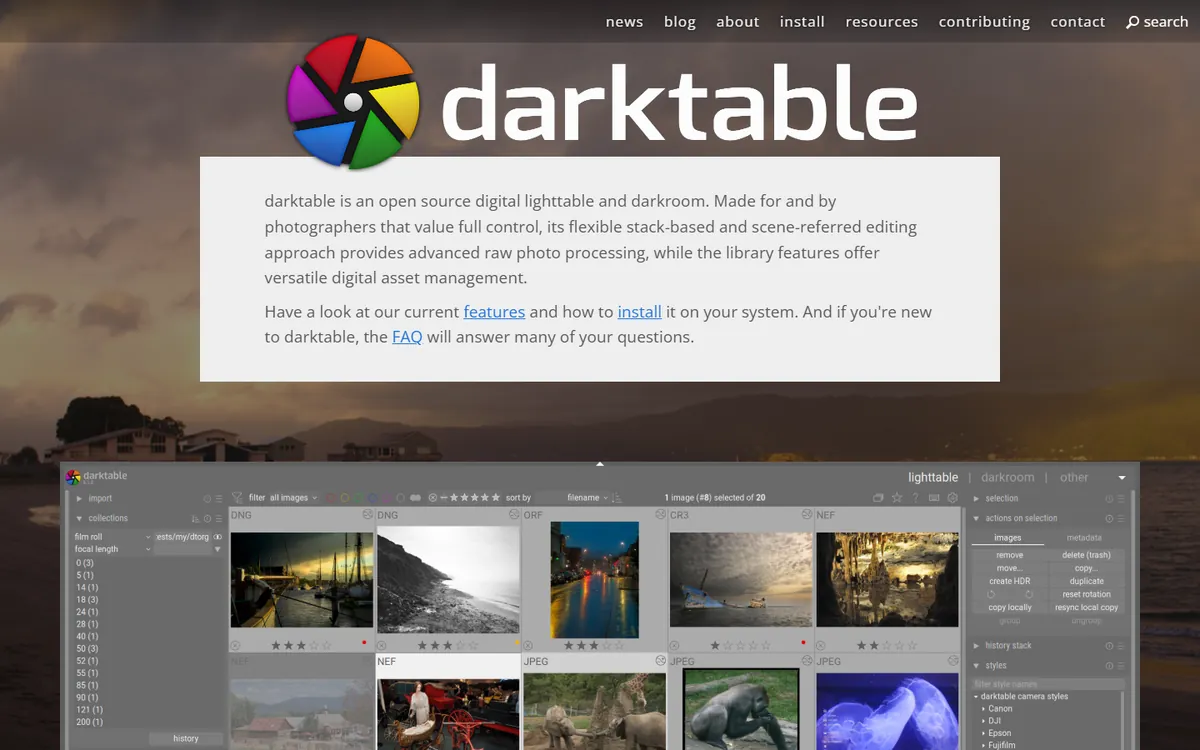
darktable is the most complete free alternative to Lightroom Classic. It has a lighttable for organising and rating images and a darkroom for non-destructive RAW development, using a modern scene-referred colour pipeline (filmic and sigmoid tone mappers) that handles high-dynamic-range scenes beautifully. Its masking system — drawn, parametric and combined masks on almost every module — is more powerful than Lightroom's in many ways.
darktable pricing in detail
| Option | Price | Notes |
|---|---|---|
| darktable | Free | Full application, all modules, all platforms |
| Lua scripts and styles | Free | Community extensions and presets |
There is no paid tier, no account and no subscription.
What you get
- Non-destructive RAW development with over 60 processing modules.
- Scene-referred workflow for natural highlights and shadows.
- Parametric and drawn masks on nearly every adjustment.
- Tethered shooting for supported cameras.
- Tagging, ratings, colour labels and collections for library management.
- GPU acceleration with OpenCL.
Where it falls short
- Steep learning curve. The interface and terminology are very different from Lightroom.
- No Lightroom catalog import that brings all edits across — ratings and keywords can be migrated, but develop settings cannot.
- AI features are limited compared with Lightroom's AI masking and denoise.
Who it's best for
Enthusiasts and professionals who want a powerful, free Lightroom Classic replacement and are willing to invest a few weeks in learning it. Skip it if you want one-click AI selections and a familiar interface.
2. RawTherapee
Price: Free and open source. See RawTherapee's official site for current plans.
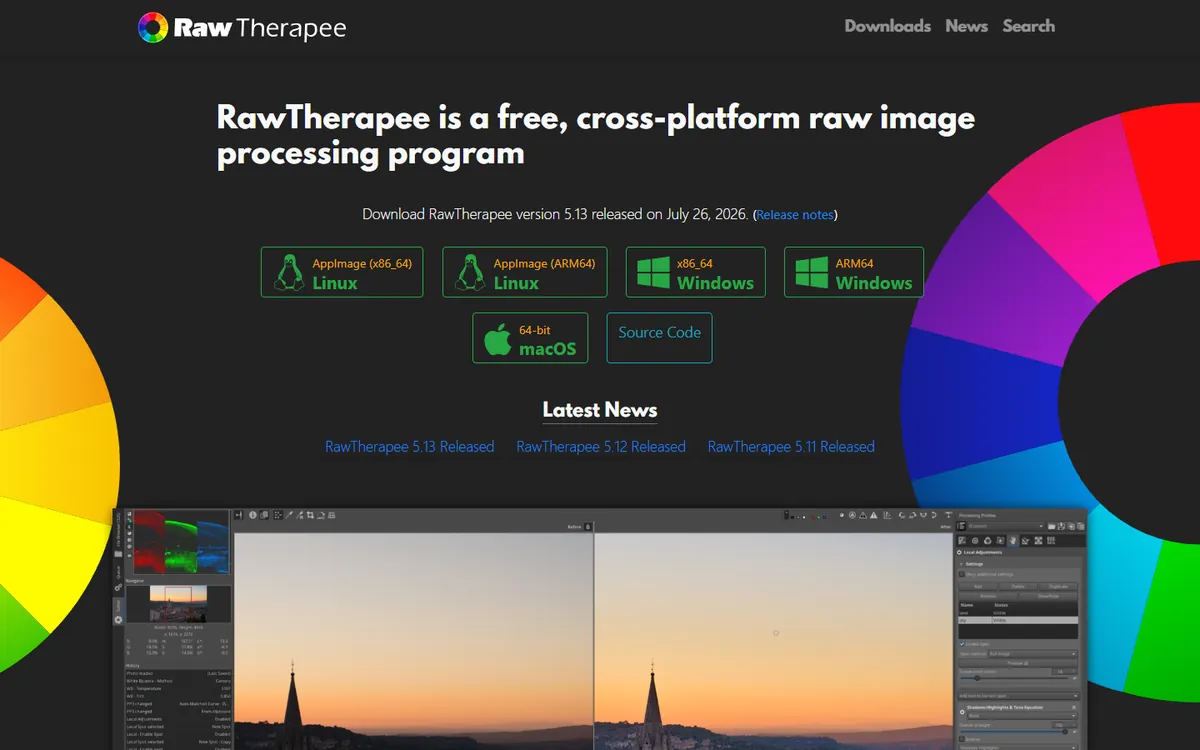
RawTherapee is a RAW developer focused purely on image quality. Its demosaicing algorithms, noise reduction, sharpening and colour management are respected by technical photographers, and it gives you more control over each step than almost any other editor. It does not try to be a catalog — it is a developer you point at a folder.
RawTherapee pricing in detail
| Option | Price | Notes |
|---|---|---|
| RawTherapee | Free | Windows, macOS, Linux |
| ART (fork) | Free | Simplified fork with masks |
Many users pair it with a free photo manager such as digiKam for organisation.
What you get
- Multiple demosaicing methods for maximum detail from RAW files.
- Advanced noise reduction and capture sharpening.
- Precise colour management with camera profiles and DCP support.
- Batch processing with profiles.
- Wavelet tools for local contrast and retouching.
Where it falls short
- No catalog or library management.
- No local adjustment brushes in the main app (the ART fork adds masks).
- Interface is technical and slower for high-volume work.
Who it's best for
Photographers who care most about squeezing maximum quality from individual RAW files and are happy to manage files separately. Skip it if you shoot weddings or events and need fast batch culling and syncing.
3. ON1 Photo RAW
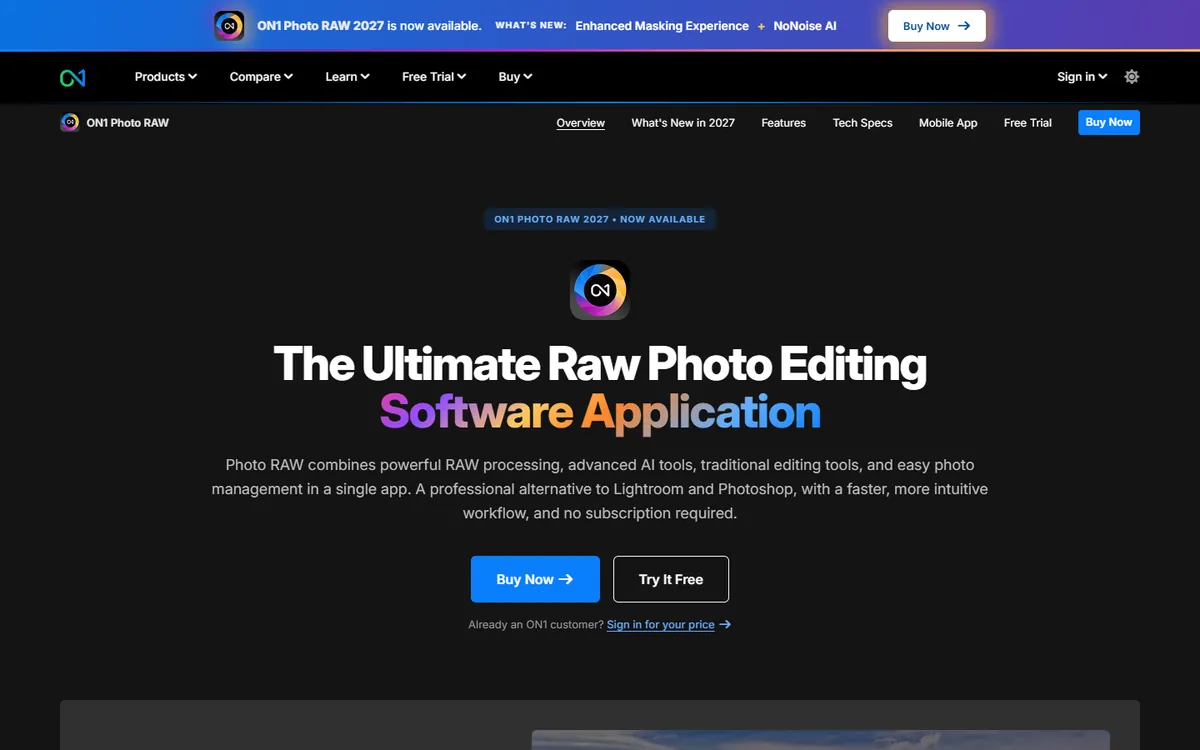
Price: ON1 Photo RAW 2026 $99.99 one-time (MAX edition $199); upgrades from earlier versions $79.99; optional subscription from $7.99 a month. See ON1 Photo RAW's official pricing page for current plans.
ON1 Photo RAW is the most complete paid alternative: a catalog, a RAW developer and a layered editor in one app, so it can replace both Lightroom and much of Photoshop. It imports Lightroom catalogs (including many develop settings), has AI masking and subject selection, NoNoise AI for noise reduction and a large library of presets and LUTs. Reviewers in 2026 called it affordable and do-it-all.
ON1 Photo RAW pricing in detail
| Option | Price | What is included |
|---|---|---|
| Photo RAW 2026 | $99.99 one-time | Catalog, RAW develop, layers, AI masking |
| Photo RAW MAX 2026 | $199 one-time | Adds NoNoise AI, Resize AI and more plug-ins |
| Upgrade from previous version | $79.99 | New major version |
| Subscription | From $7.99/mo | Latest version, cloud sync, all apps |
The perpetual licence includes updates within the same major version; the next yearly version is a paid upgrade.
What you get
- Lightroom catalog migration with folders, keywords and many develop settings.
- Layers and compositing without needing Photoshop.
- AI masking for skies, subjects and people.
- NoNoise AI and Resize AI (MAX or subscription).
- Works as a plug-in for Lightroom and Photoshop.
Where it falls short
- Yearly paid upgrades if you want new features.
- Performance can lag on very large catalogs.
- Colour rendering takes adjustment for Lightroom users.
Who it's best for
Lightroom and Photoshop users who want to own their software and replace both apps with one. Skip it if you rely on Adobe's cloud sync between desktop and phone.
4. DxO PhotoLab
Price: PhotoLab 9 $239.99 one-time; upgrades from PhotoLab 7 or 8 $119.99; 30-day free trial. See DxO PhotoLab's official pricing page for current plans.
DxO PhotoLab is famous for one thing above all: DeepPRIME XD noise reduction, widely considered among the best available, and optical corrections based on DxO's laboratory measurements of thousands of camera-and-lens combinations. Images from high-ISO shoots and older cameras often look noticeably cleaner than from Lightroom. PhotoLab 9 also has AI masks, local adjustments with control points and a usable photo library.
DxO PhotoLab pricing in detail
| Option | Price | Notes |
|---|---|---|
| PhotoLab 9 | $239.99 one-time | Full version, perpetual licence |
| Upgrade (v7/v8) | $119.99 | For existing owners |
| DxO bundles | Varies | With FilmPack and ViewPoint |
Seasonal sales (such as Black Friday) regularly cut prices by 20–40%.
What you get
- DeepPRIME XD noise reduction for clean high-ISO images.
- Lab-measured lens and camera corrections applied automatically.
- AI masks and control-point local adjustments.
- Photo library with search and projects.
- Lightroom integration — use PhotoLab for processing and Lightroom for cataloguing.
Where it falls short
- Highest upfront price in this list.
- Library features are weaker than Lightroom's catalog.
- No mobile or cloud workflow.
Who it's best for
Wildlife, sports, event and night photographers who shoot at high ISO and want the best possible image quality. Skip it if you need cloud sync and editing on a phone.
5. Luminar Neo
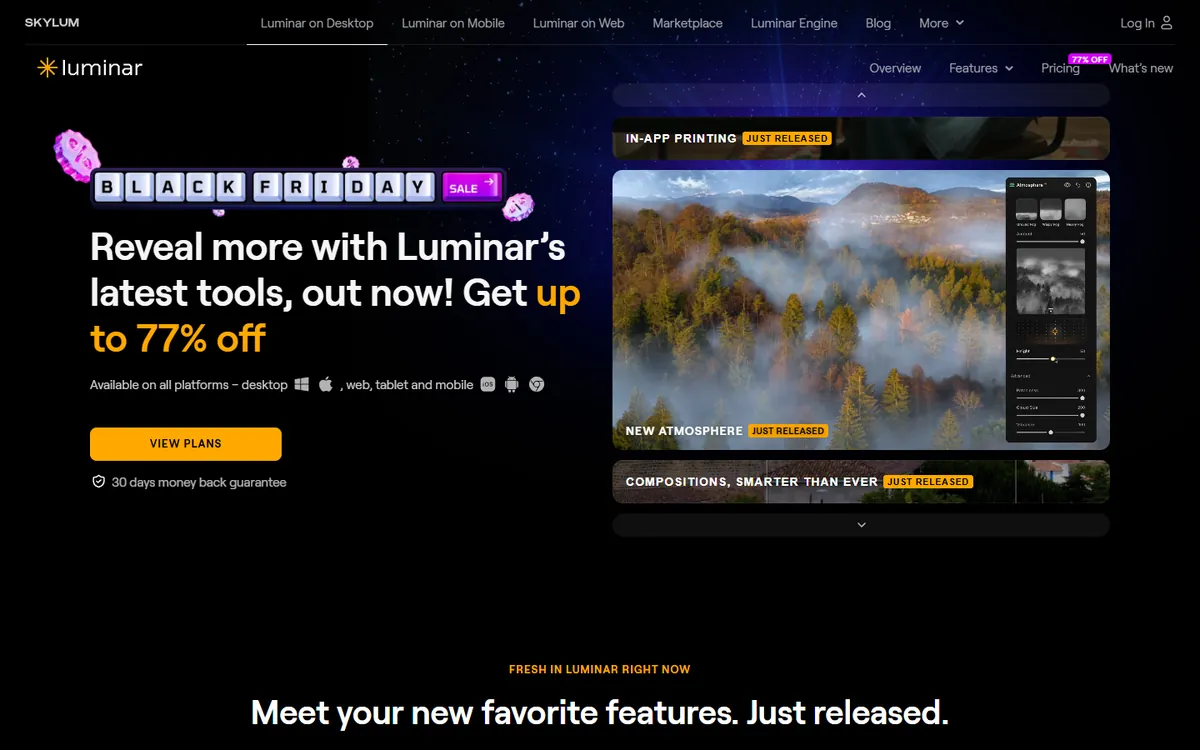
Price: Desktop perpetual licence roughly $79–119 (frequent sales); cross-device and subscription options available; generative tools free for 12 months after purchase. See Luminar Neo's official pricing page for current plans.
Luminar Neo, from Skylum, is built around AI: one-click enhancements, sky replacement, relighting, portrait retouching, background removal and generative erase. It produces impressive results quickly and works as a plug-in for Lightroom and Photoshop. Its catalog is basic, so many photographers use it alongside another organiser rather than as a full replacement.
Luminar Neo pricing in detail
| Option | Price | Notes |
|---|---|---|
| Desktop licence | ~$79–119 one-time | One computer; frequent discounts |
| Cross-device licence | ~$99+ | Desktop plus mobile |
| Subscription | Monthly or annual | Includes new tools as released |
| Generative AI tools | Free for 12 months | GenErase, GenExpand, GenSwap |
Skylum changes prices and bundles often, so compare the current offer.
What you get
- AI Enhance and Structure AI for instant improvements.
- Sky AI, Relight AI and Atmosphere AI for dramatic landscapes.
- Portrait tools — skin, face and body AI.
- Generative erase and expand.
- Plug-in for Lightroom and Photoshop.
Where it falls short
- Weak catalog for large libraries.
- Pricing and editions change frequently.
- Generative tools are only free for a year.
Who it's best for
Hobbyists and content creators who want striking results fast without learning complex tools. Skip it if you need a reliable catalog for 50,000+ images.
What three years of editing costs
| Option | Three-year cost |
|---|---|
| Lightroom Photography 1TB ($19.99 × 36) | ~$720 |
| Lightroom plan 1TB ($11.99 × 36) | ~$432 |
| darktable | $0 |
| RawTherapee | $0 |
| ON1 Photo RAW (buy + two upgrades) | ~$260 |
| DxO PhotoLab (buy + one upgrade) | ~$360 |
| Luminar Neo (one licence) | ~$79–119 |
How to switch without losing your work
- Write metadata to XMP sidecars in Lightroom Classic (Catalog Settings → Metadata) so ratings and keywords travel with the files.
- Export finished edits as full-resolution JPEG or TIFF for your best work — develop settings rarely transfer between editors.
- Use catalog migration where available — ON1 imports Lightroom catalogs directly.
- Edit new shoots in the new app and leave old ones archived in Lightroom.
- Keep a free Lightroom catalog viewer option — after cancelling, Lightroom Classic still opens catalogs for viewing and export.
Which one should you choose?
- You want a free, powerful Lightroom Classic replacement: darktable.
- You want maximum RAW quality, file by file, for free: RawTherapee.
- You want one paid app to replace Lightroom and Photoshop: ON1 Photo RAW.
- You shoot at high ISO and want the cleanest files: DxO PhotoLab.
- You want quick AI-driven results: Luminar Neo.
Hidden costs and gotchas
- Edits do not transfer. Each RAW editor has its own processing; old Lightroom edits stay in Lightroom.
- Paid upgrades. Perpetual licences usually cover one major version; new camera support may need an upgrade.
- New camera support. Check that your camera's RAW format is supported before buying — especially for brand-new bodies.
- Cloud storage. Lightroom's price includes cloud storage. Replacing it may mean paying for backup separately.
- Plug-ins. Some Photoshop plug-ins you rely on may not work in other editors.
Our verdict
darktable is the best Lightroom alternative if you want to stop paying entirely. ON1 Photo RAW is the best paid replacement for people who want a familiar catalog plus layers, DxO PhotoLab wins on image quality, RawTherapee suits technical perfectionists, and Luminar Neo is the quickest way to striking results.
More cheaper alternatives: see our breakdowns of the cheaper options to Adobe Photoshop, Shutterstock and Adobe After Effects.
Related reading: How to Optimize Images for Speed and Search, Why Do My Images Look Blurry on the Web? and Should You Use Stock Photos on Your Website?.
Planning a switch, or not sure which tool fits the way your team works? Book a free call and we will look at your stack with you.
Prices are US list prices in USD unless marked, checked on 27 October 2026. "Annual" means the per-month price when billed yearly. Vendors change pricing often, so confirm on the vendor's site before buying. Product names and logos are trademarks of their respective owners and are used here for identification only.
Common questions
What is the best free Lightroom alternative?
darktable. It has a library, non-destructive RAW editing and powerful masking, and it is completely free.
Can I buy Lightroom without a subscription?
No. Adobe stopped selling standalone Lightroom licences. ON1 Photo RAW, DxO PhotoLab and Luminar Neo can be bought once.
Can I import my Lightroom catalog?
ON1 Photo RAW imports Lightroom catalogs including many edits. Other tools import files, ratings and keywords via XMP.
Which alternative has the best noise reduction?
DxO PhotoLab's DeepPRIME XD is widely considered the best; ON1's NoNoise AI is also strong.
What happens to my photos if I cancel Lightroom?
Your files stay on your disk. Lightroom Classic still opens the catalog in a limited mode so you can export.
