In short
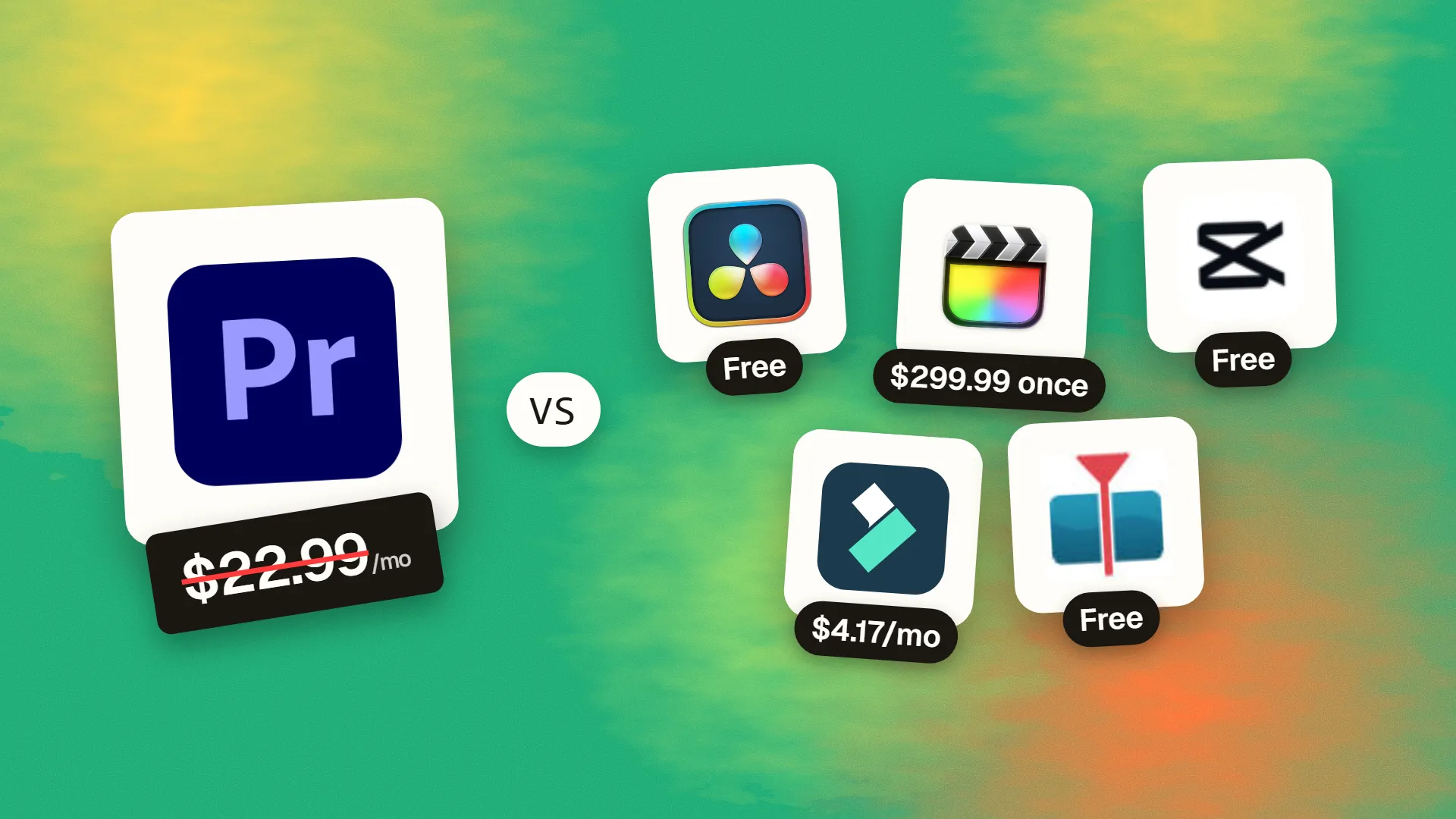
The best cheaper alternatives to Adobe Premiere Pro in 2026 are DaVinci Resolve (free, or $295 one-time), Final Cut Pro ($299.99 one-time), CapCut (free), Filmora (from $4.17/month) and Shotcut (free). Adobe Premiere Pro itself starts at $22.99 a month, so most teams can cut the cost substantially without losing the features they actually use.
Premiere Pro is the editor most people learn first in film school and the one many agencies still standardise on. It is also a subscription with no end date: $22.99 a month on an annual plan (about $34.49 month-to-month), or roughly $1,380 over five years for a single seat. Add After Effects or Audition and you are into the $54.99–$69.99 Creative Cloud bundles.
Video editing has changed dramatically in the last few years. DaVinci Resolve went from a colour-grading niche tool to a full post-production suite with a free version that rivals paid editors. Apple kept Final Cut Pro as a one-time purchase while adding a cheap bundle option. And short-form creators moved en masse to CapCut. Whether you cut YouTube videos, client ads, weddings or TikToks, there is almost certainly a cheaper editor that fits.
 Adobe Premiere Provs
 DaVinci Resolve
 Final Cut Pro
 CapCut
 Filmora
 Shotcut
What Premiere Pro actually costs in 2026
| Plan | Price | Notes |
|---|---|---|
| Premiere Pro single app (annual, billed monthly) | $22.99/mo | 12-month commitment |
| Premiere Pro single app (month-to-month) | ~$34.49/mo | Cancel any time |
| Creative Cloud Standard | $54.99/mo | Adds After Effects, Audition, Photoshop and more |
| Creative Cloud Pro | $69.99/mo | All apps and full generative AI allowance |
Newer AI features such as Generative Extend draw on Adobe's generative credits, and stock assets, extra cloud storage and third-party plugins add further costs. The current tiers are listed on Premiere Pro's official pricing page.
The 5 cheaper alternatives at a glance
| Tool | Starts at | Model | Best for |
|---|---|---|---|
| Adobe Premiere Pro | $22.99/mo | subscription | The benchmark |
| DaVinci Resolve | Free tier or $295 one-time | free | Serious editors and colourists |
| Final Cut Pro | $299.99 one-time | one time | Mac-based YouTubers and editors |
| CapCut | Free tier | free | Short-form social video |
| Filmora | $4.17/mo | subscription | Beginners and small business videos |
| Shotcut | Free tier | open source | Zero-budget editing on any OS |
How we picked these alternatives
We required a multi-track timeline, support for 4K footage, proper audio editing, colour correction and export presets for YouTube and social platforms. We then compared total cost over two years and how easily a Premiere user could move across. Prices checked 27 October 2026.
1. DaVinci Resolve
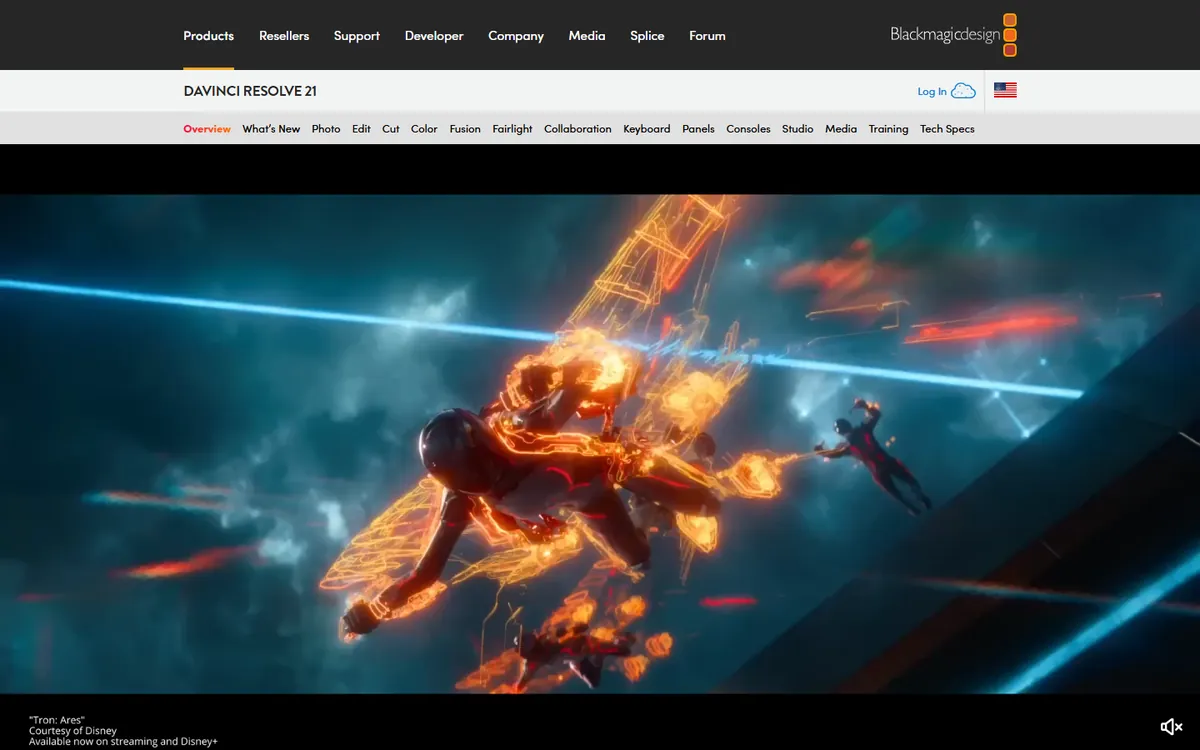
Price: Free. DaVinci Resolve Studio is $295 one-time. See DaVinci Resolve's official site for current plans.
DaVinci Resolve began as the colour-grading system used on Hollywood films. Blackmagic Design bought it in 2009 and turned it into a complete post-production suite — editing, colour, audio, visual effects and delivery — then gave away a free version that most people never outgrow. It is now one of the most widely used editors in the world.
DaVinci Resolve pricing in detail
| Version | Price | Key differences |
|---|---|---|
| DaVinci Resolve | Free | Up to 4K/60fps, all five main pages, no watermark, commercial use allowed |
| DaVinci Resolve Studio | $295 one-time | 8K+, higher frame rates, GPU-accelerated H.264/H.265, Neural Engine AI, noise reduction, HDR tools, collaboration |
| Bundled with Blackmagic hardware | Included | Many Blackmagic cameras and panels include a Studio licence |
What you get
- Five workspaces in one app. Cut and Edit for editing, Fusion for node-based VFX and motion graphics, Color for grading, Fairlight for audio post-production, and Deliver for export.
- Industry-leading colour grading, with nodes, qualifiers, power windows, tracking and HDR tools.
- Fairlight audio with mixing, EQ, dynamics and dialogue tools — no need for Audition.
- AI tools in Studio: Magic Mask, voice isolation, speech-to-text transcription, smart reframe, face refinement and more.
- Cross-platform on Windows, macOS and Linux.
- Free for commercial use with no watermark.
Where it falls short
- Hardware hungry. A modern GPU and 16–32GB of RAM make a big difference, especially in Fusion and Color.
- Steeper learning curve because of its depth and page-based workflow.
- Some codec acceleration (notably H.264/H.265 on certain Windows setups) works best in Studio.
Who it's best for
YouTubers, filmmakers, editors and colourists who want professional tools without a subscription. Skip it if you are on an older laptop and only make quick social clips.
2. Final Cut Pro
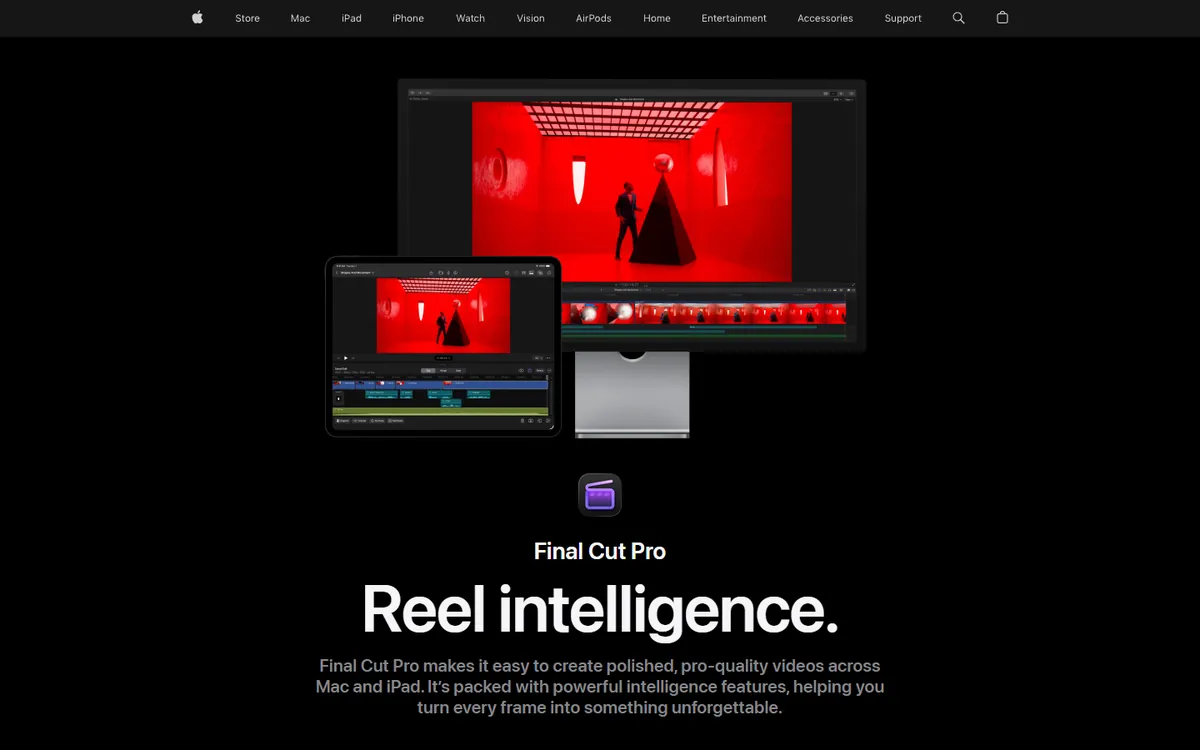
Price: $299.99 one-time on the Mac App Store, or included in Apple Creator Studio at $12.99/month (with Logic Pro and Pixelmator Pro). See Final Cut Pro's official site for current plans.
Apple's professional editor was rebuilt in 2011 around a "magnetic" trackless timeline. People who bought it then have received more than a decade of free updates. In 2026 Apple also bundled it into Creator Studio, but kept the one-time purchase.
Final Cut Pro pricing in detail
| Option | Price | Notes |
|---|---|---|
| Final Cut Pro (Mac) | $299.99 one-time | Free updates historically |
| Apple Creator Studio | $12.99/mo or $129/yr | Final Cut Pro, Logic Pro, Pixelmator Pro; Family Sharing |
| Motion (add-on) | $49.99 one-time | Motion graphics and titles |
| Compressor (add-on) | $49.99 one-time | Advanced export and encoding |
What you get
- The magnetic timeline, which keeps clips in sync and prevents accidental gaps — very fast for story editing.
- Outstanding Apple-silicon performance, with smooth playback of multiple 4K and 8K streams on M-series Macs.
- Built-in AI features: automatic captions, object tracking, smart conform for social formats and enhanced audio.
- Multicam, HDR, 360° video and cinematic-mode editing.
- Final Cut Pro for iPad for editing on the move.
Where it falls short
- Mac only.
- Trackless timeline feels unfamiliar to Premiere users at first.
- Collaboration with Windows-based teams needs XML exchange or third-party tools.
Who it's best for
YouTubers, documentary makers and small studios on Macs. Skip it if your team uses Windows.
3. CapCut
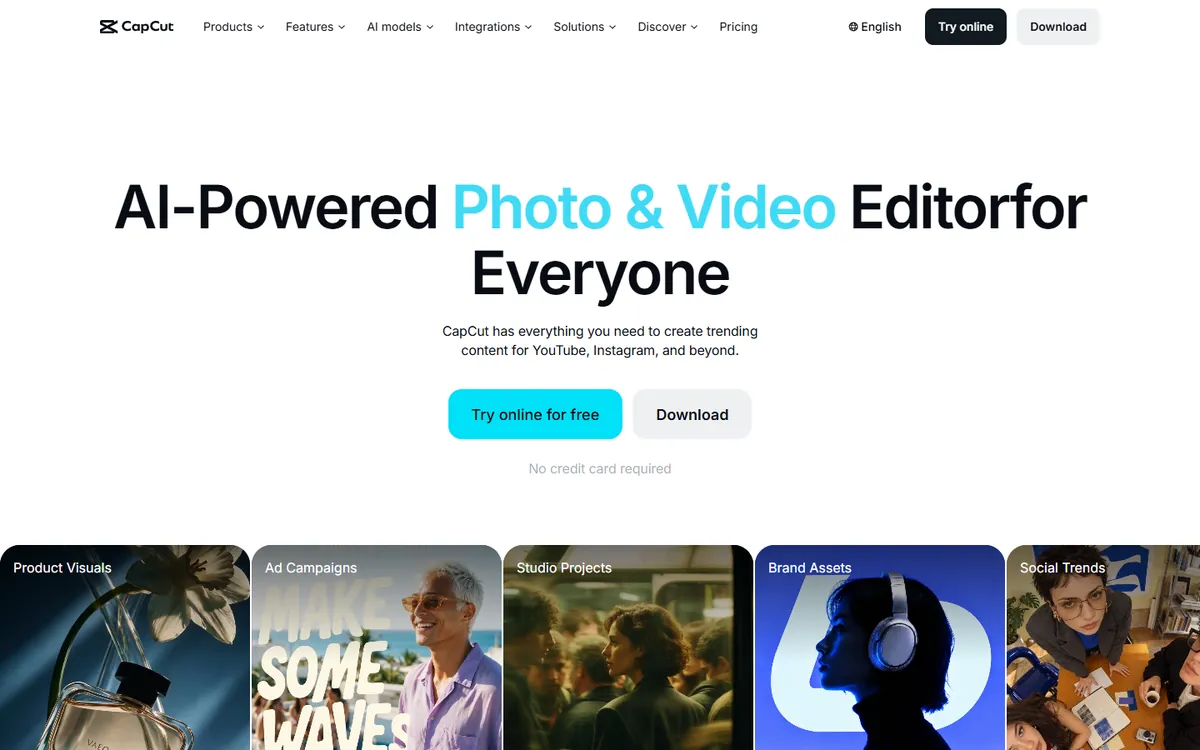
Price: Free. CapCut Pro costs roughly $7.99–$9.99 a month depending on platform and region. See CapCut's official pricing page for current plans.
CapCut, developed by ByteDance (TikTok's parent company), started as a mobile app and is now a full editor on Windows, macOS, the web, iOS and Android. It has become the default tool for short-form video because it automates the slow parts of editing — captions, resizing, trending effects — that take ages in Premiere.
CapCut pricing in detail
| Plan | Price (approx.) | Highlights |
|---|---|---|
| Free | $0 | Multi-track editing, auto-captions, many templates, export up to 4K on desktop |
| Pro | ~$7.99–9.99/mo | Premium effects, filters and templates, advanced AI tools, more cloud storage |
| Business / Teams | Varies | Shared brand assets, collaboration, commercial resources |
What you get
- Auto-captions in many languages with animated styles — often the single biggest time-saver for social video.
- Thousands of templates that follow current TikTok and Reels trends.
- AI tools: background removal without green screen, auto-reframe for vertical video, voice enhancement, text-to-speech and AI-generated effects.
- Keyframes, speed ramps, masks and chroma key for more advanced edits.
- Royalty-free music and sound effects library (with commercial-use limits).
- Desktop, web and mobile apps with cloud sync, so you can start on a phone and finish on a laptop.
- Direct publishing to TikTok.
Where it falls short
- Many of the best effects and templates require Pro.
- Limited professional depth — colour management, audio mixing and multi-camera workflows are basic.
- Privacy and policy concerns lead some companies and governments to restrict ByteDance apps.
Good to know
Check the licence of any music or template you use in commercial content; some assets are cleared only for use on TikTok.
Who it's best for
Creators and marketing teams producing TikToks, Reels and Shorts every day. Skip it if your organisation restricts ByteDance software or you edit long-form films.
4. Filmora
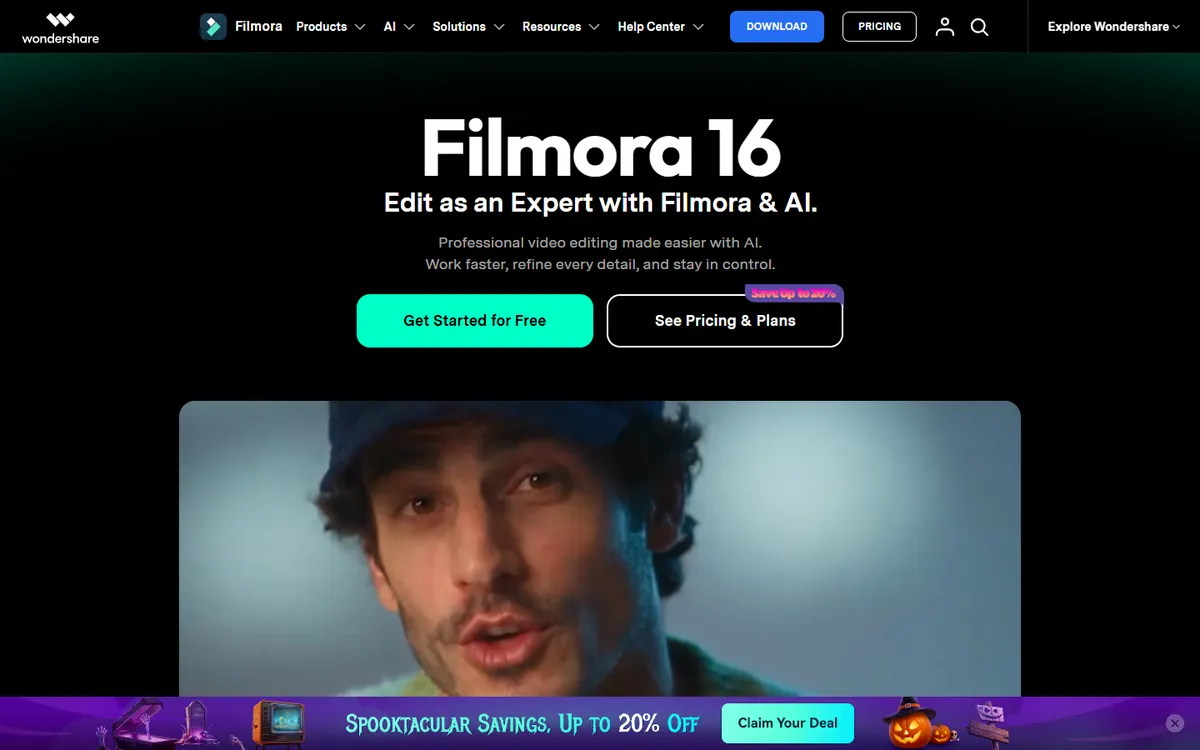
Price: About $49.99–$69.99 a year, a perpetual licence around $79.99, or monthly plans from about $19.99. See Filmora's official pricing page for current plans.
Filmora, from Wondershare (the company behind PDFelement and other consumer software), is designed for people who find Premiere intimidating. It combines a simple drag-and-drop timeline with a large library of effects and a growing set of AI helpers.
Filmora pricing in detail
| Plan | Price (approx.) | Notes |
|---|---|---|
| Free | $0 | All editing features, watermark on exports |
| Annual plan | ~$49.99–69.99/yr | No watermark, updates during subscription, AI credits |
| Perpetual licence | ~$79.99 one-time | Current major version, limited future updates |
| Monthly | ~$19.99/mo | Flexible |
| Effects packs (Filmstock) | Extra | Additional templates, titles, music |
What you get
- Beginner-friendly timeline with drag-and-drop clips, transitions and titles.
- Keyframing, motion tracking, green screen and split screen.
- AI Copilot editing that suggests edits, plus AI text-based editing, silence detection and auto beat sync.
- AI music and voice tools, including text-to-speech and voice changer.
- Screen recorder built in for tutorials and courses.
- Large effects library with seasonal and themed packs.
- Windows and macOS apps.
Where it falls short
- Watermark on the free version.
- Effect packs and AI credits can cost extra.
- Pricing changes often with promotions.
Good to know
Filmora's perpetual licence is a good option if you want to stop subscribing, but major new versions may require an upgrade fee.
Who it's best for
Beginners, educators, course creators and small businesses. Skip it if you need professional colour grading or audio post-production.
5. Shotcut
Price: Free and open source. See Shotcut's official site for current plans.
Shotcut is a volunteer-developed video editor built on the FFmpeg and MLT multimedia frameworks. It has been in active development for more than a decade and focuses on stability, broad format support and running on every desktop operating system.
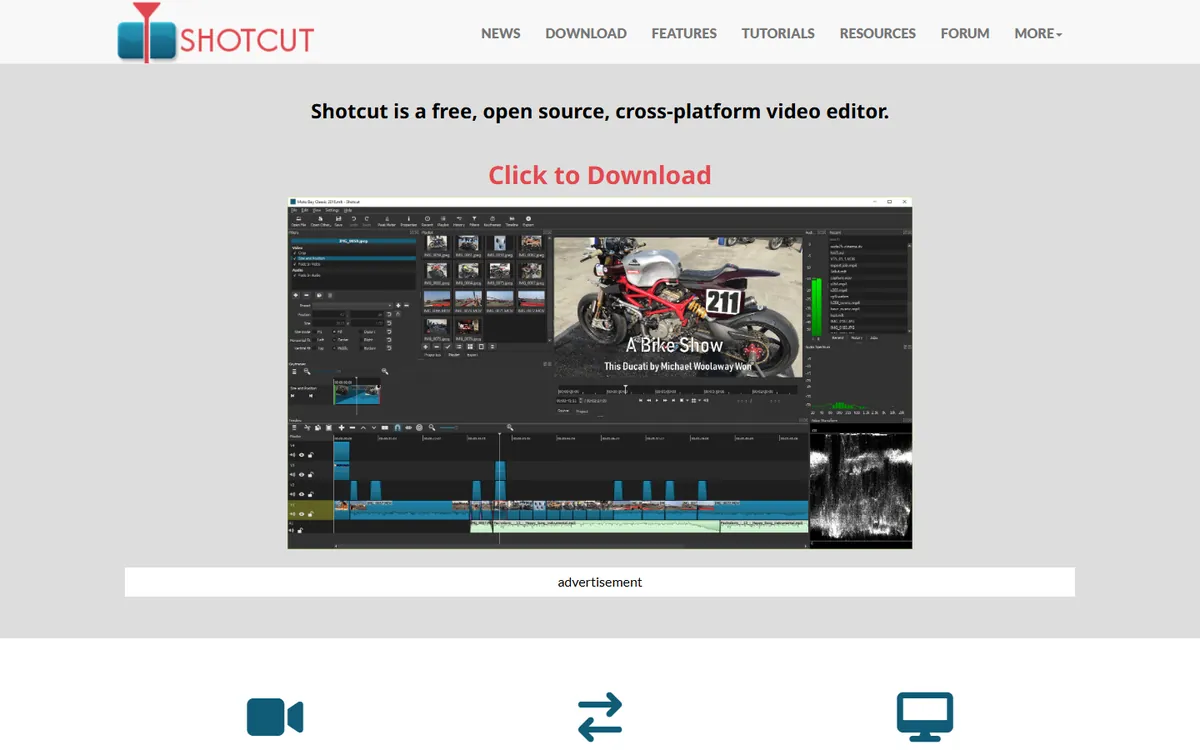
Shotcut pricing in detail
| Option | Price | Notes |
|---|---|---|
| Shotcut | Free | Windows, macOS, Linux; no watermark, no account |
| Portable version | Free | Runs from a USB stick without installing |
What you get
- Native timeline editing of most audio and video formats without importing or transcoding first.
- 4K and high-frame-rate support.
- Colour wheels, white balance and LUT support for basic grading.
- Keyframes for filters, position and opacity.
- Audio filters and mixing, including compressors, EQ and noise gates.
- Hardware encoding support on compatible GPUs.
- No watermark, account or telemetry — ideal for schools and charities.
Where it falls short
- Utilitarian interface that is less intuitive than commercial editors.
- No templates, stock assets or AI tools.
- Limited motion graphics compared with Premiere and After Effects.
Good to know
Shotcut is a reliable choice for Linux users and for organisations that need free software on many machines without licence management.
Who it's best for
Schools, non-profits, Linux users and anyone who wants a no-strings editor. Skip it if you rely on templates and AI to work quickly.
What you would actually pay over two years
| Option | Year 1 | Year 2 | 2-year total |
|---|---|---|---|
| Premiere Pro (annual) | $275.88 | $275.88 | $551.76 |
| DaVinci Resolve (free) | $0 | $0 | $0 |
| DaVinci Resolve Studio | $295 | $0 | $295 |
| Final Cut Pro (one-time) | $299.99 | $0 | $299.99 |
| Apple Creator Studio | $129 | $129 | $258 |
| CapCut Pro | ~$96–120 | ~$96–120 | ~$192–240 |
| Filmora annual | ~$50–70 | ~$50–70 | ~$100–140 |
| Shotcut | $0 | $0 | $0 |
How to switch without losing your work
- Export XML or EDL from your active Premiere projects. Resolve and Final Cut (via tools such as XtoCC) can import Premiere timelines.
- Consolidate media with Project Manager so footage, audio and graphics live in one folder.
- Render out motion-graphics templates (MOGRTs) as video files, since they will not open elsewhere.
- Learn the keyboard layout: Resolve and Final Cut both offer Premiere-style keyboard presets.
- Finish current client projects in Premiere and start new ones in the new editor.
Which one should you choose?
- You edit long-form YouTube videos, documentaries or client work on Windows: DaVinci Resolve. Start with the free version; buy Studio only when you need its AI tools, noise reduction or faster H.264/H.265 encoding.
- You edit on a Mac and value speed over everything: Final Cut Pro. The one-time $299.99 price is cheaper than 13 months of Premiere, and Apple has historically delivered years of free updates.
- You produce TikToks, Reels and Shorts every day: CapCut. Auto-captions and trending templates save hours per week.
- You are a beginner or make the occasional marketing video: Filmora. Its learning curve is the gentlest of the group.
- You need a free editor for a school, charity or Linux machine: Shotcut.
Hidden costs and gotchas
- Hardware. DaVinci Resolve leans heavily on the GPU. An older laptop that runs Premiere acceptably may struggle with Resolve's Fusion and colour pages; test with your real footage first.
- Codecs. Phone footage in HEVC (H.265) and variable frame rate can stutter in some editors. Converting to an editing codec (ProRes or DNxHR) or using proxies fixes most playback issues.
- After Effects and motion graphics. If your workflow depends on After Effects templates or MOGRTs, plan to rebuild titles in Resolve's Fusion page or Final Cut's Motion ($49.99 one-time).
- Stock music and effects. Adobe Stock and Premiere's built-in sound effects go away. YouTube Audio Library, Pixabay Music and paid libraries such as Epidemic Sound or Artlist replace them.
- Effect packs. Filmora and CapCut sell or gate many effects separately, so the headline price is not always the final price.
Our verdict
DaVinci Resolve is the best Premiere Pro alternative for almost everyone: free, professional and cross-platform, with a $295 lifetime upgrade if you need more. Mac users should look hard at Final Cut Pro, which pays for itself in about 13 months. Choose CapCut for short-form social content, Filmora if you want the easiest learning curve, and Shotcut if you need a no-strings open-source editor.
More cheaper alternatives: see our breakdowns of the cheaper options to Adobe Photoshop, Zoom and Hootsuite.
Related reading: Should You Autoplay Video on Your Website?, How AI Tools Are Changing the Designer’s Workflow and Should You Use Stock Photos on Your Website?.
Planning a switch, or not sure which tool fits the way your team works? Book a free call and we will look at your stack with you.
Prices are US list prices in USD unless marked, checked on 27 October 2026. "Annual" means the per-month price when billed yearly. Vendors change pricing often, so confirm on the vendor's site before buying. Product names and logos are trademarks of their respective owners and are used here for identification only.
Common questions
Is DaVinci Resolve really free for commercial work?
Yes. The free version can be used for paid client work with no watermark. Studio adds advanced features but is not required for commercial use.
Which is better for YouTube: Final Cut Pro or DaVinci Resolve?
Both are excellent. Final Cut Pro is faster for quick turnaround on a Mac; Resolve offers better colour grading and works on Windows and Linux.
Can I open Premiere Pro projects in other editors?
Not directly, but you can export XML from Premiere and import timelines into Resolve and (via converters) Final Cut Pro. Effects and titles usually need rebuilding.
What do professionals use instead of Premiere?
DaVinci Resolve is widely used in film and TV post-production, Final Cut Pro is popular with YouTubers and documentary editors, and Avid Media Composer remains common in broadcast.
Is CapCut safe for business use?
CapCut is widely used, but some organisations restrict ByteDance apps for data-protection reasons. Check your company or client policy before using it for confidential work.
