In short
The best cheaper alternatives to Adobe InDesign in 2026 are Affinity (by Canva) (free), Scribus (free), Canva (from $12/month), Swift Publisher ($19.99 one-time) and VivaDesigner (free). Adobe InDesign itself starts at $22.99 a month, so most teams can cut the cost substantially without losing the features they actually use.
InDesign is the professional standard for page layout: brochures, magazines, catalogues, annual reports, books and packaging. Printers expect InDesign files, agencies trade IDML packages and typesetters rely on its master pages, paragraph styles and prepress tools. It is only available as a subscription. The single-app plan is $22.99 a month on an annual plan billed monthly, $263.88 a year prepaid, or $34.49 month to month. A small business that only produces a few brochures a year still pays the full price every month.
In 2026 there is finally a free professional alternative, plus several cheaper tools that are good enough for a lot of marketing print.
 Adobe InDesignvs
 Affinity (by Canva)
 Scribus
 Canva
 Swift Publisher
 VivaDesigner
What InDesign actually costs in 2026
| Plan | Price | Notes |
|---|---|---|
| InDesign (annual, billed monthly) | $22.99/mo | Early-cancellation fee applies |
| InDesign (annual, prepaid) | $263.88/yr | About $21.99 a month |
| InDesign (monthly, no commitment) | $34.49/mo | Cancel any time |
| Creative Cloud Pro (all apps) | $69.99/mo | Includes Photoshop and Illustrator |
QuarkXPress, the old rival, now costs about $279 a year — no cheaper than InDesign — so we left it out.
The 5 cheaper alternatives at a glance
| Tool | Starts at | Model | Best for |
|---|---|---|---|
| Adobe InDesign | $22.99/mo | subscription | The benchmark |
| Affinity (by Canva) | Free tier | free | Professional print layout without a subscription |
| Scribus | Free tier | open source | Print layout on a zero budget |
| Canva | $12/mo | subscription | Marketing teams producing brochures and reports from templates |
| Swift Publisher | $19.99 one-time | one time | Mac users producing occasional print materials |
| VivaDesigner | Free tier | free | Teams that need to open and edit InDesign IDML files |
How we picked these alternatives
We compared multi-page layout, master pages and styles, typography, CMYK and spot colour, PDF/X export, IDML import, templates, collaboration and price. Prices checked 28 October 2026.
1. Affinity (by Canva)
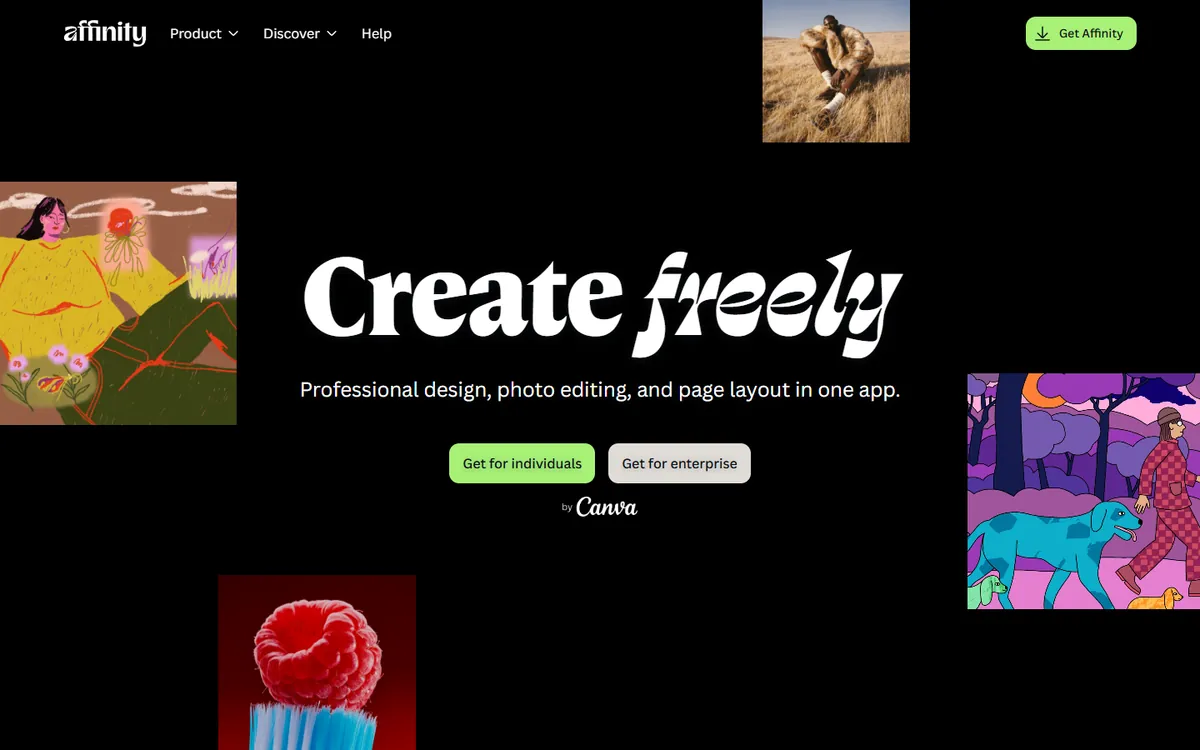
Price: Free. Since October 2025 Affinity is a single desktop app combining Photo, Designer and Publisher; AI tools require Canva Pro. See Affinity's official site for current plans.
Affinity Publisher was already the most popular InDesign alternative among designers who wanted to leave Adobe. After Canva bought Serif, it merged Publisher, Designer and Photo into one app and made it free. The layout tools are professional: master pages, text styles, baseline grids, linked text frames, tables, footnotes, CMYK and spot colours, preflight checks and PDF/X export. Because photo editing and vector design are in the same app, you can edit an image or logo without leaving the layout.
Affinity pricing in detail
| Option | Price | What is included |
|---|---|---|
| Affinity app | Free (Canva account) | Page layout, vector design and photo editing |
| Canva AI features | Requires Canva Pro | Generative fill and other AI tools |
What you get
- Master pages, text styles and baseline grids for consistent layouts.
- IDML import to open InDesign files exported by colleagues or printers.
- CMYK, spot colours, overprint and preflight.
- PDF/X-1a, X-3 and X-4 export for commercial print.
- Built-in photo and vector editing in the same document.
Where it falls short
- IDML import is good but not perfect for complex documents with scripts or unusual features.
- No equivalent to InDesign's ecosystem of scripts and plug-ins.
- Real-time collaboration is limited.
Who it's best for
Designers, agencies and in-house teams who produce professional print and want to stop paying for Adobe. Skip it if you exchange native InDesign files with large publishers every day.
2. Scribus
Price: Free and open source for Windows, macOS and Linux. See Scribus' official site for current plans.
Scribus is the long-standing open-source desktop publishing app. It handles professional print requirements — CMYK, spot colours, ICC colour management and PDF/X-1a and PDF/X-4 export — and supports master pages, styles and Python scripting for automated layouts. It is used by non-profits, schools and small publishers who need print-ready output without paying for software.
Scribus pricing in detail
| Option | Price | Notes |
|---|---|---|
| Scribus | Free | All platforms, all features |
| Templates | Free | Community templates and scripts |
What you get
- Professional PDF output including PDF/X standards.
- CMYK, spot colours and ICC profiles.
- Master pages, paragraph and character styles.
- Python scripting for data-driven layouts like catalogues.
- Import of SVG, PDF and EPS artwork.
Where it falls short
- Dated, clunky interface.
- Cannot open InDesign or IDML files.
- Text editing is slower than in modern layout apps.
Good to know
Scribus is at its best when you prepare text in a word processor and place it as plain or styled text, then apply paragraph styles inside Scribus. Its preflight verifier catches missing fonts, low-resolution images and colour problems before export, which is exactly what commercial printers check. Install the latest stable release rather than a development build, and ask your printer for their preferred PDF/X settings so the first proof comes back right.
Who it's best for
Non-profits, schools and budget-conscious publishers who need print-ready PDFs at no cost. Skip it if you need to exchange files with InDesign users.
3. Canva
Price: Free; Pro $144 a year (about $12 a month) or $18 month to month. See Canva's official pricing page for current plans.
For many marketing teams, the honest answer to "do we need InDesign?" is no — they need brochures, flyers, reports and presentations that look professional, and Canva does that with thousands of templates. Canva supports multi-page documents, brand kits with locked fonts and colours, print bleed and crop marks, PDF Print export and direct print ordering. It will not satisfy a typesetter, but it lets non-designers produce on-brand materials.
Canva pricing in detail
| Plan | Price | Notes |
|---|---|---|
| Free | $0 | Many templates, basic export |
| Pro | $144/yr or $18/mo | Brand kit, premium templates, resize, background remover |
| Business | $250/person/yr | Team brand controls |
What you get
- Thousands of brochure, report and catalogue templates.
- Brand kits that keep everyone on brand.
- PDF Print export with bleed and crop marks.
- Real-time collaboration and comments.
- Canva Print for ordering printed materials.
Where it falls short
- Limited typographic control — no baseline grids, limited styles.
- CMYK export is basic and spot colours are not supported.
- Long documents become slow and hard to manage.
Who it's best for
Marketing teams that make brochures, one-pagers and reports from templates. Skip it if you produce books, magazines or anything with strict prepress requirements.
4. Swift Publisher
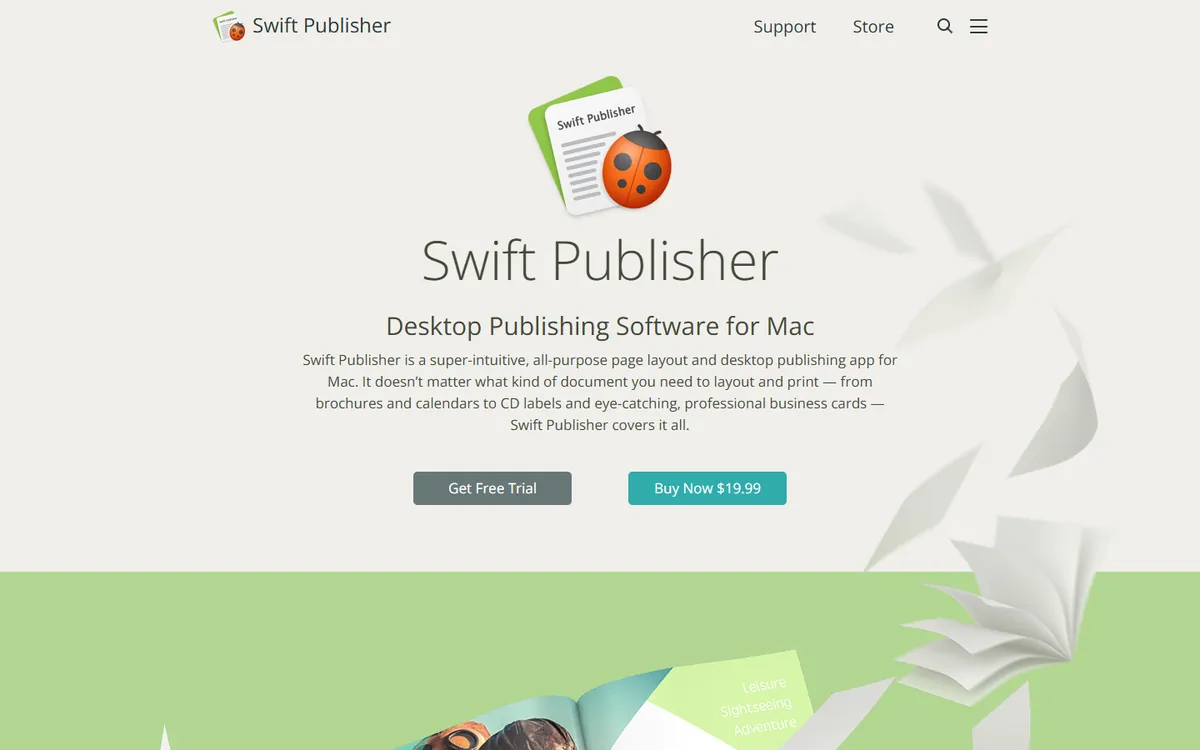
Price: $19.99 one-time on the Mac App Store; $27.99 with extra clipart and fonts. See Swift Publisher's official site for current plans.
Swift Publisher is an affordable desktop publishing app for Mac aimed at small businesses, schools and home users. It comes with hundreds of templates for brochures, newsletters, flyers, menus, business cards and labels, and supports master pages, multi-page layouts, mail merge and export to PDF. For the price of one month of InDesign, you own it outright.
Swift Publisher pricing in detail
| Option | Price | Notes |
|---|---|---|
| Swift Publisher 5 | $19.99 one-time | Mac App Store |
| With content pack | $27.99 | Extra clipart and fonts |
What you get
- Hundreds of templates for print marketing.
- Master pages and multi-page documents.
- Mail merge for personalised mailings and labels.
- Text on a path, 3D text and image effects.
- PDF export.
Where it falls short
- Mac only.
- Not for professional prepress — limited CMYK and no PDF/X workflow.
- Few updates and a small user community.
Good to know
Swift Publisher stores documents in its own format, so keep PDFs of finished work if you ever move to another layout app. Its mail-merge feature is a hidden strength: you can print personalised letters, envelopes and labels directly from a spreadsheet of names and addresses. For anything going to a commercial printer, export a high-quality PDF and ask the printer to check colours, because the app does not offer full CMYK prepress controls.
Who it's best for
Mac users producing occasional newsletters, flyers and labels for a small business or school. Skip it if you send work to commercial printers with strict requirements.
5. VivaDesigner
Price: Free edition available; paid desktop licences from about $89. See VivaDesigner's official site for current plans.
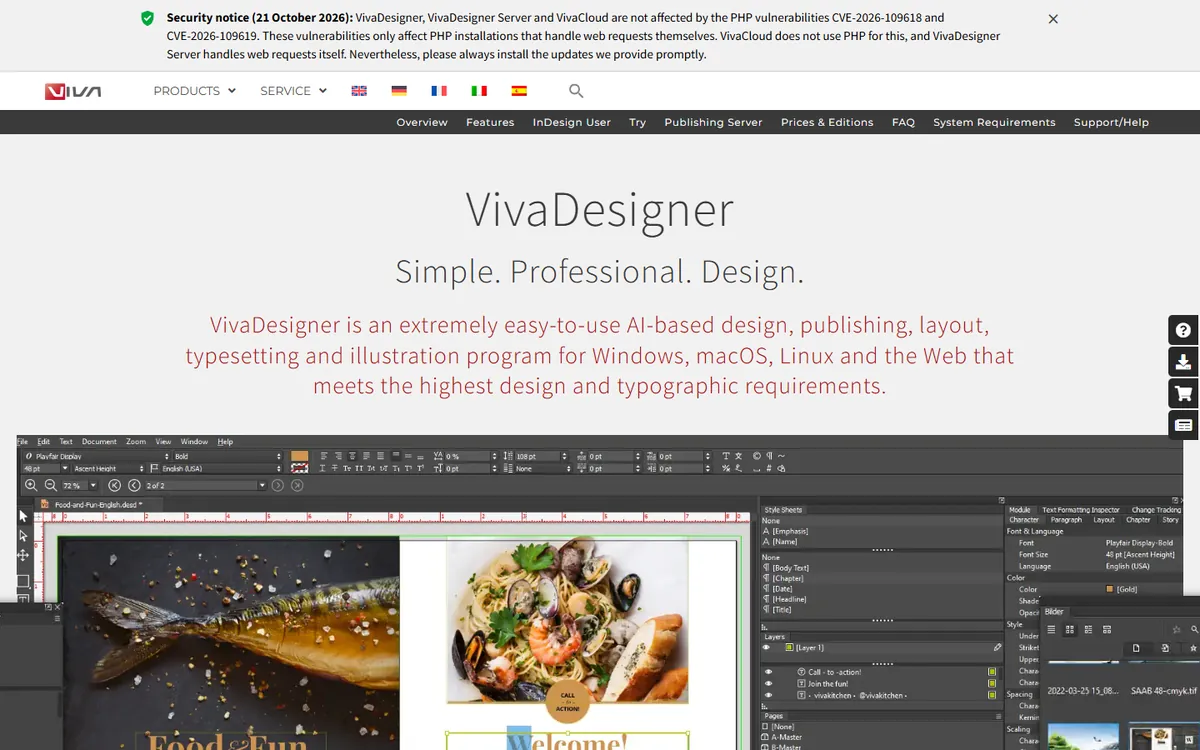
VivaDesigner is a professional layout application from Germany that runs on Windows, macOS and Linux, and also in the browser. Its standout feature is that it opens and saves IDML files, so it can edit documents created in InDesign. It supports professional typography, multilingual typesetting, colour management and PDF/X export, and its browser version enables web-to-print workflows.
VivaDesigner pricing in detail
| Option | Price | Notes |
|---|---|---|
| Free edition | $0 | Personal and limited use |
| Desktop licence | From ~$89 | Commercial use, full features |
| Server/web editions | Quote | Web-to-print and automation |
Pricing varies by edition and region; check the vendor's shop for current terms.
What you get
- IDML import and export.
- Professional typography with OpenType features.
- Multilingual typesetting including right-to-left scripts.
- Desktop and browser versions.
- PDF/X export.
Where it falls short
- Small user community and few tutorials in English.
- Interface takes time to learn.
- Pricing is less transparent than competitors'.
Good to know
Before buying, download the free edition and test-open a few of your real IDML files, especially ones with complex tables, anchored objects or right-to-left text. VivaDesigner is also used by publishers and print shops for web-to-print portals, so if you need customers to personalise templates online it can cover that as well. Ask the vendor for a written quote, as licence terms differ between editions and countries.
Who it's best for
Teams that need to open and edit InDesign IDML files without Adobe, or that need web-to-print layout tools. Skip it if you want a large community and lots of tutorials.
What one designer pays over three years
| Option | Three-year cost |
|---|---|
| InDesign (annual, $22.99 × 36) | ~$828 |
| Affinity | $0 |
| Scribus | $0 |
| Canva Pro | $432 |
| Swift Publisher | $19.99 |
| VivaDesigner (paid licence) | From ~$89 |
How to switch without losing your work
- Export every active InDesign document as IDML (File → Export → InDesign Markup) before your subscription ends.
- Package your projects (File → Package) to collect fonts and linked images.
- Export print-ready PDFs of finished work as an archive.
- Open the IDML files in Affinity or VivaDesigner and check fonts, text flow and images page by page.
- Recreate templates — business stationery, report templates — natively in the new tool.
Which one should you choose?
- You need professional print layout for free: Affinity.
- You need free, print-ready PDFs on any operating system: Scribus.
- Your team makes marketing materials from templates: Canva.
- You are a Mac user making occasional print pieces: Swift Publisher.
- You must edit IDML files from InDesign users: VivaDesigner (or Affinity).
Hidden costs and gotchas
- Fonts. Adobe Fonts stop working when your subscription ends. Buy licences for the fonts your brand uses.
- Printer requirements. Some commercial printers only accept native InDesign files. Ask whether PDF/X is acceptable.
- IDML conversion. Complex documents may need manual fixes after import.
- Scripts and plug-ins. InDesign automation scripts will not run elsewhere.
- Annual plan fees. Cancelling an Adobe annual plan early costs half of the remaining months.
Our verdict
Affinity is the best InDesign alternative for almost everyone — professional layout at no cost. Scribus is the free option for any operating system, Canva suits template-driven marketing teams, Swift Publisher is a bargain for Mac users, and VivaDesigner is the specialist choice when you need to edit IDML files.
More cheaper alternatives: see our breakdowns of the cheaper options to Canva, Adobe Illustrator and Adobe Acrobat.
Related reading: What Goes in a Brand Guideline Document?, How to Choose a Font for a Website and What File Format Should a Logo Be?.
Planning a switch, or not sure which tool fits the way your team works? Book a free call and we will look at your stack with you.
Prices are US list prices in USD unless marked, checked on 27 October 2026. "Annual" means the per-month price when billed yearly. Vendors change pricing often, so confirm on the vendor's site before buying. Product names and logos are trademarks of their respective owners and are used here for identification only.
Common questions
What is the best free alternative to InDesign?
Affinity. Since October 2025 it is free and includes professional page layout with IDML import.
Can I open InDesign files without InDesign?
You can open IDML files (exported from InDesign) in Affinity and VivaDesigner. Native .indd files only open in InDesign.
Is Scribus good enough for professional printing?
Yes. It produces PDF/X-compliant files with CMYK and spot colours, although the interface is dated.
Can Canva replace InDesign?
For marketing brochures and reports made from templates, often yes. For books and magazines, no.
Is QuarkXPress cheaper than InDesign?
Not by much. A Quark subscription costs about $279 a year, similar to InDesign.
