In short
The best cheaper alternatives to Loom in 2026 are Cap (free), ScreenPal (free), Zight (free), Clipchamp (free) and OBS Studio (free). Loom itself starts at $15 a month, so most teams can cut the cost substantially without losing the features they actually use.
Loom made async video normal at work: hit record, explain a bug or a design, and send a link instead of booking a meeting. Its free Starter plan is now very restrictive — 25 videos per person and five-minute recordings. Business costs $18 per creator per month on monthly billing (about $15 on annual billing) for unlimited videos and recording time, and Business + AI costs $24 a month (about $20 annual) for AI titles, summaries, chapters, filler-word removal and automatic meeting notes. Viewers are free, but anyone who records needs a seat. A 20-person product team that records regularly pays about $3,600–4,800 a year.
If your team mainly needs quick screen recordings with a shareable link, several tools now do the job for a fraction of that — including an open-source app that copies Loom's workflow almost exactly.
 Loomvs
 Cap
 ScreenPal
 Zight
 Clipchamp
 OBS Studio
What Loom actually costs in 2026
| Plan | Monthly billing | Annual billing (approx.) | Limits |
|---|---|---|---|
| Starter | $0 | $0 | 25 videos per person, 5-minute recordings, 720p |
| Business | $18/creator | ~$15/creator | Unlimited videos and length, 4K, no branding |
| Business + AI | $24/creator | ~$20/creator | AI titles, summaries, chapters, editing, meeting notes |
| Enterprise | Custom | Custom | SSO, SCIM, advanced security |
Loom is part of Atlassian, so it is often bundled into Atlassian deals for larger companies.
The 5 cheaper alternatives at a glance
| Tool | Starts at | Model | Best for |
|---|---|---|---|
| Loom | $15/mo | subscription | The benchmark |
| Cap | Free tier | open source | Individuals and startups who want Loom for a fraction of the price |
| ScreenPal | Free tier | free | Teachers and trainers who record a lot of tutorials |
| Zight | Free tier | free | Support and product teams that mix screenshots and video |
| Clipchamp | Free tier | free | Windows users who want recording plus proper editing |
| OBS Studio | Free tier | open source | Power users who record longer, polished videos |
How we picked these alternatives
We compared recording quality, sharing (instant links, viewer analytics, comments), editing, AI features, storage, platform support and price per creator. Prices checked 28 October 2026.
1. Cap
Price: Open source. Free desktop app for local recording and shareable links up to 5 minutes; Pro $8.16/month billed annually ($12 monthly) for unlimited cloud sharing; desktop licence $29 a year or $58 one-time. See Cap's official pricing page for current plans.
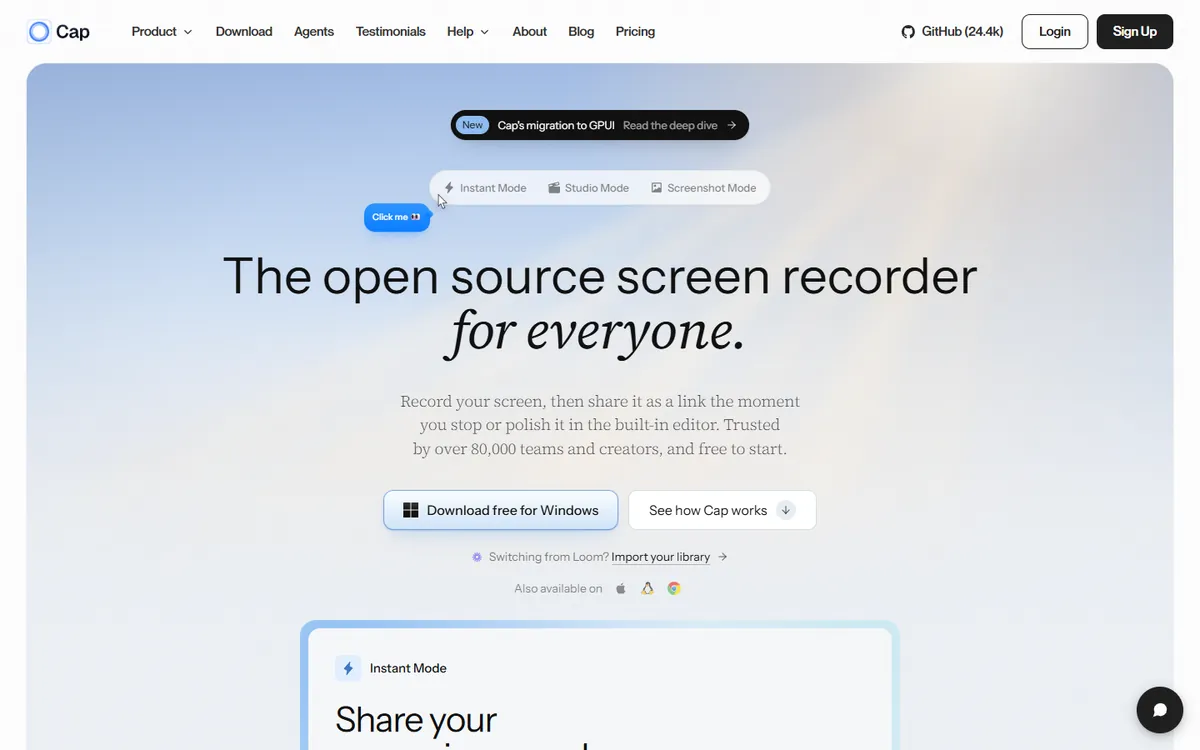
Cap is an open-source Loom alternative built for speed. Its Instant mode gives you exactly what Loom does — record, stop, and a share link is already in your clipboard — while Studio mode records locally in high quality with automatic zooms and backgrounds, closer to Screen Studio. You can use Cap's cloud, connect your own S3-compatible storage, or self-host the whole thing.
Cap pricing in detail
| Option | Price | What is included |
|---|---|---|
| Free | $0 | Local recording, Studio mode, shareable links up to 5 minutes |
| Desktop licence | $29/yr or $58 one-time | Commercial use of the desktop app |
| Pro | $8.16/mo annual ($12 monthly) | Unlimited cloud sharing, custom domain, own storage, analytics |
| Self-hosted | Free | Run Cap on your own infrastructure |
Pro is about half the price of Loom Business and roughly 60% cheaper than Business + AI.
What you get
- Instant share links with comments and reactions.
- Studio mode for polished, locally recorded videos with auto zoom.
- Custom domain and your own S3 storage on Pro.
- Open-source code you can audit or self-host.
- macOS and Windows apps.
Where it falls short
- Younger product with fewer integrations and enterprise controls.
- AI features are lighter than Loom's.
- Team admin tools are still developing.
Who it's best for
Startups, freelancers and developers who want Loom's workflow at half the price, or who need to keep recordings on their own storage. Skip it if you need enterprise SSO and admin controls today.
2. ScreenPal
Price: Free (15-minute recordings with branding); Deluxe about $4/month; Max about $10/month (billed yearly); team plans about $8 per user. See ScreenPal's official pricing page for current plans.
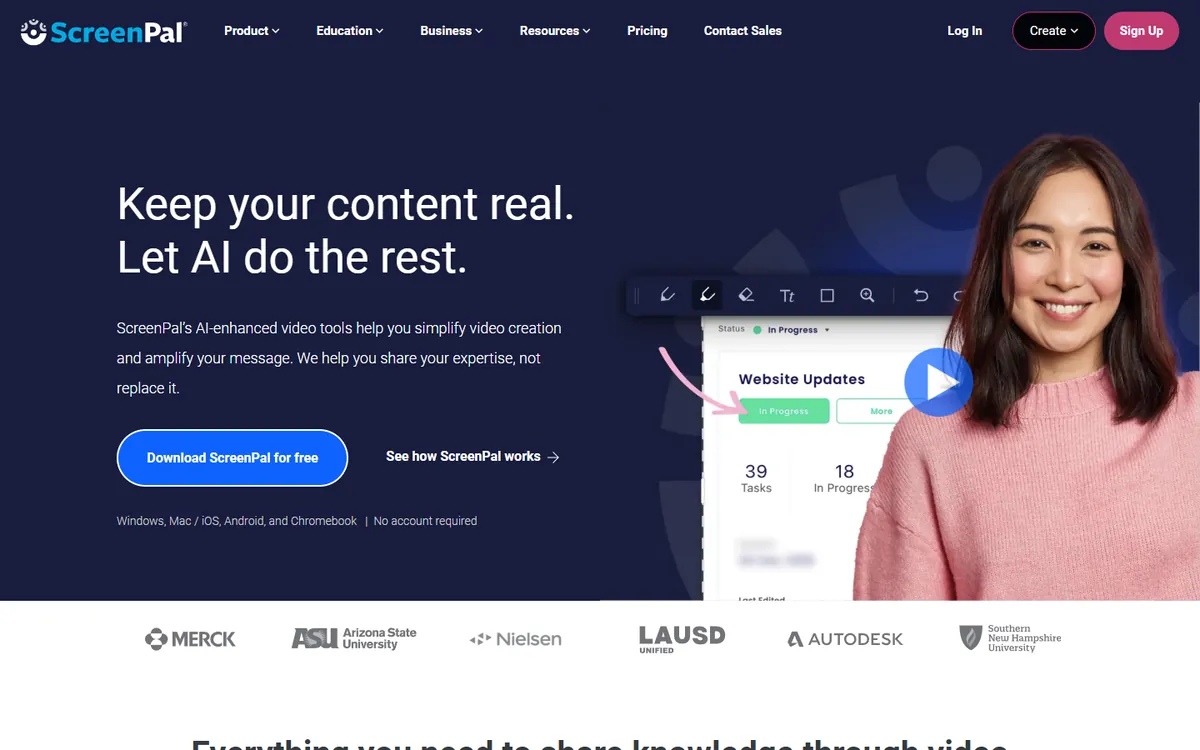
ScreenPal — formerly Screencast-O-Matic — has been around for more than a decade and is especially popular with teachers, trainers and support teams. It combines a screen and webcam recorder with a proper video editor, hosting, captions and even quizzes, at prices far below Loom. It is less sleek, but it does more editing work.
ScreenPal pricing in detail
| Plan | Price (billed yearly) | Key features |
|---|---|---|
| Free | $0 | 15-minute recordings, basic sharing |
| Deluxe | ~$4/mo | Unlimited recording, editing tools, no watermark |
| Max | ~$10/mo | Stock library, more storage, advanced features |
| Team/Business | ~$8/user/mo | Shared content, admin |
ScreenPal's lineup changed in 2026, so check which tiers are currently offered.
What you get
- Screen and webcam recording with drawing tools.
- A real video editor — trim, zoom, overlays, captions, music.
- Video hosting and share links.
- Interactive quizzes for training videos.
- Windows, macOS, Chromebook and mobile apps.
Where it falls short
- Interface feels older than Loom's.
- Viewer analytics are simpler.
- The best prices need annual billing.
Who it's best for
Teachers, trainers and support teams who record a lot of tutorials and want editing built in. Skip it if you mainly want one-click async updates to colleagues.
3. Zight
Price: Free plan with limits; Pro around $9–10 per user per month; team plans around $11–12 per user. See Zight's official pricing page for current plans.
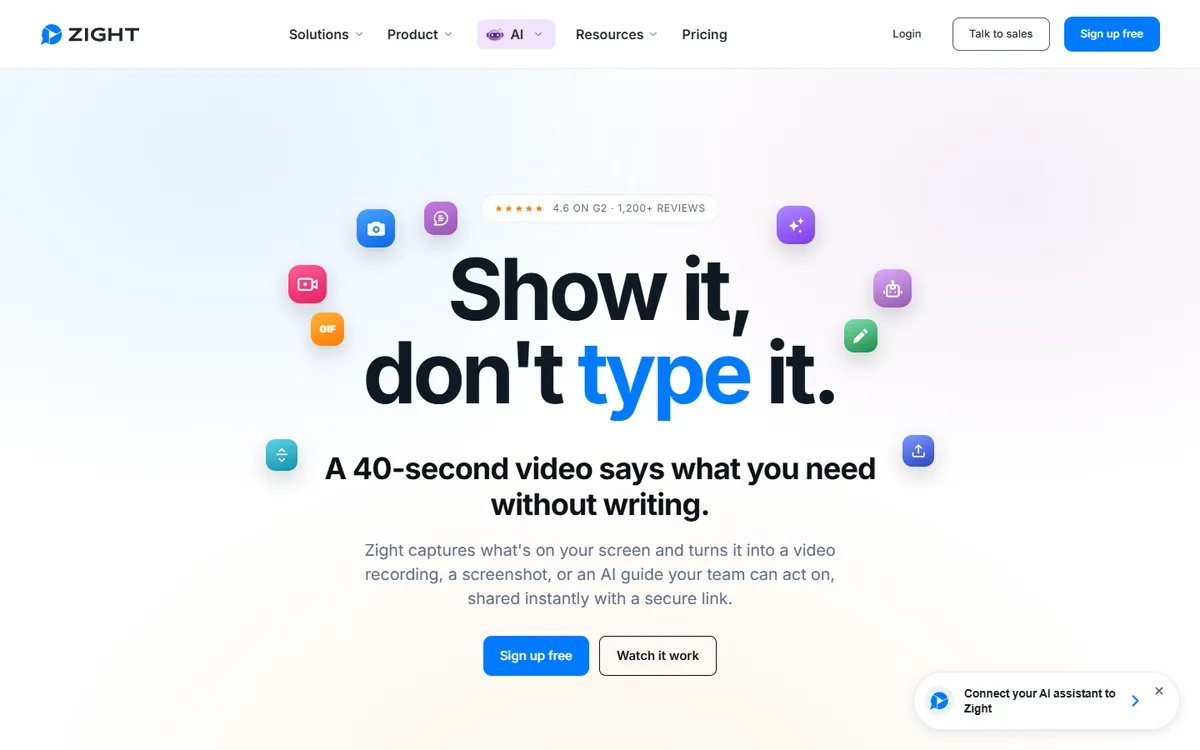
Zight — formerly CloudApp — mixes screen recording, screenshots, annotated images and GIFs in one app. That combination is useful for support, QA and product teams who often need a quick annotated screenshot rather than a full video. Every capture becomes a link with viewer analytics, and it integrates with Slack, Jira, Zendesk and other tools.
Zight pricing in detail
| Plan | Price | Key features |
|---|---|---|
| Free | $0 | Limited recordings and storage |
| Pro | ~$9–10/user/mo | Unlimited recordings, HD video, annotations, GIFs |
| Team | ~$11–12/user/mo | Team management, integrations, branding |
| Enterprise | Custom | SSO, security controls |
What you get
- Screen and webcam recording with trimming.
- Screenshots and GIFs with annotations, arrows and blur.
- Share links with view tracking.
- Integrations with Slack, Jira, Zendesk and more.
- AI titles and summaries on higher plans.
Where it falls short
- Free plan is very limited.
- Pricing varies between sources; check the current page.
- Editing is basic.
Good to know
Zight keeps every capture in a searchable cloud library, which helps support teams reuse common explanations instead of recording them again. Annotated screenshots are often faster than videos for bug reports, so many teams use Zight mostly for images and occasionally for video. Check storage and retention settings if you capture a lot: older content can be auto-deleted on some plans to save space.
Who it's best for
Support, QA and product teams who mix screenshots and short videos throughout the day. Skip it if you only record longer walkthroughs.
4. Clipchamp
Price: Free with Windows 11 and a Microsoft account (1080p exports); Premium $11.99/month; included in many Microsoft 365 plans. See Clipchamp's official site for current plans.
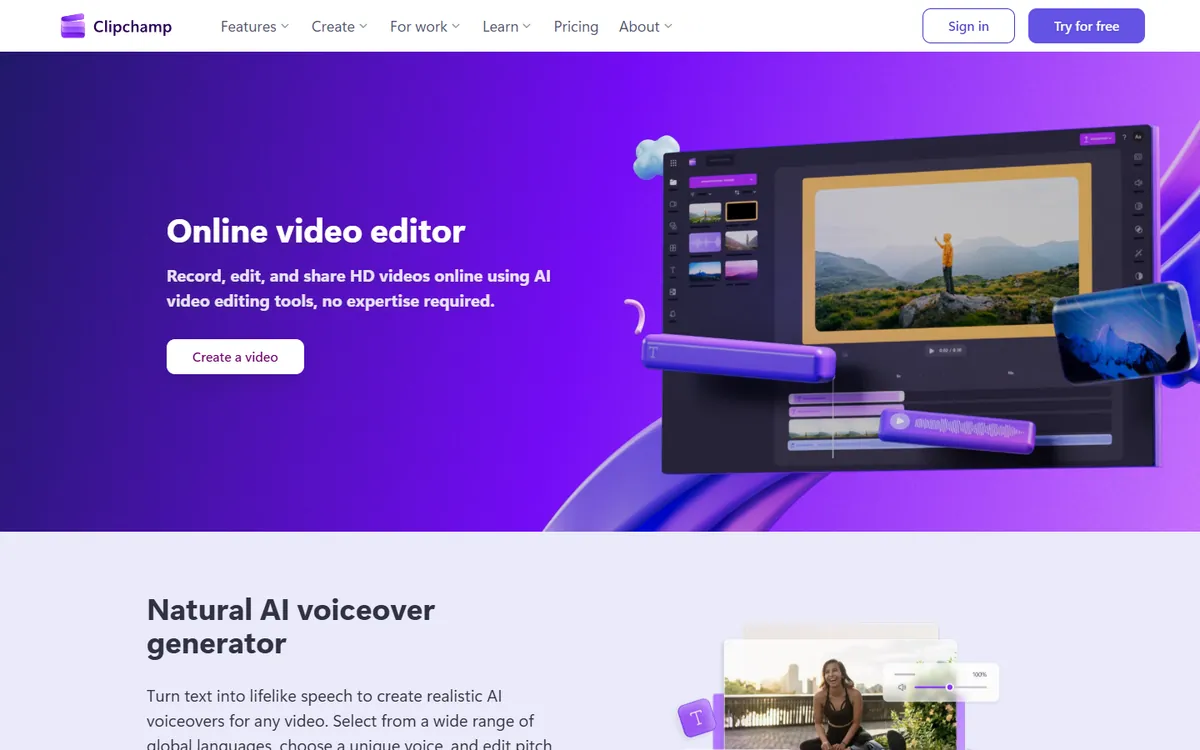
Clipchamp is Microsoft's video editor, built into Windows 11 and available in the browser. It records your screen and webcam, then lets you edit on a full timeline with captions, text, transitions and stock media — and exports in 1080p for free. For companies on Microsoft 365, the business version is often already included. It does not give you Loom's instant link and viewer analytics, but you can upload to OneDrive or SharePoint and share from there.
Clipchamp pricing in detail
| Option | Price | Notes |
|---|---|---|
| Free | $0 | Screen + webcam recording, editing, 1080p exports |
| Premium (personal) | $11.99/mo | 4K export, premium stock, brand kit |
| Microsoft 365 business | Included in many plans | Work version with OneDrive/SharePoint storage |
What you get
- Screen and webcam recording in the browser or Windows app.
- Full timeline editor with transitions, text and music.
- Auto captions and text-to-speech.
- Free 1080p export with no watermark.
- Microsoft 365 integration for business users.
Where it falls short
- No Loom-style instant link with viewer analytics.
- Slower workflow for quick async updates.
- Mac users must use the browser version.
Who it's best for
Windows and Microsoft 365 users who want to record and properly edit training or marketing videos for free. Skip it if speed of sharing matters more than editing.
5. OBS Studio
Price: Free and open source. See OBS Studio's official site for current plans.
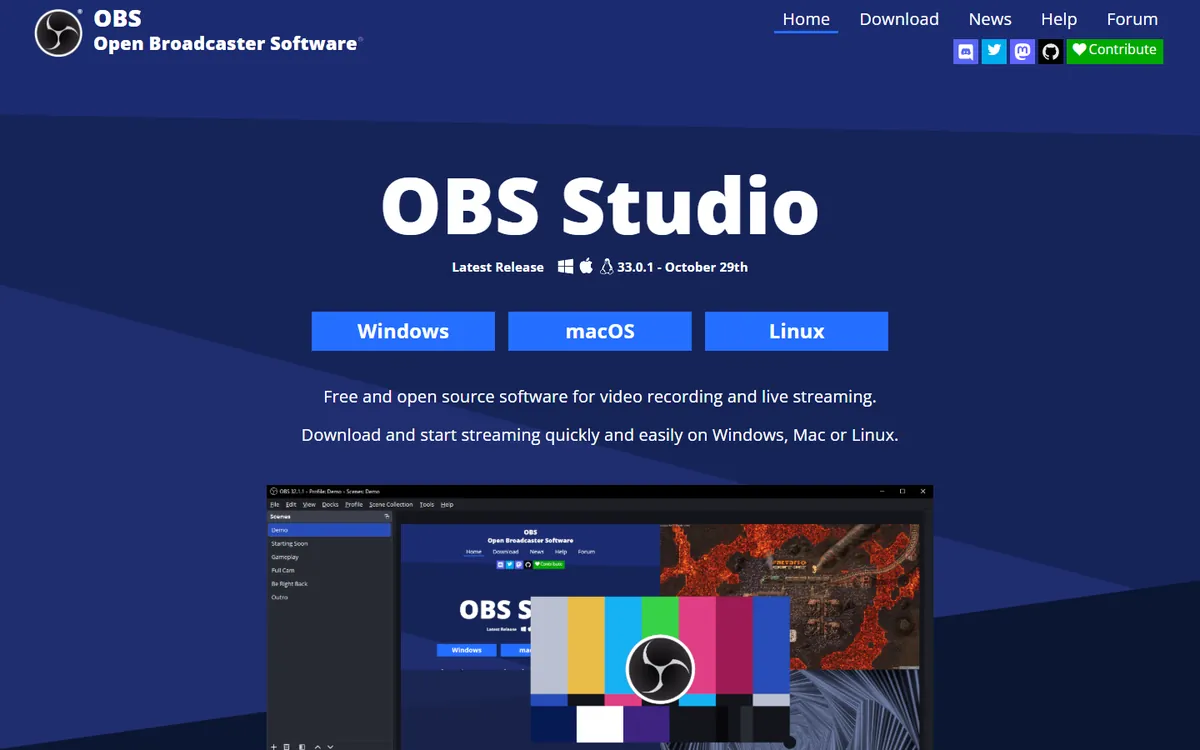
OBS Studio is the free recording and streaming app used by millions of streamers. It records your screen, webcam and audio in very high quality with scenes, overlays and multiple sources, and it never limits length or adds a watermark. It does not host or share videos — you upload the file wherever you like — so it is best for longer, polished recordings rather than quick async messages.
OBS Studio pricing in detail
| Option | Price | Notes |
|---|---|---|
| OBS Studio | Free | Windows, macOS, Linux |
| Plug-ins | Free | Large community library |
What you get
- Unlimited, high-quality recording of screen, camera and audio.
- Scenes and overlays for professional-looking videos.
- Live streaming to YouTube, LinkedIn and other platforms.
- Audio filters such as noise suppression.
- Plug-ins for virtual backgrounds and more.
Where it falls short
- No hosting, sharing or comments.
- Setup takes time for beginners.
- No editing — you need a separate editor.
Good to know
For async updates, a common workflow is to record with OBS, trim the file quickly in a free editor and upload it to OneDrive, Google Drive or YouTube as unlisted. Set OBS to record in MKV and remux to MP4 afterwards — if your computer crashes, an MKV recording is still recoverable. Profiles and scene collections can be exported and shared, so a whole team can use the same professional layout.
Who it's best for
Power users who record webinars, courses or long demos and want maximum quality at no cost. Skip it if you need to send a quick video to a colleague in 30 seconds.
What a 20-person team that records pays per year
| Option | Annual cost |
|---|---|
| Loom Business + AI (20 × ~$20 × 12) | ~$4,800 |
| Loom Business (20 × ~$15 × 12) | ~$3,600 |
| Zight Team (20 × ~$11 × 12) | ~$2,640 |
| Cap Pro (20 × $8.16 × 12) | ~$1,960 |
| ScreenPal Team (20 × ~$8 × 12) | ~$1,920 |
| Clipchamp (with Microsoft 365) | $0 extra |
| OBS Studio | $0 |
Most teams can cut further by giving paid seats only to people who record regularly.
How to switch without losing your work
- Download important Loom videos (or export via an admin) — onboarding, documentation and training videos first.
- Re-upload evergreen videos to the new tool or to your knowledge base, and update links in docs.
- Leave old links alive by keeping a few Loom seats or the free plan until links stop being used.
- Pilot with one team for two weeks before rolling out.
- Set a retention policy — many async videos are useful for days, not years.
Which one should you choose?
- You want Loom's workflow at half the price: Cap.
- You record tutorials and need editing: ScreenPal.
- You mix screenshots, GIFs and short videos: Zight.
- You are on Windows or Microsoft 365: Clipchamp.
- You record long, polished videos for free: OBS Studio.
Hidden costs and gotchas
- Who counts as a creator. Loom bills anyone who records. Audit who actually records each month.
- AI add-ons. AI summaries and editing are on the higher Loom tier — compare like with like.
- Storage. Free tools without hosting need somewhere to put videos — OneDrive, Google Drive or your own storage.
- Link rot. Cancelling Loom can break links in your docs and tickets. Plan migration first.
- Annual billing. Most cheap prices require annual payment.
Our verdict
Cap is the best Loom alternative for most teams — the same instant-link workflow at about half the price, with open-source flexibility. ScreenPal suits trainers who need editing, Zight suits support and QA teams, Clipchamp is free for Windows and Microsoft 365 users, and OBS Studio is unbeatable for long, high-quality recordings.
More cheaper alternatives: see our breakdowns of the cheaper options to Zoom, Vimeo and Slack.
Related reading: What Is Agile, for a Small Team?, How to Handle Design Feedback Without Losing the Design and Should You Autoplay Video on Your Website?.
Planning a switch, or not sure which tool fits the way your team works? Book a free call and we will look at your stack with you.
Prices are US list prices in USD unless marked, checked on 27 October 2026. "Annual" means the per-month price when billed yearly. Vendors change pricing often, so confirm on the vendor's site before buying. Product names and logos are trademarks of their respective owners and are used here for identification only.
Common questions
What is the best free alternative to Loom?
Cap for instant share links, OBS Studio for unlimited high-quality recording, and Clipchamp for recording plus editing.
Is there an open-source Loom alternative?
Yes. Cap is open source and can be self-hosted or used with your own storage.
Why is Loom's free plan so limited?
Starter is capped at 25 videos per person and five minutes per recording to push regular users to Business.
Do viewers need a Loom account?
No. Viewers are free on every plan; only people who record need a paid seat.
Can I keep my old Loom links if I switch?
Only while the videos stay in a Loom workspace. Download and re-host important videos before cancelling.
