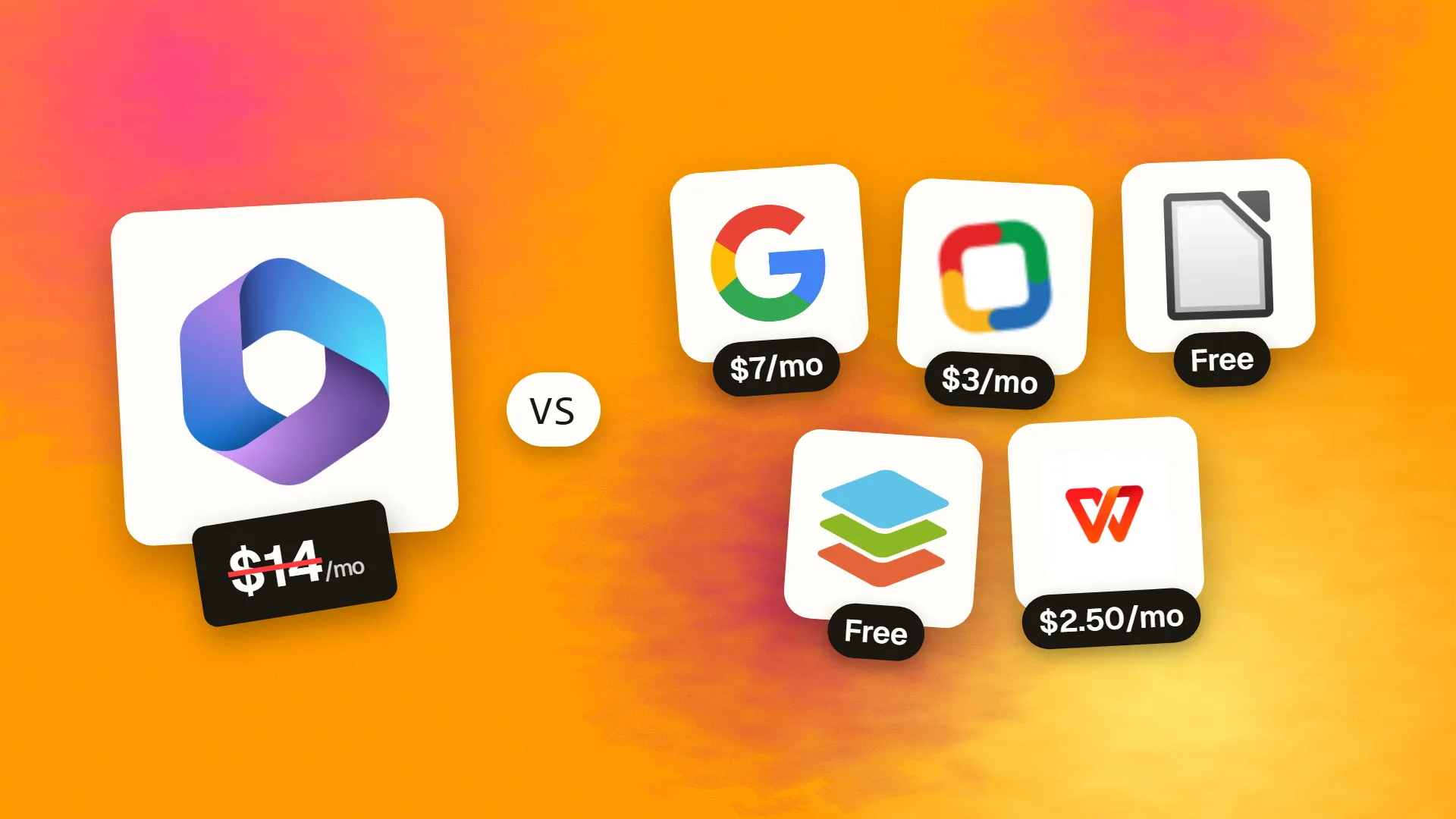
In short
The best cheaper alternatives to Microsoft 365 Business in 2026 are Google Workspace (from $7/month), Zoho Workplace (from $3/month), LibreOffice (free), ONLYOFFICE (free) and WPS Office (from $2.50/month). Microsoft 365 Business itself starts at $14 a month, so most teams can cut the cost substantially without losing the features they actually use.
On 1 July 2026 Microsoft raised the price of its two most popular business plans. Business Basic went from $6 to $7 per user per month and Business Standard from $12.50 to $14, both on annual commitment; Business Premium stayed at $22. Paying month-to-month adds roughly 20% on top. For a 20-person company on Business Standard, that is $3,360 a year — and Copilot, Microsoft's AI assistant, is sold separately at a premium.
Microsoft 365 is excellent software, and for Excel-heavy finance teams it may be irreplaceable. But many businesses pay for desktop Office licences that most employees never open, or for email and storage they could get elsewhere for less. Below are five alternatives, from full cloud suites with email to free desktop office apps.
 Microsoft 365 Businessvs
 Google Workspace
 Zoho Workplace
 LibreOffice
 ONLYOFFICE
 WPS Office
What Microsoft 365 actually costs in 2026
| Plan (annual commitment) | Price per user/month | What is included |
|---|---|---|
| Business Basic | $7 (was $6) | Web and mobile Office, Exchange email, Teams, 1TB OneDrive |
| Business Standard | $14 (was $12.50) | Everything in Basic plus desktop Word, Excel, PowerPoint, Outlook |
| Business Premium | $22 (unchanged) | Standard plus Intune device management and advanced security |
| Copilot bundles | from ~$23.50 | Standard with Copilot; priced separately |
Existing customers keep their old price until the end of their current term, so many companies will only feel the increase at renewal. The current tiers are listed on Microsoft 365's official pricing page.
The 5 cheaper alternatives at a glance
| Tool | Starts at | Model | Best for |
|---|---|---|---|
| Microsoft 365 Business | $14/mo | subscription | The benchmark |
| Google Workspace | $7/mo | subscription | Teams that live in the browser |
| Zoho Workplace | $3/mo | subscription | Small businesses on a tight budget |
| LibreOffice | Free tier | open source | Desktop office work with zero cost |
| ONLYOFFICE | Free tier | free | Teams that need DOCX fidelity and collaboration |
| WPS Office | $2.50/mo | subscription | Individuals who want an Office clone cheaply |
How we picked these alternatives
We split the job Microsoft 365 does into three parts — office documents, business email, and collaboration/storage — and looked for alternatives that cover at least two of them well. We gave priority to strong compatibility with Word, Excel and PowerPoint files, since you will keep exchanging them with clients. Prices checked 27 October 2026.
1. Google Workspace
Price: Business Starter $7/user/month annual ($8.40 monthly); Business Standard $14 ($16.80); Business Plus $22. See Google Workspace's official pricing page for current plans.
Google Workspace (formerly G Suite) is the main full-suite rival to Microsoft 365. It was born in the browser, and its strength is real-time collaboration: several people editing the same document at once, with comments, suggestions and version history built in.
Google Workspace pricing in detail
| Plan | Annual billing | Monthly billing | Storage | Meet participants | Notable extras |
|---|---|---|---|---|---|
| Business Starter | $7/user | $8.40/user | 30GB per user | 100 | Gmail on your domain, Docs, Sheets, Slides, Chat |
| Business Standard | $14/user | $16.80/user | 2TB pooled per user | 150 + recording | Appointment booking, eSignature, Gemini features |
| Business Plus | $22/user | $26.40/user | 5TB pooled per user | 500 | Vault, advanced endpoint management |
| Enterprise | Custom | — | As needed | 1,000 | Advanced security and compliance |
What you get
- Gmail on your own domain with strong spam and phishing protection.
- Docs, Sheets and Slides with the industry's best real-time co-editing; they open and save Word, Excel and PowerPoint files.
- Google Meet and Google Chat for meetings and messaging.
- Shared drives for team files with clear ownership.
- Gemini AI built into Gmail, Docs and Sheets on paid tiers.
- Simple administration from one console.
Where it falls short
- Excel power users will miss Power Query, Power Pivot and complex VBA macros.
- Complex Word documents with heavy formatting can shift slightly when round-tripped.
- Recording and larger meetings need Business Standard or above.
Who it's best for
Collaborative teams that work in the browser. Skip it if your finance team depends on advanced desktop Excel.
2. Zoho Workplace
Price: Standard about $3–4/user/month; Professional about $6–7/user/month. See Zoho Workplace's official pricing page for current plans.
Zoho, the Indian software company with more than 100 million users across its apps, bundles business email, office apps, chat, meetings and file storage into Zoho Workplace. It is one of the very few full alternatives to Microsoft 365 and Google Workspace, and it typically costs about half as much. Zoho also has a long-standing policy of never showing ads or selling customer data.
Zoho Workplace pricing in detail
| Plan | Price per user/month (approx.) | Includes |
|---|---|---|
| Mail Lite | ~$1–2 | Email on your domain only |
| Standard | ~$3–4 | Mail, Writer, Sheet, Show, WorkDrive storage, Cliq chat, Meeting |
| Professional | ~$6–7 | More mail and file storage, eDiscovery, larger meetings, advanced admin |
| Enterprise | ~$11 or custom | Advanced security, compliance and integrations |
Prices vary by region and billing term; annual billing is cheapest.
What you get
- Zoho Mail on your own domain, with shared mailboxes, aliases, retention and strong admin controls.
- Writer, Sheet and Show — word processor, spreadsheet and presentations that open and save Microsoft Office formats.
- WorkDrive team file storage with team folders and permissions.
- Cliq team chat and Zoho Meeting video calls.
- Mobile apps for mail, chat and documents.
- Native integration with Zoho CRM, Books, Desk and Projects, so email and documents connect to the rest of your business software.
- Migration tools for moving mail from Microsoft 365 and Google Workspace.
Where it falls short
- Smaller third-party ecosystem than Microsoft's.
- Less familiar to clients and new employees.
- Advanced spreadsheet features do not match desktop Excel.
Good to know
A 20-person company on Zoho Workplace Standard pays roughly $720–960 a year, versus $3,360 on Microsoft 365 Business Standard.
Who it's best for
Small businesses that want professional email and office apps at the lowest cost, especially if they use other Zoho products. Skip it if you depend on Microsoft-specific add-ins or Excel models.
3. LibreOffice
Price: Free and open source. See LibreOffice's official site for current plans.
LibreOffice is developed by The Document Foundation, a German non-profit, and a global community of contributors. It grew out of OpenOffice in 2010 and is now used by governments, schools, hospitals and businesses that want a full desktop office suite without licence fees.
LibreOffice pricing in detail
| Option | Price | Notes |
|---|---|---|
| LibreOffice (community) | Free | Windows, macOS, Linux |
| Long-term-support builds | Via certified partners | Paid support and migration services |
| LibreOffice Online / Collabora | Varies | Browser-based editing through partners |
What you get
- Writer (documents), Calc (spreadsheets), Impress (presentations), Draw (diagrams), Base (databases) and Math (formulas).
- Opens and saves DOCX, XLSX and PPTX, as well as the open ODF formats.
- Fully offline — no account, no cloud, no tracking.
- PDF export with advanced options, including hybrid PDFs that can be reopened for editing.
- Macros in LibreOffice Basic and Python.
- Extensions and templates from the community.
Where it falls short
- No email, cloud storage or real-time co-editing on its own.
- Complex Office files with advanced formatting or macros may not look identical.
- Interface feels traditional compared with Microsoft 365.
Good to know
Pair LibreOffice with an inexpensive email host and a cloud storage service, and you can replace Microsoft 365 Business Standard for a fraction of the cost.
Who it's best for
Individuals and organisations that mainly need desktop documents and spreadsheets. Skip it if your team co-edits documents in real time every day.
4. ONLYOFFICE
Price: Desktop Editors free. DocSpace cloud has a free Startup plan (up to 3 admins, unlimited users, 2GB, 12 rooms); Business is $20 per admin per month with unlimited free users. See ONLYOFFICE's official pricing page for current plans.
ONLYOFFICE, developed by Ascensio System SIA in Latvia, is an open-source office suite built around Microsoft's own formats. Because DOCX, XLSX and PPTX are its native file types, documents round-trip with Microsoft Office far more faithfully than with most alternatives.
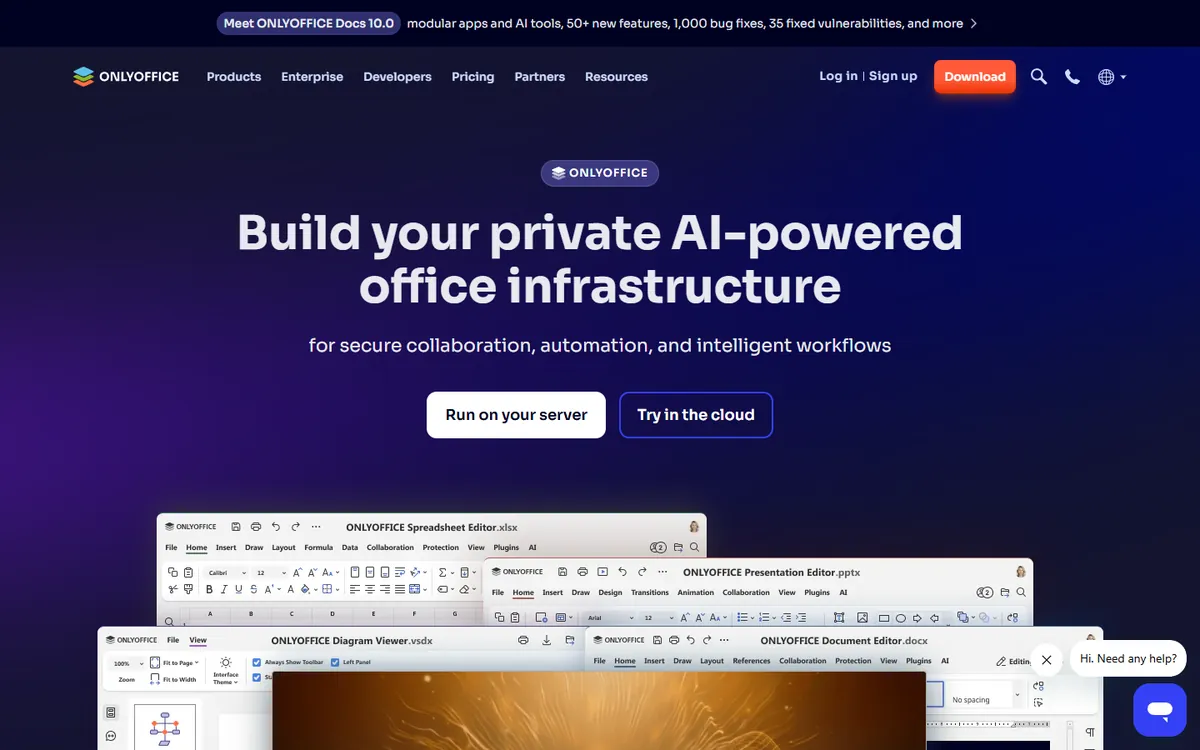
ONLYOFFICE pricing in detail
| Product | Price | Highlights |
|---|---|---|
| Desktop Editors | Free | Documents, spreadsheets, presentations, PDF and forms on Windows, macOS, Linux |
| DocSpace Startup | Free | Up to 3 admins, unlimited users and guests, 2GB, 12 rooms |
| DocSpace Business | $20 per admin/month | 250GB per admin, branding, custom domain, SSO, backups, audit trail |
| Docs Connect add-on | $8/user/month | Connect editors to other platforms |
| Docs Community (self-hosted) | Free | Integrate with Nextcloud, ownCloud and others |
What you get
- High-fidelity Office editing in the browser and on desktop.
- Real-time co-editing, comments, track changes and version history.
- Rooms for collaborating with clients — share a room, set permissions and collect filled forms.
- PDF editing and fillable forms.
- AI plugins that connect to model providers.
- Self-hosting for full control.
Where it falls short
- No email service.
- Admin-based pricing needs planning.
Good to know
Because users and guests are free and only admins are paid, a 30-person company with two admins pays $40 a month on DocSpace Business.
Who it's best for
Teams exchanging many Office documents with clients. Skip it if you need business email in the same subscription.
5. WPS Office
Price: Free with ads; Pro about $29.99 a year. See WPS Office's official pricing page for current plans.
WPS Office, from Chinese software company Kingsoft, is one of the most-downloaded office suites in the world. It closely mirrors the Microsoft Office ribbon interface, so it feels familiar from the first minute, and it runs well on older and low-powered computers.
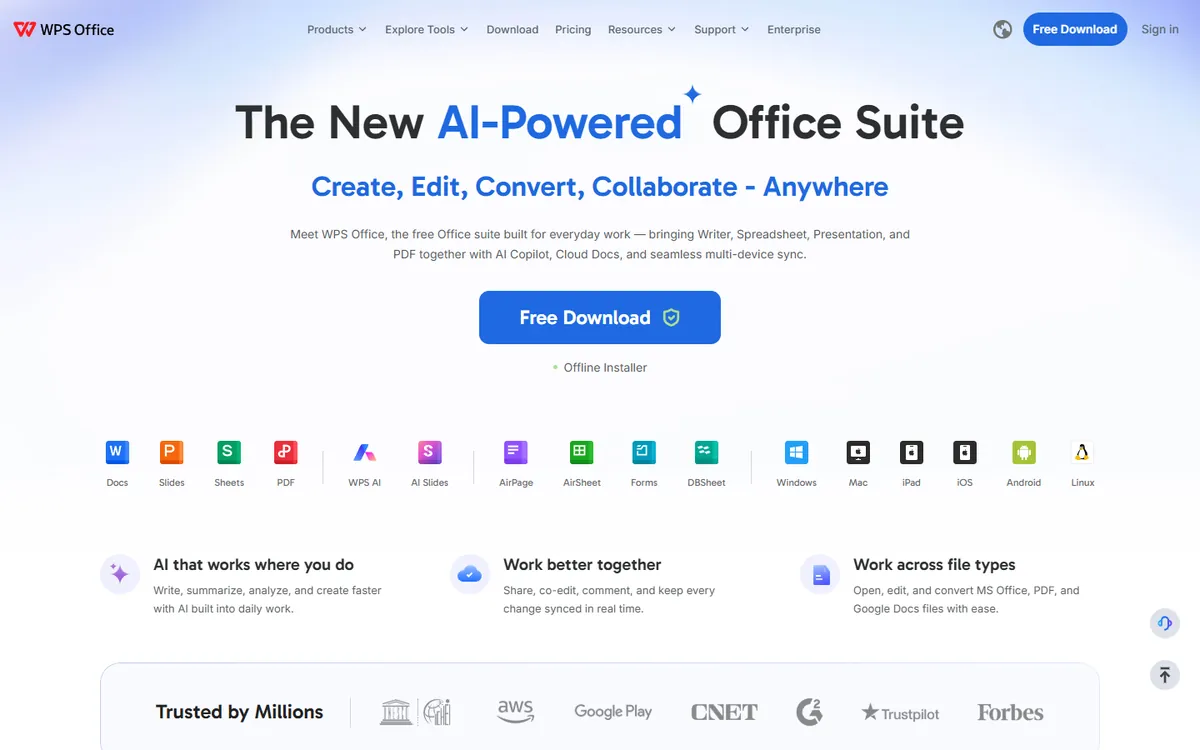
WPS Office pricing in detail
| Plan | Price | Highlights |
|---|---|---|
| Free | $0 | Writer, Spreadsheet, Presentation, basic PDF tools, ads, 1GB cloud |
| Pro | ~$29.99/yr | No ads, advanced PDF editing and conversion, more cloud storage |
| iOS in-app | ~$35.99/yr | Pricing through the App Store |
| Business | Per user | Admin and deployment |
What you get
- Writer, Spreadsheet and Presentation with an Office-style ribbon.
- Strong compatibility with DOCX, XLSX and PPTX.
- Built-in PDF reader, editor and converter.
- Templates for documents, CVs and presentations.
- Small install size that runs on older PCs.
- Windows, macOS, Linux, Android and iOS.
Where it falls short
- Ads on the free version.
- Data-residency concerns for confidential documents stored in its cloud; use it offline if that matters.
- Collaboration features are weaker than Microsoft 365 or Google Workspace.
Good to know
WPS Office Pro costs about the same per year as two months of Microsoft 365 Business Standard.
Who it's best for
Students and individuals who want an Office look-alike cheaply. Skip it if you handle sensitive business documents.
What a 20-person company pays per year
| Option | Annual cost (20 users) |
|---|---|
| Microsoft 365 Business Standard | $3,360 |
| Microsoft 365 Business Basic | $1,680 |
| Google Workspace Business Starter | $1,680 |
| Zoho Workplace Standard | ~$720–960 |
| ONLYOFFICE DocSpace Business (2 admins) | $480 |
| LibreOffice + any email host | Email cost only |
| WPS Office Pro | ~$600 |
A common money-saving combination is Microsoft 365 Business Basic for everyone (email, Teams, web Office) plus a handful of Business Standard licences for the people who truly need desktop Excel.
How to switch without losing your work
- Audit who uses desktop Office. Microsoft's admin centre shows app usage per user.
- Migrate email with built-in tools. Google and Zoho both offer migration from Exchange/Microsoft 365, including calendars and contacts.
- Move files from OneDrive and SharePoint with migration tools, keeping the folder structure.
- Test critical spreadsheets and templates in the new suite before cutting over.
- Switch at renewal to avoid paying for unused months on an annual commitment.
Which one should you choose?
- Your team collaborates in real time and lives in the browser: Google Workspace Business Starter. Same price as Business Basic, and many teams find it replaces Business Standard.
- You want the lowest cost for professional email plus office apps: Zoho Workplace. It costs about half of Microsoft or Google.
- You only need desktop documents and already have email elsewhere: LibreOffice. Free and offline.
- You exchange complex Word and Excel files with clients: ONLYOFFICE. Its native formats are DOCX, XLSX and PPTX, so fidelity is excellent.
- You want an Office look-alike on a personal machine: WPS Office.
Hidden costs and gotchas
- Excel power features. Power Query, Power Pivot, complex VBA macros and very large models work best in desktop Excel. Keep Business Standard licences for finance staff who rely on them.
- Email migration time. Moving mailboxes, calendars and shared contacts takes planning. Budget a weekend and use the vendor's migration tool rather than manual exports.
- Security and device management. Business Premium includes Intune and Defender features. If you rely on them, confirm the replacement covers device management or budget for a separate tool.
- Training. Staff who have used Office for years will need a short introduction to Docs, Zoho Writer or LibreOffice.
- Annual terms. Microsoft 365 annual subscriptions cannot usually be reduced mid-term, so plan downgrades for your renewal date.
Our verdict
If your team lives in the browser, Google Workspace is the most complete swap. For the lowest cost with business email, choose Zoho Workplace. If you only need desktop documents, LibreOffice is free and ONLYOFFICE offers the best Office compatibility with collaboration. And if you stay with Microsoft, downgrade most users to Business Basic — it is the easiest saving after the July increase.
More cheaper alternatives: see our breakdowns of the cheaper options to Slack, Zoom and Dropbox.
Related reading: Why Your Emails Go to Spam, How to Choose a Tech Stack Without Chasing Trends and Build vs Buy Software: A Practical Decision Framework.
Planning a switch, or not sure which tool fits the way your team works? Book a free call and we will look at your stack with you.
Prices are US list prices in USD unless marked, checked on 27 October 2026. "Annual" means the per-month price when billed yearly. Vendors change pricing often, so confirm on the vendor's site before buying. Product names and logos are trademarks of their respective owners and are used here for identification only.
Common questions
Is Google Workspace cheaper than Microsoft 365?
At the entry level they now cost the same ($7). Google Workspace becomes cheaper when it lets you avoid Business Standard because your team does not need desktop Office.
Can LibreOffice open Microsoft Office files?
Yes. LibreOffice opens and saves DOCX, XLSX and PPTX. Simple and moderately complex files convert well; very complex layouts or macros may need adjustment.
What is the cheapest way to get business email?
Zoho Mail (part of Zoho Workplace) is one of the cheapest reputable options. Microsoft 365 Business Basic and Google Workspace Starter both cost $7 per user.
Will clients notice if I stop using Microsoft Office?
Usually not. All five alternatives exchange standard Office files. Check complex templates and tracked-changes documents before switching.
Is Copilot included in Microsoft 365 Business?
No. Copilot is sold as an add-on or in Copilot bundles at a higher price.
