In short
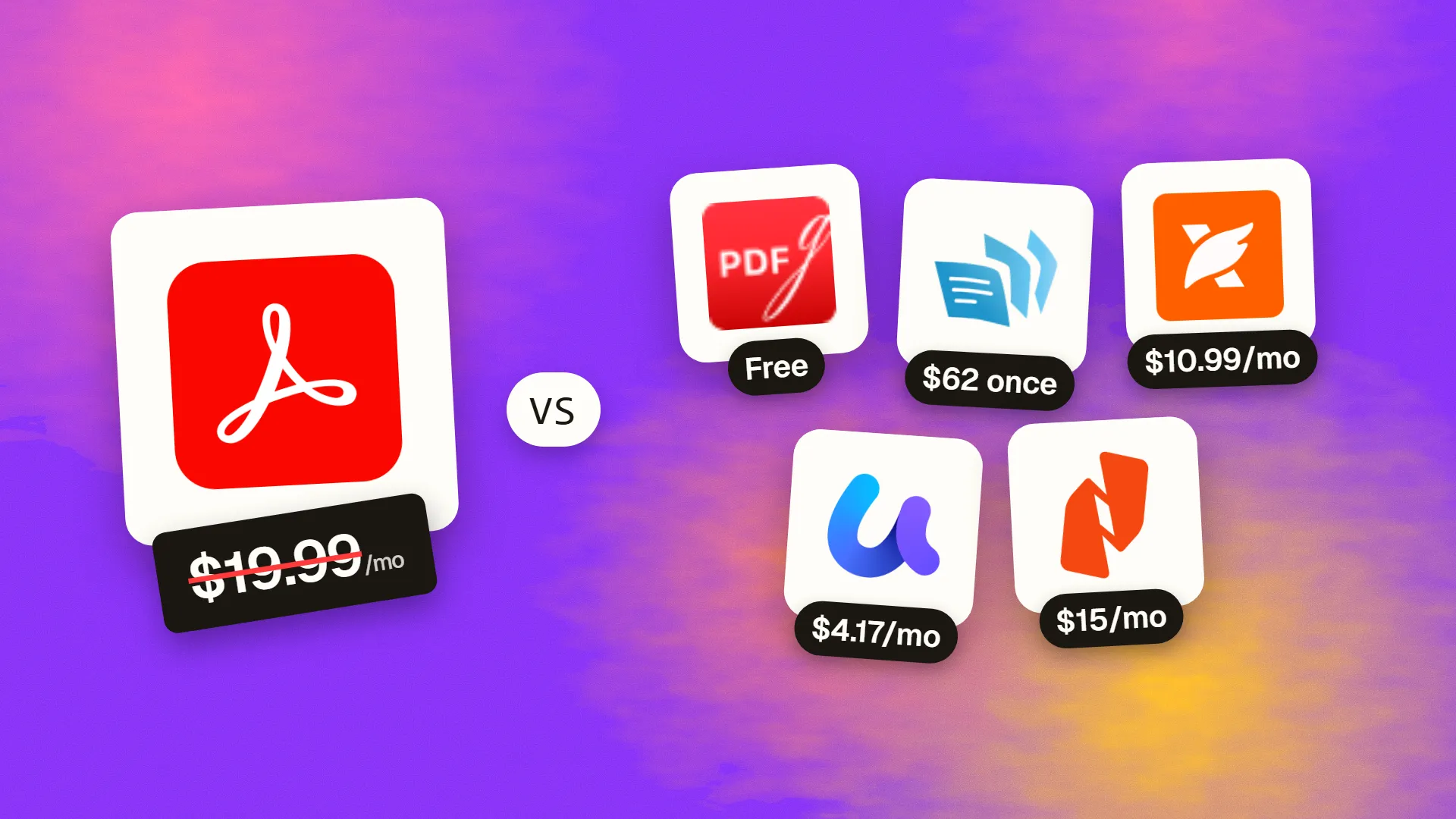
The best cheaper alternatives to Adobe Acrobat Pro in 2026 are PDFgear (free), PDF-XChange Editor ($62 one-time), Foxit PDF Editor (from $10.99/month), UPDF (from $4.17/month) and Nitro PDF Pro (from $15/month). Adobe Acrobat Pro itself starts at $19.99 a month, so most teams can cut the cost substantially without losing the features they actually use.
PDF is the one file format every business touches, and Adobe invented it — which is why so many companies pay for Acrobat Pro without thinking. In 2026 that habit costs $19.99 per user per month on an annual plan, $29.99 month-to-month, or $23.99 per seat for Acrobat Pro for Teams. Adobe's AI Assistant for summarising and chatting with documents is sold as an extra add-on on top.
For a ten-person office that is around $2,880 a year just to edit, convert and sign PDFs. Yet most people only use a fraction of Acrobat: fixing a typo, merging files, filling a form, running OCR on a scan, or converting a PDF back to Word. Every one of those tasks is available far more cheaply — and in one case completely free.
 Adobe Acrobat Provs
 PDFgear
 PDF-XChange Editor
 Foxit PDF Editor
 UPDF
 Nitro PDF Pro
What Acrobat Pro actually costs in 2026
| Plan | Price | Notes |
|---|---|---|
| Acrobat Pro (annual, billed monthly) | $19.99/mo | Individual; 12-month commitment |
| Acrobat Pro (month-to-month) | $29.99/mo | Cancel any time |
| Acrobat Pro for Teams | $23.99/seat/mo | Annual; admin console |
| Acrobat Standard | ~$12.99–14.99/mo | Windows-focused, fewer features |
| Acrobat Studio | ~$24.99/mo | Adds AI Assistant and PDF Spaces |
| AI Assistant add-on | ~$4.99–7.99/mo | On top of Standard or Pro |
Large organisations negotiate enterprise agreements, but small and mid-size businesses usually pay list price. The current tiers are listed on Acrobat's official pricing page.
The 5 cheaper alternatives at a glance
| Tool | Starts at | Model | Best for |
|---|---|---|---|
| Adobe Acrobat Pro | $19.99/mo | subscription | The benchmark |
| PDFgear | Free tier | free | Individuals who just need a capable free editor |
| PDF-XChange Editor | $62 one-time | one time | Windows power users who want to own the licence |
| Foxit PDF Editor | $10.99/mo | subscription | Businesses replacing Acrobat seat-for-seat |
| UPDF | $4.17/mo | subscription | Freelancers working across devices |
| Nitro PDF Pro | $15/mo | subscription | Mid-size teams that also need e-sign |
How we picked these alternatives
We tested for the jobs people actually buy Acrobat for: editing existing text and images, OCR on scanned documents, converting to and from Office formats, merging and organising pages, filling and creating forms, redaction and signing. We favoured tools that run on Windows and Mac and compared the cost over two years. Prices checked 27 October 2026.
1. PDFgear
Price: Free. No subscription, no sign-up, no watermark. See PDFgear's official site for current plans.
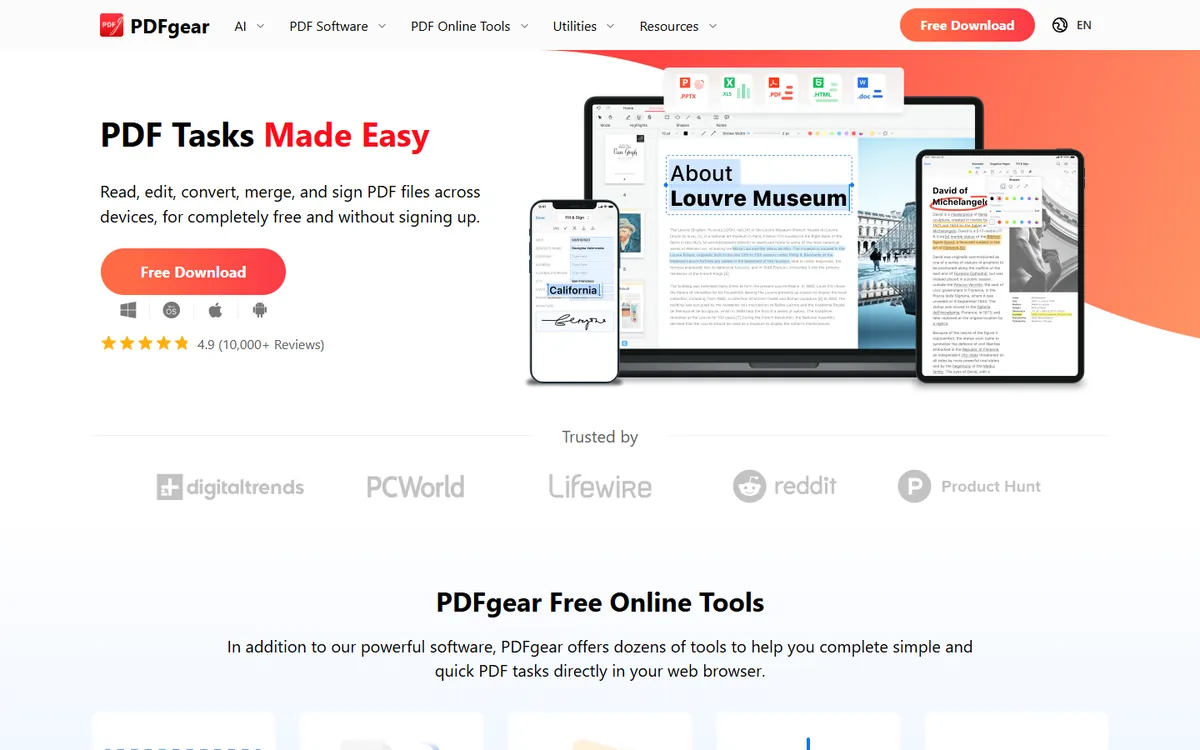
PDFgear launched in 2022 with an unusual promise: a full PDF editor that is genuinely free, with no trial, no watermark and no account. It has since added mobile apps, an online toolkit and AI features, and it has become one of the most recommended free Acrobat replacements.
PDFgear pricing in detail
| Product | Price | Platforms |
|---|---|---|
| PDFgear desktop | Free | Windows, macOS |
| PDFgear mobile | Free | iPhone, iPad, Android |
| PDFgear online tools | Free | Any browser, plus Chrome extension |
| eSignGear (signature requests) | Separate product | Web |
What you get
- True PDF editing. Change existing text, replace images, edit links and adjust form fields — not just add text boxes on top.
- OCR in 30+ languages that turns scanned contracts and receipts into searchable, editable PDFs.
- Conversion in both directions between PDF and Word, Excel, PowerPoint, images and text, including batch jobs.
- Page tools: merge, split, reorder, rotate, crop, compress and add watermarks.
- Annotation and signing: highlights, comments, stamps and your own signature.
- AI chat and summaries for long reports and contracts.
Where it falls short
- No central admin console for deploying and managing hundreds of seats.
- Signature workflows (sending documents for others to sign) live in a separate product.
- Advanced prepress, accessibility tagging and redaction certification are not its focus.
Who it's best for
Individuals, freelancers, students and small offices that need a capable PDF editor without paying anything. Skip it if your IT department requires managed deployment and compliance reporting.
2. PDF-XChange Editor
Price: About $62 one-time for the Editor licence; the Plus and Pro editions cost more and add form design, Bates numbering and more. See PDF-XChange Editor's official pricing page for current plans.
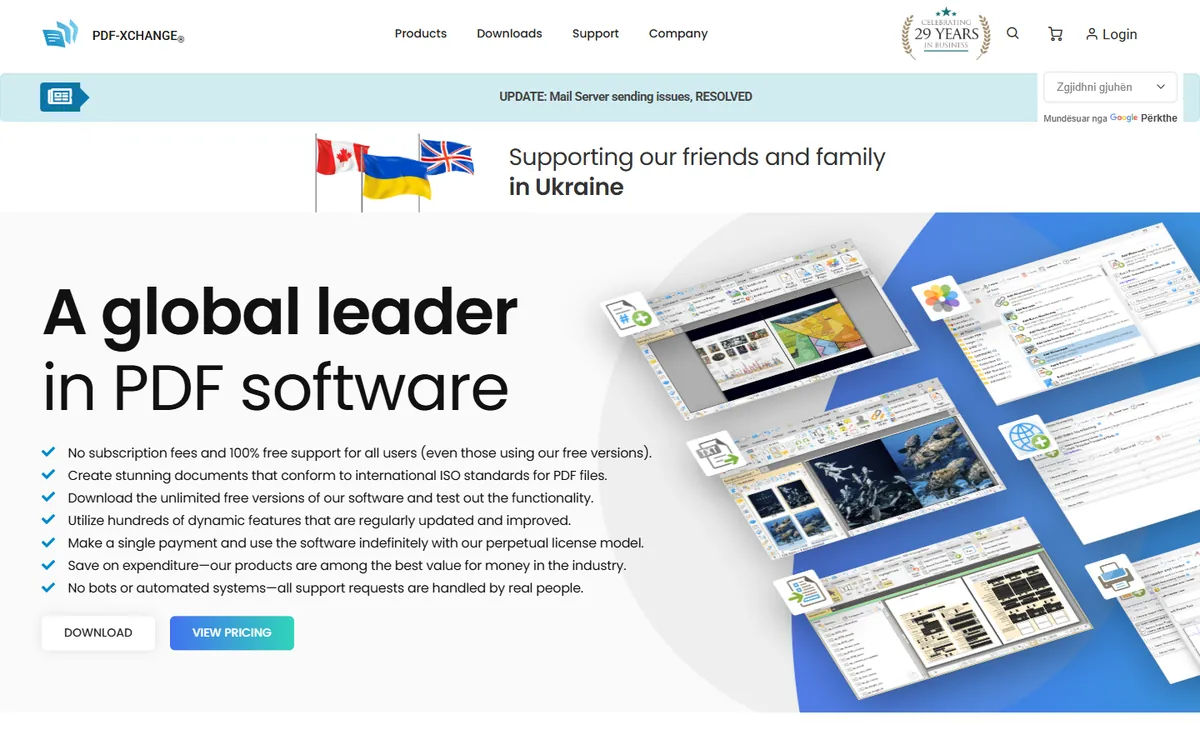
PDF-XChange Editor is made by PDF-XChange Co. (formerly Tracker Software Products), a Canadian company that has been building PDF tools since the early 2000s. It has a devoted following among engineers, architects, lawyers and academics because it opens huge files instantly, packs an enormous toolset into a small download — and can be bought outright rather than rented.
PDF-XChange pricing in detail
| Edition | Price (approx.) | Adds |
|---|---|---|
| Free mode | $0 | Viewing, annotation, many tools; paid features add a watermark |
| Editor | ~$62 one-time | Text and image editing, OCR, page management, no watermarks |
| Editor Plus | Higher one-time | Fillable form design, document comparison, Bates numbering, more |
| PDF-XChange Pro | Higher one-time | Bundle with PDF creation tools (PDF-Tools, printer driver) |
Licences include a period of updates and support ("maintenance"); renewing it is optional and the software keeps working if you do not.
What you get
- Exceptional speed with large drawings, scanned books and bundles of thousands of pages.
- Measurement tools for distance, perimeter and area on plans, with calibrated scales — popular in construction and engineering.
- Extensive annotation and stamps, including custom stamps, callouts and comment summaries for review workflows.
- OCR to make scans searchable, in many languages.
- Redaction to permanently remove sensitive text.
- Page organisation — insert, extract, split, merge, rotate and crop.
- Bates numbering and form design in higher editions.
Where it falls short
- Windows only — no native Mac version.
- Dense, old-fashioned interface with many toolbars to learn.
- Free mode watermarks documents when you use paid features.
Good to know
A one-time licence costs about the same as three months of Acrobat Pro, and you can keep using it for years.
Who it's best for
Windows power users in engineering, construction, legal and academic work. Skip it if you use a Mac.
3. Foxit PDF Editor
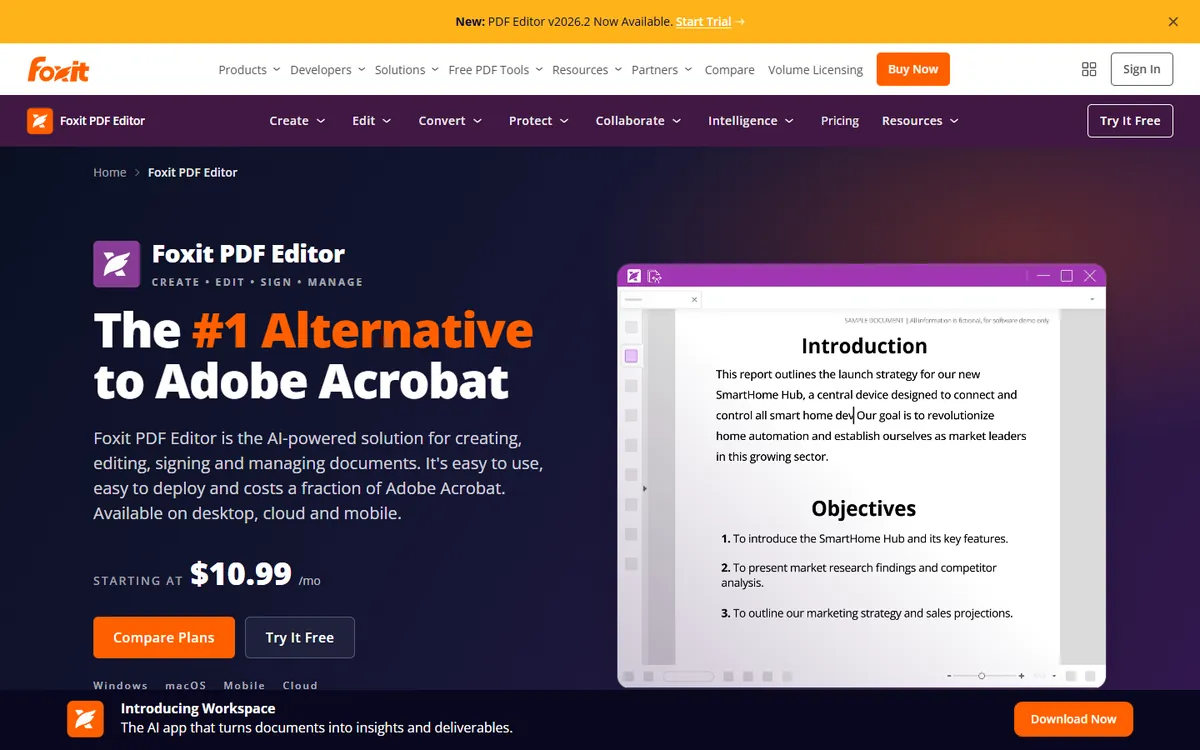
Price: About $10.99 a month ($131.88 a year); PDF Editor+ around $159.99 a year. See Foxit PDF Editor's official site for current plans.
Foxit, founded in 2001 and based in California, is the most established Acrobat alternative in large organisations. Its Foxit Reader was once the most popular alternative to Adobe Reader, and its paid PDF Editor is used by many enterprises and governments as a seat-for-seat Acrobat replacement.
Foxit pricing in detail
| Plan | Price (approx.) | Includes |
|---|---|---|
| PDF Reader | Free | Viewing, annotation, form filling |
| PDF Editor | ~$10.99/mo or ~$131.88/yr | Desktop (Windows and Mac), mobile and cloud editing |
| PDF Editor+ | ~$159.99/yr | Adds e-signatures (Foxit eSign) and more cloud features |
| Business / Enterprise | Volume pricing | Admin console, deployment, central licensing |
What you get
- Acrobat-style feature parity: edit text and images, OCR, compare documents, redact, protect with passwords and certificates, create fillable forms.
- Desktop, mobile and web access under one subscription.
- Admin console for assigning licences, deploying software and managing users at scale.
- Integrations with SharePoint, OneDrive, Google Drive, Box and enterprise content management systems.
- Accessibility tools for checking and fixing PDFs.
- AI assistant features for summaries, translation and chat with documents.
Where it falls short
- Still a subscription — the saving is roughly 30–45% versus Acrobat, not 100%.
- Some advanced Acrobat workflows such as certain prepress checks remain stronger in Acrobat.
Good to know
For a 50-person company, switching from Acrobat Pro for Teams (~$23.99/seat) to Foxit PDF Editor (~$10.99) saves roughly $7,800 a year.
Who it's best for
Companies replacing Acrobat seat-for-seat with IT management and compliance needs. Skip it if you are an individual who can use PDFgear for free.
4. UPDF
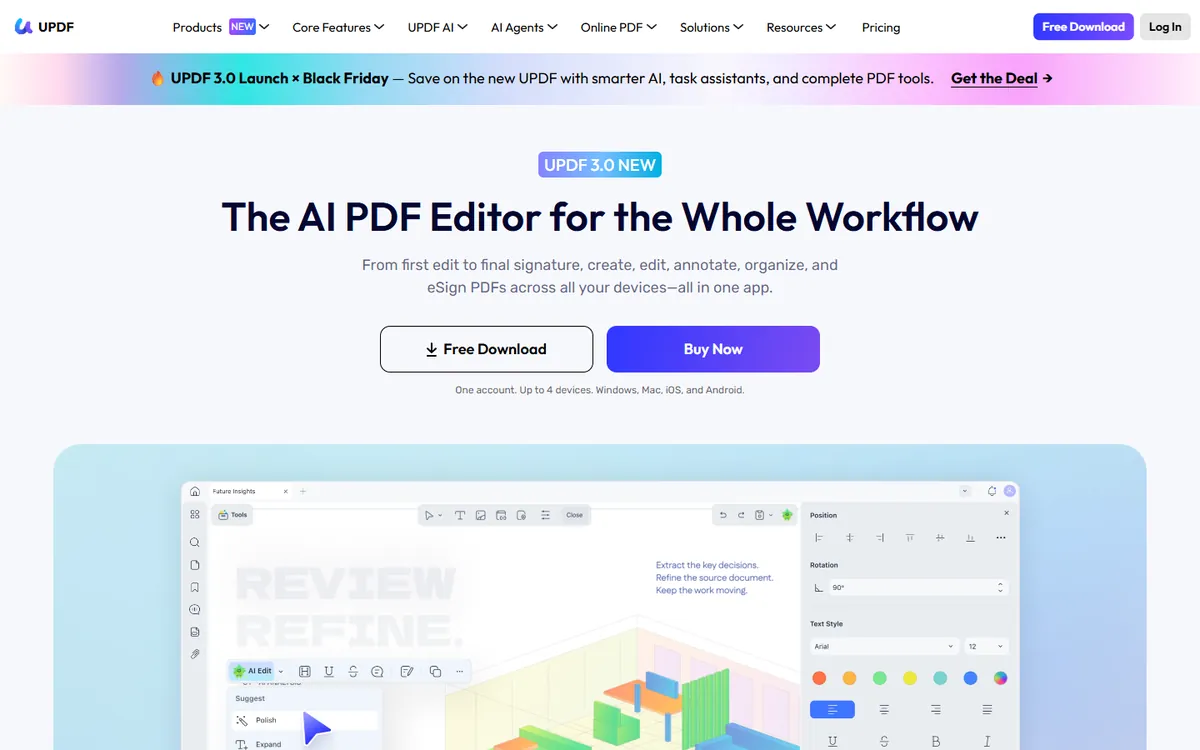
Price: $49.99 a year or $79.99 one-time (list prices; lifetime deals often drop to around $50–70). The AI assistant is a separate subscription. See UPDF's official pricing page for current plans.
UPDF, from Superace Software, is a newer PDF editor with a modern, colourful interface. Its key selling point is that one licence covers Windows, macOS, iOS and Android, so freelancers can work on a laptop, phone and tablet without buying separate apps.
UPDF pricing in detail
| Plan | Price | Cloud storage | Notes |
|---|---|---|---|
| Free | $0 | 1GB | Watermarks, 2 conversions per day, 2-file batch limit |
| UPDF Pro (yearly) | $49.99/yr | 10GB | All platforms, auto-renews |
| UPDF Pro (perpetual) | $79.99 one-time | 2GB | All platforms, pay once |
| UPDF AI Assistant | Separate subscription | Up to ~100GB on AI plans | Summaries, translation, chat with PDFs |
| UPDF Sign | Separate | 20GB | Send documents for signature |
What you get
- One licence for four platforms — Windows, Mac, iPhone/iPad and Android.
- Edit text, images and links in existing PDFs.
- OCR for scanned documents.
- Conversion to Word, Excel, PowerPoint, images and more, including batch conversion.
- Annotate, organise pages, compress and protect PDFs.
- Cloud sync so files follow you between devices.
- Optional AI assistant for long reports, contracts and research papers.
Where it falls short
- Free tier watermarks and strict conversion limits.
- AI and e-signature are separate subscriptions.
- Less established in enterprises.
Good to know
The $79.99 perpetual licence costs about the same as four months of Acrobat Pro and covers all your devices.
Who it's best for
Freelancers and students who move between devices. Skip it if you only need occasional edits — PDFgear is free.
5. Nitro PDF Pro
Price: About $15–17.70 per user per month on annual billing. See Nitro PDF Pro's official pricing page for current plans.
Nitro, founded in Australia in 2005 and later headquartered in San Francisco, has competed with Acrobat for nearly two decades. Its strategy is to bundle PDF editing with unlimited e-signatures, so businesses can replace both Acrobat and a separate e-signature subscription.
Nitro pricing in detail
| Plan | Price (approx.) | Includes |
|---|---|---|
| Nitro PDF Pro | ~$15–17.70/user/mo (annual) | Editing, conversion, OCR, unlimited e-signatures |
| Enterprise | Custom | Admin console, analytics, SSO, volume discounts |
Nitro's pricing page loads dynamically by region and seat count, so quotes can differ.
What you get
- Office-style ribbon interface that Microsoft users find familiar.
- Edit, convert, combine and OCR PDFs.
- Unlimited e-signatures with templates and audit trails.
- Batch processing for converting or compressing many files at once.
- Usage analytics showing IT how PDF and signing tools are used across the company.
- Integrations with Microsoft 365, Google Drive and cloud storage.
Where it falls short
- Only modestly cheaper than Acrobat for PDF editing alone.
- Pricing transparency is limited.
Good to know
If your company pays for Acrobat and DocuSign separately, Nitro can replace both — potentially saving more than either switch alone.
Who it's best for
Mid-size businesses that need PDF editing plus unlimited e-signatures. Skip it if you do not need e-signatures.
What a 10-person team pays per year
| Option | Cost per year (10 users) |
|---|---|
| Acrobat Pro for Teams | ~$2,879 |
| Acrobat Pro (individual plans) | ~$2,399 |
| Nitro PDF Pro | ~$1,800–2,124 |
| Foxit PDF Editor | ~$1,319 |
| UPDF (yearly) | ~$500 |
| PDF-XChange Editor (one-time) | ~$620 once |
| PDFgear | $0 |
How to switch without losing your work
- List the features your team actually uses. Most people need edit, convert, merge and sign — not preflight or PDF/UA tagging.
- Keep one Acrobat seat if a single person does accessibility tagging, print preflight or complex form scripting.
- Test your forms. Fillable forms with JavaScript calculations should be checked in the new editor.
- Move e-signature workflows separately if you used Acrobat Sign — see our DocuSign alternatives guide for cheap options.
- Set the new editor as the default PDF app on every machine so people stop opening Acrobat by habit.
Which one should you choose?
- You are a freelancer or small office that edits, merges and signs PDFs: PDFgear. It covers 90% of what people use Acrobat for, at no cost.
- You review drawings, plans or legal bundles all day on Windows: PDF-XChange Editor. It is fast with huge files and the one-time price means no renewals.
- Your IT team needs central licensing, deployment and compliance: Foxit PDF Editor. It is the closest like-for-like replacement for Acrobat in a managed environment.
- You work on a laptop, phone and tablet: UPDF. One licence covers all your devices.
- You want PDF editing and unlimited e-signatures under one bill: Nitro PDF Pro.
Hidden costs and gotchas
- Accessibility and preflight. Tagging PDFs for screen readers (PDF/UA) and print preflight are areas where Acrobat Pro is still the strongest. Keep one seat if someone on your team does this regularly.
- Fillable forms with scripts. Forms that use JavaScript calculations may behave differently in other editors. Test your most important forms before switching.
- E-signature volume. Acrobat Pro includes sending documents for signature. If you rely on that, compare the new tool's signing limits or add a cheap e-signature service.
- AI add-ons. Acrobat's AI Assistant, UPDF AI and others are sold separately; free tools such as PDFgear include basic AI chat.
- Annual commitments. Acrobat's annual plan billed monthly carries an early-termination fee, so switch at the end of your contract year.
Our verdict
For individuals and small offices, PDFgear makes paying for Acrobat hard to justify. Windows power users should buy PDF-XChange Editor once and keep it, multi-device freelancers will like UPDF, and companies that need IT management should switch to Foxit, which cuts costs by more than half while keeping enterprise features. Choose Nitro if you also want unlimited e-signatures in the same bill.
More cheaper alternatives: see our breakdowns of the cheaper options to DocuSign, Microsoft 365 and Dropbox.
Related reading: Build vs Buy Software: A Practical Decision Framework, How to Write a Project Proposal That Wins and What Goes in a Brand Guideline Document?.
Planning a switch, or not sure which tool fits the way your team works? Book a free call and we will look at your stack with you.
Prices are US list prices in USD unless marked, checked on 27 October 2026. "Annual" means the per-month price when billed yearly. Vendors change pricing often, so confirm on the vendor's site before buying. Product names and logos are trademarks of their respective owners and are used here for identification only.
Common questions
Is there a completely free alternative to Acrobat Pro?
Yes. PDFgear is free and covers editing, OCR, conversion and signing on desktop and mobile.
Can these tools edit scanned PDFs?
Yes. PDFgear, PDF-XChange, Foxit, UPDF and Nitro all include OCR to turn scans into editable, searchable text.
Are PDFs edited outside Acrobat compatible?
Yes. PDF is an open ISO standard, so files edited in these tools open normally in Acrobat and every other reader.
Which alternative is best for legal documents?
PDF-XChange (for Bates numbering and redaction) and Foxit (for enterprise controls and certified redaction) are popular with legal teams.
Do I still need Adobe Reader?
No. All of these tools open and read PDFs, and browsers have built-in PDF viewers.
