In short
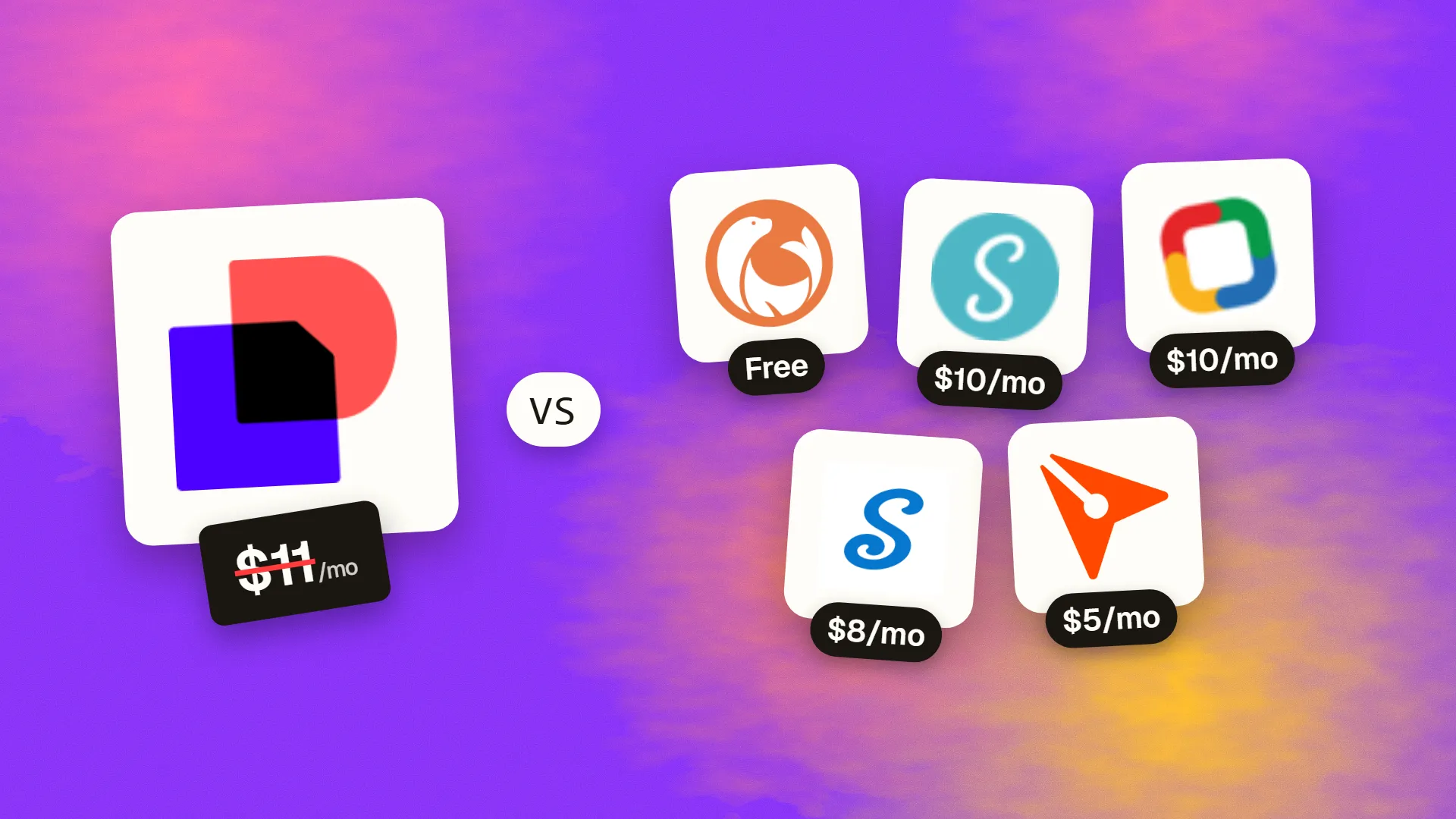
The best cheaper alternatives to DocuSign eSignature in 2026 are DocuSeal (free), SignWell (from $10/month), Zoho Sign (from $10/month), signNow (from $8/month) and BoldSign (from $5/month). DocuSign eSignature itself starts at $11 a month, so most teams can cut the cost substantially without losing the features they actually use.
DocuSign is the best-known e-signature brand, and in 2026 it got more expensive. Based on the most recent sources, Personal rose from $10 to about $11 per month (5 envelopes a month), Standard from $25 to about $30 per user, and Business Pro from $40 to about $45 per user, all on annual billing. Standard and Business Pro include around 100 envelopes per user per year — about eight a month — and SMS delivery and ID verification are charged per use.
For a five-person sales or operations team on Standard, that is about $1,800 a year for a capped number of envelopes. Electronic signatures are legally binding in the US (ESIGN Act, UETA), the EU (eIDAS) and most other countries regardless of which provider you use, so cheaper tools are just as valid for everyday contracts.
 DocuSign eSignaturevs
 DocuSeal
 SignWell
 Zoho Sign
 signNow
 BoldSign
What DocuSign actually costs in 2026
| Plan | Price (annual, per month) | Envelopes | Key features |
|---|---|---|---|
| Personal | ~$11 | 5/month | 1 user, basic fields |
| Standard | ~$30/user | ~100/user/year | Templates, reminders, branding |
| Business Pro | ~$45/user | ~100/user/year | Bulk send, PowerForms, payments |
| Enhanced / API plans | Custom | Custom |
Older articles still show $10/$25/$40; mid-2026 sources report the higher figures. Monthly billing costs more. The current tiers are listed on DocuSign's official pricing page.
The 5 cheaper alternatives at a glance
| Tool | Starts at | Model | Best for |
|---|---|---|---|
| DocuSign eSignature | $11/mo | subscription | The benchmark |
| DocuSeal | Free tier | open source | Teams that sign a lot of documents |
| SignWell | $10/mo | subscription | Freelancers and small teams |
| Zoho Sign | $10/mo | subscription | Zoho users and budget-conscious SMBs |
| signNow | $8/mo | subscription | Sales teams needing cheap seats |
| BoldSign | $5/mo | subscription | Budget teams and developers |
How we picked these alternatives
We required legally binding signatures with an audit trail, templates, reminders, multiple signers and signing order. We compared price, envelope limits, bulk sending and API access. Prices checked 27 October 2026.
1. DocuSeal
Price: Free cloud plan (10 signature requests/month, 4% fee on collected payments). Pro $20/user/month or $200/year with unlimited signature requests. Open-source edition free to self-host. API: $0.20 per signed document. See DocuSeal's official pricing page for current plans.
DocuSeal is an open-source document signing platform launched in 2023 that has grown rapidly on GitHub. Its pitch is simple: unlimited signatures for a flat per-user price, or free if you host it yourself. For teams that send dozens or hundreds of contracts a month, that removes the envelope caps that make DocuSign expensive.
DocuSeal pricing in detail
| Plan | Price | Signature requests | Highlights |
|---|---|---|---|
| Cloud Basic | Free | 10 per month | Legally binding signatures, multiple signers, 10 field types, 4% fee on collected payments |
| Cloud Pro | $20/user/mo or $200/user/yr | Unlimited | Branding, reminders, bulk send (50/mo included), SMS 2FA, SSO, teams, 0% payment fee |
| Open source (self-hosted) | Free | Unlimited | Your own SMTP, webhooks, basic API; no reminders or SSO |
| On-premises Pro | $20/user/mo or $240/user/yr | Unlimited | White-label, reminders, SSO, payment collection |
| API / embedding | $0.20 per signed document | Usage-based | Requires one Pro seat; free sandbox |
What you get
- Unlimited signature requests on Pro and self-hosted — no envelope counting.
- A PDF form builder with text, signature, initials, date, checkbox, file and payment fields, so you can turn any PDF or Word file into a signable template.
- Multiple signers and signing order with automatic reminders on Pro.
- Bulk send from a spreadsheet — ideal for sending the same agreement to many people.
- Payment collection at signing through Stripe.
- Webhooks and integrations with Zapier, Make and n8n, plus an embeddable signing experience for your own app.
- Self-hosting so signed documents never leave your servers.
Where it falls short
- The free cloud plan is small — only 10 requests per month.
- Self-hosting requires a server and basic DevOps skills.
- Fewer enterprise integrations (Salesforce, SAP) than DocuSign.
Good to know
For a five-person team, DocuSeal Pro costs $1,000 a year with unlimited documents — versus roughly $1,800 for DocuSign Standard with around 500 envelopes in total.
Who it's best for
Teams that send many contracts and want predictable costs, and developers embedding signatures in their products. Skip it if you need deep Salesforce or enterprise CLM integration.
2. SignWell
Price: Free (3 documents/month). Light about $10/month (1 user, unlimited documents). Business $30/month annual ($36 monthly) for teams. See SignWell's official pricing page for current plans.
SignWell (formerly Docsketch) focuses on simplicity: a clean interface, unlimited documents on paid plans and a straightforward API. It is popular with freelancers, small agencies and property managers.
SignWell pricing in detail
| Plan | Price | Users | Highlights |
|---|---|---|---|
| Free | $0 | 1 | 3 documents/month, audit trail |
| Light | ~$10/mo | 1 | Unlimited documents, templates, reminders |
| Business | $30/mo annual ($36 monthly) | Team | Team management, branding, bulk send, integrations |
| Enterprise | Custom | Custom | SSO, advanced controls |
| API | Usage-based | — | Free test mode |
What you get
- Unlimited documents on paid plans — no envelope anxiety.
- Templates and reusable fields for contracts you send often.
- Automatic reminders and expiry dates.
- Detailed audit trails and completion certificates for legal evidence.
- A simple signer experience that works on phones without an account.
- Integrations with Google Drive, Dropbox, HubSpot, Zapier and more.
Where it falls short
- Fewer enterprise features such as advanced workflows and identity verification options.
- Team plan price is close to DocuSign Standard for one user, so savings grow with volume rather than seats.
Good to know
SignWell's free API test mode lets developers build and test signing flows before paying.
Who it's best for
Freelancers and small teams who want unlimited, simple signing. Skip it if you need enterprise compliance features.
3. Zoho Sign
Price: Free tier. Standard about $10/user/month annual (25 envelopes per user per month); Professional about $16 (unlimited envelopes). See Zoho Sign's official pricing page for current plans.
Zoho Sign is the e-signature app in Zoho's suite of 50+ business applications. It works on its own or inside Zoho CRM, Books, Recruit and Workplace, and it also integrates with Google Workspace, Microsoft 365, Dropbox and Zapier. Its Professional plan offers unlimited envelopes at a fraction of DocuSign's price.
Zoho Sign pricing in detail
| Plan | Price per user/month (approx., annual) | Envelopes | Highlights |
|---|---|---|---|
| Free | $0 | A few per month | Basic signing for one user |
| Standard | ~$10 | 25 per user per month | Templates, reminders, sequential signing, bulk send |
| Professional | ~$16 | Unlimited | Signing forms, SMS authentication, integrations, custom branding |
| Enterprise | ~$22 | Unlimited | Advanced admin, custom domains, API credits |
Zoho does not show public prices in every region, so confirm for your country.
What you get
- Unlimited envelopes on Professional — no counting contracts.
- Templates with reusable fields and signer roles.
- Bulk send for sending one document to many recipients.
- Signing forms — public links you can put on a website for self-service agreements.
- Signer authentication by email code or SMS.
- Blockchain timestamping as an extra proof of document integrity.
- Mobile apps for sending and signing.
Where it falls short
- Pricing transparency varies by region.
- Best value inside the Zoho ecosystem; fewer enterprise CLM integrations than DocuSign.
Good to know
At about $16 per user for unlimited envelopes, Zoho Sign Professional costs roughly a third of DocuSign Business Pro.
Who it's best for
Zoho users and businesses with high signing volume. Skip it if you need Salesforce-native signing workflows.
4. signNow
Price: Business about $8–9/user/month annual; Business Premium $15; Enterprise $30. Around 100 signature invites per user per year. See signNow's official pricing page for current plans.
signNow is part of airSlate, a document-automation company. It targets sales, HR and operations teams that need affordable seats and practical features such as payment collection at signing, conditional fields and team management.
signNow pricing in detail
| Plan | Price per user/month (annual, approx.) | Highlights |
|---|---|---|
| Business | ~$8–9 | Templates, reminders, team management, mobile apps |
| Business Premium | $15 | Bulk invites, conditional fields, payment collection, branding |
| Enterprise | $30 | Advanced threads, SSO, admin controls |
| Site licence | Custom | Unlimited users for larger organisations |
A tracker reported Business rising from $8 to $9 per user in Q2 2026. Monthly billing costs more.
What you get
- Low-cost seats for whole teams.
- Payment collection when the document is signed (via Stripe and others).
- Conditional fields that appear depending on earlier answers.
- Signing links to embed on websites or send in bulk.
- Templates and reminders.
- Mobile apps with offline signing.
Where it falls short
- Invite caps of around 100 per user per year, similar to DocuSign; heavy senders may pay overages (reported around $1.80 per extra invite on Business Premium).
- Pricing pages are difficult to verify and change often.
Good to know
For a five-person sales team, signNow Business costs about $480–540 a year versus about $1,800 for DocuSign Standard.
Who it's best for
Sales and HR teams that need cheap seats and moderate volume. Skip it if each user sends hundreds of documents a year.
5. BoldSign
Price: Free tier. Growth about $5/user/month annual ($15 monthly) with around 50 envelopes per user per month. See BoldSign's official pricing page for current plans.
BoldSign is made by Syncfusion, a large developer-tools company known for its UI component libraries. That background shows: BoldSign has a well-documented API, SDKs for popular languages and strong embedded-signing options, alongside a simple web app for everyday users.
BoldSign pricing in detail
| Plan | Price (approx.) | Envelopes | Highlights |
|---|---|---|---|
| Free | $0 | Limited | Basic signing |
| Essentials / Growth | ~$5/user/mo annual ($15 monthly) | ~50 per user per month | Templates, bulk send, reminders, branding |
| Business / Premium | Higher | Higher | Advanced workflows, SSO, more automation |
| API | Usage-based | Per envelope | Embedded sending and signing |
Plan names and limits change often, so check the current page.
What you get
- Templates and bulk send for repeat agreements.
- Embedded signing inside your own website, app or portal.
- Custom branding and white-labelled emails.
- Audit trails and completion certificates.
- Well-documented REST API and SDKs.
- Generous envelope allowance for the price.
Where it falls short
- Plan structure changes frequently.
- Smaller brand recognition with signers.
Good to know
Because BoldSign's allowance is about 50 envelopes per user per month, a five-person team gets roughly 250 envelopes a month — about six times what the same team gets on DocuSign Standard.
Who it's best for
Budget-conscious teams and developers building signing into products. Skip it if you want a long-established brand that signers recognise.
What a 5-person team pays per year
| Option | Annual cost | Envelope limit |
|---|---|---|
| DocuSign Business Pro | ~$2,700 | ~500/yr |
| DocuSign Standard | ~$1,800 | ~500/yr |
| DocuSeal Pro | $1,000 | Unlimited |
| Zoho Sign Professional | ~$960 | Unlimited |
| signNow Business | ~$480–540 | ~500/yr |
| BoldSign Growth | ~$300 | ~3,000/yr |
| DocuSeal self-hosted | Hosting only | Unlimited |
How to switch without losing your work
- Download completed envelopes and certificates of completion from DocuSign — you need them as legal records.
- Rebuild your templates in the new tool (fields usually need re-placing).
- Reconnect integrations with your CRM or storage.
- Finish in-progress envelopes in DocuSign before cancelling.
- Update signing links on your website or forms.
Which one should you choose?
- You send lots of contracts and want unlimited signatures: DocuSeal Pro, or self-host it for free.
- You are a freelancer or small team that wants simplicity: SignWell.
- You use Zoho CRM or Zoho apps: Zoho Sign Professional.
- You need cheap seats for a sales team: signNow Business.
- You are building signing into your own app or portal: BoldSign or DocuSeal's API.
Hidden costs and gotchas
- Envelope caps. DocuSign, signNow and others cap envelopes per user. Count your real monthly volume, including resends.
- Identity verification and SMS. Knowledge-based authentication, ID checks and SMS delivery are billed per use on most platforms.
- Qualified signatures in the EU. Most contracts only need a standard electronic signature, but some legal acts in the EU require a Qualified Electronic Signature (QES). Check which level you need before choosing.
- Audit trails and storage. Download completed documents and certificates of completion; do not rely on a cancelled account to store them.
- Integrations. Salesforce, HubSpot and Google Drive integrations may be limited to higher tiers.
Our verdict
DocuSeal offers the best value for high-volume signing, with unlimited signatures and a free self-hosted option. Choose SignWell for simple, unlimited signing on a small team, Zoho Sign if you use Zoho, signNow for cheap sales seats, and BoldSign for the lowest per-user price and embedded signing.
More cheaper alternatives: see our breakdowns of the cheaper options to Adobe Acrobat, Dropbox and QuickBooks.
Related reading: How to Write a Project Proposal That Wins, What Your Web Agency Needs Before the Project Starts and Build vs Buy Software: A Practical Decision Framework.
Planning a switch, or not sure which tool fits the way your team works? Book a free call and we will look at your stack with you.
Prices are US list prices in USD unless marked, checked on 27 October 2026. "Annual" means the per-month price when billed yearly. Vendors change pricing often, so confirm on the vendor's site before buying. Product names and logos are trademarks of their respective owners and are used here for identification only.
Common questions
Are cheaper e-signature tools legally binding?
Yes. Electronic signatures from compliant providers are legally binding under the US ESIGN Act and UETA, the EU's eIDAS regulation, and similar laws in most countries.
What is the cheapest DocuSign alternative?
DocuSeal is free to self-host and offers unlimited signatures for $20 per user on Pro. BoldSign's paid plans start at about $5 per user annually.
Which alternative has unlimited envelopes?
DocuSeal Pro, Zoho Sign Professional and SignWell's paid plans offer unlimited documents.
Can I import my DocuSign templates?
Usually not directly — upload the original PDFs and place the fields again.
Do these tools have APIs?
Yes. All five offer APIs, and DocuSeal, BoldSign and SignWell are particularly developer-friendly.
