In short
The best cheaper alternatives to Expensify in 2026 are Ramp (free), Brex (free), Zoho Expense (free), BILL Spend & Expense (free) and Mercury (free). Expensify itself starts at $5 a month, so most teams can cut the cost substantially without losing the features they actually use.
Expensify pioneered receipt scanning with SmartScan: snap a photo, and the merchant, date and amount are filled in for you. It handles approvals, reimbursements, corporate cards, travel booking and accounting sync. Its pricing has become more complicated. Workspaces created since April 2025 pay $5 per member per month on Collect — and every workspace member counts, even in months with no expenses. Control costs $18 per committed seat per month on an annual plan, falling to $9 only if most of your spend runs on the Expensify Card, or $36 per active member per month on pay-per-use. Travel booking adds $15 per self-service trip and more for agent-assisted trips.
Meanwhile, a new generation of corporate card companies gives expense management software away for free, making money from card interchange instead.
 Expensifyvs
 Ramp
 Brex
 Zoho Expense
 BILL Spend & Expense
 Mercury
What Expensify actually costs in 2026
| Plan | Price | Billing basis | Key features |
|---|---|---|---|
| Collect | $5/member/mo | All workspace members | SmartScan, approvals, reimbursements, accounting sync |
| Control (annual) | $18/seat/mo | Committed seats | Multi-level approvals, policies, advanced integrations |
| Control with Expensify Card | Down to $9/seat/mo | Share of spend on the card | Card discount |
| Control (pay-per-use) | $36/active member/mo | Active members | No annual commitment |
Older workspaces may be on legacy pricing. Overage applies when active members exceed your annual commitment. The current tiers are listed on Expensify's official pricing page.
The 5 cheaper alternatives at a glance
| Tool | Starts at | Model | Best for |
|---|---|---|---|
| Expensify | $5/mo | subscription | The benchmark |
| Ramp | Free tier | free | US businesses that can use Ramp cards |
| Brex | Free tier | free | Funded startups and growing companies |
| Zoho Expense | Free tier | free | Small teams outside the US card ecosystem |
| BILL Spend & Expense | Free tier | free | US SMBs that want budgets and cards at no software cost |
| Mercury | Free tier | free | Startups that want banking and basic expense tracking in one |
How we picked these alternatives
We compared receipt capture, approval workflows, policy controls, corporate cards, reimbursements, accounting integrations and the annual cost for a 25-person company. Prices checked 28 October 2026. Several of these products are US-focused; check availability in your country.
1. Ramp
Price: Free (corporate cards, expense management, receipts, accounting sync); Ramp Plus about $12–15 per user per month for advanced features. See Ramp's official pricing page for current plans.
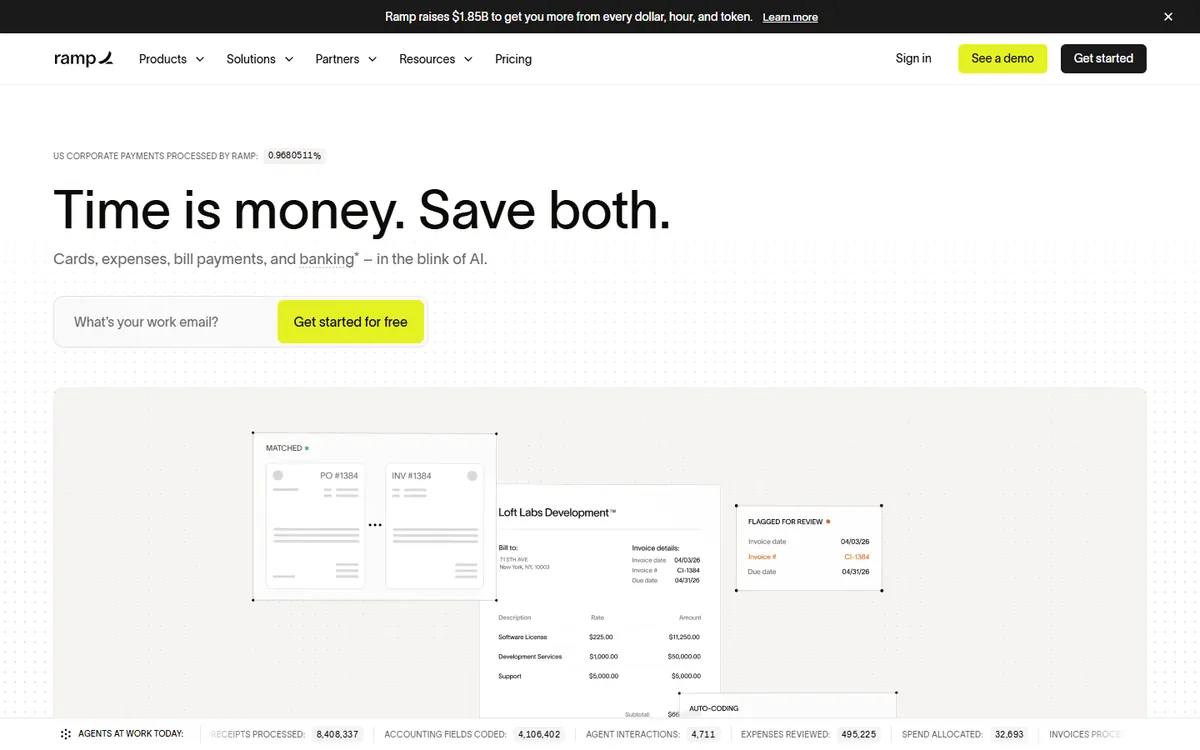
Ramp gives US businesses corporate cards and expense management software for free. Receipts are matched automatically by text, email or integrations; spend limits and policies are enforced before money leaves the account; and transactions sync to QuickBooks, Xero, NetSuite and others with suggested categories. Ramp also includes bill pay, procurement and travel. Most small and mid-size companies never need the paid Plus tier.
Ramp pricing in detail
| Plan | Price | Key features |
|---|---|---|
| Ramp | Free | Cards, expenses, receipt matching, reimbursements, bill pay, accounting sync |
| Ramp Plus | ~$12–15/user/mo | Advanced procurement, custom workflows, multi-entity |
| Enterprise | Custom | Advanced controls |
Ramp requires a US-registered business and meets eligibility criteria such as minimum cash balance.
What you get
- Free physical and virtual corporate cards.
- Automatic receipt matching via SMS, email and integrations.
- Spend limits and policies enforced in real time.
- Reimbursements for out-of-pocket expenses.
- Accounting sync with categorisation.
Where it falls short
- US entities only, with eligibility requirements.
- Charge card — balances are paid in full.
- Some advanced features need Plus.
Who it's best for
US businesses that can use Ramp cards and want expense management at no software cost. Skip it if you are outside the US or need to keep your existing bank cards.
2. Brex
Price: Free tier with corporate cards and expense management; Premium about $12 per user per month; Enterprise custom. See Brex's official pricing page for current plans.
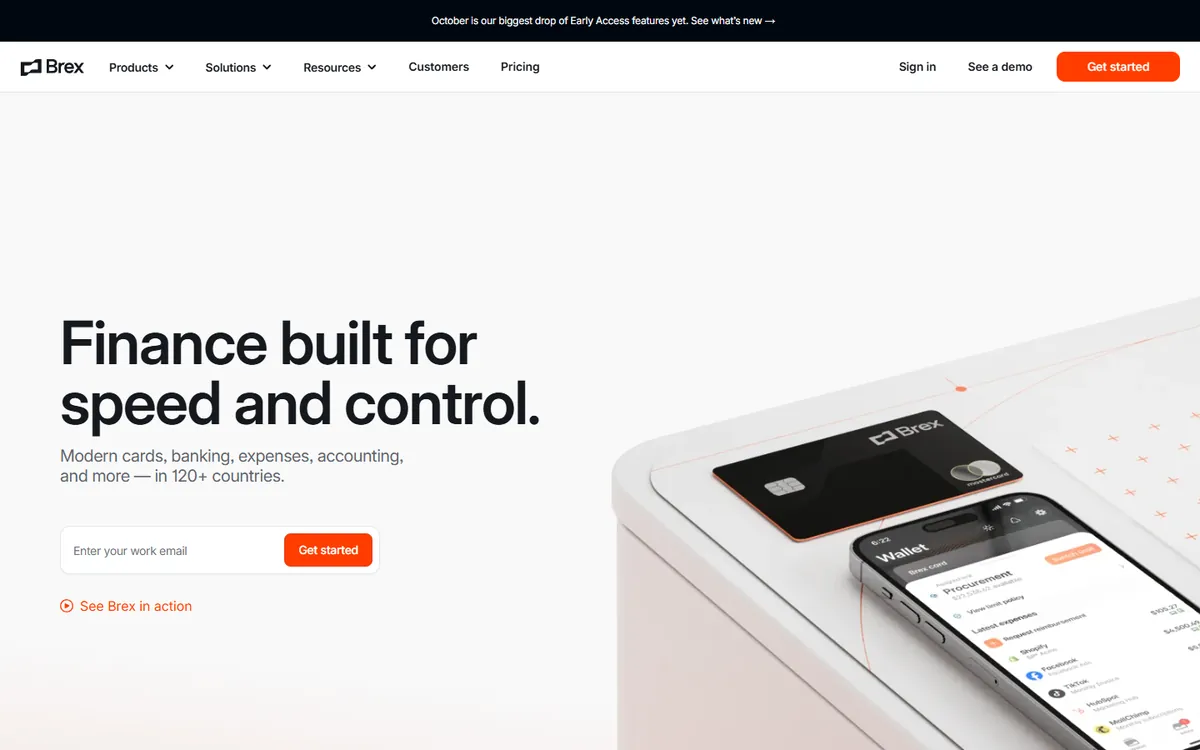
Brex combines corporate cards, expense management, reimbursements, travel booking and bill pay. It is especially strong for global companies, with local cards and reimbursements in many countries. The free tier covers core expense management; Premium adds advanced policies, approval chains and integrations.
Brex pricing in detail
| Plan | Price | Key features |
|---|---|---|
| Essentials (free) | $0 | Cards, expenses, receipt capture, basic policies |
| Premium | ~$12/user/mo | Custom policies, approvals, budgets, travel |
| Enterprise | Custom | Global entities, advanced controls |
What you get
- Corporate cards with limits per employee.
- Receipt capture and AI categorisation.
- Global reimbursements in local currencies.
- Travel booking and policy enforcement.
- Accounting integrations.
Where it falls short
- Eligibility rules for cards.
- Premium needed for advanced approvals.
- Better suited to funded startups and growing companies.
Good to know
Brex's travel booking enforces your policy at booking time and puts trips on Brex cards automatically. Its AI assistant can collect receipts and memos from employees by text message. Check eligibility criteria — Brex has changed which companies it serves several times.
Who it's best for
Startups and growing companies, especially with teams in several countries. Skip it if you are a very small business that does not qualify for cards.
3. Zoho Expense
Price: Free for up to three users; Standard about $3–4 per user per month billed yearly; Premium about $5; Enterprise higher. See Zoho Expense's official pricing page for current plans.
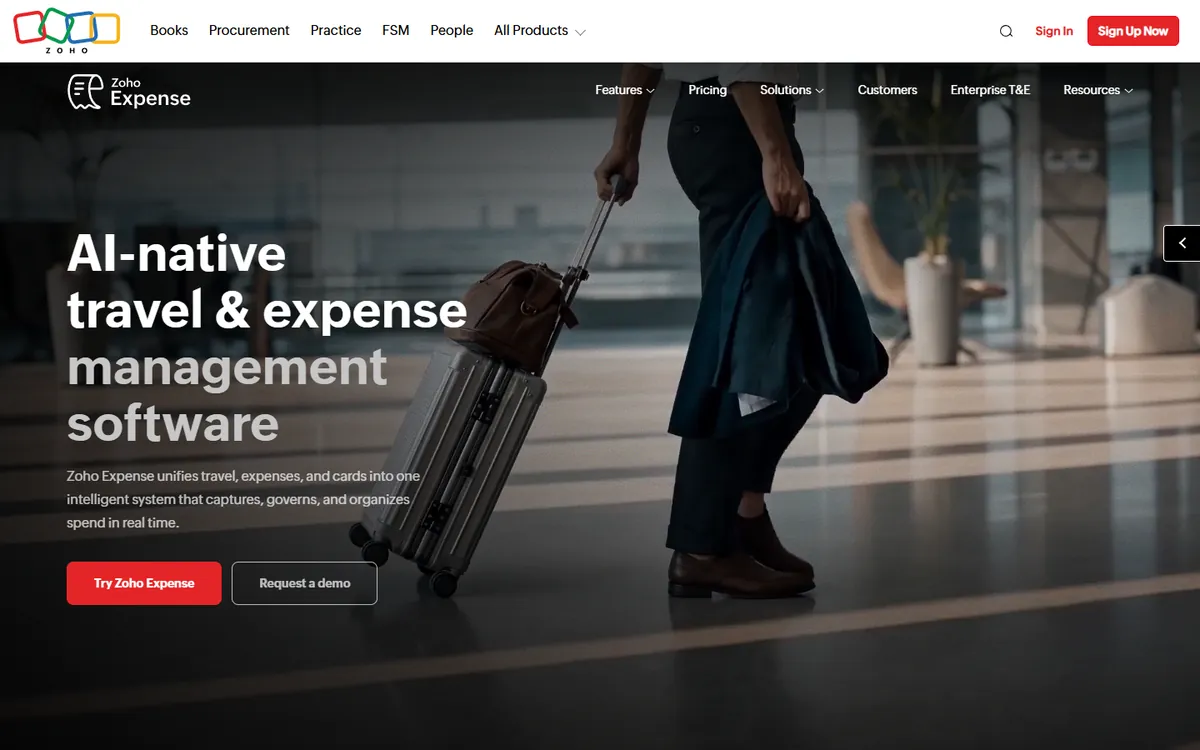
Zoho Expense is a traditional expense management tool — not tied to a card — with receipt autoscan, mileage tracking with GPS, per diems, multi-level approvals, corporate card feeds from your existing bank and integrations with Zoho Books, QuickBooks and Xero. It works worldwide, which makes it the best option for small businesses outside the US card ecosystem.
Zoho Expense pricing in detail
| Plan | Price (billed yearly) | Key features |
|---|---|---|
| Free | $0 | Up to 3 users, receipt scan, basic approvals |
| Standard | ~$3–4/user/mo | Custom policies, multi-currency, card feeds |
| Premium | ~$5/user/mo | Advanced approvals, travel, integrations |
| Enterprise | Higher | Custom workflows, analytics |
What you get
- Receipt autoscan in many languages.
- Mileage tracking with GPS.
- Approval workflows and policies.
- Card feeds from existing banks.
- Accounting integrations worldwide.
Where it falls short
- No free corporate cards.
- Interface is less modern than Ramp's.
- Best value inside Zoho's ecosystem.
Good to know
Zoho Expense integrates with travel booking tools and corporate card feeds from many banks worldwide. Its mobile app scans receipts in many languages and currencies, and policies flag violations automatically. Zoho Expense is part of Zoho One, so companies using Zoho's suite may already have access.
Who it's best for
Small businesses worldwide that want a low-cost, card-independent expense tool. Skip it if you are a US company that can get free cards from Ramp.
4. BILL Spend & Expense
Price: Free software with BILL Divvy corporate cards (US). See BILL Spend & Expense's official site for current plans.
BILL Spend & Expense — formerly Divvy — offers free expense management with its corporate cards. Its distinctive feature is budgets: create budgets for teams, projects or events and issue virtual cards against them, so spending is controlled before it happens. Receipts, reimbursements and accounting sync are included at no software cost.
BILL Spend & Expense pricing in detail
| Option | Price | Notes |
|---|---|---|
| BILL Spend & Expense | Free | With BILL Divvy cards |
| BILL Accounts Payable | Paid | Separate bill-pay product |
Card approval involves a credit review.
What you get
- Free physical and virtual cards.
- Budgets by team, project or event.
- Receipt capture and reminders.
- Reimbursements.
- Accounting sync with major platforms.
Where it falls short
- US only.
- Charge card with credit checks.
- Fewer travel features.
Good to know
BILL Spend & Expense lets managers request budgets and employees request funds for specific purchases, which keeps spending visible before it happens. Virtual cards can be locked to a single vendor, which helps control subscriptions. If you also pay bills through BILL, the two products work together.
Who it's best for
US small and mid-size businesses that want budget-based spend control for free. Skip it if you need international reimbursements.
5. Mercury
Price: Free business banking with debit and credit cards and receipt matching (US); paid Mercury plans add advanced features. See Mercury's official pricing page for current plans.
Mercury is a business bank account built for startups, with debit and corporate credit cards that include receipt capture, categorisation, reimbursements and accounting integrations. For a small company that already banks with Mercury, its built-in expense features can replace Expensify entirely — no separate subscription.
Mercury pricing in detail
| Plan | Price | Key features |
|---|---|---|
| Mercury | Free | Business checking, cards, receipt matching, reimbursements |
| Mercury Plus / Pro | Paid | Advanced workflows, more controls |
What you get
- Free business checking and savings.
- Cards with receipt capture.
- Reimbursements for employees.
- Accounting integrations.
- Bill pay and invoicing.
Where it falls short
- Not a full expense policy engine.
- US companies only.
- Approval workflows are basic.
Good to know
Mercury's cards let employees upload receipts by text or email, and transactions sync to QuickBooks, Xero and NetSuite. Reimbursements can be paid directly from your Mercury account. For more complex expense policies, Mercury can be combined with a dedicated tool later. Because Mercury is a bank rather than an expense app, you also avoid separate software fees and can see cash, cards and expenses in a single dashboard.
Who it's best for
Startups that want banking and simple expense tracking in one place. Skip it if you need complex approval chains and travel policies.
What a 25-person company pays per year
| Option | Annual cost |
|---|---|
| Expensify Control (25 × $18 × 12) | $5,400 |
| Expensify Collect (25 × $5 × 12) | $1,500 |
| Zoho Expense Standard (25 × ~$4 × 12) | ~$1,200 |
| Brex Essentials | $0 |
| Ramp | $0 |
| BILL Spend & Expense | $0 |
| Mercury | $0 |
How to switch without losing your work
- Export expense reports and receipts from Expensify for at least seven years of records (or your local requirement).
- Close open reports and pay outstanding reimbursements before switching.
- Set up the new tool's accounting sync with the same chart of accounts and categories.
- Issue new cards and give employees a switch-over date.
- Cancel Expensify after the first month-end close in the new system.
Which one should you choose?
- You are a US business that can use corporate cards: Ramp.
- You have teams in several countries: Brex.
- You want a card-independent, low-cost tool worldwide: Zoho Expense.
- You want budget-based spend control: BILL Spend & Expense.
- You want banking and expenses together: Mercury.
Hidden costs and gotchas
- Member billing. Expensify Collect bills every workspace member, even inactive ones.
- Card eligibility. Free tools depend on qualifying for their cards.
- Travel fees. Booking travel through any platform may add per-trip fees.
- Record retention. Keep exported receipts for tax audits.
- Foreign transactions. Check FX fees on corporate cards.
Our verdict
Ramp is the best Expensify alternative for US businesses — free cards and expense management. Brex suits global startups, Zoho Expense is the best low-cost option worldwide, BILL Spend & Expense excels at budgets, and Mercury combines banking and simple expenses.
More cheaper alternatives: see our breakdowns of the cheaper options to QuickBooks, Gusto and Harvest.
Related reading: Build vs Buy Software: A Practical Decision Framework, How Much Should a Startup Spend on Marketing? and How to Estimate Software Development Without Pretending It Is Certain.
Planning a switch, or not sure which tool fits the way your team works? Book a free call and we will look at your stack with you.
Prices are US list prices in USD unless marked, checked on 27 October 2026. "Annual" means the per-month price when billed yearly. Vendors change pricing often, so confirm on the vendor's site before buying. Product names and logos are trademarks of their respective owners and are used here for identification only.
Common questions
What is the best free alternative to Expensify?
Ramp for US businesses. Zoho Expense is free for up to three users worldwide.
How much does Expensify cost?
$5 per member on Collect, or $18 per seat on Control (annual), down to $9 with the Expensify Card.
Is Ramp really free?
Yes. Ramp earns money from card interchange, so core expense management is free.
Can I use Zoho Expense outside the US?
Yes. Zoho Expense works internationally and supports many currencies and languages.
Do I need corporate cards to manage expenses?
No. Zoho Expense handles reimbursements and existing bank cards without its own card.
