In short
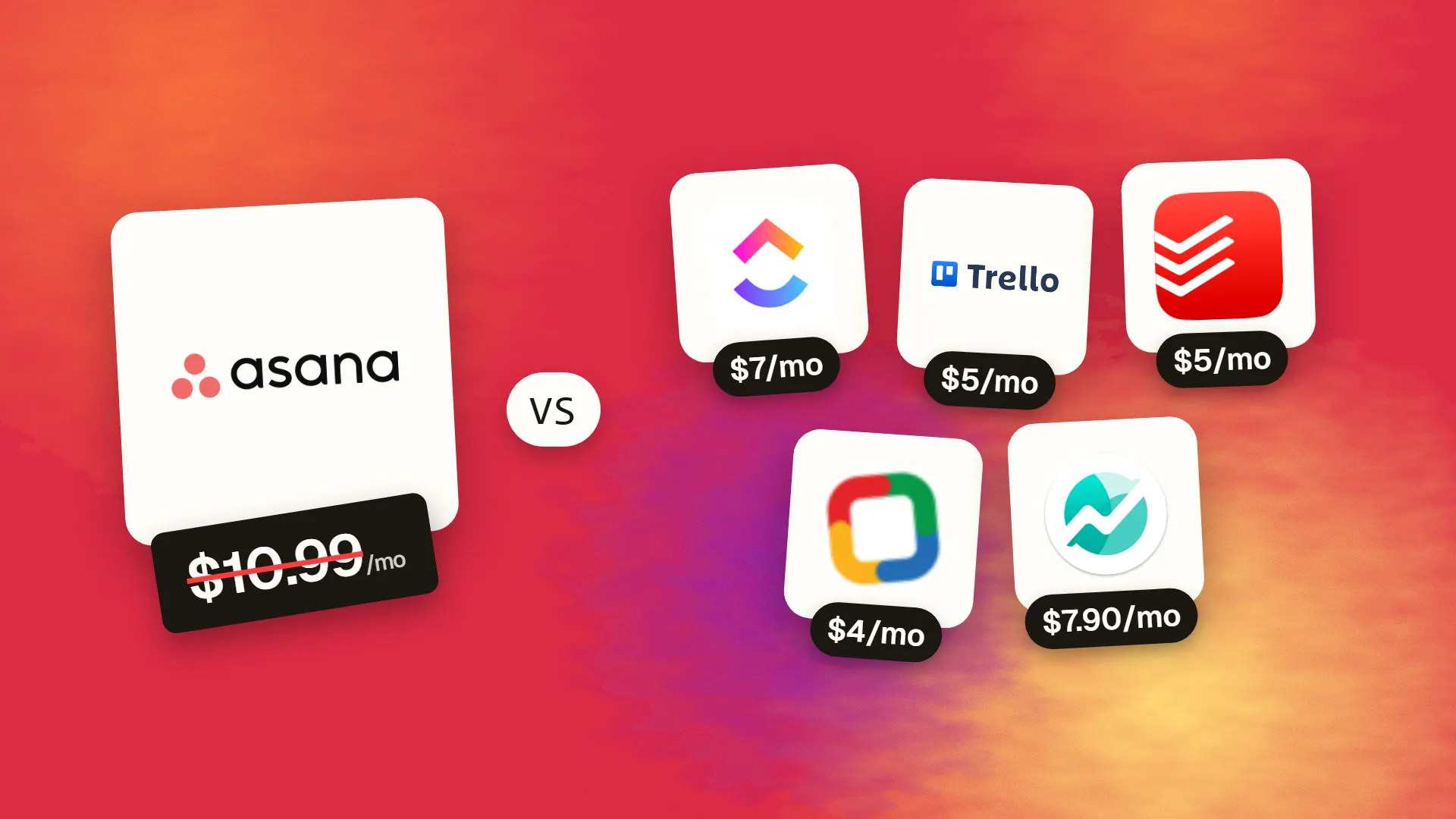
The best cheaper alternatives to Asana in 2026 are ClickUp (from $7/month), Trello (from $5/month), Todoist (from $5/month), Zoho Projects (from $4/month) and Nifty (from $7.90/month). Asana itself starts at $10.99 a month, so most teams can cut the cost substantially without losing the features they actually use.
Asana is one of the most polished project management tools on the market, but it has become noticeably more expensive for small teams. Paid plans cost $10.99 per user per month for Starter on annual billing ($13.49 monthly) and $24.99 for Advanced ($30.49 monthly). Worse for start-ups, accounts created after 12 November 2025 have a free Personal plan limited to two users, down from the old 10–15-user free tier. Some sources also report seat minimums and seat bundles on paid plans.
A 12-person team on Starter now pays about $1,580 a year, and $3,600 on Advanced if they need portfolios, goals and multi-step automations. These five alternatives cover task and project management for less.
 Asanavs
 ClickUp
 Trello
 Todoist
 Zoho Projects
 Nifty
What Asana actually costs in 2026
| Plan | Annual billing | Monthly billing | Key features |
|---|---|---|---|
| Personal | Free | Free | 2 users for new accounts |
| Starter | $10.99/user | $13.49/user | Timeline, Gantt, workflow builder, single-trigger rules |
| Advanced | $24.99/user | $30.49/user | Portfolios, goals, workload, approvals, multi-step rules |
| Enterprise / Enterprise+ | Custom | Custom | Admin, security and compliance |
Asana AI features (AI Studio) consume credits that vary by plan.
The 5 cheaper alternatives at a glance
| Tool | Starts at | Model | Best for |
|---|---|---|---|
| Asana | $10.99/mo | subscription | The benchmark |
| ClickUp | $7/mo | subscription | Teams wanting one app for everything |
| Trello | $5/mo | subscription | Small teams that think in boards |
| Todoist | $5/mo | subscription | Small teams that need tasks, not heavy PM |
| Zoho Projects | $4/mo | subscription | Client projects needing Gantt + time tracking |
| Nifty | $7.90/mo | subscription | Agencies managing client work |
How we picked these alternatives
We required tasks with assignees and due dates, multiple project views, collaboration (comments, files, mentions), basic automation and mobile apps. We compared price for 5–25 users and the strength of the free plan. Prices checked 27 October 2026.
1. ClickUp
Price: Free Forever plan. Unlimited $7/user/month annual ($10 monthly); Business $12 ($19). ClickUp Brain AI is an add-on of about $9/user. See ClickUp's official pricing page for current plans.
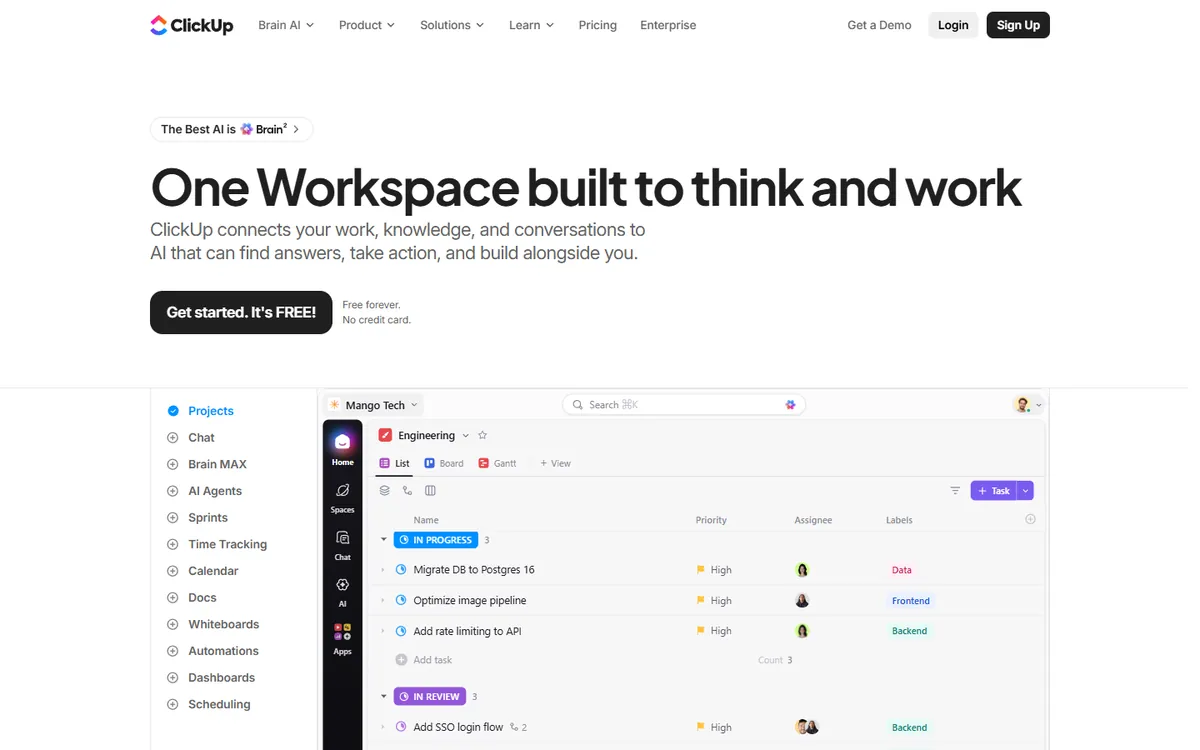
ClickUp was founded in San Diego in 2017 with the slogan "one app to replace them all". It combines tasks, docs, whiteboards, chat, goals, dashboards and time tracking in a single workspace, and it has grown into the most popular Asana alternative because it offers more features per seat at a lower price.
ClickUp pricing in detail
| Plan | Annual billing | Monthly billing | Key inclusions |
|---|---|---|---|
| Free Forever | $0 | $0 | Unlimited members and tasks, limited storage, limited uses of Gantt and dashboards |
| Unlimited | $7/user | $10/user | Unlimited storage, integrations, dashboards and Gantt; guests with permissions |
| Business | $12/user | $19/user | Advanced automations, time tracking and timesheets, workload view, Google SSO |
| Enterprise | Custom | Custom | White-labelling, HIPAA, advanced permissions, SSO |
| Brain (AI add-on) | ~$9/user | — | AI writing, summaries, AI-generated tasks |
What you get
- More views than Asana: list, board, table, Gantt, calendar, timeline, workload, mind map and more, all saveable per team.
- Custom fields, statuses and task types to model any workflow — content calendars, client onboarding, sprints or sales pipelines.
- Docs and whiteboards linked to tasks, so specs and brainstorming live next to the work.
- Native time tracking and timesheets — on Asana, time tracking needs integrations or higher plans.
- Automations with dozens of triggers and actions.
- Goals and dashboards to track progress across projects.
- Generous free plan with unlimited members — useful now that Asana's free plan is limited to two users for new accounts.
Where it falls short
- Feature overload — teams need to agree conventions or the workspace gets messy.
- Performance can lag in very large workspaces.
- AI costs extra on every plan.
Good to know
A 12-person team on ClickUp Unlimited pays about $1,008 a year, versus about $1,583 on Asana Starter.
Who it's best for
Teams that want one app for projects, docs and communication at a lower price than Asana. Skip it if you prefer a minimal, focused tool.
2. Trello
Price: Free. Standard $5/user/month annual ($6 monthly); Premium $10 ($12.50); Enterprise $17.50. See Trello's official pricing page for current plans.
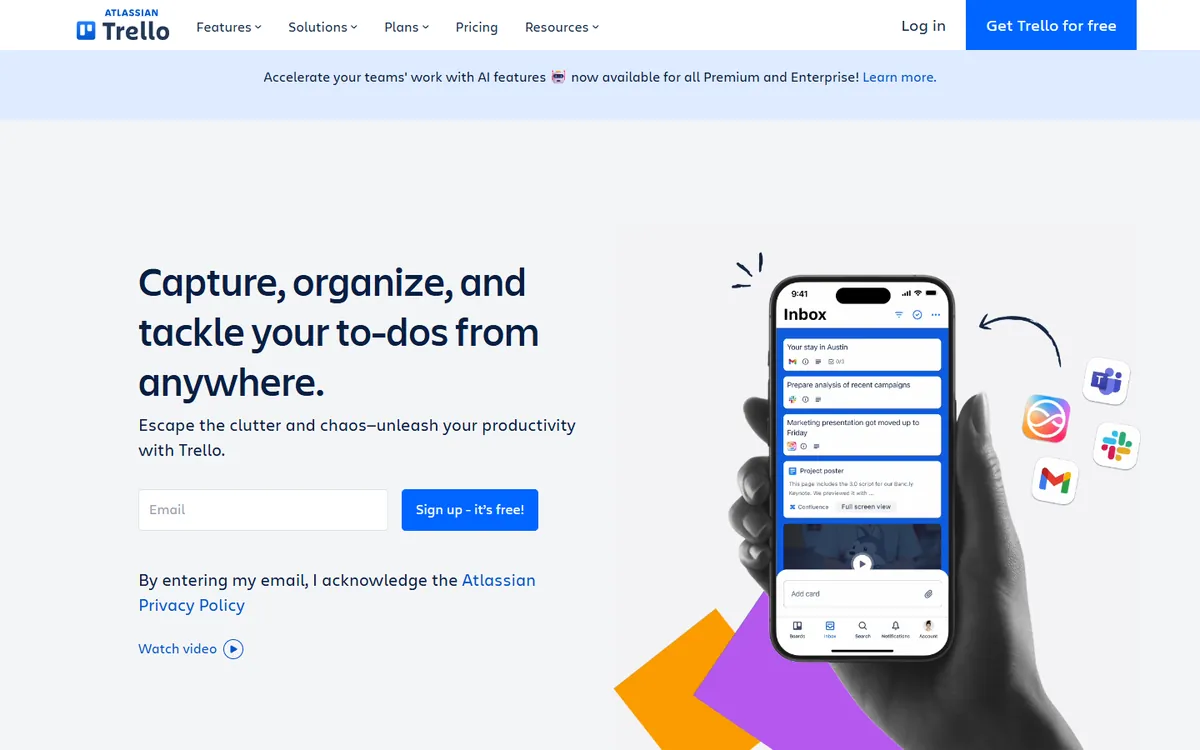
Trello, created in 2011 and owned by Atlassian since 2017, popularised the Kanban board for everyday teams. Cards move across columns — To do, Doing, Done — and anyone understands it within minutes. For small teams that find Asana too heavy, Trello is often all they need, at half the price.
Trello pricing in detail
| Plan | Annual billing | Monthly billing | Highlights |
|---|---|---|---|
| Free | $0 | $0 | Up to 10 boards per workspace, unlimited cards, Butler automation (limited runs) |
| Standard | $5/user | $6/user | Unlimited boards, advanced checklists, custom fields, more automation |
| Premium | $10/user | $12.50/user | Calendar, timeline, table, dashboard and map views; AI features; admin controls |
| Enterprise | $17.50/user | — | Organisation-wide permissions, security and support |
What you get
- Simple, visual Kanban boards with cards, checklists, labels, due dates and attachments.
- Butler automation — rules, buttons and scheduled commands that move cards, assign people and post reminders.
- Power-Ups connecting Trello to Google Drive, Slack, Jira, Miro, calendars and hundreds more.
- Templates for content calendars, hiring, sales and project tracking.
- Atlassian Intelligence AI on paid plans for summaries and content.
- Excellent mobile apps.
Where it falls short
- Timeline, calendar, table and dashboard views require Premium.
- Not built for complex dependencies, workload balancing or portfolios.
- Large projects can sprawl across many boards.
Good to know
Trello Standard at $5 per user is less than half of Asana Starter — enough for many small agencies and marketing teams.
Who it's best for
Small teams that work visually and value simplicity. Skip it if you need Gantt charts with dependencies.
3. Todoist
Price: Free (Beginner). Pro $5/month annual ($7 monthly). Business $8/user/month annual ($10 monthly). See Todoist's official pricing page for current plans.
Todoist, made by Doist (a fully remote company founded in 2007), is one of the world's most popular task managers. It is designed for speed: you can capture a task in seconds from any device, and its natural-language input understands dates, recurrence and priorities as you type.
Todoist pricing in detail
| Plan | Annual billing | Monthly billing | Key limits and features |
|---|---|---|---|
| Beginner | $0 | $0 | 5 personal projects, 3 filter views, 5MB uploads, 1 week of activity history |
| Pro | $5/mo ($60/yr) | $7/mo | 300 personal projects, 150 filter views, reminders, full history, 100MB uploads |
| Business | $8/user ($96/yr) | $10/user | Team workspace, up to 500 team projects, 250 people per project, admin roles |
What you get
- Natural-language task entry — "Send report every Friday at 4pm #Marketing p1".
- Projects, sections and sub-tasks for organising work.
- List, board and calendar layouts.
- Filters and labels for custom views across projects.
- Reminders and recurring tasks.
- Integrations with Gmail, Outlook, Google Calendar, Slack and many more.
- Apps for every platform, including watches and browser extensions.
Where it falls short
- No Gantt charts, dependencies, workload or portfolio views.
- Not designed for large cross-team programmes.
Good to know
Many small teams use Asana mainly as a shared to-do list. For them, Todoist Business at $8 per user is a lighter, cheaper fit.
Who it's best for
Small teams whose work is mostly tasks and recurring to-dos. Skip it if you manage complex projects with dependencies.
4. Zoho Projects
Price: Free plan for small teams. Premium about $4–5/user/month; Enterprise about $9–10. See Zoho Projects' official pricing page for current plans.
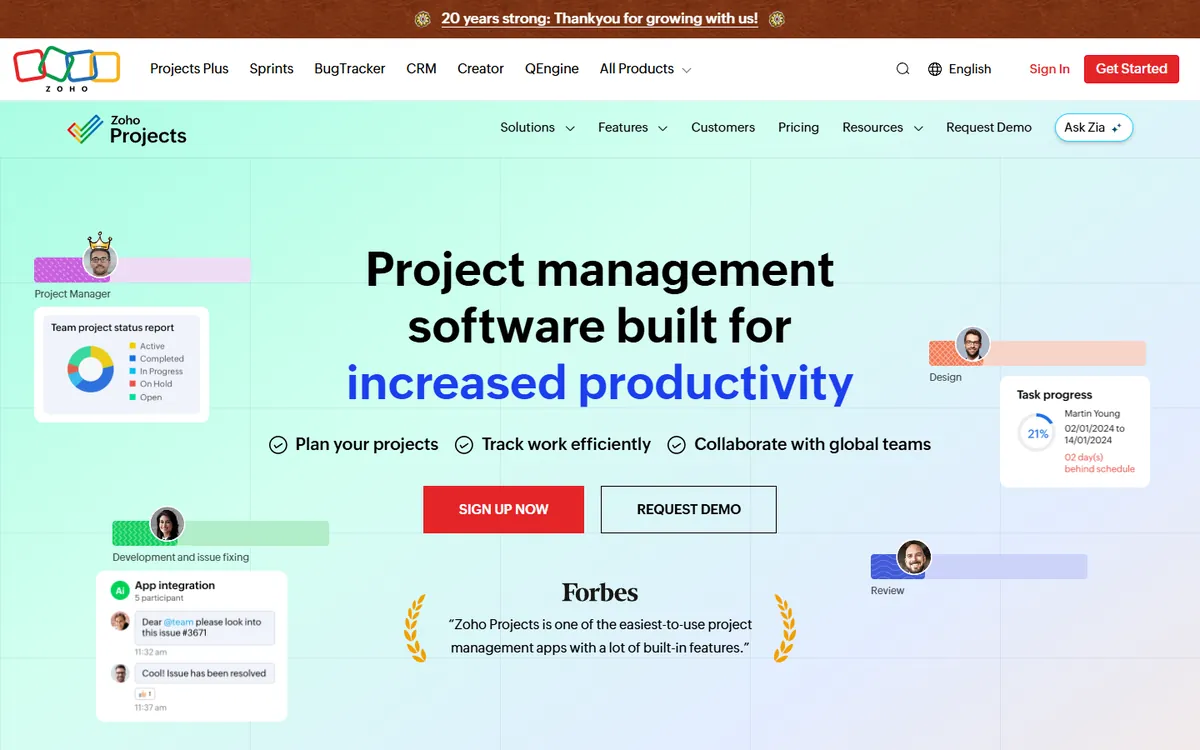
Zoho Projects is the project management app in Zoho's suite. It is one of the cheapest tools with a full set of traditional project features — Gantt charts with dependencies, critical path, baselines, timesheets and issue tracking — which makes it popular with agencies, consultancies and construction or engineering firms.
Zoho Projects pricing in detail
| Plan | Price per user/month (approx.) | Highlights |
|---|---|---|
| Free | $0 | Small teams, limited projects and storage |
| Premium | ~$4–5 | Unlimited projects, Gantt, timesheets, templates, custom fields, automation |
| Enterprise | ~$9–10 | Portfolio dashboards, custom roles, advanced automation, global Gantt |
What you get
- Gantt charts with dependencies, critical path and baselines.
- Timesheets and client billing with approvals and invoice export.
- Issue tracking for bugs or client requests.
- Blueprints to enforce process steps.
- Kanban boards, forums and documents per project.
- Integration with Zoho CRM, Books, Desk and Invoice.
Where it falls short
- Interface feels dated in places.
- Smaller third-party ecosystem.
Good to know
Zoho Projects Premium costs less than half of Asana Starter and includes timesheets and Gantt dependencies.
Who it's best for
Agencies and consultancies needing Gantt and time tracking cheaply. Skip it if you prioritise modern design.
5. Nifty
Price: Free (unlimited members, 2 active projects). Per-member Pro about $10/month annual ($16 monthly), or flat-rate Pro at $79/month for up to 10 members; Business flat $124/month for up to 30. See Nifty's official pricing page for current plans.
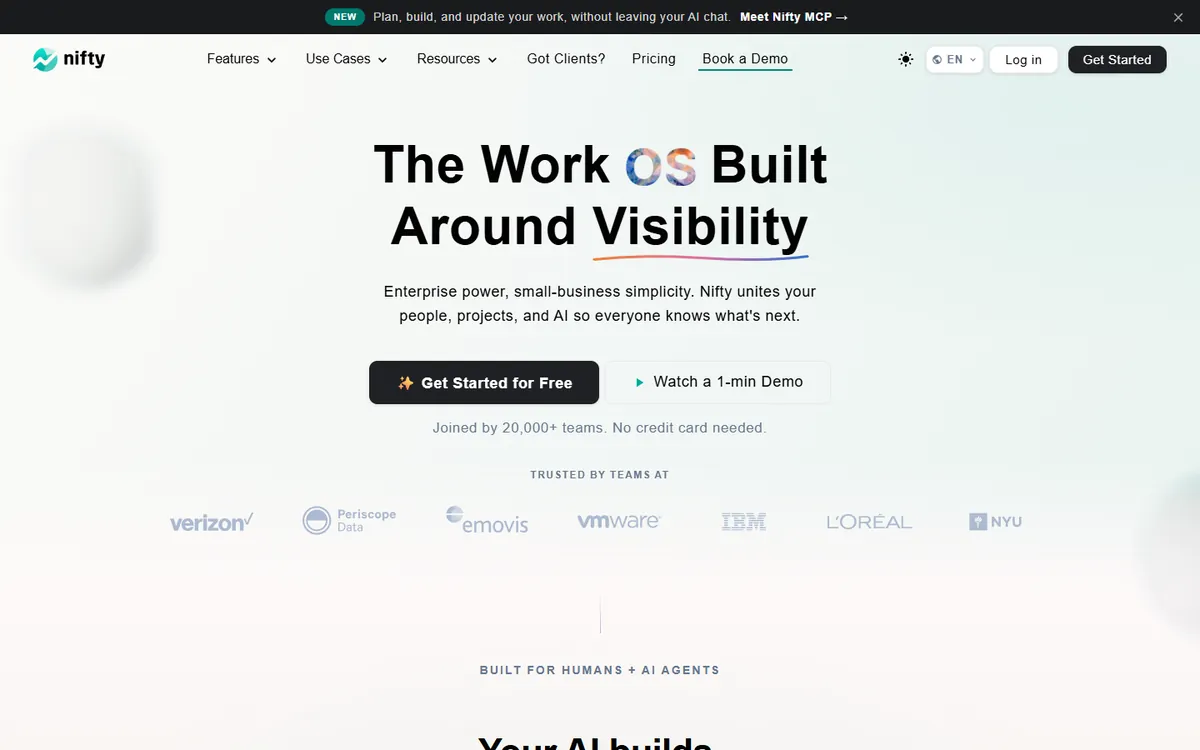
Nifty is a project management platform built around milestones and roadmaps. It combines tasks, docs, chat, forms and time tracking, and it offers both per-member and flat team pricing — which becomes much cheaper than Asana as a team grows.
Nifty pricing in detail
| Plan | Price | Members | Storage | Highlights |
|---|---|---|---|---|
| Free | $0 | Unlimited | 100MB | 2 active projects, tasks, docs, chat |
| Pro (per member) | ~$10/mo annual | Pay per member | 250GB | 100 active projects, time tracking, automations |
| Pro (flat) | $79/mo | Up to 10 | 500GB | Same as Pro, flat team price |
| Business (flat) | $124/mo | Up to 30 | 1TB | Goals, workloads, custom roles, open API |
| Unlimited (flat) | $399/mo | Unlimited | Unlimited | White-labelling, SAML, dedicated manager |
What you get
- Milestones and roadmaps that show progress across projects.
- Tasks, docs, files and team chat in one place.
- Time tracking and reporting.
- Client access via guest seats.
- Forms and automations.
Where it falls short
- Free plan limited to two active projects.
Good to know
A 30-person team on Nifty Business pays about $1,488 a year — around $4 per person per month.
Who it's best for
Agencies and growing teams. Skip it if you need many free projects.
What a 12-person team pays per year
| Option | Annual cost |
|---|---|
| Asana Advanced | $3,598 |
| Asana Starter | $1,583 |
| Nifty Business flat (up to 30 members) | ~$1,488 |
| Todoist Business | $1,152 |
| ClickUp Unlimited | $1,008 |
| Trello Standard | $720 |
| Zoho Projects Premium | ~$576–720 |
How to switch without losing your work
- Export projects to CSV from Asana (or use the new tool's Asana importer — ClickUp, Trello, Nifty and others have one).
- Map custom fields and sections before importing.
- Recreate rules for your most common workflows.
- Start with one team as a pilot for two weeks.
- Archive Asana projects and downgrade at the end of your billing term.
Which one should you choose?
- You want one app for projects, docs and team communication: ClickUp.
- Your team thinks visually and keeps things simple: Trello.
- Your work is mostly tasks and recurring to-dos: Todoist.
- You need Gantt charts and time tracking for client billing: Zoho Projects.
- You run an agency and want client portals and flat pricing: Nifty.
Hidden costs and gotchas
- AI add-ons. ClickUp Brain, Asana AI Studio and similar features are often billed separately or metered.
- Guests and clients. Check how each tool charges for external collaborators — some count them as paid seats.
- Automation limits. Most tools cap automation runs per month on lower tiers. Estimate your usage before choosing a plan.
- Seat minimums and bundles. Some tools sell seats in minimums or bundles; make sure you are not paying for empty seats.
- Change management. The best tool fails if nobody uses it. Run a two-week pilot with one team and write down your conventions.
Our verdict
ClickUp gives you more than Asana for less money, as long as you can tame its many features. Choose Trello for simple Kanban, Todoist for task-driven teams, Zoho Projects for the cheapest Gantt charts and time tracking, and Nifty for agencies that want flat pricing and client portals.
More cheaper alternatives: see our breakdowns of the cheaper options to monday.com, Jira and Airtable.
Related reading: What Is Agile, for a Small Team?, Product Roadmap vs Project Plan: Different Questions, Different Tools and How to Write a Project Proposal That Wins.
Planning a switch, or not sure which tool fits the way your team works? Book a free call and we will look at your stack with you.
Prices are US list prices in USD unless marked, checked on 27 October 2026. "Annual" means the per-month price when billed yearly. Vendors change pricing often, so confirm on the vendor's site before buying. Product names and logos are trademarks of their respective owners and are used here for identification only.
Common questions
What is the best free alternative to Asana?
ClickUp's Free Forever plan and Trello's free plan are the strongest free options for teams.
Is ClickUp cheaper than Asana?
Yes. ClickUp Unlimited is $7 per user per month versus $10.99 for Asana Starter.
Can I import Asana projects?
Yes. ClickUp, Trello, Nifty and others offer importers or CSV import.
Which Asana alternative has Gantt charts?
ClickUp, Zoho Projects and Nifty include Gantt-style timelines; Trello requires Premium.
Why did Asana's free plan change?
For accounts created after 12 November 2025, the free Personal plan supports only two users, pushing teams toward paid plans.
