In short
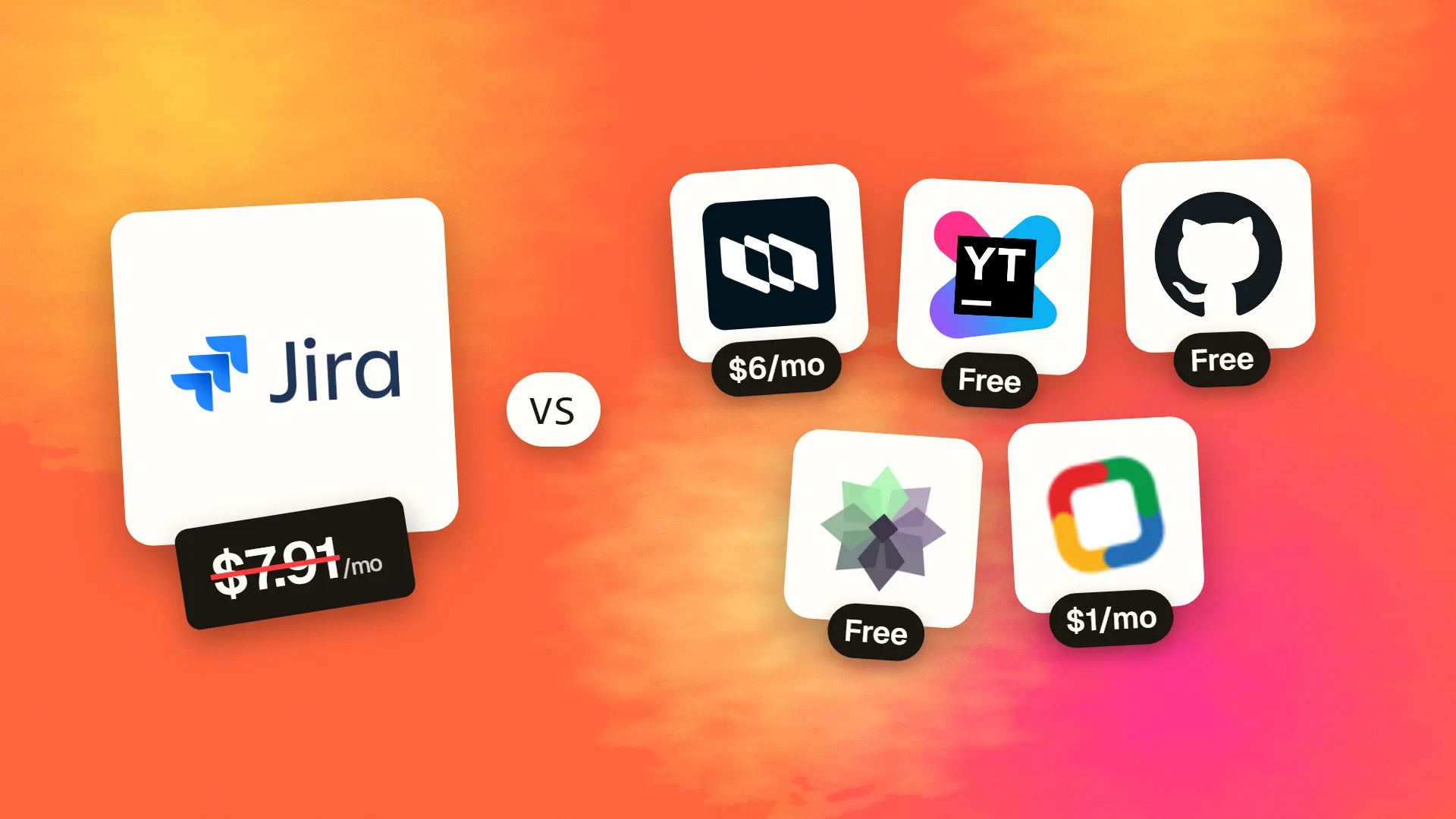
The best cheaper alternatives to Jira in 2026 are Plane (from $6/month), YouTrack (free), GitHub Issues + Projects (free), Taiga (free) and Zoho Sprints (from $1/month). Jira itself starts at $7.91 a month, so most teams can cut the cost substantially without losing the features they actually use.
Jira is the default issue tracker for software teams, and Atlassian's free plan is generous — free for up to 10 users. The pricing changes the moment you hire your eleventh person: Standard costs about $7.91 per user per month and Premium about $14.54, with lower per-user rates at higher volumes (published prices vary slightly by source and change during the year). Advanced planning, sandboxes and higher automation limits require Premium, and many teams add paid Marketplace apps for test management, time tracking and reporting.
A 30-person engineering team on Standard pays roughly $2,850 a year, or $5,230 on Premium, plus apps. Jira is powerful but also notoriously complex. The five alternatives below are faster, simpler or cheaper — and three are open source.
 Jiravs
 Plane
 YouTrack
 GitHub Issues + Projects
 Taiga
 Zoho Sprints
What Jira actually costs in 2026
| Plan | Price per user/month | Key features |
|---|---|---|
| Free | $0 (up to 10 users) | Scrum/Kanban boards, basic automation, 2GB storage |
| Standard | ~$7.91 | User roles, more automation, 250GB storage |
| Premium | ~$14.54 | Advanced planning, sandbox, unlimited storage, 99.9% SLA |
| Enterprise | Custom | Multiple sites, analytics, enterprise security |
Atlassian publishes tiered rates that step down above roughly 100, 250 and 500 users. The current tiers are listed on Jira's official pricing page.
The 5 cheaper alternatives at a glance
| Tool | Starts at | Model | Best for |
|---|---|---|---|
| Jira | $7.91/mo | subscription | The benchmark |
| Plane | $6/mo | open source | Dev teams wanting a modern, cheaper Jira |
| YouTrack | Free tier | free | Small dev teams, especially JetBrains users |
| GitHub Issues + Projects | Free tier | free | Teams already on GitHub |
| Taiga | Free tier | open source | Agile teams that want free and simple |
| Zoho Sprints | $1/mo | subscription | Agile teams on a budget |
How we picked these alternatives
We required issue tracking with custom workflows, Scrum and Kanban boards, sprints or cycles, backlog management, Git integration and reasonable reporting. We looked closely at price for 10–50 users. Prices checked 27 October 2026.
1. Plane
Price: Free for up to 12 users. Pro $6/seat/month annual ($8 monthly); Business $13 ($15). Open source and self-hostable. See Plane's official pricing page for current plans.
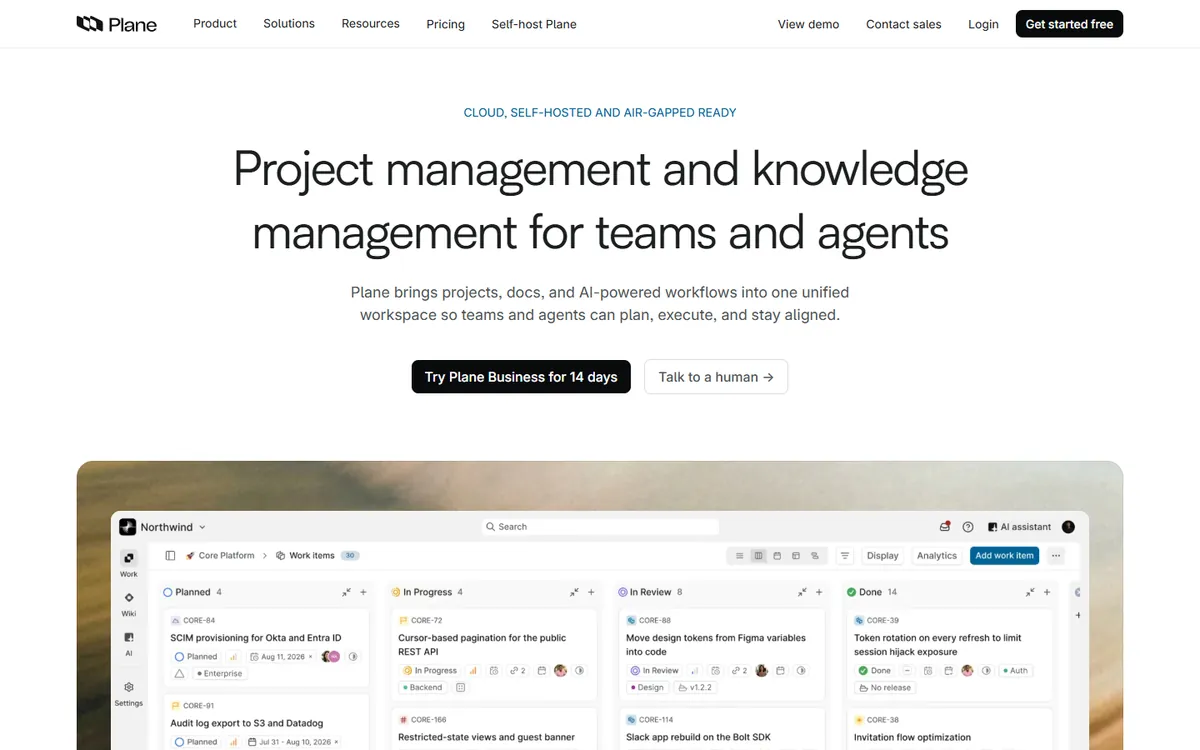
Plane is an open-source project tracker launched in 2023 that has quickly become one of the most-starred project management repositories on GitHub. It aims to combine Jira's structure (issues, epics, sprints, custom states) with the speed and clean design of Linear — and to let teams run it on their own servers if they want.
Plane pricing in detail
| Plan | Annual billing | Monthly billing | Highlights |
|---|---|---|---|
| Free | $0 | $0 | Up to 12 users, work items, cycles, modules, basic views |
| Pro | $6/seat | $8/seat | Pages (wiki), intake forms, dashboards, time tracking, integrations, AI credits |
| Business | $13/seat | $15/seat | Advanced workflows, approvals, more automation and admin controls |
| Enterprise Grid | Custom | Custom | Private and managed deployments |
| Self-hosted | Same tiers | Same tiers | Run on your own infrastructure; SAML/OIDC available |
What you get
- Work items with custom states, priorities, labels and estimates — the core of any Jira replacement.
- Cycles (sprints) and modules (epics or feature groups) with progress charts, so Scrum and Kanban teams both feel at home.
- Multiple layouts: list, board (Kanban), spreadsheet, calendar and Gantt-style timeline.
- A fast, keyboard-first interface — creating and triaging issues takes seconds, not page loads.
- Pages for specs and documentation linked to work items (paid plans), reducing the need for Confluence.
- GitHub, GitLab and Slack integrations, plus importers for Jira, Linear and Asana.
- Self-hosting with Docker or Kubernetes for teams that need data sovereignty.
Where it falls short
- Younger ecosystem. Plane has far fewer marketplace integrations than Jira's thousands of apps.
- Key extras are paid. Wiki pages, dashboards and time tracking are not on the free plan.
- Reporting depth is still behind Jira Premium's advanced planning and portfolio views.
Good to know
Because the free plan supports 12 users — two more than Jira Free — many small start-ups can run Plane at no cost for longer, and the paid Pro tier is cheaper per seat than Jira Standard.
Who it's best for
Start-ups, product teams and engineering groups that want a modern Jira replacement with an open-source option. Skip it if you depend on specific Jira Marketplace apps or Jira Service Management.
2. YouTrack
Price: Free for up to 10 users and 3 helpdesk agents. Above that, roughly $2.80–3.67 per user per month (cloud), depending on billing. See YouTrack's official pricing page for current plans.
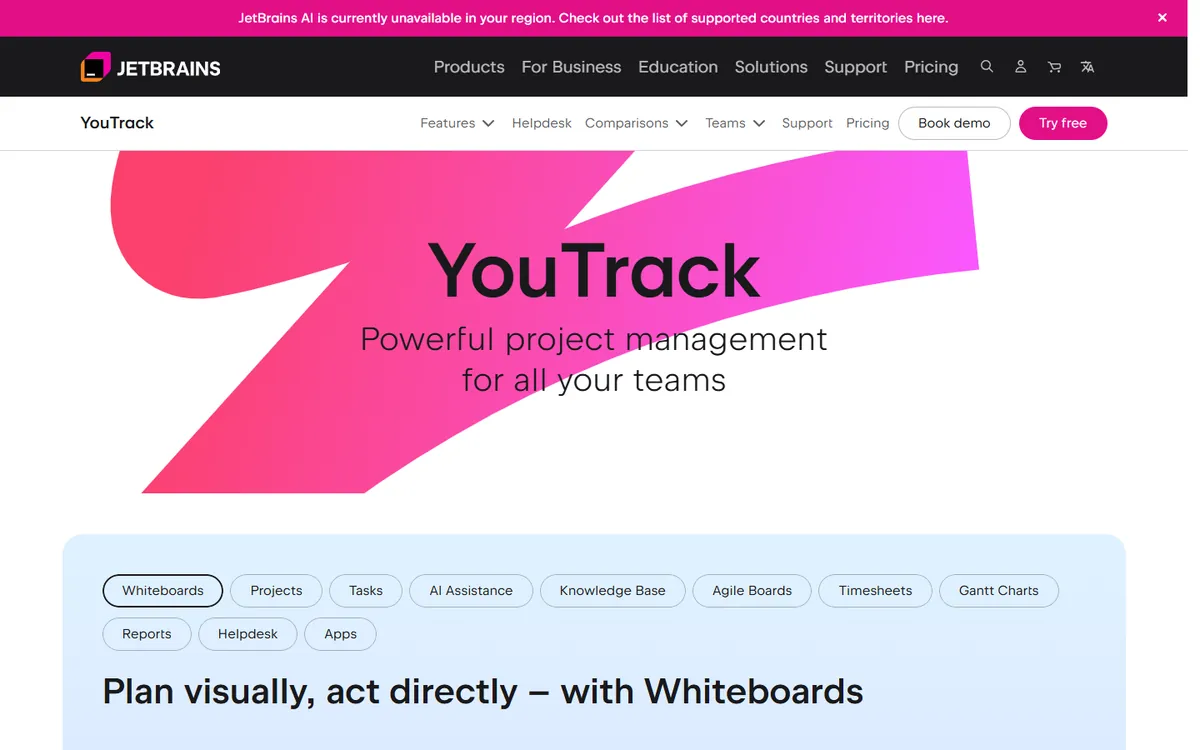
YouTrack is JetBrains' issue tracker — the same company behind IntelliJ IDEA, PyCharm and Kotlin. It has been in development for over fifteen years and packs a surprising number of features into a single, inexpensive product: agile boards, Gantt charts, time tracking, a knowledge base and a customer helpdesk.
YouTrack pricing in detail
| Option | Price | Highlights |
|---|---|---|
| Cloud Free | $0 | Up to 10 users and 3 helpdesk agents, all features |
| Cloud paid | ~$2.80–3.67/user/mo | Billed on active users above the free tier; monthly or discounted annual |
| Server (self-hosted) | Per-user licence | Run on your own servers |
What you get
- Agile boards for Scrum and Kanban with sprints, swimlanes and burndown charts.
- Gantt charts with dependencies for release planning.
- Built-in time tracking with timesheets and reports — a paid Marketplace app in Jira for many teams.
- Knowledge base for documentation, linked to issues.
- Helpdesk module so support agents can handle customer tickets in the same tool developers use.
- Powerful search syntax and JavaScript workflows to automate state transitions, assignments and notifications.
- Deep JetBrains IDE integration — see and update issues without leaving your code editor.
Where it falls short
- Learning curve. The query language and workflow scripting are powerful but take time to learn.
- Interface density — some users find it less intuitive than Linear or Plane.
- Smaller third-party ecosystem than Atlassian.
Good to know
Bundling time tracking, a wiki and a helpdesk means YouTrack can replace Jira plus Confluence plus several paid Marketplace apps for a fraction of the combined cost.
Who it's best for
Development teams — especially JetBrains users — who want Jira-level depth at a much lower price. Skip it if your non-technical stakeholders need a very simple interface.
3. GitHub Issues + Projects
Price: Free with GitHub Free; GitHub Team $4/user/month. See GitHub Issues + Projects' official pricing page for current plans.
If your code already lives on GitHub, you may not need a separate tracker at all. GitHub Issues has become far more capable in recent years, with Projects (tables and boards), custom fields, iterations, sub-issues, issue types and built-in automation.
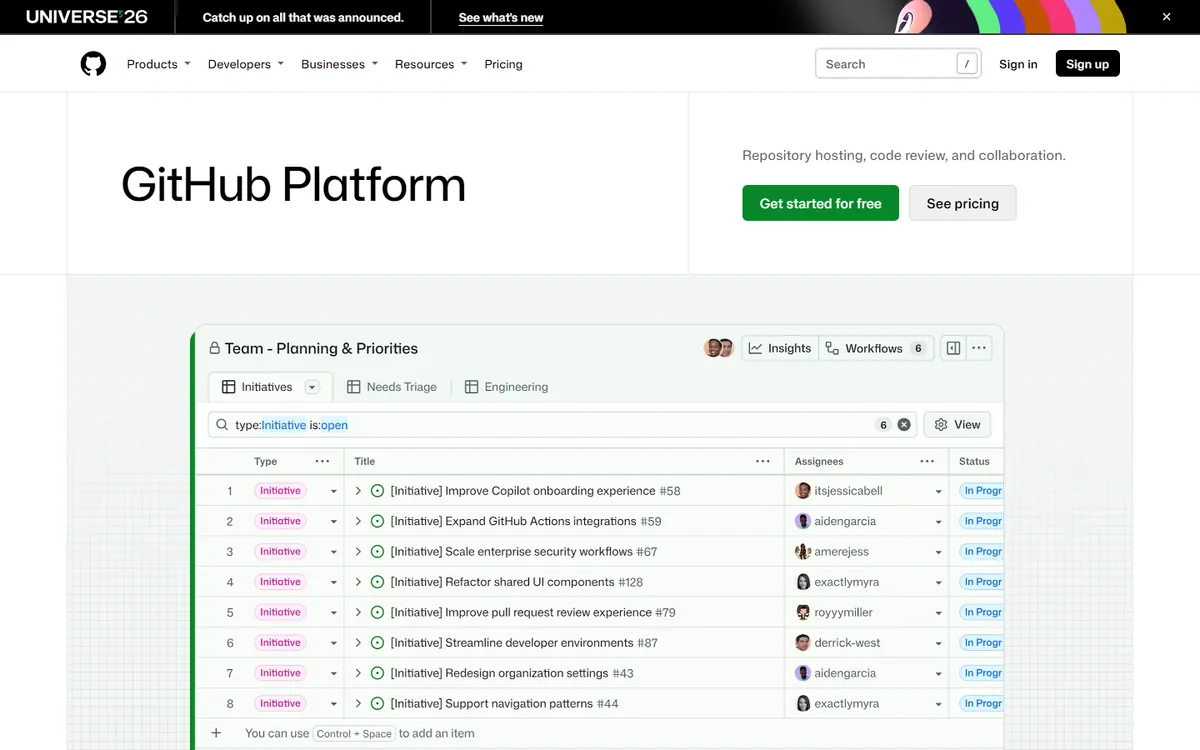
GitHub pricing in detail
| Plan | Price | Highlights |
|---|---|---|
| Free | $0 | Unlimited public and private repos, Issues, Projects, 2,000 Actions minutes/month |
| Team | $4/user/mo | Protected branches, required reviewers, 3,000 Actions minutes, more storage |
| Enterprise | From ~$21/user/mo | SAML SSO, audit log, advanced security options |
What you get
- Issues linked automatically to commits and pull requests — closing a PR can close the issue.
- Projects with table, board and roadmap layouts, custom fields and saved views.
- Iterations for sprint planning.
- Sub-issues and issue types for epics and hierarchy.
- Built-in workflows and GitHub Actions to automate triage, labels and status.
- One place for code, review and planning, which reduces tool switching for developers.
Where it falls short
- Lighter reporting than Jira — no native velocity or burndown dashboards without third-party tools.
- Not designed for non-engineering teams.
- Cross-repository planning at scale needs careful Project setup.
Good to know
Many teams already pay for GitHub Team for branch protection, so using Issues and Projects effectively removes Jira from the budget entirely.
Who it's best for
Engineering teams whose work starts and ends in GitHub. Skip it if product, design and business teams need to plan in the same tool.
4. Taiga
Price: Free hosted plan with unlimited users and projects. Open source; a premium cloud support plan costs about $70/month. See Taiga's official site for current plans.
Taiga is an open-source agile project management tool built by Kaleidos, the Spanish company that also makes Penpot. It focuses on doing Scrum and Kanban well, with a clean interface, no enterprise bloat and a hosted plan that is free for unlimited users and projects.
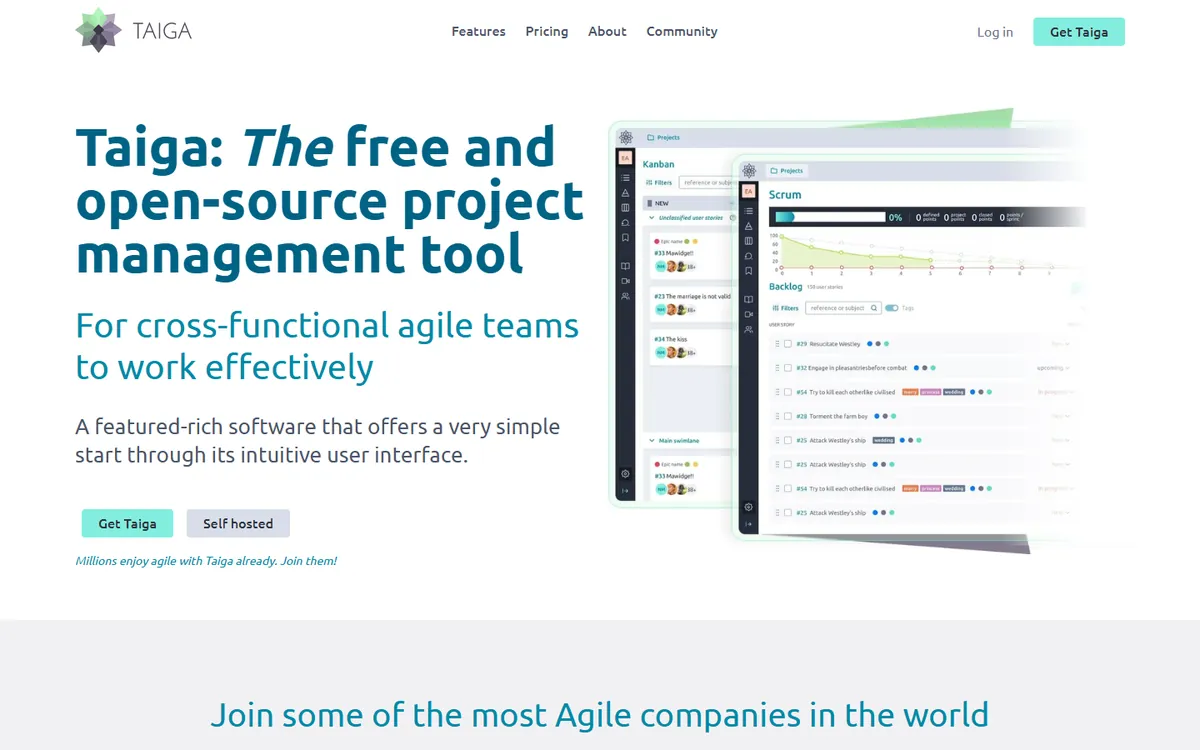
Taiga pricing in detail
| Option | Price | Highlights |
|---|---|---|
| Cloud (free) | $0 | Unlimited users and projects, Scrum and Kanban |
| Cloud premium support | ~$70/mo (~$600/yr) | Priority support from the Taiga team |
| Self-hosted | Free software | Run on your own servers with Docker |
What you get
- Scrum with epics, user stories, tasks and sprints, including story points per role.
- Burndown charts and sprint taskboards.
- Kanban boards with work-in-progress limits and swimlanes.
- Issues and a wiki for each project.
- Importers from Jira, Trello, Asana and GitHub.
- Custom fields, tags, filters and due dates.
- Webhooks and an API for integrations.
Where it falls short
- Slower development pace than commercial tools.
- Limited integrations and automation.
- No portfolio or cross-project planning.
Good to know
Taiga is widely used by universities, agile coaches and non-profits because it teaches Scrum practices clearly without extra complexity.
Who it's best for
Small agile teams, schools and non-profits that want free Scrum and Kanban. Skip it if you need heavy automation or a large app marketplace.
5. Zoho Sprints
Price: From about $1–3 per user per month. See Zoho Sprints' official pricing page for current plans.
Zoho Sprints is Zoho's dedicated agile tool, separate from the broader Zoho Projects. It is aimed at Scrum teams that want backlogs, sprints and agile reports at the lowest possible per-user price, with easy connections to the rest of the Zoho suite.
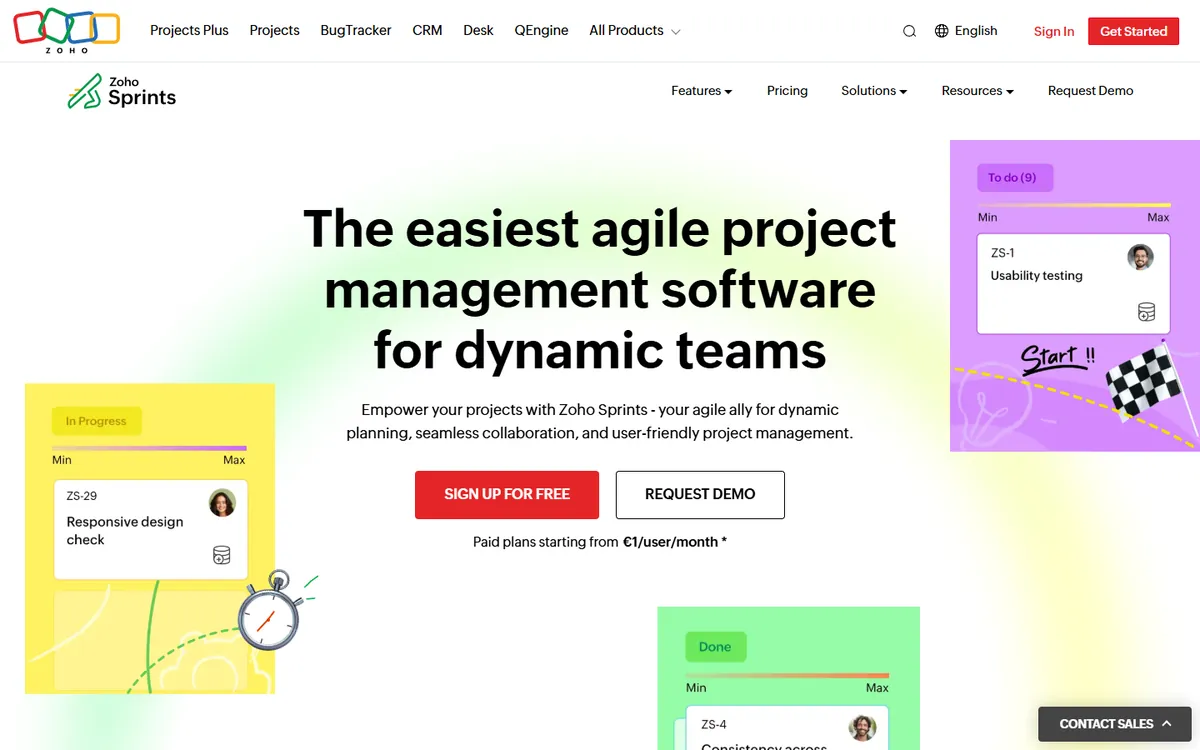
Zoho Sprints pricing in detail
| Plan | Price per user/month (approx.) | Highlights |
|---|---|---|
| Free | $0 | Small teams, limited projects |
| Starter / Premier | ~$1–3 (annual) | Unlimited projects, timesheets, reports, integrations |
| Enterprise | Higher | Advanced customisation, security and admin |
Third-party sources disagree on the exact starting price, so confirm on Zoho's site for your region.
What you get
- Backlogs, sprint planning and Scrum boards.
- Epics, user stories and custom item types.
- Velocity, burndown, burnup and cumulative-flow reports.
- Timesheets for logging effort and approvals.
- Release management with release boards.
- Integrations with GitHub, GitLab, Bitbucket, Jenkins and Zoho apps, plus a Jira importer.
Where it falls short
- Smaller community and fewer integrations than Jira.
- Interface feels less modern than Plane or Linear.
Good to know
Even at $3 per user, a 30-person team pays about $1,080 a year — roughly a third of Jira Standard.
Who it's best for
Agile teams on a tight budget, especially companies already using Zoho One or Zoho CRM. Skip it if you rely on Jira Marketplace apps.
What a 30-person team pays per year
| Option | Annual cost |
|---|---|
| Jira Premium | ~$5,234 |
| Jira Standard | ~$2,848 |
| Plane Pro | $2,160 |
| GitHub Team | $1,440 |
| YouTrack (20 paid users above the free 10) | ~$670–880 |
| Zoho Sprints | ~$360–1,080 |
| Taiga (hosted free) | $0 |
How to switch without losing your work
- Export issues to CSV (or use the destination's Jira importer — Plane, YouTrack, Taiga and Zoho Sprints all support Jira import).
- Map statuses, issue types and custom fields before importing.
- Reconnect Git integrations so commits and PRs link to issues.
- Recreate only essential automations.
- Freeze Jira (read-only) for a few months as a reference.
Which one should you choose?
- You want a modern, fast tracker with an open-source option: Plane.
- You want the most features per dollar, including time tracking and a helpdesk: YouTrack.
- Your code already lives on GitHub: GitHub Issues and Projects.
- You run Scrum for a small team, school or non-profit: Taiga.
- You want hosted agile tools for a dollar or two per user: Zoho Sprints.
Hidden costs and gotchas
- Marketplace apps. Many Jira teams pay for apps (test management, time tracking, advanced roadmaps). Include those in your comparison — the real saving is often larger than the seat price suggests.
- Confluence. If you also use Confluence, plan where documentation will live (Plane Pages, YouTrack Knowledge Base, GitHub wikis, Notion).
- Workflow complexity. Years of custom Jira workflows and fields rarely migrate cleanly. Use the switch to simplify.
- Service desk. Jira Service Management is separate; YouTrack includes a helpdesk, others may need an extra tool.
- Self-hosting. Plane, Taiga and OpenProject can be self-hosted for free, but you pay in server time and updates.
Our verdict
Plane is the best modern, open-source Jira replacement. YouTrack offers the most features per dollar, GitHub Projects is the obvious choice if your code lives on GitHub, Taiga is free and simple for Scrum, and Zoho Sprints is the cheapest hosted agile tool.
More cheaper alternatives: see our breakdowns of the cheaper options to Asana, monday.com and Slack.
Related reading: What Is a Sprint in Software Development?, What Is Agile, for a Small Team? and The Real Cost of Technical Debt.
Planning a switch, or not sure which tool fits the way your team works? Book a free call and we will look at your stack with you.
Prices are US list prices in USD unless marked, checked on 27 October 2026. "Annual" means the per-month price when billed yearly. Vendors change pricing often, so confirm on the vendor's site before buying. Product names and logos are trademarks of their respective owners and are used here for identification only.
Common questions
Is Jira free?
Yes, for up to 10 users. Beyond that you need Standard or Premium for every user.
What is the best open-source Jira alternative?
Plane is the most modern open-source option; Taiga and OpenProject are mature alternatives.
Is YouTrack cheaper than Jira?
Yes. YouTrack is free for 10 users and typically costs well under half of Jira Standard per additional user.
Can GitHub Projects replace Jira?
For many engineering teams, yes. It handles issues, boards, roadmaps and automation, but has lighter reporting.
Can I import my Jira data?
Most alternatives include Jira importers or accept CSV exports.
