In short
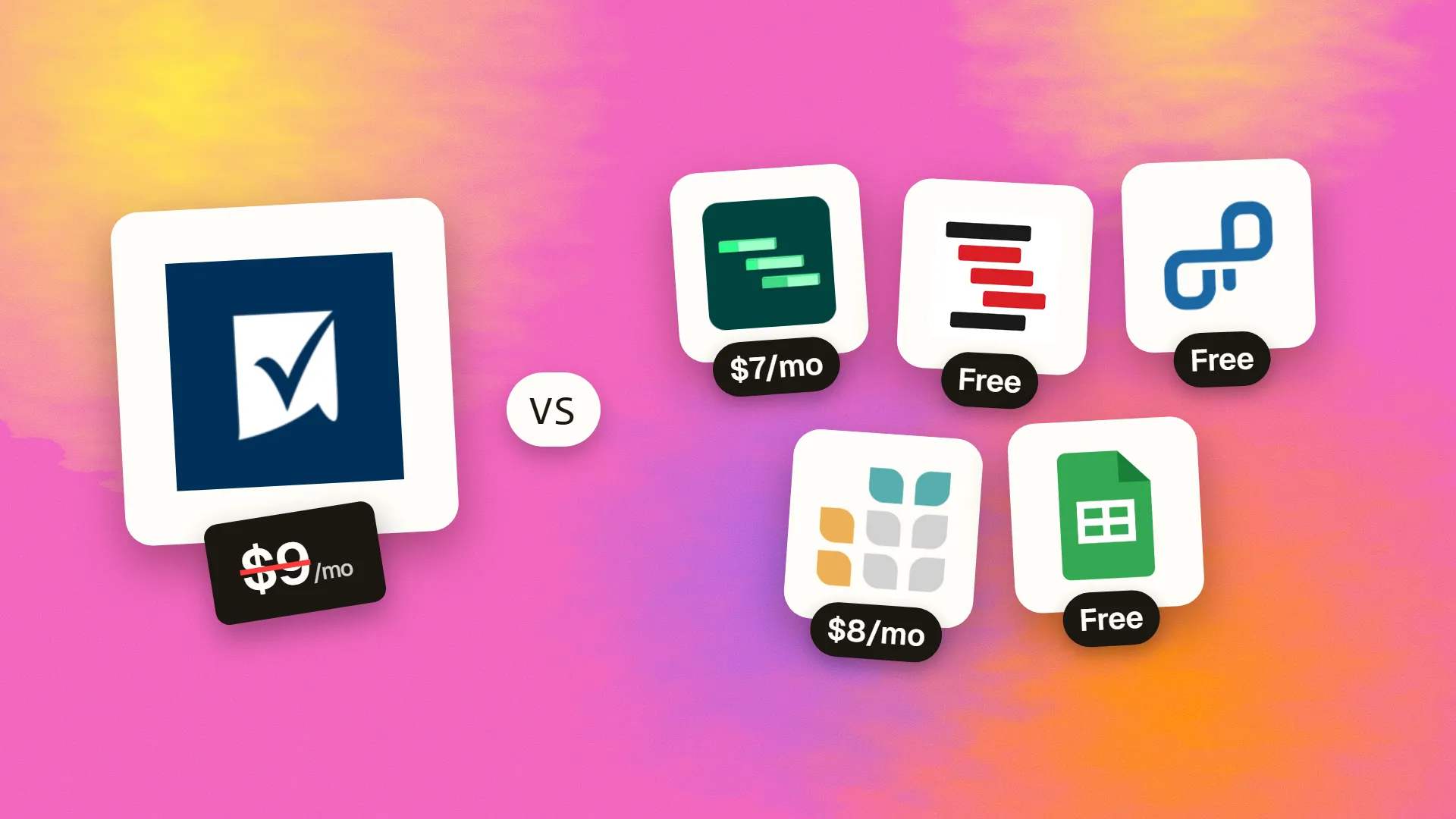
The best cheaper alternatives to Smartsheet in 2026 are GanttPRO (from $7/month), ProjectLibre (free), OpenProject (free), Grist (from $8/month) and Google Sheets (free). Smartsheet itself starts at $9 a month, so most teams can cut the cost substantially without losing the features they actually use.
Smartsheet looks like a spreadsheet but works like a project management system: rows become tasks with owners, dates and dependencies, and each sheet can be viewed as a grid, Gantt chart, card board or calendar. Automations, forms, reports and dashboards make it popular in operations, marketing and construction. Since August 2024 there has been no free plan for new sign-ups — only a 30-day trial. Pro costs $9 per member per month billed yearly ($12 monthly) and is capped at ten members; Business costs $19 per member billed yearly ($24 monthly) with a minimum of three members; Enterprise and Advanced Work Management are quote-only. A 20-person team on Business pays $4,560 a year.
Viewers and commenters are free, but anyone who creates or owns sheets needs a paid seat. If your team mainly needs Gantt planning, shared trackers or a spreadsheet with structure, the alternatives below cost much less.
 Smartsheetvs
 GanttPRO
 ProjectLibre
 OpenProject
 Grist
 Google Sheets
What Smartsheet actually costs in 2026
| Plan | Annual billing | Monthly billing | Members | Key limits |
|---|---|---|---|---|
| Pro | $9/member/mo | $12/member/mo | 1–10 | Unlimited viewers, 20 GB storage |
| Business | $19/member/mo | $24/member/mo | 3+ | Unlimited storage, WorkApps, Data Shuttle |
| Enterprise | Custom | — | 10+ | Advanced security and admin |
| Advanced Work Management | Custom | — | — | Portfolio and resource management |
Premium add-ons (Dynamic View, Data Shuttle at scale, Resource Management) cost extra. The current tiers are listed on Smartsheet's official pricing page.
The 5 cheaper alternatives at a glance
| Tool | Starts at | Model | Best for |
|---|---|---|---|
| Smartsheet | $9/mo | subscription | The benchmark |
| GanttPRO | $7/mo | subscription | Teams that mainly need Gantt planning |
| ProjectLibre | Free tier | open source | Project managers who need classic scheduling for free |
| OpenProject | Free tier | open source | Organisations that want self-hosted Gantt and project management |
| Grist | $8/mo | subscription | Spreadsheet lovers who want relational data and permissions |
| Google Sheets | Free tier | free | Small teams that only need a shared tracker |
How we picked these alternatives
We compared Gantt charts and dependencies, grid and spreadsheet features, automation, reporting, collaboration, self-hosting and the cost for a 20-person team. Prices checked 28 October 2026.
1. GanttPRO
Price: Core from about $7 per user per month billed yearly; Advanced and Business tiers roughly $10–24; Enterprise custom. See GanttPRO's official pricing page for current plans.
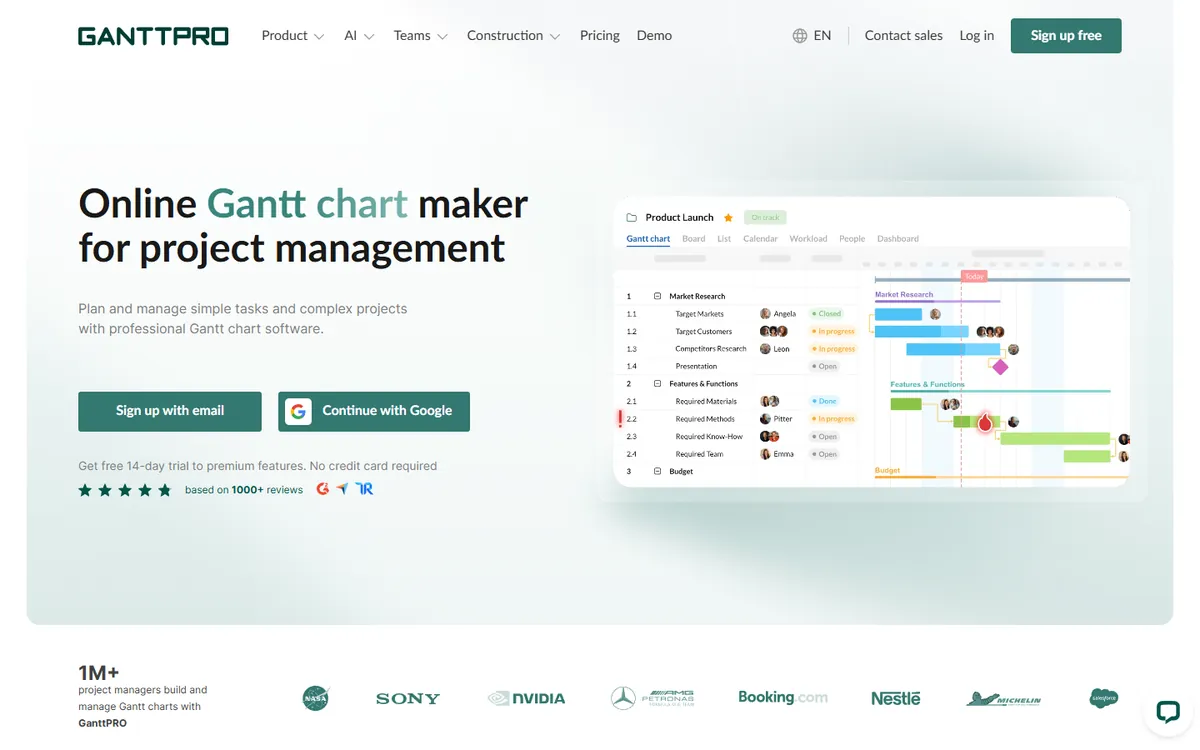
GanttPRO is a dedicated online Gantt chart tool. Drag tasks on a timeline, link dependencies, set baselines, see the critical path and balance workloads across your team. It is far simpler to set up than Smartsheet when your main need is a clear project schedule, and it comes with templates for marketing, construction, software and events.
GanttPRO pricing in detail
| Plan | Price (billed yearly) | Key features |
|---|---|---|
| Core | ~$7/user/mo | Gantt charts, dependencies, templates |
| Advanced | ~$10–15/user/mo | Workload, baselines, portfolios |
| Business | ~$17–24/user/mo | Advanced permissions, integrations |
| Enterprise | Custom | SSO, dedicated support |
GanttPRO's tier prices vary between sources; check the current pricing page.
What you get
- Drag-and-drop Gantt charts with dependencies.
- Critical path and baselines.
- Workload management for resources.
- Templates for common project types.
- Export to PDF, PNG and Excel.
Where it falls short
- Fewer spreadsheet and reporting features than Smartsheet.
- Limited automation.
- Not a general data tool.
Good to know
GanttPRO's templates help teams start quickly with typical project structures. Share read-only links with clients so they can see the plan without accounts. Check how many projects and how much storage each tier includes, as limits differ between plans and have changed over time.
Who it's best for
Teams that mainly need professional Gantt planning. Skip it if you use Smartsheet as a database for operations.
2. ProjectLibre
Price: Free and open source desktop app (a cloud version is in development). See ProjectLibre's official site for current plans.
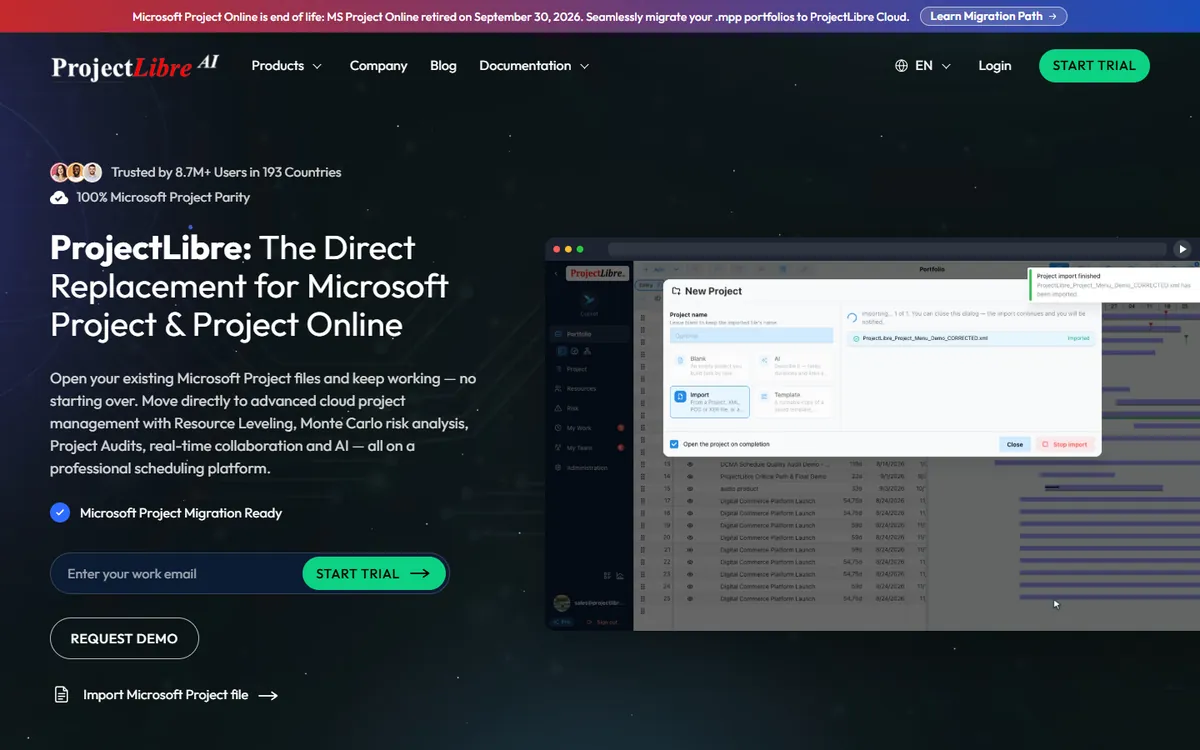
ProjectLibre is a free, open-source alternative to Microsoft Project. It has classic project scheduling: Gantt charts, network diagrams, critical path, baselines, resource histograms and earned value. It opens Microsoft Project (.mpp) files, which makes it useful when clients or contractors send schedules in that format.
ProjectLibre pricing in detail
| Option | Price | Notes |
|---|---|---|
| ProjectLibre desktop | Free | Windows, macOS, Linux |
| ProjectLibre Cloud | In development / paid | Team collaboration |
What you get
- MS Project-style scheduling with Gantt and PERT.
- Critical path and baselines.
- Resource allocation and histograms.
- Opens .mpp files.
- Earned value reports.
Where it falls short
- Desktop only — no real-time collaboration.
- Dated interface.
- No automation or forms.
Good to know
ProjectLibre saves in its own format and can export to Microsoft Project XML, PDF and Excel. For collaboration, many teams keep the master schedule in ProjectLibre and share PDF snapshots weekly. If you need cloud collaboration, consider OpenProject, which offers similar scheduling features in a web app.
Who it's best for
Project managers who need classic scheduling for free, especially in construction and engineering. Skip it if your team needs to collaborate on the plan live.
3. OpenProject
Price: Community edition free, open source and self-hosted; paid support plans from about €5.95 per user per month (minimum 25 users). See OpenProject's official pricing page for current plans.
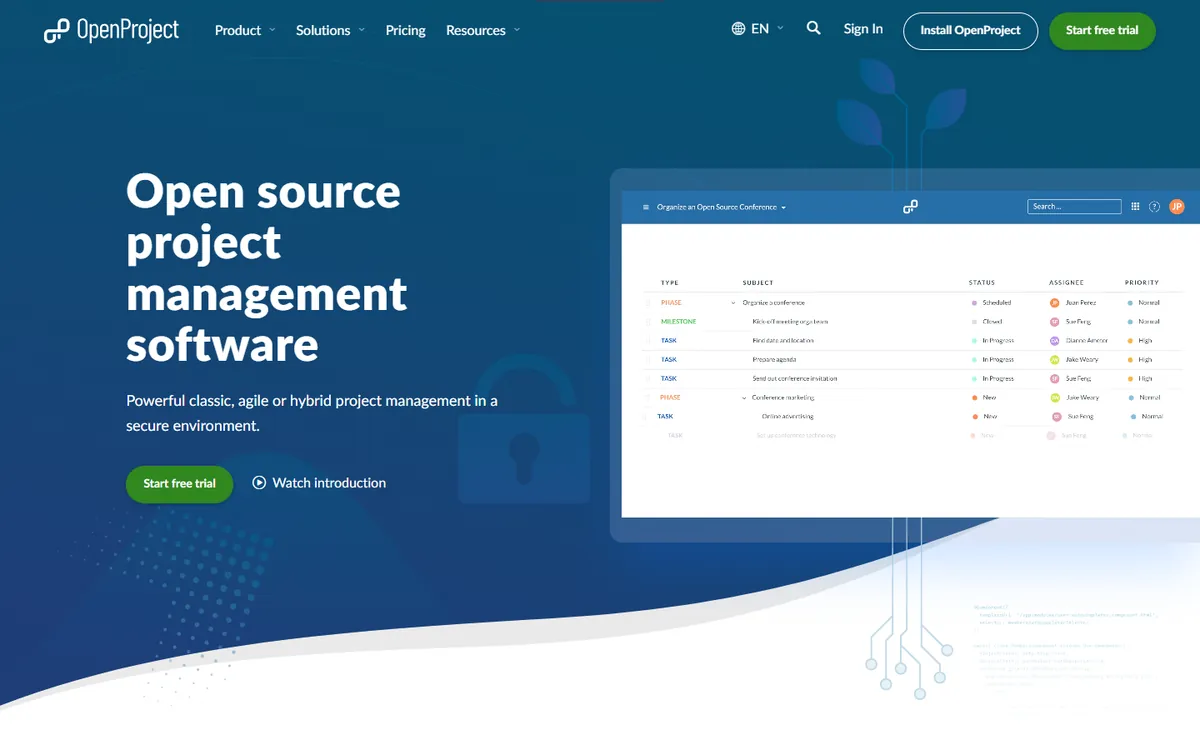
OpenProject is an open-source project management platform with Gantt charts, work packages, agile boards, time and cost tracking, wikis and meetings. It can be self-hosted for free, which appeals to public organisations and companies with data sovereignty requirements, especially in Europe. It is a serious tool for running projects, not just tracking them.
OpenProject pricing in detail
| Option | Price | Notes |
|---|---|---|
| Community | Free | Self-hosted, open source |
| Basic / Professional (cloud or on-premise) | From ~€5.95/user/mo | Support, enterprise add-ons; 25-user minimum |
| Premium / Corporate | Higher | Advanced security, support SLAs |
What you get
- Gantt charts with dependencies.
- Agile boards and backlogs.
- Time and cost reporting.
- Wikis, forums and meetings.
- Self-hosting for full data control.
Where it falls short
- Self-hosting needs IT skills.
- Interface is less polished than Smartsheet's.
- Paid plans have a 25-user minimum.
Good to know
OpenProject offers a free trial of its cloud edition, so you can test it without running a server. Its BIM edition adds 3D model viewing for construction projects, a niche where Smartsheet is popular. Enterprise add-ons such as LDAP groups and SSO are available on paid plans.
Who it's best for
Organisations that want self-hosted project management with Gantt charts. Skip it if you want a no-code spreadsheet experience.
4. Grist
Price: Free (5,000 records per document); Pro $8 per user per month billed yearly ($10 monthly); Community edition free to self-host. See Grist's official pricing page for current plans.
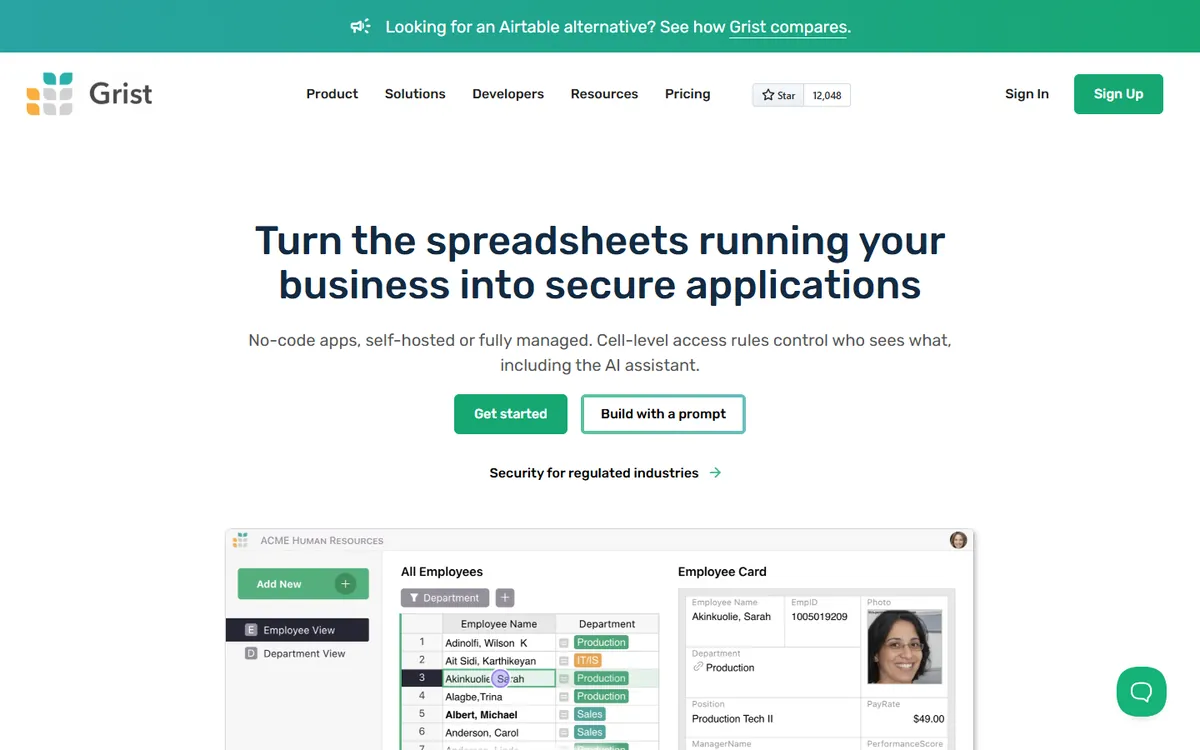
Grist is a spreadsheet-database hybrid: it looks like a spreadsheet, but columns have types, tables relate to each other, formulas are written in Python and permissions can be set down to individual rows. Many teams use Smartsheet as a structured database for operations — Grist does that job better and cheaper, with forms, cards, charts and custom widgets.
Grist pricing in detail
| Plan | Price | Key limits |
|---|---|---|
| Free | $0 | 5,000 records per document, small teams |
| Pro | $8/user/mo yearly ($10 monthly) | 100,000 records per document, more history |
| Business / Enterprise | Custom | SSO, admin |
| Self-hosted | Free | Community edition |
What you get
- Spreadsheet interface with relational tables.
- Python formulas.
- Granular access rules per row and column.
- Forms, cards and charts.
- Self-hosting option.
Where it falls short
- No built-in Gantt charts (a calendar and timeline widgets exist).
- Fewer automations than Smartsheet.
- Learning curve for relational design.
Good to know
Grist documents can be shared publicly or embedded in websites, and forms can feed data directly into tables. Its access rules let you share one document with clients while hiding internal columns. Because Grist is open source, you can export your data in standard formats and self-host whenever you want.
Who it's best for
Operations teams that use Smartsheet as a database and want more power for less. Skip it if you need Gantt scheduling.
5. Google Sheets
Price: Free with a Google account; included in Google Workspace. See Google Sheets' official site for current plans.
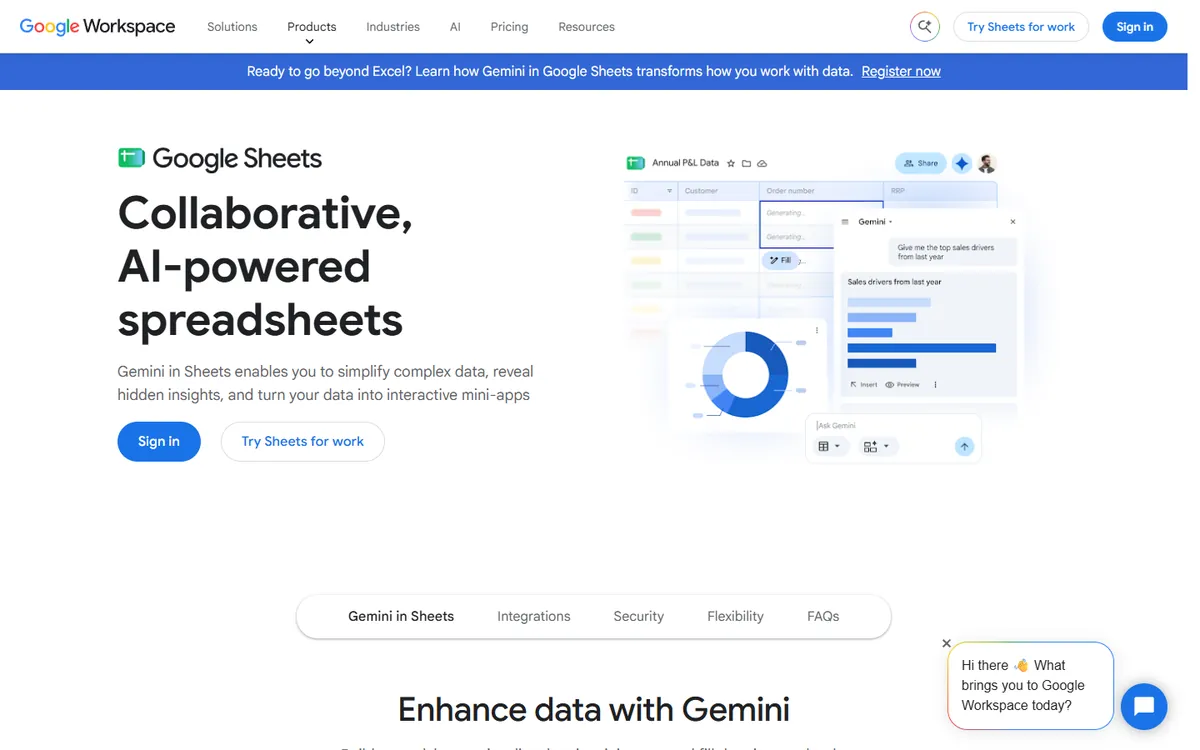
Plenty of teams use Smartsheet for things Google Sheets already does well: shared trackers, simple project lists, content calendars and status reports. Sheets has real-time collaboration, Gantt and project templates, a timeline view, smart chips, data validation, Apps Script automation and connected forms. For simple projects, it is free and already familiar to everyone.
Google Sheets pricing in detail
| Access | Price | Notes |
|---|---|---|
| Personal Google account | Free | 15 GB shared storage |
| Google Workspace | From $7/user/mo | Business email, admin, more storage |
What you get
- Real-time collaboration with comments and assignments.
- Timeline view for project schedules.
- Templates for Gantt charts and trackers.
- Apps Script for automation.
- Google Forms integration.
Where it falls short
- Manual work for dependencies and critical path.
- No dashboards or reports like Smartsheet's without extra work.
- Permissions are per file rather than per row.
Good to know
For simple project schedules, try Sheets' Timeline view, which turns rows with start and end dates into a visual timeline grouped by owner or status. Add data validation for status fields and conditional formatting for overdue tasks. Apps Script or a connector can send reminders by email when deadlines approach.
Who it's best for
Small teams with simple trackers and schedules. Skip it if you manage complex dependencies across many projects.
What a 20-person team pays per year
| Option | Annual cost |
|---|---|
| Smartsheet Business (20 × $19 × 12) | $4,560 |
| Smartsheet Pro (max 10 members) | Not available at 20 |
| GanttPRO Core (20 × ~$7 × 12) | ~$1,680 |
| Grist Pro (20 × $8 × 12) | $1,920 |
| OpenProject Community (self-hosted) | $0 + hosting |
| ProjectLibre | $0 |
| Google Sheets | $0 |
Most teams have fewer creators than viewers. Count who actually builds and owns plans.
How to switch without losing your work
- Export sheets to Excel or CSV, and Gantt charts to Microsoft Project format where possible.
- Rebuild automations and forms in the new tool — they do not export.
- Recreate dashboards and reports from the new data.
- Move one programme at a time rather than everything at once.
- Keep viewers informed about new links and access.
Which one should you choose?
- You mainly need professional Gantt charts: GanttPRO.
- You need MS Project-style scheduling for free: ProjectLibre.
- You want self-hosted project management: OpenProject.
- You use Smartsheet as an operations database: Grist.
- You need simple shared trackers: Google Sheets.
Hidden costs and gotchas
- No free plan. Smartsheet's 30-day trial converts to paid seats.
- Member minimums. Business requires at least three members; Pro is capped at ten.
- Premium add-ons. Resource management and advanced connectors cost extra.
- Automation limits. Some plans cap automation runs.
- Data migration. Cell links, cross-sheet references and reports need rebuilding.
Our verdict
GanttPRO is the best Smartsheet alternative for teams whose main need is project scheduling. Grist is best for operations data, OpenProject for self-hosted project management, ProjectLibre for free MS Project-style planning, and Google Sheets for simple shared trackers.
More cheaper alternatives: see our breakdowns of the cheaper options to monday.com, Basecamp and Airtable.
Related reading: Product Roadmap vs Project Plan: Different Questions, Different Tools, How to Estimate Software Development Without Pretending It Is Certain and What Is a Sprint in Software Development?.
Planning a switch, or not sure which tool fits the way your team works? Book a free call and we will look at your stack with you.
Prices are US list prices in USD unless marked, checked on 27 October 2026. "Annual" means the per-month price when billed yearly. Vendors change pricing often, so confirm on the vendor's site before buying. Product names and logos are trademarks of their respective owners and are used here for identification only.
Common questions
What is the best free alternative to Smartsheet?
Google Sheets for simple trackers, ProjectLibre for scheduling and OpenProject for self-hosted project management.
Does Smartsheet have a free plan?
Not for new users since August 2024. It offers a 30-day trial.
Do Smartsheet viewers need a paid seat?
No. Viewers, commenters and editors who do not create or own sheets are free.
Can I export Smartsheet to Excel?
Yes. Sheets export to Excel, and Gantt charts can export to Microsoft Project.
Is Grist a good Smartsheet replacement?
For structured data and operations trackers, yes. For Gantt scheduling, use GanttPRO or OpenProject.
