In short
The best cheaper alternatives to Lucidchart in 2026 are draw.io (diagrams.net) (free), Excalidraw (free), Creately (free), Mermaid (free) and Visio in Microsoft 365 (free). Lucidchart itself starts at $9 a month, so most teams can cut the cost substantially without losing the features they actually use.
Lucidchart is a popular browser-based diagramming tool for flowcharts, org charts, network diagrams, UML, ERDs and process maps. It has real-time collaboration, data linking, Visio import and export, and integrations with Google Workspace, Microsoft 365, Confluence and Jira. Its free plan is tight: three editable documents, 60 shapes per document and limited templates. Individual costs about $9 a month ($7.95 billed yearly), and Team costs about $10 per user per month billed yearly with a three-seat minimum; Enterprise is custom. A 20-person engineering and operations team pays about $2,400 a year.
Diagramming is one of the categories where free tools are genuinely excellent. The alternatives below include the most popular free diagram tool in the world.
 Lucidchartvs
 draw.io (diagrams.net)
 Excalidraw
 Creately
 Mermaid
 Visio in Microsoft 365
What Lucidchart actually costs in 2026
| Plan | Price | Users | Key limits |
|---|---|---|---|
| Free | $0 | 1 | 3 editable documents, 60 shapes per doc |
| Individual | ~$9/mo ($7.95 yearly) | 1 | Unlimited documents, premium shapes, Visio import |
| Team | ~$10/user/mo yearly | Minimum 3 | Collaboration, team folders, admin |
| Enterprise | Custom | — | SSO, advanced security, data linking at scale |
Large teams usually negotiate custom pricing. The current tiers are listed on Lucidchart's official pricing page.
The 5 cheaper alternatives at a glance
| Tool | Starts at | Model | Best for |
|---|---|---|---|
| Lucidchart | $9/mo | subscription | The benchmark |
| draw.io (diagrams.net) | Free tier | open source | Almost anyone who needs diagrams |
| Excalidraw | Free tier | open source | Quick hand-drawn architecture sketches |
| Creately | Free tier | free | Teams that want diagrams plus lightweight data |
| Mermaid | Free tier | open source | Developers documenting systems in Markdown |
| Visio in Microsoft 365 | Free tier | free | Microsoft 365 businesses |
How we picked these alternatives
We compared diagram types and shape libraries, collaboration, Visio and Lucidchart import, integrations, diagrams-as-code, storage and the cost for a 20-person team. Prices checked 28 October 2026.
1. draw.io (diagrams.net)
Price: Free and open source; also free inside Google Drive, OneDrive, Confluence (Cloud apps may charge), GitHub and VS Code. See draw.io's official site for current plans.
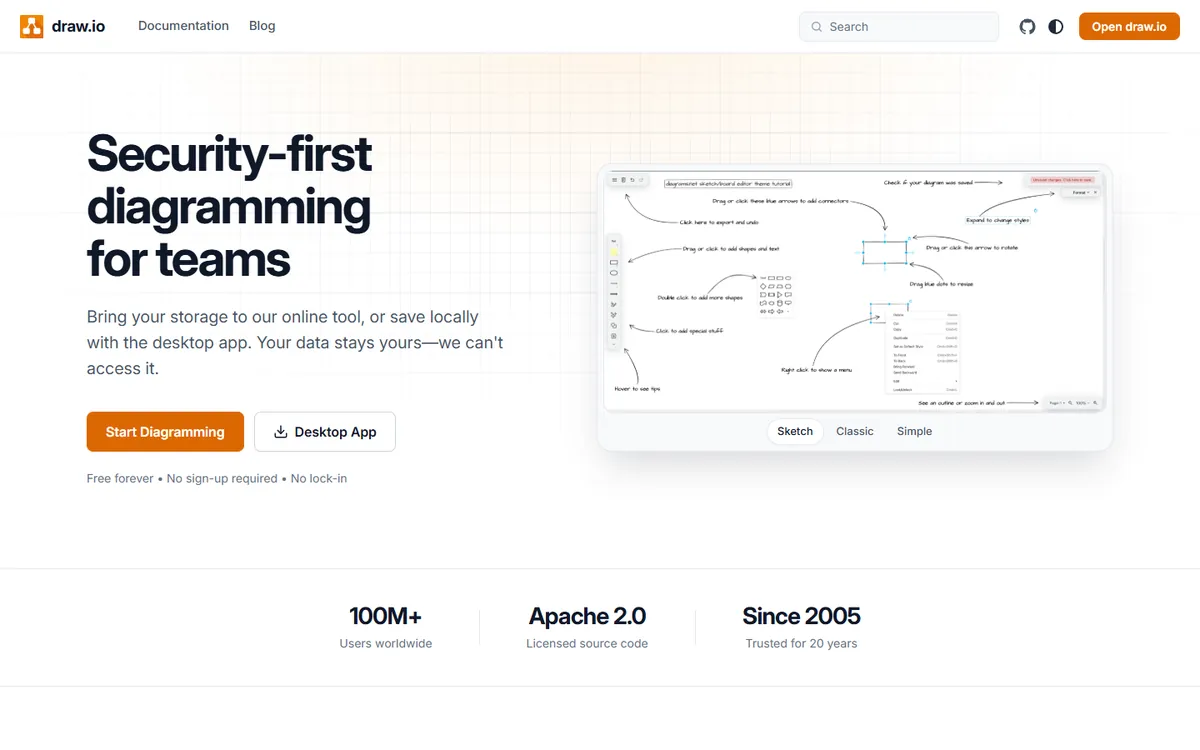
draw.io is the most widely used free diagramming tool. It supports every common diagram type — flowcharts, network and cloud architecture (AWS, Azure, Google Cloud shapes), UML, ERD, BPMN, org charts — and imports Visio and Lucidchart files. You choose where diagrams are stored: your device, Google Drive, OneDrive, Dropbox or GitHub. There is no account and no limit on documents or shapes.
draw.io pricing in detail
| Option | Price | Notes |
|---|---|---|
| draw.io web and desktop | Free | Unlimited diagrams |
| Google Drive / OneDrive storage | Free | Uses your existing storage |
| Confluence and Jira apps | Free to paid | Depends on Atlassian marketplace pricing |
| VS Code extension | Free | Edit .drawio files in your repo |
What you get
- Every major diagram type with huge shape libraries.
- Visio and Lucidchart import.
- Store diagrams where you choose.
- Desktop app for offline work.
- Open source with no account needed.
Where it falls short
- Real-time collaboration depends on storage (works well in Google Drive and Confluence).
- Interface is functional rather than beautiful.
- No data-linked diagrams like Lucidchart Enterprise.
Who it's best for
Almost anyone who needs diagrams, especially engineers and IT teams. Skip it if you rely on Lucidchart's data linking and automation.
2. Excalidraw
Price: Free and open source; Excalidraw+ about $6 per user per month billed yearly. See Excalidraw's official pricing page for current plans.
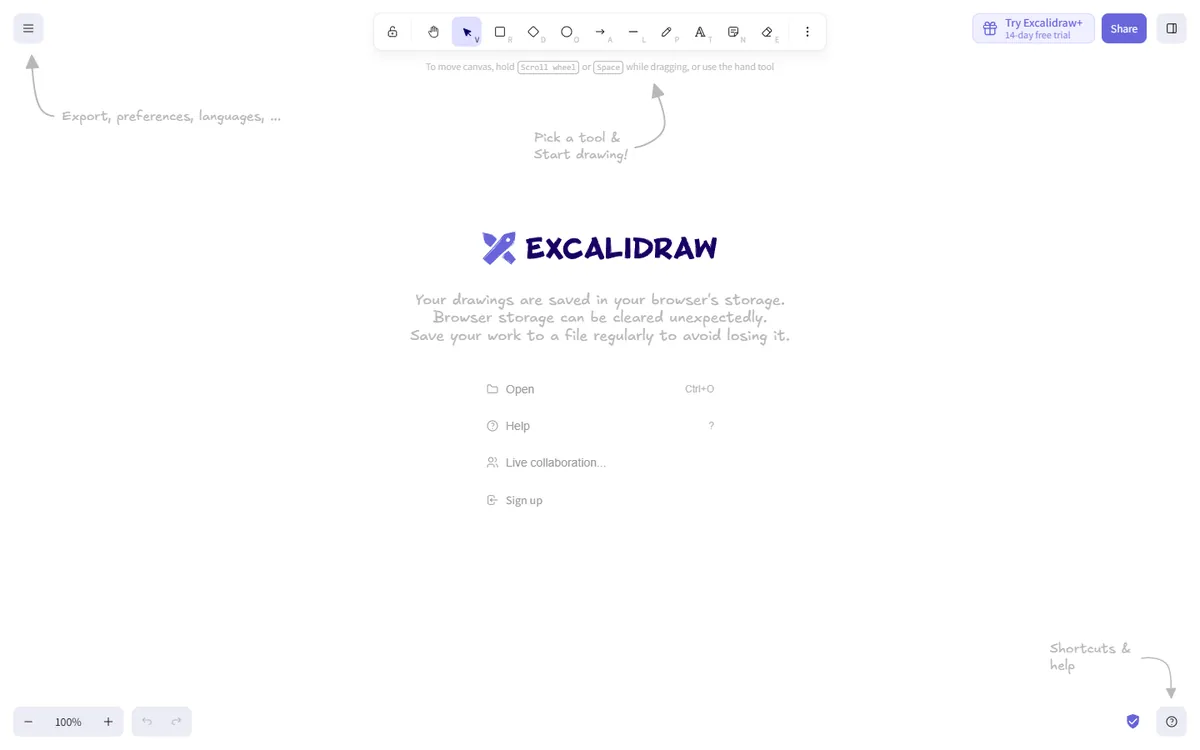
Excalidraw draws diagrams with a friendly hand-drawn style. It is perfect for architecture sketches, system design discussions, explanations in docs and quick flowcharts. Real-time collaboration is built in and end-to-end encrypted, libraries add shapes for cloud services and UI elements, and the open .excalidraw format embeds easily in Notion, Obsidian and VS Code.
Excalidraw pricing in detail
| Option | Price | What is included |
|---|---|---|
| Excalidraw | Free | Unlimited drawings, live collaboration |
| Excalidraw+ | ~$6/user/mo yearly | Cloud workspace, team collaboration, presentations |
What you get
- Fast, informal diagrams.
- Live, encrypted collaboration.
- Shape libraries for architecture and UI.
- Embeds in docs and wikis.
- Open source.
Where it falls short
- Not for formal diagrams such as BPMN or detailed network maps.
- Few automatic layout features.
- No Visio import.
Good to know
Excalidraw libraries include ready-made shapes for AWS, Azure, Google Cloud, Kubernetes and UI wireframes. Diagrams can be embedded in Notion, Obsidian and VS Code, so they live with your documentation. Use Excalidraw+ if you need a shared team workspace with persistent scenes.
Who it's best for
Engineers and product teams sketching architecture and ideas. Skip it if you need formal, standards-based diagrams.
3. Creately
Price: Free; Personal about $5–8 a month; Team about $8 per user per month; Business about $149 a month flat; Enterprise custom. See Creately's official pricing page for current plans.
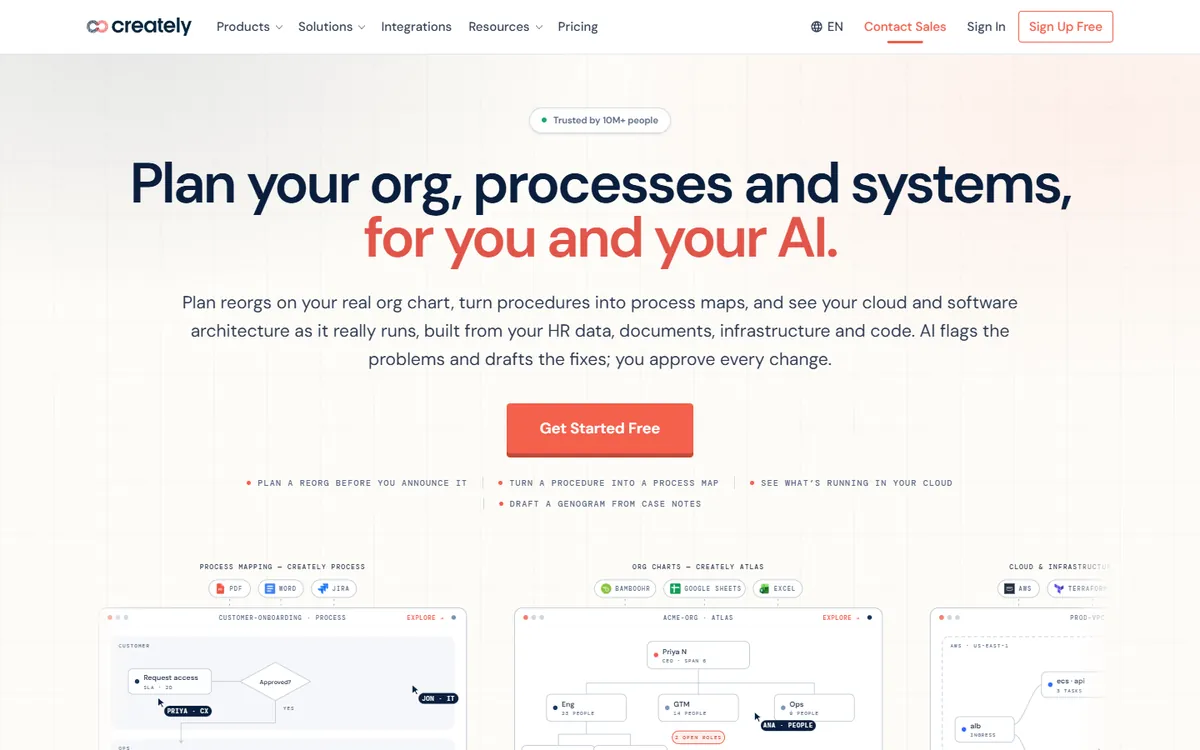
Creately combines diagramming with a visual workspace: flowcharts, org charts, mind maps and process maps whose shapes can hold data fields, notes and links. Teams use it for business process mapping, org planning and strategy. It has real-time collaboration, templates for many business use cases and integrations with Google Workspace, Microsoft 365, Confluence and Slack.
Creately pricing in detail
| Plan | Price | Key features |
|---|---|---|
| Free | $0 | Limited canvases and items |
| Personal | ~$5–8/mo | Unlimited canvases, imports |
| Team | ~$8/user/mo | Collaboration, team folders |
| Business | ~$149/mo flat | Larger teams, admin |
| Enterprise | Custom | SSO, advanced security |
What you get
- Diagrams with data fields on shapes.
- Templates for org charts, processes and strategy.
- Real-time collaboration.
- Imports from Visio, Lucidchart and draw.io.
- Integrations with major suites.
Where it falls short
- Pricing changes often.
- Free plan is limited.
- Performance on very large canvases.
Good to know
Creately's shapes can store data fields, so an org chart can hold roles, departments and contact details. Import from Visio, Lucidchart and draw.io helps with migration. Check the current plan limits, as Creately reorganises tiers often.
Who it's best for
Teams mapping processes and organisations with lightweight data. Skip it if you only need simple technical diagrams.
4. Mermaid
Price: Free and open source (text-to-diagram); Mermaid Chart offers paid plans for teams that want a visual editor and collaboration. See Mermaid's official site for current plans.
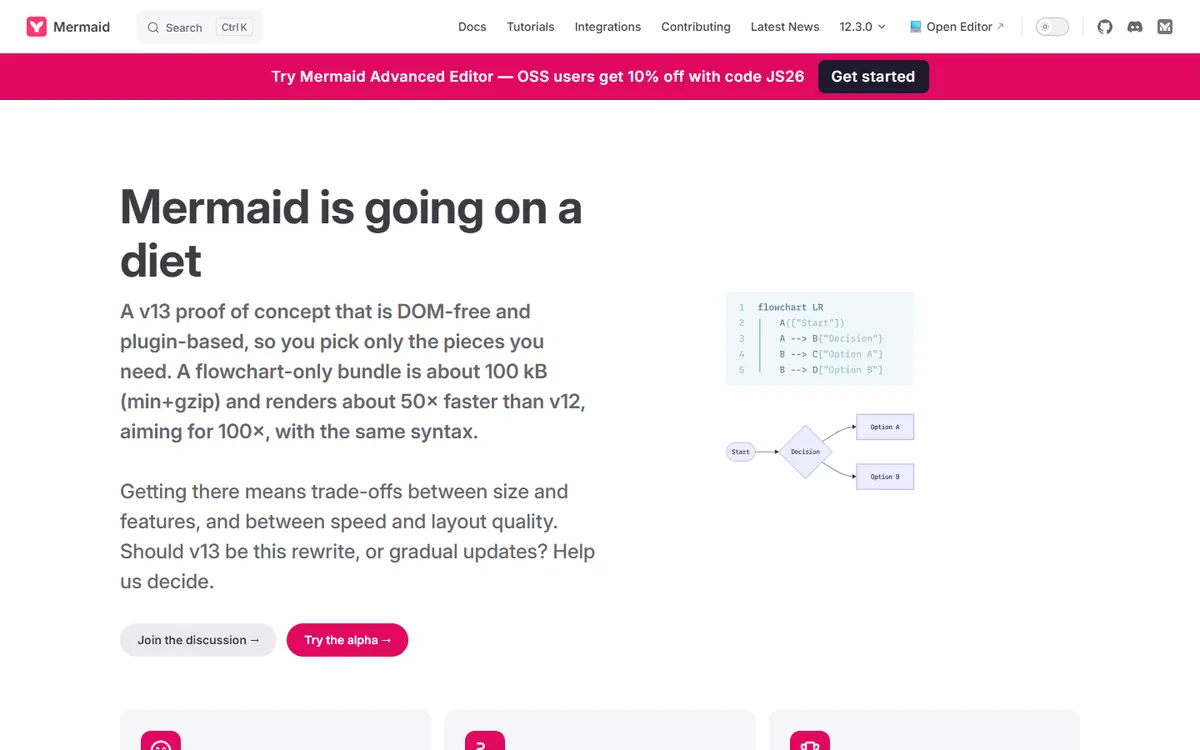
Mermaid generates diagrams from text. Write a few lines describing a flowchart, sequence diagram, ERD, Gantt chart, state diagram or class diagram, and Mermaid renders it. GitHub, GitLab, Notion, Obsidian and many documentation tools render Mermaid natively, so diagrams live next to code and update in pull requests.
Mermaid pricing in detail
| Option | Price | Notes |
|---|---|---|
| Mermaid (open source) | Free | Renders in many tools |
| Mermaid Chart (free tier) | $0 | Visual editor with limits |
| Mermaid Chart paid plans | Per user | Collaboration, AI, more diagrams |
What you get
- Diagrams as code, version-controlled.
- Native rendering in GitHub, GitLab, Notion and Obsidian.
- Many diagram types including sequence and ER.
- Automatic layout.
- Free and open source.
Where it falls short
- Not drag-and-drop.
- Limited styling control.
- Complex diagrams can lay out awkwardly.
Good to know
Mermaid diagrams update in the same pull request as code changes, so architecture docs stay accurate. GitHub renders Mermaid in Markdown files, issues and pull requests. For complex diagrams, Mermaid Chart offers a visual editor that still saves to text.
Who it's best for
Developers documenting systems in Markdown and code. Skip it if your team prefers visual editing.
5. Visio in Microsoft 365
Price: Included in Microsoft 365 business plans (basic Visio in the web and Teams); Visio Plan 1 and Plan 2 add more shapes and features. See Visio in Microsoft 365's official pricing page for current plans.
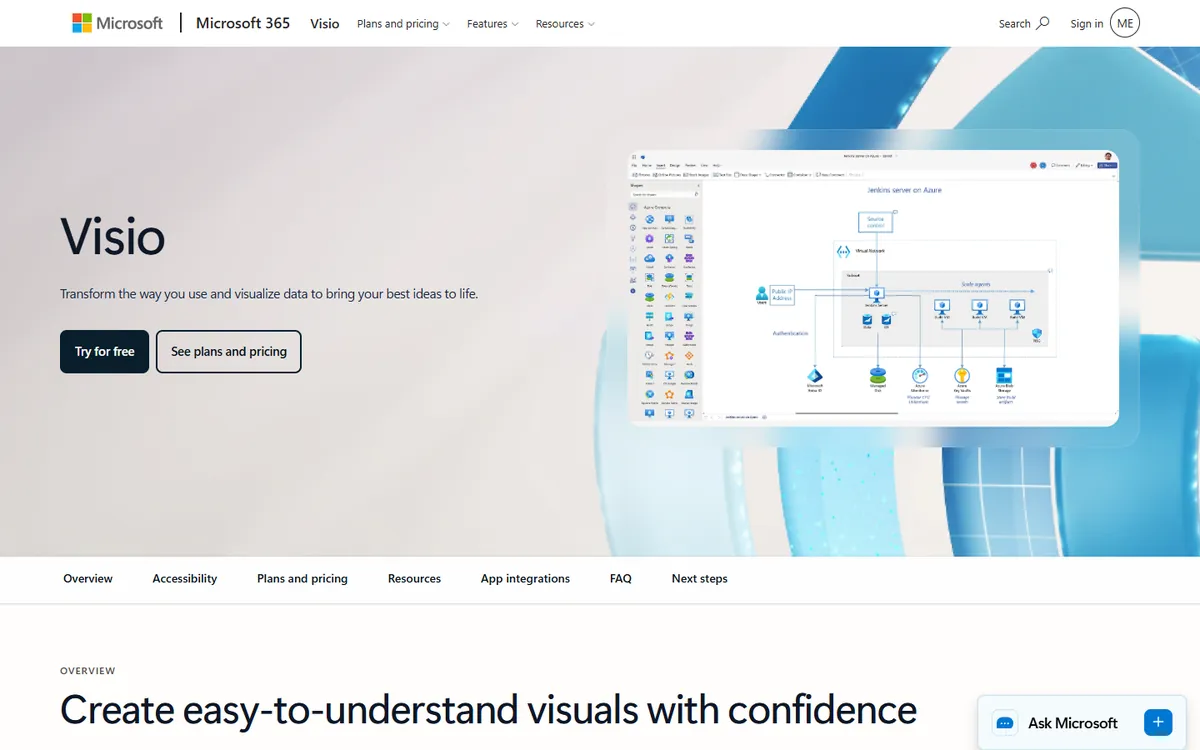
Microsoft now includes a basic version of Visio with most Microsoft 365 business subscriptions. It lets anyone create flowcharts, org charts, basic network diagrams and Venn diagrams in the browser or in Teams, and opens existing Visio files. For companies already paying for Microsoft 365, it covers everyday diagramming at no extra cost.
Visio in Microsoft 365 pricing in detail
| Option | Price | Notes |
|---|---|---|
| Visio in Microsoft 365 | Included | Basic web diagrams, templates |
| Visio Plan 1 | Per user/month | Web app with more shapes |
| Visio Plan 2 | Per user/month | Desktop app, advanced diagrams |
What you get
- Basic flowcharts and org charts.
- Works in Teams and SharePoint.
- Opens Visio files.
- Co-authoring with colleagues.
- No extra cost for Microsoft 365 users.
Where it falls short
- Advanced shapes and diagrams need paid Visio plans.
- Limited outside the Microsoft ecosystem.
- Fewer templates than Lucidchart.
Good to know
Visio in Microsoft 365 is available from the Microsoft 365 app launcher and can be added as a tab in Teams channels. Diagrams are saved to OneDrive or SharePoint and can be co-authored. For detailed network, engineering or floor-plan diagrams, Visio Plan 2 adds the desktop app and specialist shapes.
Who it's best for
Microsoft 365 businesses that need everyday diagrams. Skip it if you need detailed engineering diagrams.
What a 20-person team pays per year
| Option | Annual cost |
|---|---|
| Lucidchart Team (20 × ~$10 × 12) | ~$2,400 |
| Creately Team (20 × ~$8 × 12) | ~$1,920 |
| Excalidraw+ (20 × ~$6 × 12) | ~$1,440 |
| draw.io | $0 |
| Mermaid | $0 |
| Visio in Microsoft 365 | $0 extra |
How to switch without losing your work
- Export Lucidchart documents as Visio (.vsdx) where possible, plus PDF and PNG copies.
- Import .vsdx files into draw.io or Creately — check shapes and connectors.
- Recreate shared templates in the new tool.
- Update embedded diagrams in Confluence, Google Docs and wikis.
- Move diagrams that change often into Mermaid if they document code.
Which one should you choose?
- You want a free tool for every diagram type: draw.io.
- You sketch architecture and ideas quickly: Excalidraw.
- You map business processes and organisations: Creately.
- You document systems alongside code: Mermaid.
- You already pay for Microsoft 365: Visio in Microsoft 365.
Hidden costs and gotchas
- Three-seat minimum. Lucidchart Team bills at least three users.
- Import quality. Complex diagrams may need cleanup after import.
- Storage location. draw.io stores files where you choose — set up a shared folder for teams.
- Atlassian apps. draw.io for Confluence is billed through the Atlassian marketplace.
- Embeds. Updating embedded diagrams in docs takes time.
Our verdict
draw.io is the best Lucidchart alternative for almost everyone — free, powerful and able to import your existing diagrams. Excalidraw is best for quick sketches, Creately for business process mapping, Mermaid for diagrams as code, and Visio in Microsoft 365 for companies already on Microsoft 365.
More cheaper alternatives: see our breakdowns of the cheaper options to Miro, Figma and Smartsheet.
Related reading: How to Design a Database Schema.
Planning a switch, or not sure which tool fits the way your team works? Book a free call and we will look at your stack with you.
Prices are US list prices in USD unless marked, checked on 27 October 2026. "Annual" means the per-month price when billed yearly. Vendors change pricing often, so confirm on the vendor's site before buying. Product names and logos are trademarks of their respective owners and are used here for identification only.
Common questions
What is the best free alternative to Lucidchart?
draw.io. It is free, open source, has no document limits and imports Lucidchart and Visio files.
Can I import Lucidchart diagrams into draw.io?
Yes. draw.io imports Lucidchart and Visio files, although complex diagrams may need adjustments.
Is Lucidchart's free plan enough?
Only for occasional use — it allows three editable documents with 60 shapes each.
Is Visio free with Microsoft 365?
Basic Visio in the web is included with most Microsoft 365 business plans; advanced features need a Visio plan.
What is Mermaid used for?
Writing diagrams as text that render in GitHub, GitLab, Notion and documentation tools.
