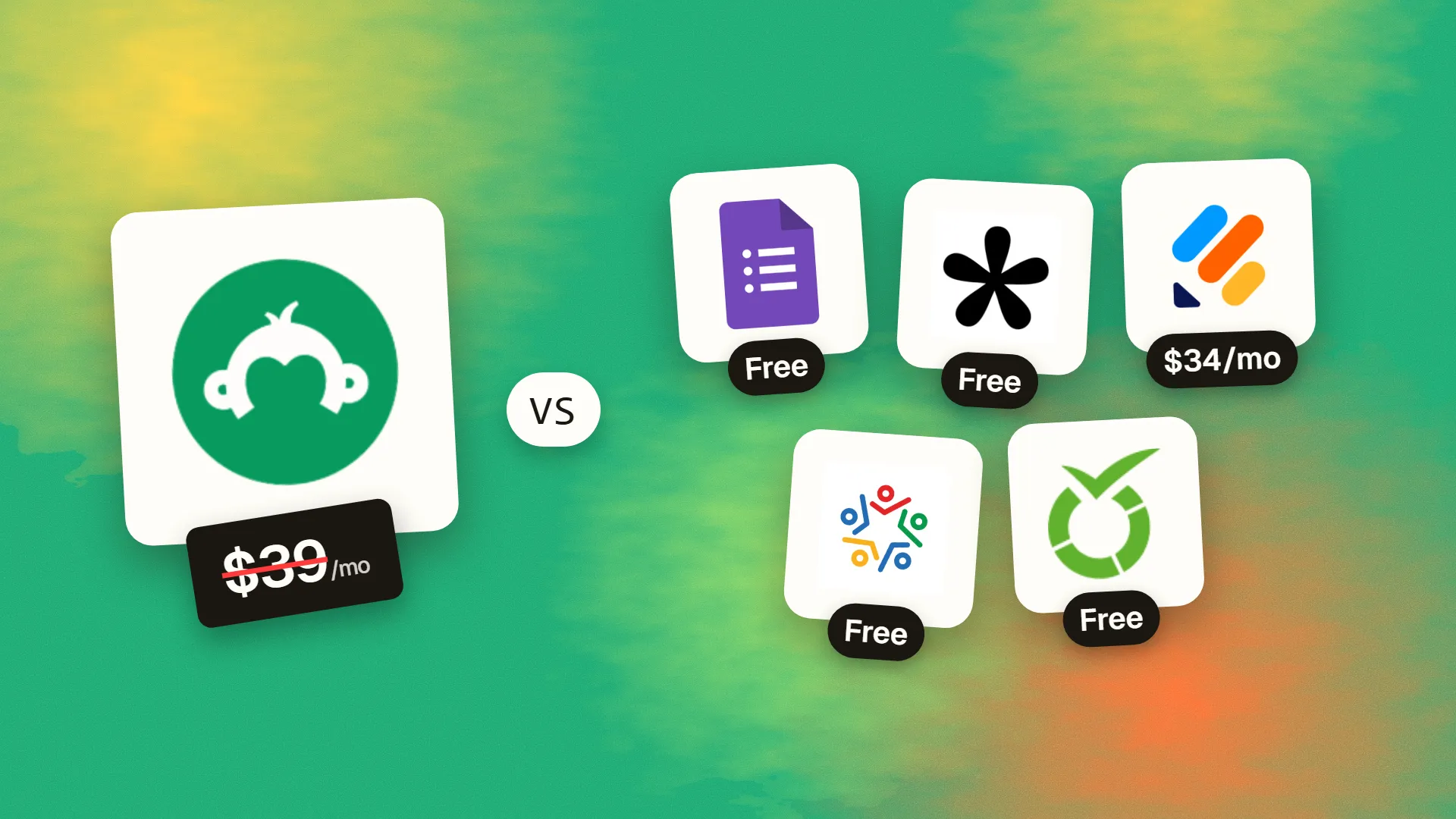
In short
The best cheaper alternatives to SurveyMonkey in 2026 are Google Forms (free), Tally (free), Jotform (from $34/month), Zoho Survey (free) and LimeSurvey (free). SurveyMonkey itself starts at $39 a month, so most teams can cut the cost substantially without losing the features they actually use.
SurveyMonkey is the best-known survey tool, with a large question bank, solid logic and analysis features and an optional panel of paid respondents. Its free plan is very limited — a handful of questions and a small number of viewable responses. Paid plans are expensive. The only month-to-month individual plan, Standard Monthly, costs $99 a month. Annual individual plans cost about $39–46 a month for Advantage and about $139 a month for Premier, billed as one yearly payment. Team Advantage costs $30 per user per month and Team Premier $92 per user, both billed annually with a minimum of three users — at least $1,080 a year. Responses beyond your plan's limit cost $0.15 each.
For customer feedback, event registrations, research and internal surveys, most organisations can use cheaper tools without losing anything they need.
 SurveyMonkeyvs
 Google Forms
 Tally
 Jotform
 Zoho Survey
 LimeSurvey
What SurveyMonkey actually costs in 2026
| Plan | Price | Billing | Responses |
|---|---|---|---|
| Free | $0 | — | Very limited |
| Standard Monthly | $99/mo | Monthly | Limited per month |
| Advantage Annual | ~$39–46/mo | Billed yearly ($468–552) | Higher yearly allowance |
| Premier Annual | ~$139/mo | Billed yearly (~$1,668) | Higher allowance, advanced features |
| Team Advantage | $30/user/mo | Yearly, min 3 users | 50,000/year |
| Team Premier | $92/user/mo | Yearly, min 3 users | 100,000/year |
| Enterprise | Custom | Min 5 users | Custom |
Prices vary by region and billing term. SurveyMonkey Audience (paid respondents) is sold separately.
The 5 cheaper alternatives at a glance
| Tool | Starts at | Model | Best for |
|---|---|---|---|
| SurveyMonkey | $39/mo | subscription | The benchmark |
| Google Forms | Free tier | free | Simple surveys at zero cost |
| Tally | Free tier | free | Unlimited surveys and responses for free |
| Jotform | $34/mo | subscription | Surveys plus payments, approvals and PDFs |
| Zoho Survey | Free tier | free | Teams already using Zoho |
| LimeSurvey | Free tier | open source | Researchers and organisations with data-control needs |
How we picked these alternatives
We compared question types and logic, response limits, analysis and exports, branding, integrations, data control and the real annual cost for one person and a small team. Prices checked 28 October 2026.
1. Google Forms
Price: Free with a Google account. See Google Forms' official site for current plans.
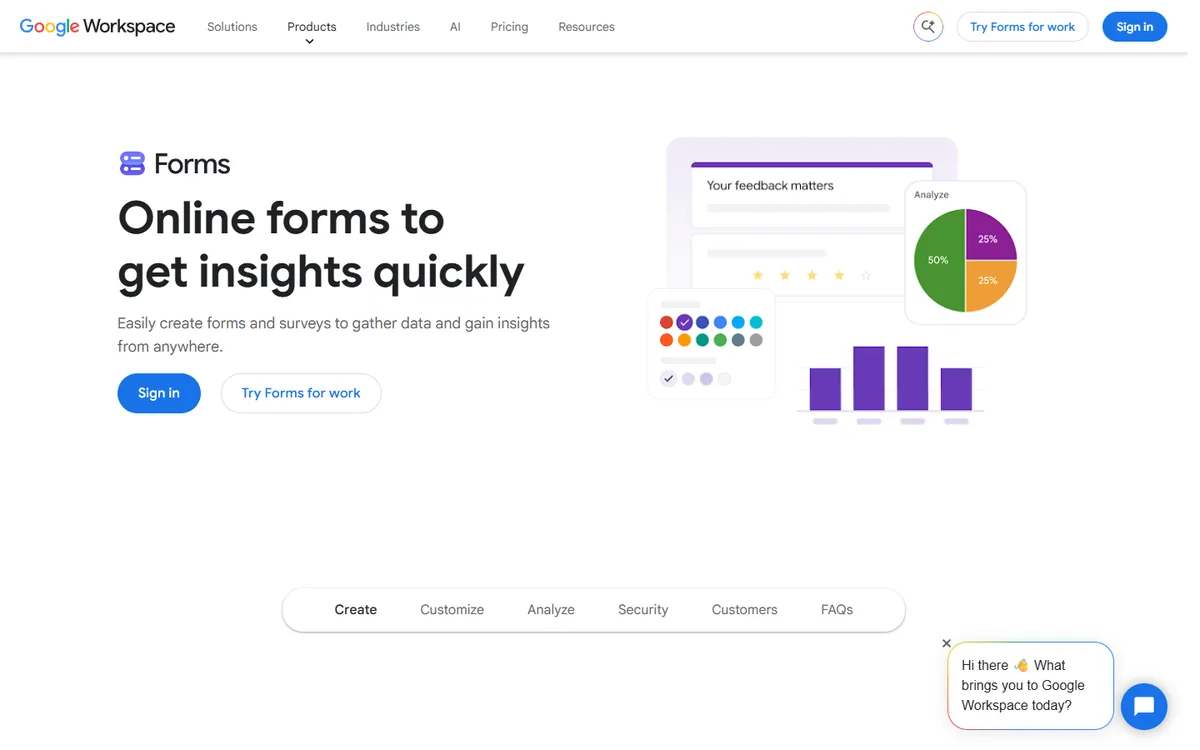
Google Forms is the default free survey tool for a reason: it is simple, reliable, has no response limits and sends results straight into Google Sheets for analysis. It supports multiple-choice, checkboxes, scales, grids, file uploads, quizzes and section-based branching, and Gemini can now help draft questions in Workspace accounts.
Google Forms pricing in detail
| Access | Price | Notes |
|---|---|---|
| Personal Google account | Free | Unlimited forms and responses |
| Google Workspace | Included | Domain restrictions, admin controls |
What you get
- Unlimited surveys and responses.
- Automatic Google Sheets integration for analysis.
- Section-based logic (go to section based on answer).
- Quizzes with automatic grading.
- File uploads to Google Drive.
Where it falls short
- Basic logic and design.
- Limited reporting beyond simple charts.
- Google branding on every form.
Good to know
Google Forms responses can be summarised automatically and exported to Sheets, where you can build pivot tables or charts in minutes. Use sections and "go to section based on answer" to create simple branching surveys. In Google Workspace accounts, you can restrict forms to people in your organisation and collect verified email addresses, which is useful for internal surveys and HR.
Who it's best for
Schools, small businesses and internal surveys that need a reliable free tool. Skip it if you need advanced logic, custom branding or rich reports.
2. Tally
Price: Free with unlimited forms and submissions; Pro $29 a month or $24 billed yearly; Business $74 a month. See Tally's official pricing page for current plans.
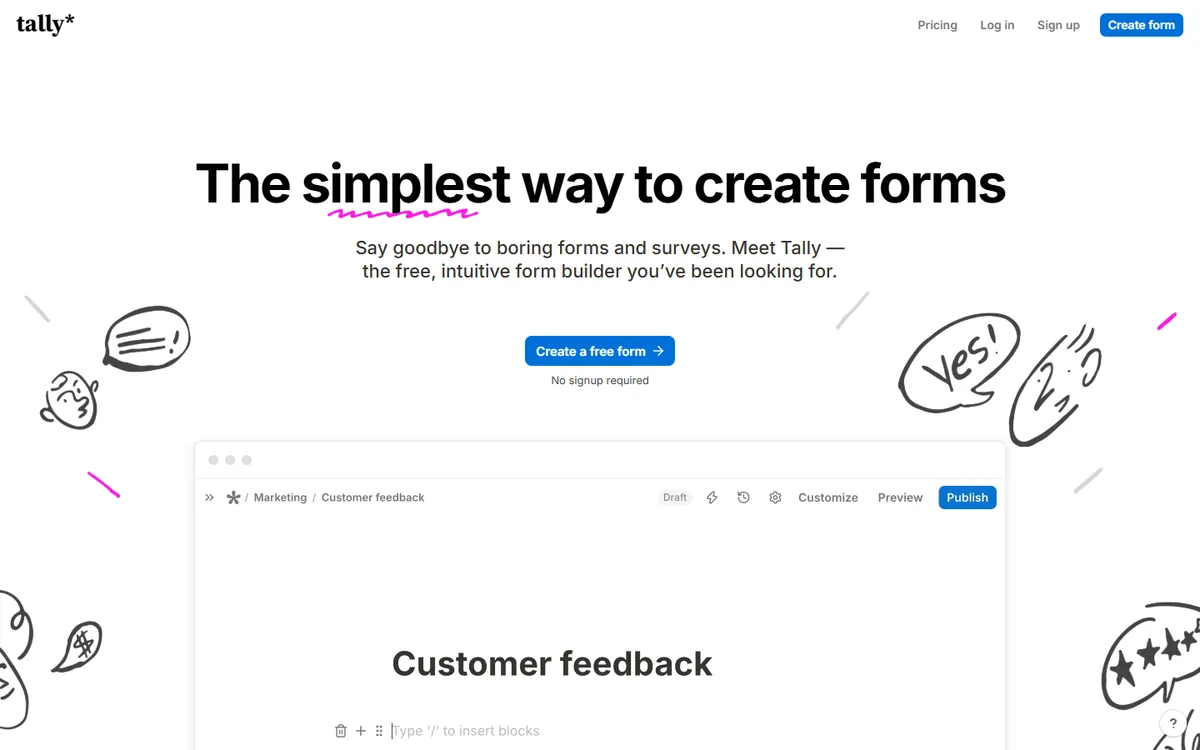
Tally is a modern form builder that works like a document: type a question, press / for a new block and publish. Its free plan has no limits on forms or responses, and includes conditional logic, calculations, hidden fields, file uploads, payments via Stripe and integrations with Notion, Airtable, Google Sheets and Zapier. Pro removes branding and adds custom domains and team collaboration.
Tally pricing in detail
| Plan | Price | Key features |
|---|---|---|
| Free | $0 | Unlimited forms and responses, logic, payments |
| Pro | $29/mo or $24 yearly | No branding, custom domains, team members, partial submissions |
| Business | $74/mo | Data retention controls, verified email, advanced features |
What you get
- Unlimited forms and responses for free.
- Conditional logic, calculations and hidden fields.
- Stripe payments and file uploads.
- Integrations with Notion, Airtable, Sheets, Slack and webhooks.
- GDPR-friendly with EU data hosting.
Where it falls short
- Less advanced survey analysis than SurveyMonkey.
- No question bank or benchmarks.
- Free forms show Tally branding.
Good to know
Tally forms can be embedded in websites, Notion pages and pop-ups, and you can pre-fill answers from URL parameters to personalise surveys. Partial submissions on Pro show where people drop off, which helps you shorten long surveys. Tally is built and hosted in the EU, which simplifies GDPR for European organisations.
Who it's best for
Startups, creators and teams who want beautiful, unlimited surveys for free. Skip it if you need statistical analysis tools.
3. Jotform
Price: Free (5 forms, 100 submissions a month); Bronze about $34 a month billed yearly ($39 monthly) for 1,000 submissions; Silver about $49 (2,500); Gold about $99–129 (10,000). See Jotform's official pricing page for current plans.
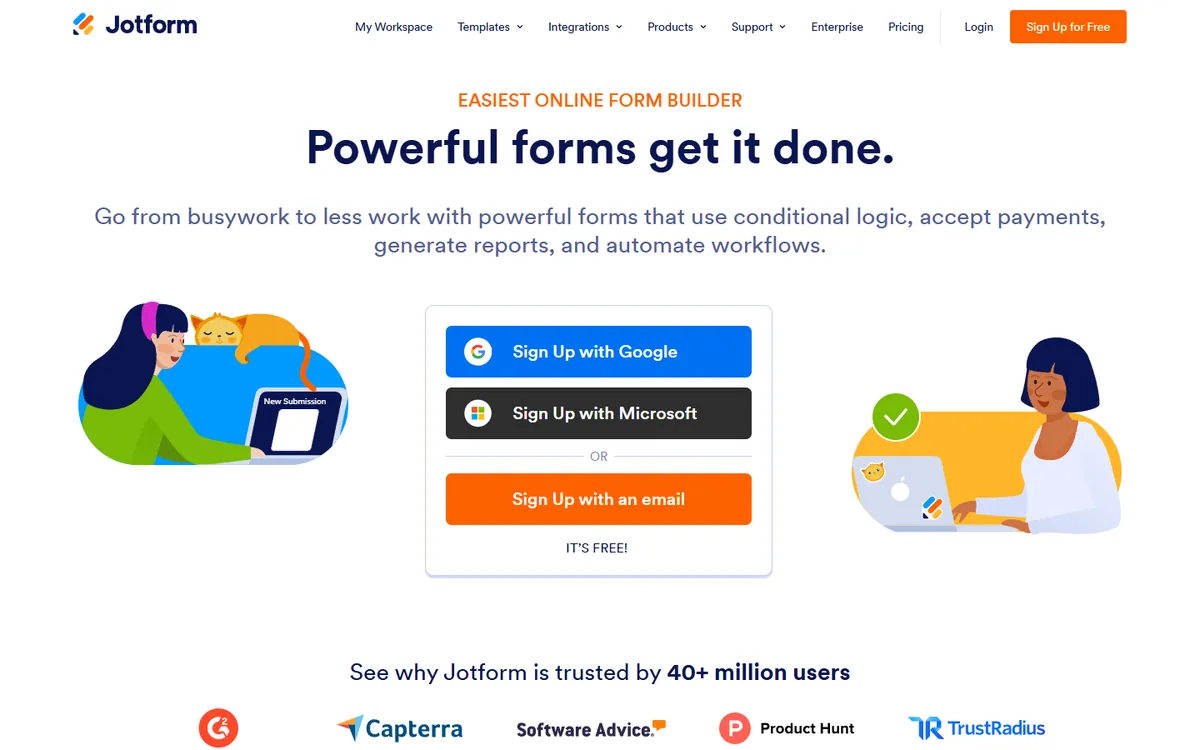
Jotform is a form and survey platform with more than 10,000 templates, conditional logic, payments, e-signatures, PDF generation and approval workflows. It also has a dedicated Survey Maker with a one-question-at-a-time view, and Jotform Tables and Report Builder for analysis. For organisations that collect data and then need to act on it, Jotform does more than SurveyMonkey for less.
Jotform pricing in detail
| Plan | Annual price | Monthly price | Submissions/month | Forms |
|---|---|---|---|---|
| Starter | Free | Free | 100 | 5 |
| Bronze | ~$34/mo | $39/mo | 1,000 | 25 |
| Silver | ~$49/mo | ~$49–59/mo | 2,500 | 50 |
| Gold | ~$99/mo | ~$129/mo | 10,000 | 100 |
Non-profits and education organisations get significant discounts.
What you get
- 10,000+ templates for surveys and forms.
- Conditional logic, calculations and payments.
- Approval workflows and e-signatures.
- PDF reports and automatic documents.
- HIPAA-compliant options on higher plans.
Where it falls short
- Submission limits on cheaper plans.
- Interface can feel busy.
- Advanced survey statistics are limited.
Who it's best for
Organisations that combine surveys with payments, approvals and documents. Skip it if you need very high response volumes cheaply.
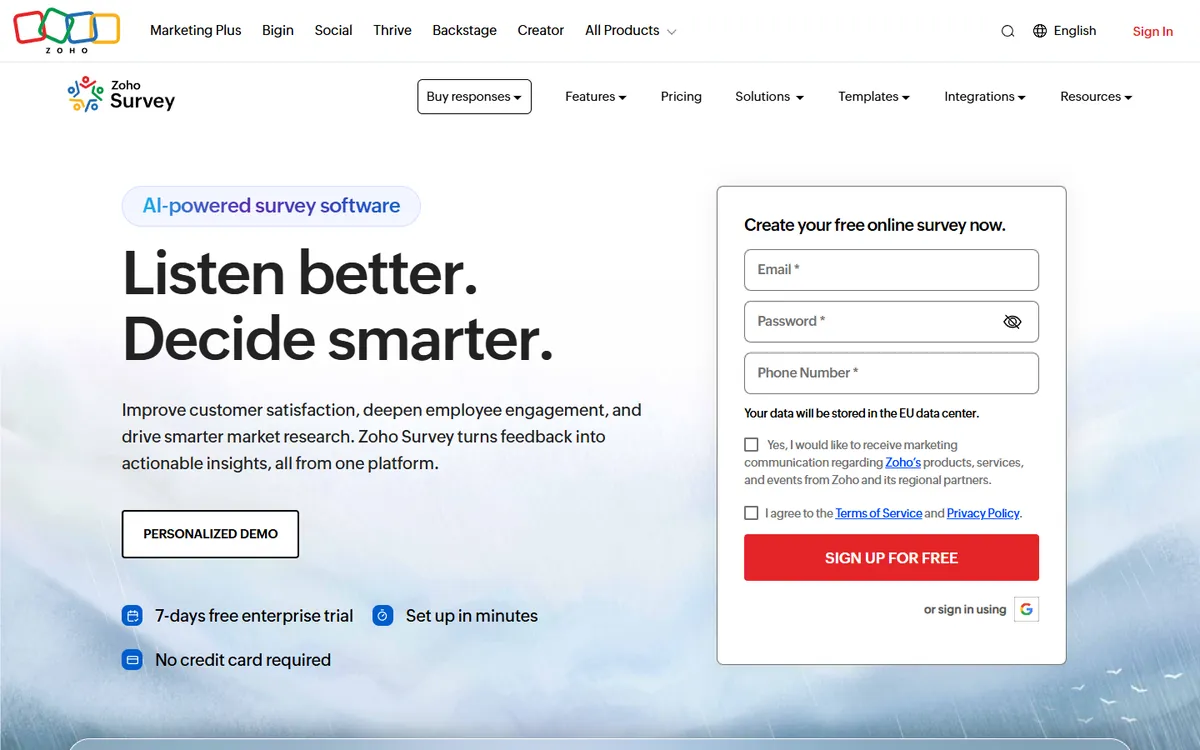
4. Zoho Survey
Price: Free (limited responses); paid plans from about $25 a month billed yearly. See Zoho Survey's official pricing page for current plans.
Zoho Survey offers unlimited surveys on paid plans, skip logic, piping, multilingual surveys, an offline survey app for field research and real-time reports. It integrates with Zoho CRM and the rest of Zoho's suite, which makes it a natural choice for businesses already using Zoho, and its prices are a fraction of SurveyMonkey's team plans.
Zoho Survey pricing in detail
| Plan | Price (billed yearly) | Key features |
|---|---|---|
| Free | $0 | Limited responses and questions |
| Paid tiers | From ~$25/mo | Unlimited surveys, logic, branding |
| Higher tiers | Higher | Team collaboration, advanced reporting |
Zoho's tier names and prices vary by region; check the pricing page for your country.
What you get
- Unlimited surveys on paid plans.
- Skip logic, piping and randomisation.
- Offline survey app for field work.
- Multilingual surveys.
- Zoho CRM and Zoho apps integration.
Where it falls short
- Interface is less modern.
- Template library is smaller.
- Pricing tiers are confusing.
Good to know
Zoho Survey can send surveys by email, SMS, QR code and social links, and collect responses offline on tablets for events and field work. Results flow into Zoho CRM and Zoho Analytics if you use them. Check the response limits of each plan, as they differ more between tiers than in most competing tools.
Who it's best for
Businesses already using Zoho, and teams running field research. Skip it if you are not in the Zoho ecosystem and want a modern interface.
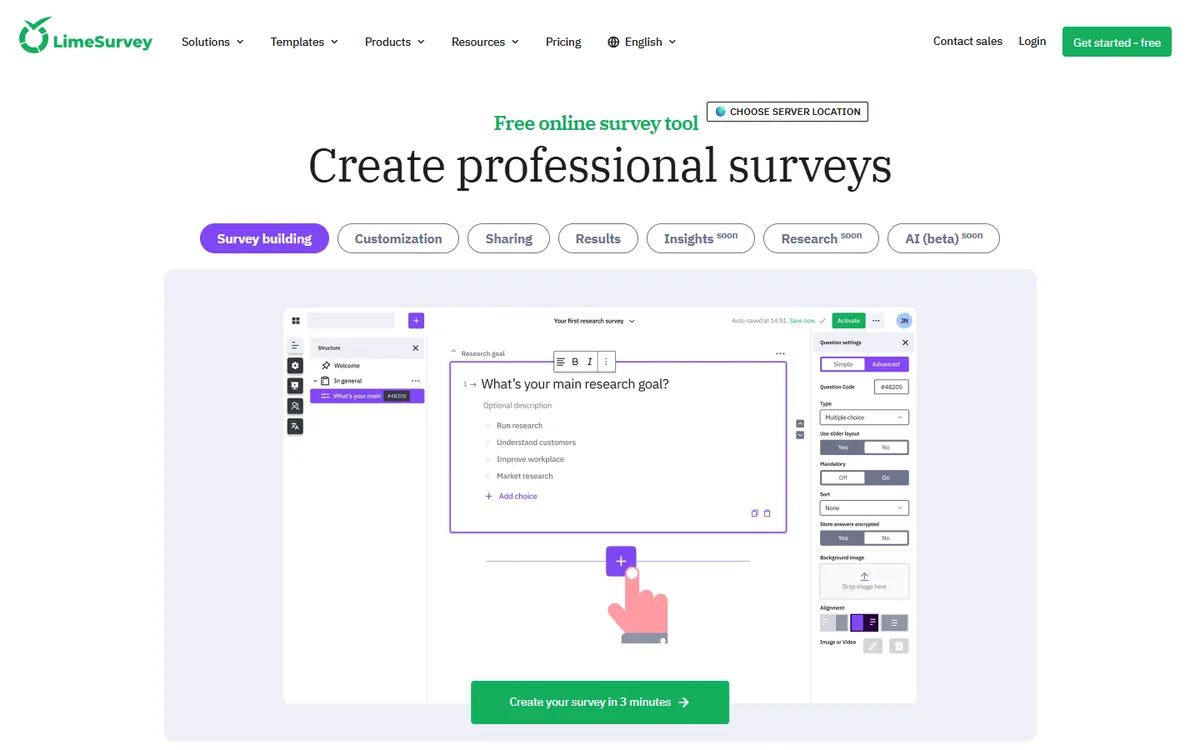
5. LimeSurvey
Price: Community Edition free and open source (self-hosted); LimeSurvey Cloud plans from about $36–39 a month. See LimeSurvey's official pricing page for current plans.
LimeSurvey is the open-source standard for serious surveys. Universities, researchers and public bodies use it for complex questionnaires with quotas, advanced branching, assessments, token-based invitations and more than 80 languages. Self-hosting the Community Edition is free and keeps data entirely under your control; the cloud version removes server management.
LimeSurvey pricing in detail
| Option | Price | Notes |
|---|---|---|
| Community Edition | Free | Self-hosted, open source |
| Cloud Basic | ~$36–39/mo | Hosted, response limits |
| Cloud Expert / Enterprise | Higher | More responses, support |
What you get
- Advanced logic, quotas and assessments.
- 80+ languages and multilingual surveys.
- Participant tokens for controlled invitations.
- Export to SPSS, R and Excel.
- Full data control when self-hosted.
Where it falls short
- Dated interface.
- Self-hosting needs technical skills.
- Less suited to quick marketing surveys.
Good to know
If you self-host LimeSurvey, keep it updated — survey tools are a frequent target for spam and attacks. Many universities provide institutional LimeSurvey instances, so researchers should check with their IT department before paying. The cloud version is a good choice if you need advanced logic without running a server.
Who it's best for
Researchers, universities and organisations with strict data-control needs. Skip it if you want quick, attractive marketing surveys.
What a three-person team pays per year
| Option | Annual cost |
|---|---|
| SurveyMonkey Team Advantage (3 × $30 × 12) | $1,080 |
| SurveyMonkey Premier Annual (one person) | ~$1,668 |
| Jotform Bronze | ~$408 |
| Tally Pro | $288 |
| Zoho Survey (paid) | ~$300 |
| LimeSurvey Community | $0 + hosting |
| Google Forms | $0 |
| Tally Free | $0 |
How to switch without losing your work
- Export responses from every survey as CSV or XLSX, including partial responses.
- Export questionnaires (PDF or text) so you can rebuild them.
- Rebuild recurring surveys first — NPS, customer feedback and event forms.
- Update links in emails, websites and QR codes.
- Cancel before the annual renewal date — SurveyMonkey annual plans renew automatically.
Which one should you choose?
- You need simple surveys for free: Google Forms.
- You want modern, unlimited surveys for free: Tally.
- You combine surveys with payments and approvals: Jotform.
- You use Zoho or run field research: Zoho Survey.
- You run academic or complex research: LimeSurvey.
Hidden costs and gotchas
- Response overages. SurveyMonkey charges $0.15 per extra response — large surveys add up.
- Team minimums. Team plans require at least three users billed annually.
- Annual auto-renewal. Set a reminder before renewal if you plan to switch.
- Panel respondents. Buying respondents is a separate cost on any platform.
- Data residency. Check where responses are stored if you collect personal data in the EU.
Our verdict
Tally is the best SurveyMonkey alternative for most teams — unlimited, modern surveys for free. Google Forms is the simplest free tool, Jotform is best when surveys lead to payments and approvals, Zoho Survey suits Zoho users, and LimeSurvey is the choice for serious research.
More cheaper alternatives: see our breakdowns of the cheaper options to Typeform, Hotjar and Mailchimp.
Related reading: How to Design Forms People Finish, How to Design an Accessible Form and Why Is My Contact Form Getting Spam?.
Planning a switch, or not sure which tool fits the way your team works? Book a free call and we will look at your stack with you.
Prices are US list prices in USD unless marked, checked on 27 October 2026. "Annual" means the per-month price when billed yearly. Vendors change pricing often, so confirm on the vendor's site before buying. Product names and logos are trademarks of their respective owners and are used here for identification only.
Common questions
What is the best free alternative to SurveyMonkey?
Tally and Google Forms. Both offer unlimited surveys and responses for free.
Why is SurveyMonkey so expensive?
Its pricing pushes users to annual or team plans; the only monthly individual plan costs $99 a month.
Can I export my SurveyMonkey data?
Yes, on paid plans. Export responses as CSV or XLSX before cancelling.
Is LimeSurvey free?
The Community Edition is free and open source if you host it yourself.
Which alternative has the best logic?
LimeSurvey and Jotform offer the most advanced logic; Tally covers most needs for free.
